1. Fampidirana
Thank you for choosing the Dopesplay DR159 Portable Monitor. This manual provides essential information for setting up, operating, and maintaining your new monitor. Please read it thoroughly before use to ensure optimal performance and longevity of the device.
2. Inona no ao anaty boaty
Please check the package contents upon opening:
- 1 x 15.6 Inch Portable monitor
- 1 x Adjustable magnetic monitor stand
- 1 x USB-C mankany USB-C Cable
- 1 x USB-A mankany USB-C Cable
- 1 x HDMI to Mini HDMI Cable

Image: The Dopesplay Portable Monitor, adjustable magnetic stand, USB-C to USB-C cable, USB-A to USB-C cable, and HDMI to Mini HDMI cable are neatly arranged in their packaging.
3. Toetran'ny vokatra
- ambony Viewing: Dedicated desktop stand raises the monitor for ergonomic viewing, reducing neck and shoulder strain.
- malefaka ViewAngles: Adjustable stand offers 360° rotation for seamless switching between portrait and landscape modes, with tilt and rotation for ideal positioning.
- Slim & portable: Ultra-thin and lightweight design, includes a premium protective sleeve for easy transport during business trips, remote work, or gaming.
- Stunning 1080P Full HD IPS Display: Features an IPS panel with Full HD resolution and 60Hz refresh rate, 16:9 aspect ratio, and 1000:1 contrast ratio for crisp visuals, vibrant colors, and wide viewamin'ny angles.
- Fifanarahana malalaka: Equipped with USB-C and Mini HDMI ports for plug-and-play connectivity with laptops, gaming consoles, smartphones, and more.
4. Setup & Connections
4.1 Fametrahana mijoro
The monitor comes with an adjustable magnetic stand and a built-in stand for versatile placement.
- Unfold the adjustable magnetic stand base and arm.
- Align the magnetic mount on the monitor's rear with the stand's magnetic ball joint. The monitor will securely attach.
- Alternatively, use the built-in kickstand on the monitor's back for a simple desktop setup.

Image: A Dopesplay Portable Monitor is shown mounted on a 360-degree rotating base stand next to a laptop, illustrating multi-dimensional adjustment options.
4.2 Mampifandray amin'ny fitaovana
The DR159 Portable Monitor supports various devices via USB-C and Mini HDMI.
Fifandraisana USB-C (Cable tokana)
For devices with a full-featured USB-C port (supporting video, audio, and power delivery):
- Connect one end of the USB-C to USB-C cable to your device's USB-C port.
- Connect the other end to the monitor's USB-C port.
- The monitor should automatically display content and receive power.
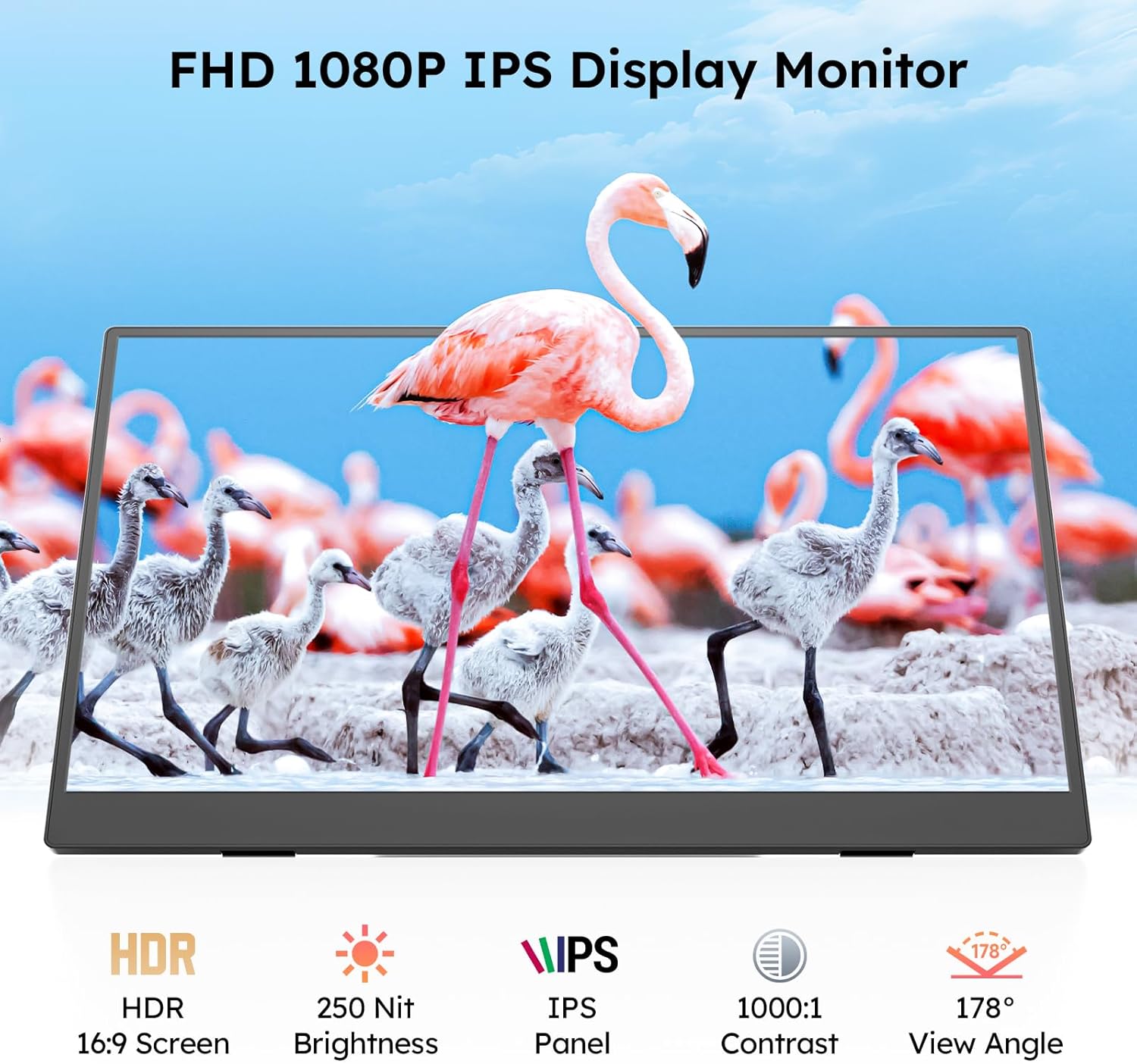
Image: A Dopesplay Portable Monitor is connected to a laptop via a single USB-C cable, demonstrating plug-and-play functionality for various devices.
HDMI & USB-A Connection (Dual Cable)
For devices without a full-featured USB-C port, or for additional power:
- Ampifandraiso amin'ny seranana HDMI an'ny fitaovanao ny tendrony iray amin'ny tariby Mini HDMI mankany amin'ny HDMI.
- Connect the other end to the monitor's Mini HDMI port.
- Connect one end of the USB-A to USB-C cable to your device's USB-A port (or a power adapter).
- Connect the other end to the monitor's USB-C port for power.
- The monitor should display content and receive power.

Image: A Dopesplay Portable Monitor is connected to a laptop using both an HDMI to Mini HDMI cable for video and a USB-A to USB-C cable for power, showing compatibility with various gaming consoles and PCs.
4.3 Video Guides
DR159 Portable Monitor Unboxing Video
Video: A detailed unboxing of the Dopesplay DR159 Portable Monitor, showcasing its contents and initial setup steps.
Portable Monitor Stand Installation Video
Video: Step-by-step instructions on how to install and set up the adjustable magnetic stand for the Dopesplay Portable Monitor.
5. Torolàlana miasa
5.1 Fomba fampisehoana
The monitor supports various display modes to enhance productivity and entertainment:
- Fomba fanitarana: Extends your desktop across both screens, providing more workspace.
- Duplicate Mode (Mirror Mode): Duplicates your primary screen's content onto the portable monitor.
- Fomba Efijery Faharoa: Uses only the portable monitor as the display.
- Fomba sarin-tsary: Rotates the display for vertical viewing, ideal for coding or document review.

Image: The Dopesplay Portable Monitor displays various operation modes including Extend Mode, Duplicate Mode, and Second Screen Mode, catering to diverse user requirements.
5.2 Menu amin'ny efijery (OSD).
Access the OSD menu using the control buttons on the side of the monitor to adjust settings:
- Famirapiratana: Adjust the screen's luminance.
- Black Level: Fine-tune black levels for deeper blacks.
- Mifanohitra: Ovay ny fahasamihafana misy eo amin'ny faritra mazava sy maizina.
- ECO: Select power-saving modes.
- DCR (Ratio mifanohitra Dynamic): Alefaso na vonoy ny fifanoherana dinamika.

Image: The Dopesplay Portable Monitor showcases its FHD 1080P IPS display with HDR, 250 Nit Brightness, 1000:1 Contrast, and 178° View Angle, highlighting its visual capabilities.
6. Fikojakojana
- Fanadiovana: Use a soft, lint-free cloth to clean the screen. Avoid harsh chemicals or abrasive materials.
- Fikarakarana: Handle the monitor gently. Avoid applying pressure to the screen or dropping the device.
- fitahirizana: When not in use, store the monitor in its protective sleeve to prevent scratches and damage.
7. Famahana olana
Refer to the quick start guide included in the package for common troubleshooting steps, including:
- Display not working / Screen flickering
- No signal / Automatic shutdown
- Olana amin'ny mari-pana amin'ny loko
Ensure proper power supply and compatible connections for optimal performance. If issues persist, contact customer support.
8. Famaritana
- Haben'ny vokatra: 0.63 x 13.98 x 8.66 santimetatra
- Lanja entana: 1.47 kg
- Haben'ny efijery: 15.6 santimetatra
- fanapahan-kevitra: FHD 1080p (1920 x 1080 Piksela)
- Aspect ratio: 16:9
- Famirapiratana sary: 250 Candela
- BOKYtage: 5 Volts
- Total seranan-tsambo USB: 2
- Screen Surface Description: Matte
9. Warranty & Fanohanana
Dopesplay offers a 12-month product warranty and lifetime technical support. For any missing accessories, damaged items, or troubleshooting needs, our support team responds quickly with reliable solutions. Help is just a message away!
Contact Support: Please refer to the contact information provided in your product documentation or visit the Dopesplay US webtranonkala hahazoana fanampiana.


