1. Fampidirana
This manual provides essential information for the safe and efficient use of your realme 14 Pro Lite Smartphone. Please read it carefully before using your device.
Fonosana:
Rehefa avy mamaha ny entana dia ataovy izay hahazoana antoka fa eo daholo ny entana rehetra:
- realme 14 Pro Lite Smartphone
- USB Cable
- 45W adaptatera
- Raharaha fiarovana
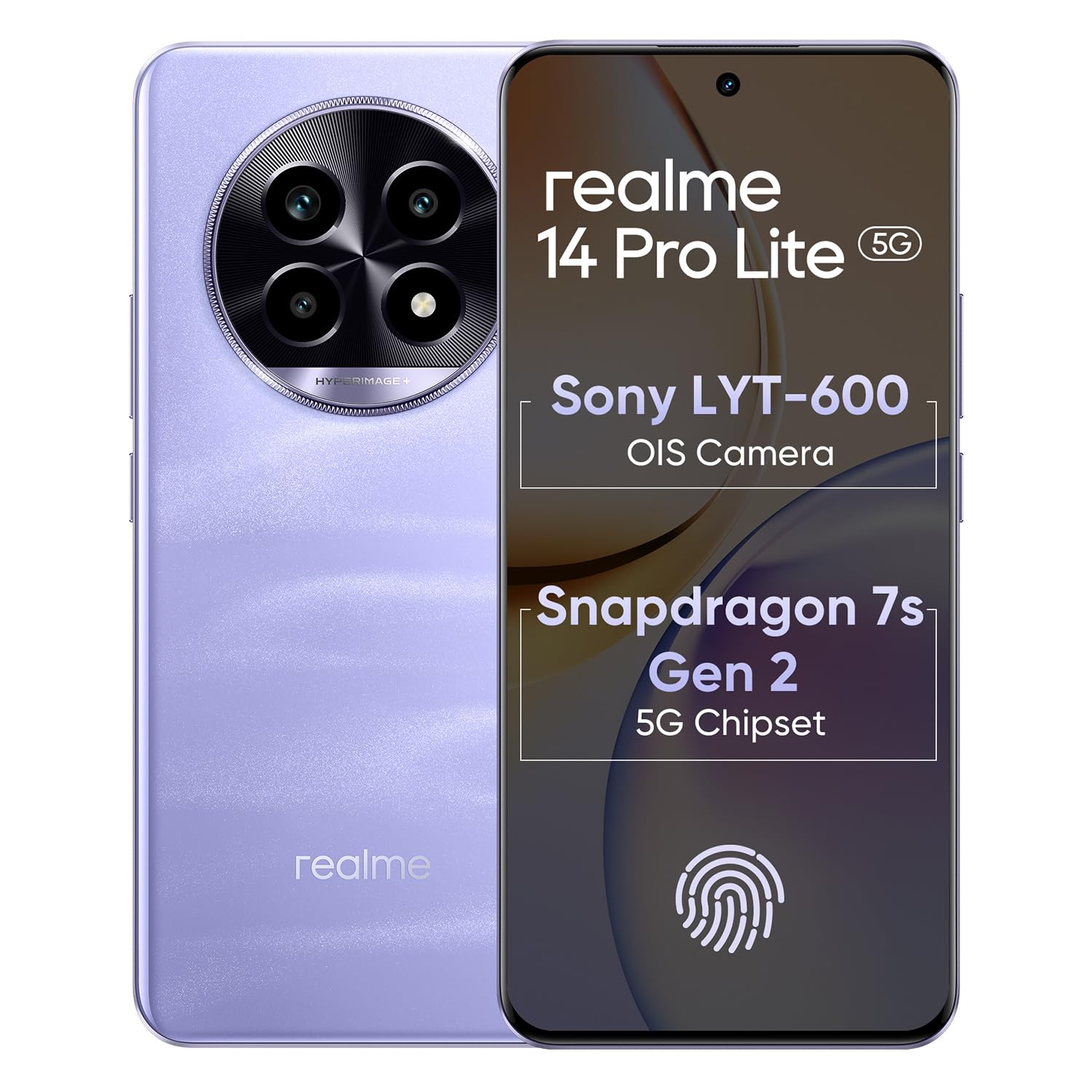
Image 1.1: The realme 14 Pro Lite Smartphone, showcasing ny famolavolana azy.
2. Fametrahana
2.1. Fametrahana karatra SIM sy karatra MicroSD
- Tadiavo ny lovia karatra SIM eo amin'ny sisin'ny fitaovanao.
- Ampidiro ao anatin'ilay lavaka kely eo akaikin'ny lovia ny fitaovana ejector SIM ary atosio moramora mandra-pipoitra ilay lovia.
- Place your Nano-SIM cards (up to two) and/or a microSD card into the designated slots on the tray. Ensure the gold contacts face downwards.
- Ampidiro amim-pitandremana ao amin'ny telefaona ilay lovia mandra-pikitika amin'ny toerany.
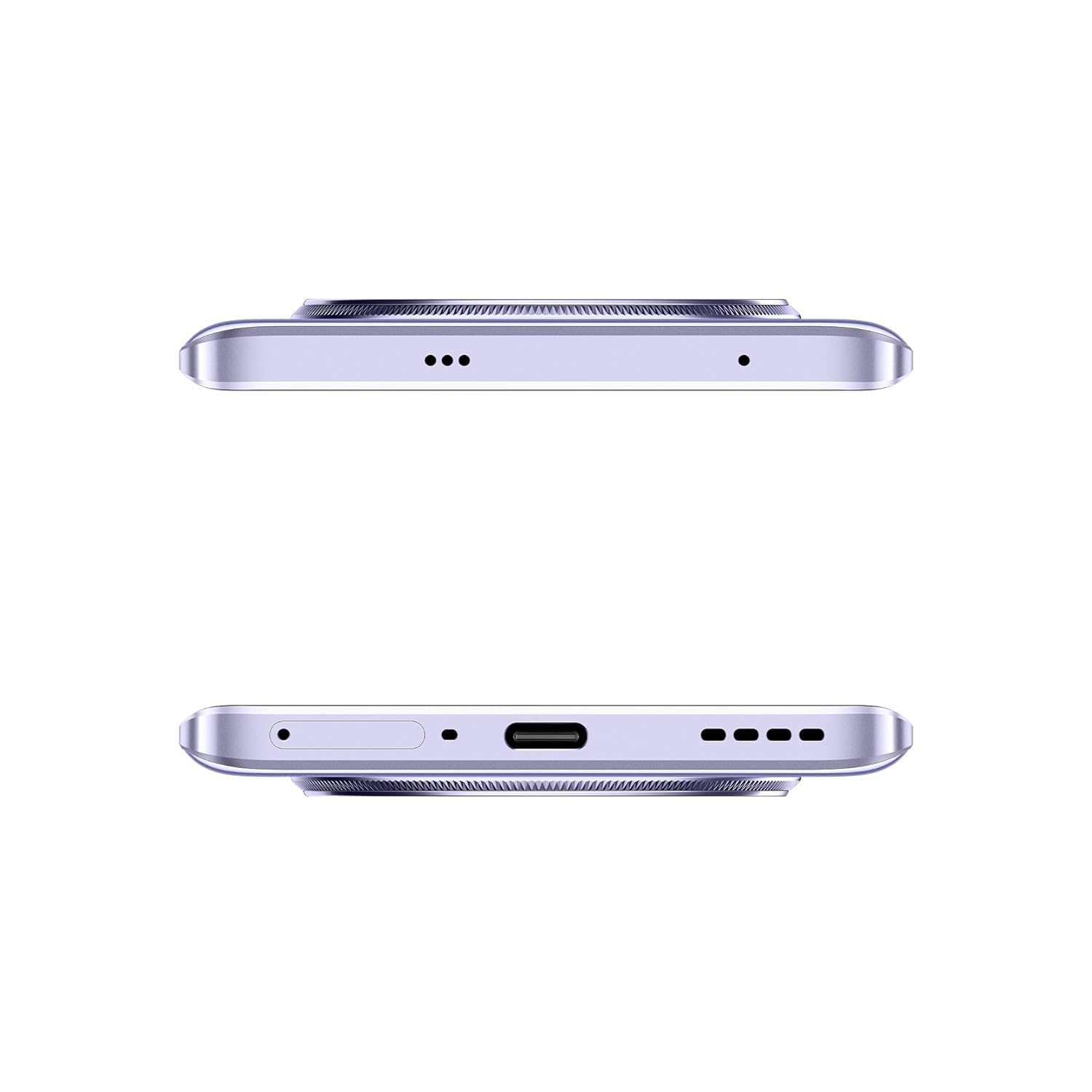
Sary 2.1: lafiny view of the realme 14 Pro Lite, indicating the SIM card tray position.
2.2. Fametrahana ny fitaovana
Connect the 45W adapter to a power outlet and the USB cable to the phone's charging port. The device supports 45W SuperVOOC fast charging. It is recommended to fully charge the device before first use.
Sary 2.2: Ambany view of the realme 14 Pro Lite, highlighting the USB-C charging port.
2.3. Famelomana sy fametrahana voalohany
Press and hold the Power button located on the side of the device until the realme logo appears. Follow the on-screen instructions to select your language, connect to Wi-Fi, and set up your Google account.
3. Torolàlana miasa
3.1. Display sy Navigation
Your realme 14 Pro Lite features a 6.7-inch OLED Flow Display with a 120Hz refresh rate for smooth visuals and a 2000Hz instant touch sampling rate for responsive interaction. Navigate the Android 14 operating system with realme UI 5.0 using gestures or on-screen buttons.
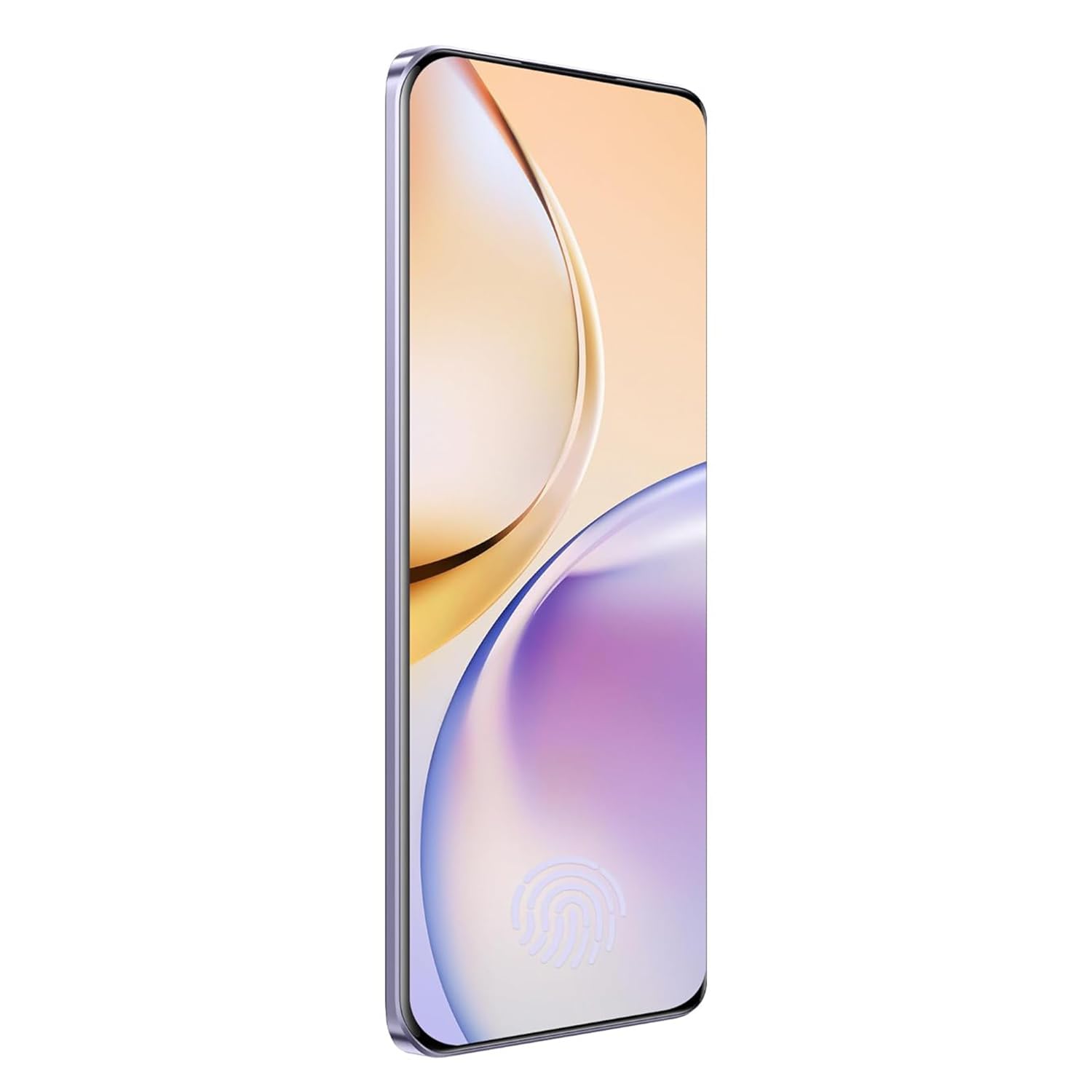
Sary 3.1: Eo anoloana view of the realme 14 Pro Lite, showcasing ny fampisehoana azy.
3.2. Fahombiazana sy fifandraisana
The device is powered by a Snapdragon 7s Gen 2 4nm 5G Chipset, ensuring efficient performance for various tasks. Connectivity options include Bluetooth, USB, and Wi-Fi. For 5G network access, ensure you have a compatible SIM card and service plan.
3.3. Fampiasana fakan-tsary
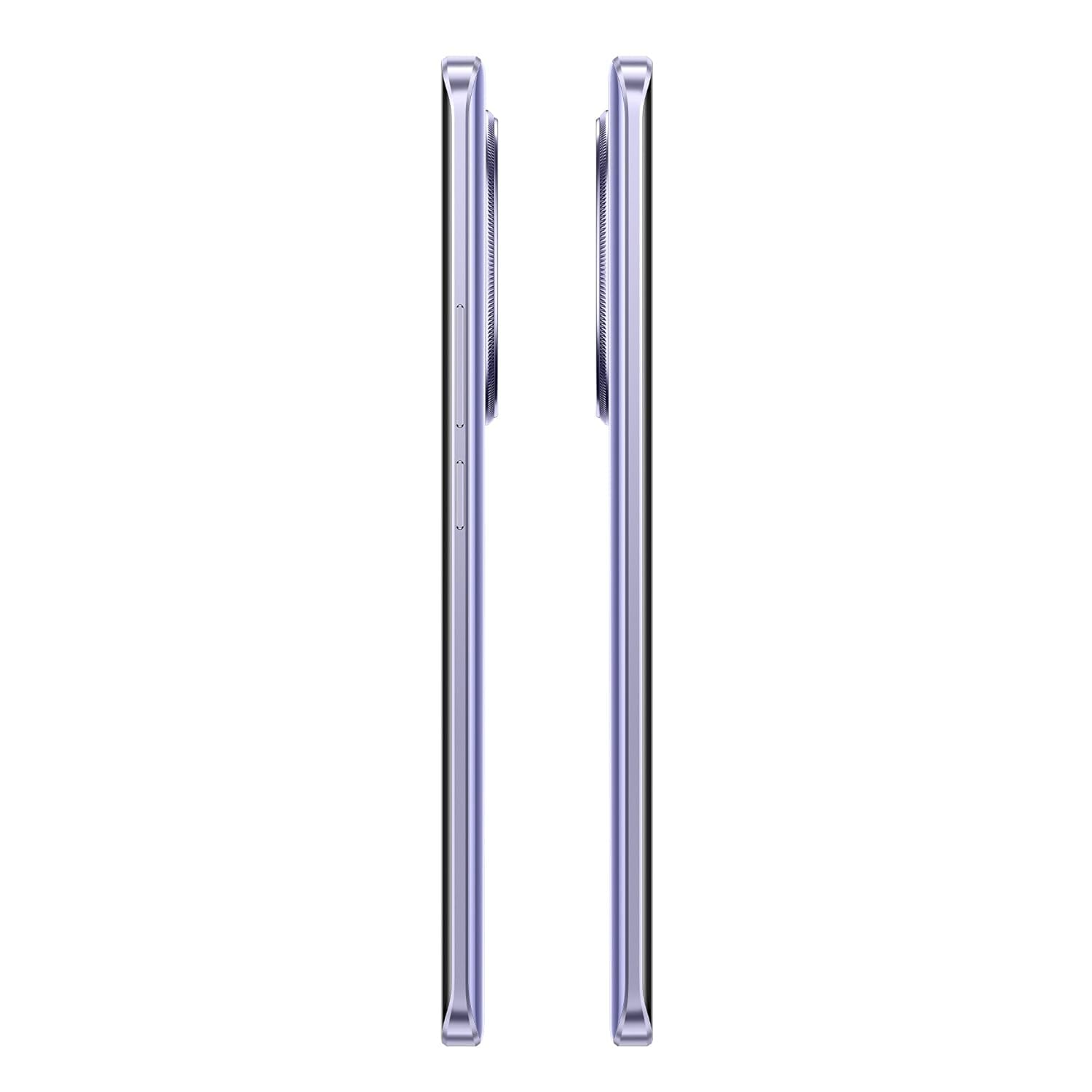
Utilize the integrated camera system for photography and videography. Open the Camera application from your home screen or app drawer. Select modes such as Photo, Video, Portrait, or Night mode as desired. Tap the shutter button to capture images or start/stop video recording.

Sary 3.2: Miverina view of the realme 14 Pro Lite, highlighting the camera module.
4. Fikojakojana
4.1. Fikarakarana bateria
- Fadio ny mampiharihary ny fitaovana amin'ny hafanana tafahoatra.
- Use only the provided 45W adapter and USB cable for charging.
- Aza avela ho fenoina mandritra ny fotoana maharitra ny fitaovana rehefa mahatratra 100% ny heriny.
4.2. Fanavaozana rindrambaiko
Hamarino sy asio fanavaozam-baovao tsy tapaka ny rindrambaiko mba hiantohana ny fampandehanana tsara indrindra, ny fiarovana ary ny fidirana amin'ireo endri-javatra vaovao. Mandehana mankany Settings > About device > realme UI version hanamarina ny fanavaozana.
4.3. Manadio ny fitaovanao
Use a soft, lint-free cloth to clean the screen and body of the phone. Avoid using harsh chemicals or abrasive materials. Do not immerse the device in water.
5. Famahana olana
5.1. Tsy mandeha ny fitaovana
- Ataovy azo antoka fa voaloa ny bateria. Ampifandraiso amin'ny charger ary andraso minitra vitsivitsy alohan'ny hanandramana hamelona indray.
- Tsindrio ary hazòny ny bokotra Hery mandritra ny 10-15 segondra farafahakeliny mba hanerena ny famerenana indray.
5.2. Connectivity Issues (Wi-Fi/Bluetooth)
- Toggle Wi-Fi or Bluetooth off and on again.
- Avereno indray ny fitaovanao.
- Forget the network/device and attempt to reconnect.
5.3. Apps mianjera na mangatsiaka
- Clear the cache and data for the problematic app via Fikirana > Fampiharana > [Anaran'ny Fampiharana] > Fitehirizana.
- Esory sy avereno apetraka ny fampiharana.
- Ataovy azo antoka fa ny logiciel an'ny fitaovanao dia nohavaozina.
6. Famaritana
| endri-javatra | antsipirihany |
|---|---|
| Anarana modely | realme 14 Pro Lite |
| Rafitra fikirakirana | Android 14 (with realme UI 5.0) |
| processeur | Snapdragon 7s Gen 2 4nm 5G Chipset |
| miseho | 6.7-inch OLED Flow Display, 120Hz Refresh Rate, 2412x1080 Resolution |
| ram | 8GB |
| Fitehirizana anatiny | 128GB (expandable up to 1TB with microSD) |
| Fahaizana bateria | 5200mAh |
| fa mamaly ny | 45W SuperVOOC Charge |
| fifandraisana | 5G, Bluetooth, USB, Wi-Fi, GPS |
| refy (LxWxH) | 16.13 x 7.39 x 0.82 cm |
| lanja | 183 g |
7. Warranty sy fanohanana
7.1. Fampahalalana momba ny fiantohana
Your realme 14 Pro Lite Smartphone comes with a standard manufacturer's warranty. Please refer to the warranty card included in your package or visit the official realme webtranonkala raha mila fanazavana fanampiny momba ny fepetra sy ny faharetan'ny garantie.
7.2. Fanohanana ny mpanjifa
For technical assistance, service, or further inquiries, please contact realme customer support. You can find contact details, FAQs, and support resources on the official realme webtranokala:
8. Lahatsary vokatra ofisialy
No official product videos from the seller were found in the provided data. Please visit the official realme website or authorized channels for any available video guides or demonstrations.


