1. Fampidirana
The Baseus Inspire XP1 Adaptive Noise Cancelling Earbuds are designed to provide a high-fidelity audio experience with advanced noise cancellation capabilities. Featuring Sound by Bose technology and Dolby Spatial Audio, these earbuds offer immersive sound and clear communication. This manual provides instructions for setup, operation, and maintenance to ensure optimal performance.
2. Ny votoatin'ny fonosana
Hamarino fa ao anatin'ny fonosanao ny entana rehetra:
- Baseus Inspire XP1 Noise Cancelling Wireless Earbuds
- Charging Case
- Tendron-tsofina (habe S/M/L)
- USB-C Charging Cable
- User Manual

Image: Package contents of the Baseus Inspire XP1 earbuds.
3. Vokatra mihoatraview
The Baseus Inspire XP1 earbuds feature a contoured in-ear fit with umbrella-shaped liquid silicone tips for comfort and noise isolation. They are equipped with a 6-mic sound sensor array for clear calls and touch-sensitive surfaces for control.

Image: Baseus Inspire XP1 Earbuds.
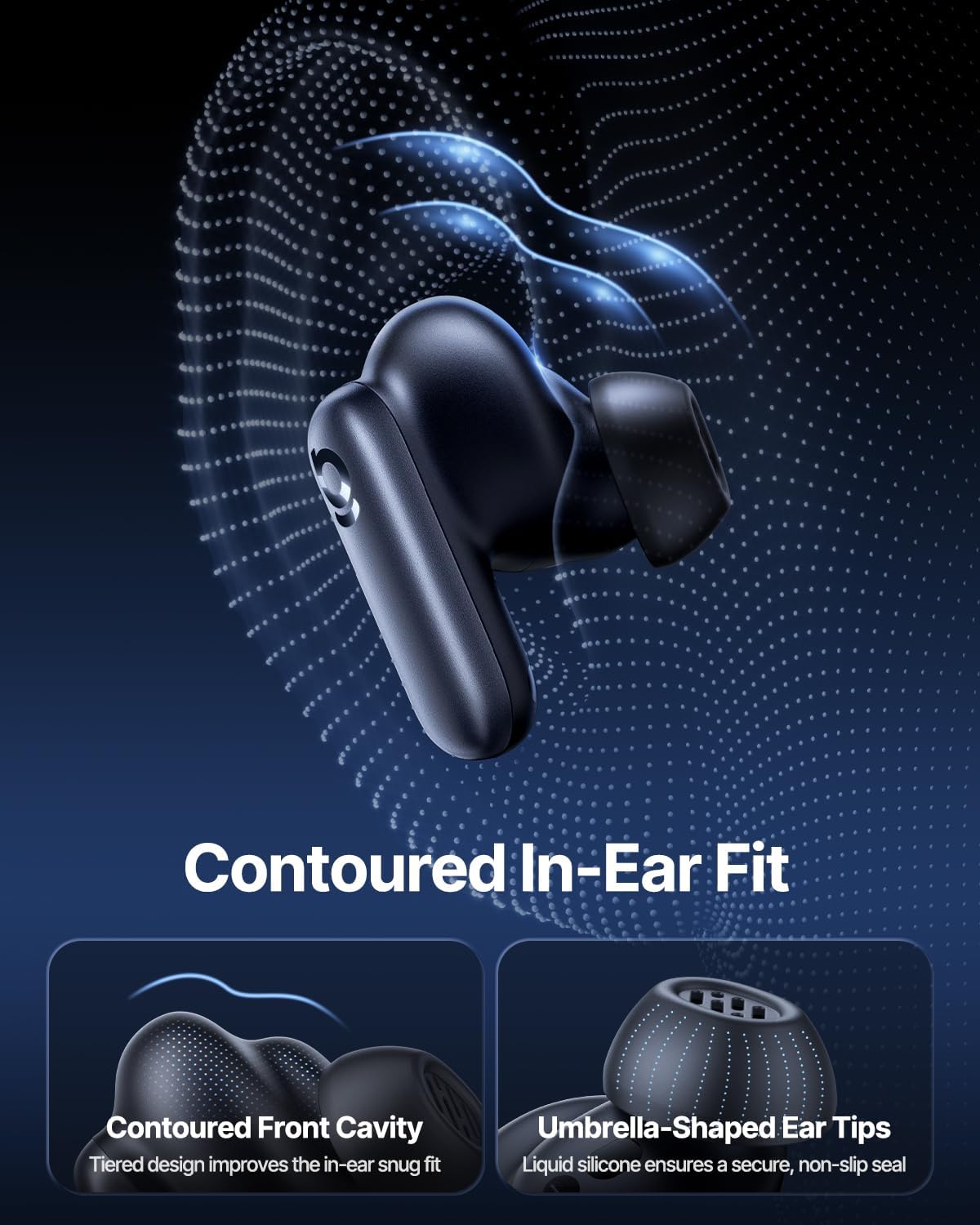
Image: Contoured In-Ear Fit and Umbrella-Shaped Ear Tips.
4. Fametrahana
4.1 Fampiarahana voalohany
- Ampidiro ny earbuds: Place both earbuds into the charging case and close the lid. Connect the USB-C charging cable to the case and a power source. The indicator light on the case will show charging status.
- Ampidiro ny fomba fampiarahana: Sokafy ny boaty famandrihana. Hiditra ho azy amin'ny "pair mode" ny écouteur, izay asehon'ny jiro miredareda eo amin'ny écouteur na ny boaty.
- Mifandraisa amin'ny Bluetooth: Ao amin'ny fitaovanao (finday avo lenta, takelaka, solosaina finday), mandehana any amin'ny fikirana Bluetooth ary alefaso ny Bluetooth. Hitady ny "Baseus Inspire XP1" in the list of available devices and select it to connect.
- fanamafisana: Once connected, a voice prompt will confirm successful pairing, and the indicator light will turn solid or off.
4.2 Baseus App Installation
For full functionality, including Dolby Audio, custom EQ settings, and adaptive tuning, download the official Baseus App from your device's app store (iOS App Store or Google Play Store). The app allows for personalized control of your listening experience.
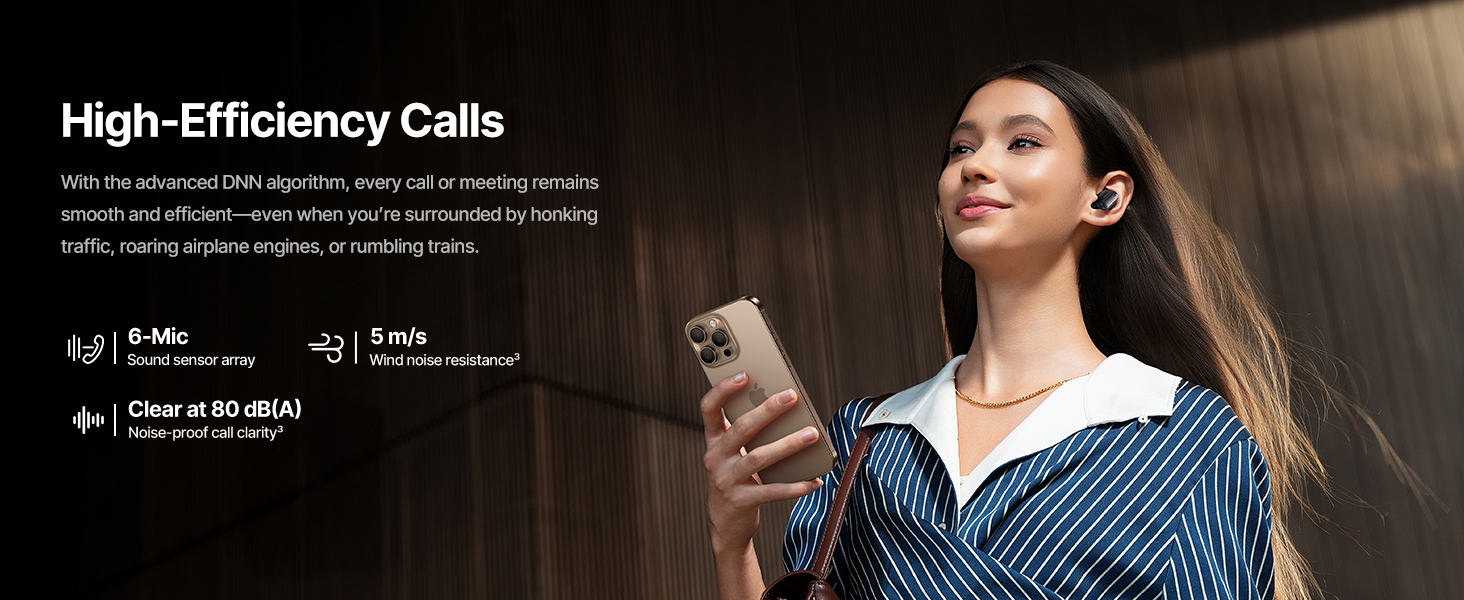
Image: Smart App Control interface.
5. Torolàlana miasa
5.1 Power On/off
- Herim-batana: Sokafy ny boaty famandrihana, dia hirehitra ho azy ny écouteur ary hiezaka hifandray amin'ny fitaovana farany nampiarahina.
- Mamono hery: Avereno ao anaty vata fampangatsiahana ny sofina ary atokàny ny sarony. Ho faty ho azy izy ireo ary hanomboka hameno.
5.2 Fanaraha-maso mikasika
The earbuds feature touch-sensitive surfaces for various functions:
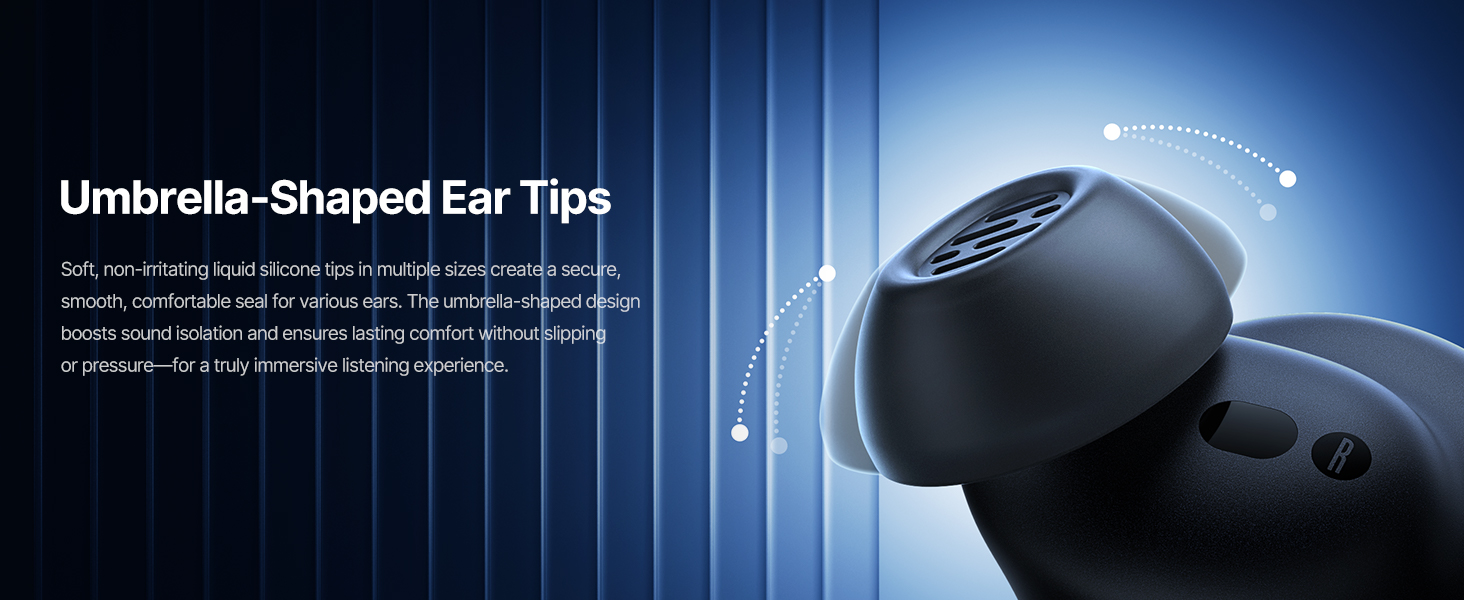
Image: Touch Control Guide.
- Alefaso/Atsaharo ny mozika: Tsindrio indroa ny écouteur iray.
- Valio/Atsaharo ny antso: Tsindrio indroa ny écouteur iray.
- Mandà ny antso: Tsindrio ary hazòny mandritra ny 1.5 segondra ny sofina roa.
- Ampifamadiho ny ANC/Mangarahara: Tsindrio ary hazòny mandritra ny 1.5 segondra ny sofina roa.
- Ampandehano ny feo Assistant: Tsindrio intelo ny écouteur iray.
5.3 Adaptive Noise Cancellation (ANC) and Transparency Mode
The Inspire XP1 earbuds feature Premium Adaptive ANC, which dynamically adjusts noise reduction up to -50 dB based on your environment. Transparency Mode allows you to hear your surroundings without removing the earbuds.

Image: Premium Adaptive ANC in use.
Switch between ANC and Transparency Mode by tapping and holding the touch surface for 1.5 seconds, or manage settings via the Baseus App.
5.4 High-Efficiency Clear Calls
Equipped with a 6-mic sound sensor array and AI algorithms, the earbuds provide clear calls by reducing wind noise and environmental distractions up to 80 dB(A).
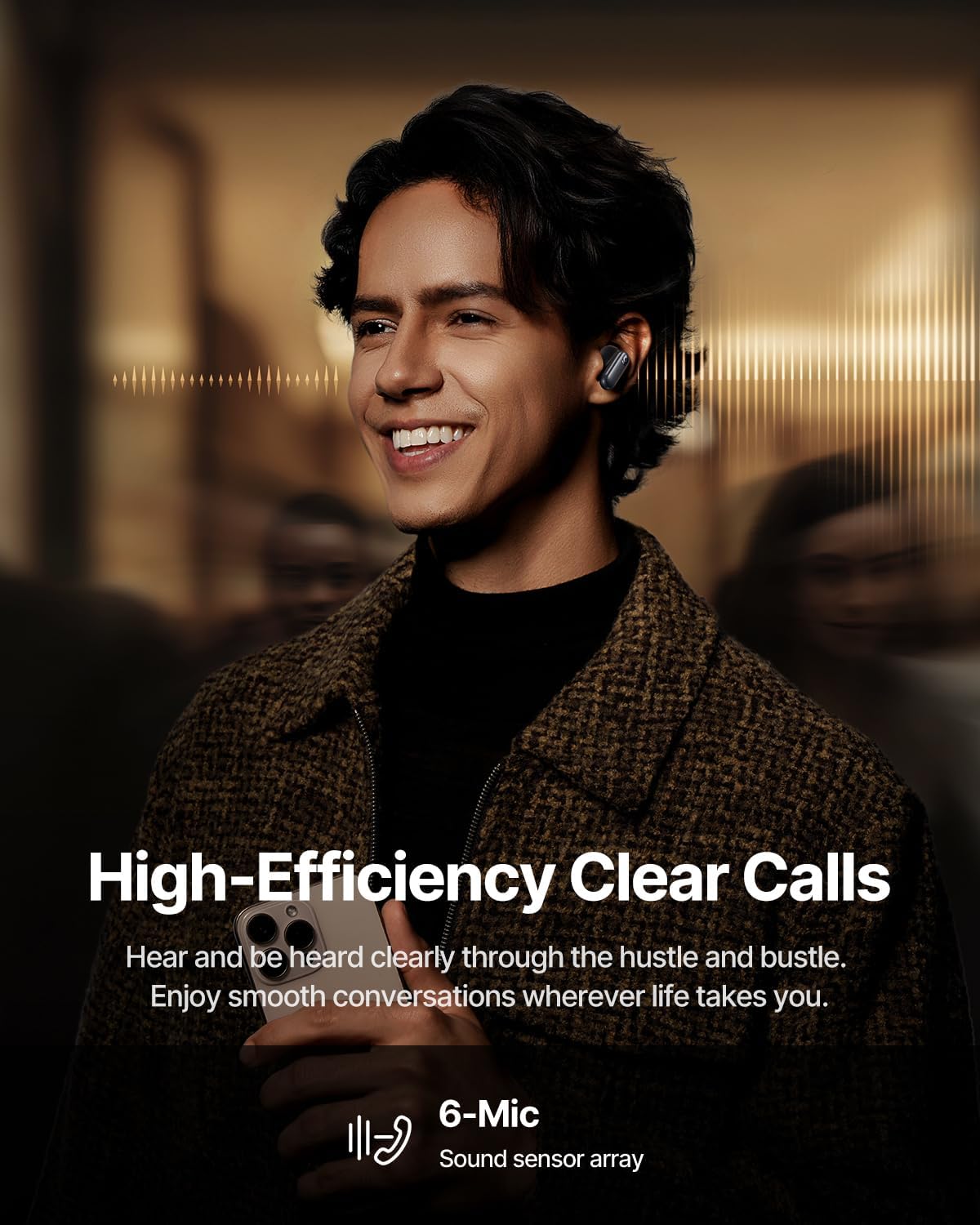
Image: High-Efficiency Clear Calls.
5.5 Charging and Battery Life
The earbuds offer extended playtime with the charging case:
- ANC miala: Up to 8 hours per charge, and up to 45 hours with the charging case.
- ANC mandeha: Up to 6 hours per charge, and up to 35 hours with the charging case.
- Fametrahana haingana: 10 minutes of charging provides approximately 2.5 hours of playback.

Image: Day-and-Night Playtime.
5.6 Instant Multipoint Connection
Utilize Baseus Smart-Connect and Bluetooth 6.1 for seamless switching between two paired devices, such as a phone and a laptop, enabling uninterrupted calls and multitasking.
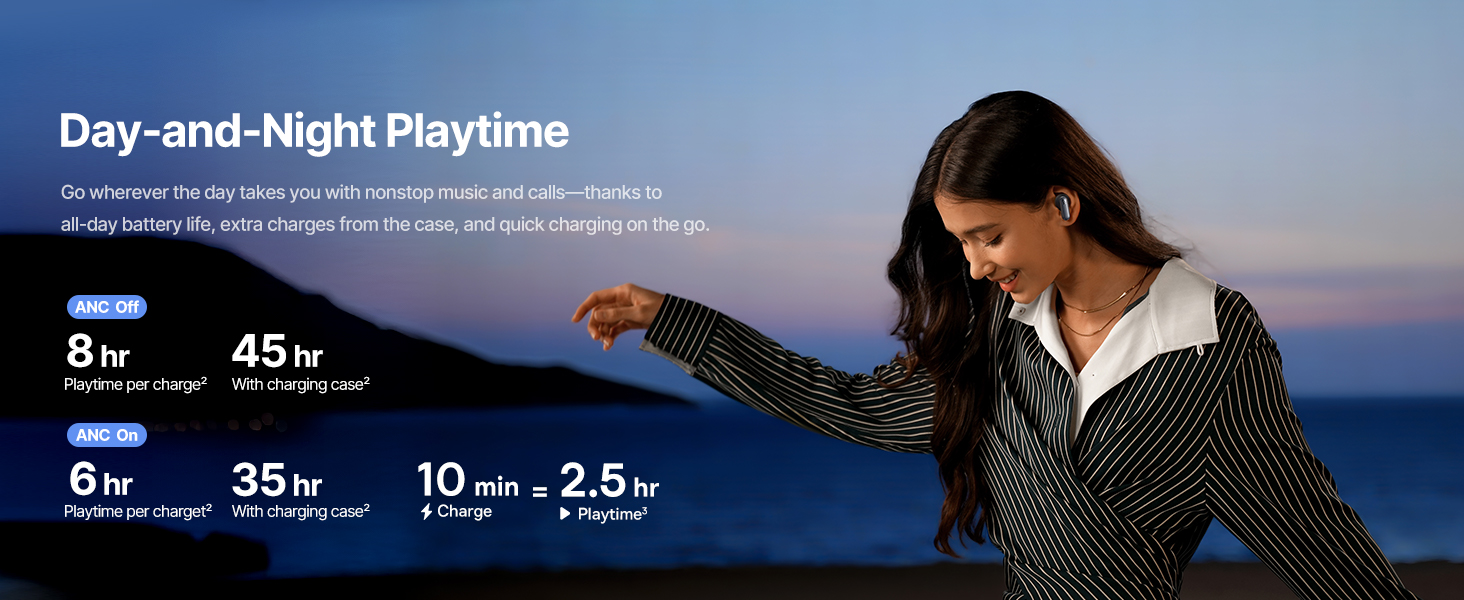
Image: Instant Multipoint Connection.
6. Fikojakojana
- Fanadiovana: Diovy tsy tapaka amin'ny lamba malefaka, maina ary tsy misy volo ny écouteur sy ny fonony famandrihana. Aza mampiasa fitaovana mikikitra na akora simika mahery vaika.
- sofina: Remove and clean the silicone eartips with mild soap and water if necessary. Ensure they are completely dry before reattaching.
- seranan-tsambo fiampangana: Tehirizo tsy misy vovoka sy potipoti-javatra ny seranan-tsambo USB-C famandrihana.
- fitahirizana: When not in use, store the earbuds in their charging case to protect them and maintain battery life. Avoid extreme temperatures.
7. Famahana olana
7.1 Earbuds tsy mitambatra
- Ensure the earbuds are charged and the charging case lid is open.
- Vonoy ary sokafy ny Bluetooth an'ny fitaovanao.
- Adinoy ao amin'ny fikirana Bluetooth-nao ilay fitaovana ary andramo averina ampiarahina.
- Try resetting the earbuds (refer to the Baseus App or Baseus support for specific reset instructions).
7.2 Tsy misy feo na feo ambany
- Jereo ny haavon'ny feo amin'ny fitaovanao sy ny écouteur.
- Ataovy azo antoka fa mipetraka tsara ao an-tsofinao ny sofina.
- Hamarino tsara fa mifandray amin'ny famoahana feo marina ao amin'ny fitaovanao ny écouteur.
- Diovy izay potipoti-javatra avy amin'ny fanamafisam-peo.
7.3 Olana momba ny fiampangana
- Ataovy azo antoka fa mifandray tsara amin'ny vata fampangatsiahana sy ny loharanon-jiro ny tariby fiampangana.
- Manandrama tariby USB-C sy adaptatera herinaratra hafa.
- Diovy ny fifandraisan'ny fiampangana eo amin'ny sofina sy ao anaty fonon-tsofina.
8. Famaritana
Image: Product Specifications.
| Anarana modely | Baseus Inspire XP1 |
| Teknolojia fifandraisana | Bluetooth 6.1, Tsy misy tariby |
| Wireless Communication Technology | Bluetooth 6.1 |
| Fanaraha-maso ny tabataba | Adaptive Noise Cancellation, Environmental Noise Cancellation |
| Haben'ny mpamily Audio | 10 milimetatra |
| Salan'ny Frequency | 20 Hz - 20,000 Hz |
| Faharetan'ny bateria (ANC tsy miasa) | 8 Hours (earbuds), 45 Hours (with charging case) |
| Charging Port | USB-C |
| Fomba fanaraha-maso | App, Touch |
| KEVITRA | Silicone |
| Lanja entana | 7.8 oz |
9. Warranty sy fanohanana
Baseus products are covered by a limited warranty. For detailed warranty information, product support, or to contact customer service, please visit the official Baseus webtranonkala na jereo ny karatra fiantohana tafiditra ao anaty fonosanao.
Azonao atao ihany koa ny mitsidika ny Baseus Store amin'ny Amazon ho an'ny loharano fanampiny sy fampahalalana momba ny vokatra.


