1. Mihoatraview
The Samsung Galaxy M07 (Model SM-M075F) is a feature-rich smartphone designed for reliable performance and user convenience. This manual provides essential information to help you get started and make the most of your device.
Key features include a powerful MediaTek Helio G99 processor, a 50MP high-resolution dual camera system, a large 6.7-inch HD+ display with a 90Hz refresh rate, and a long-lasting 5000mAh battery with 25W fast charging support. The device also boasts IP54 dust and water protection and runs on Android 15 with One UI 7.0, offering 6 generations of OS upgrades and 6 years of security updates.
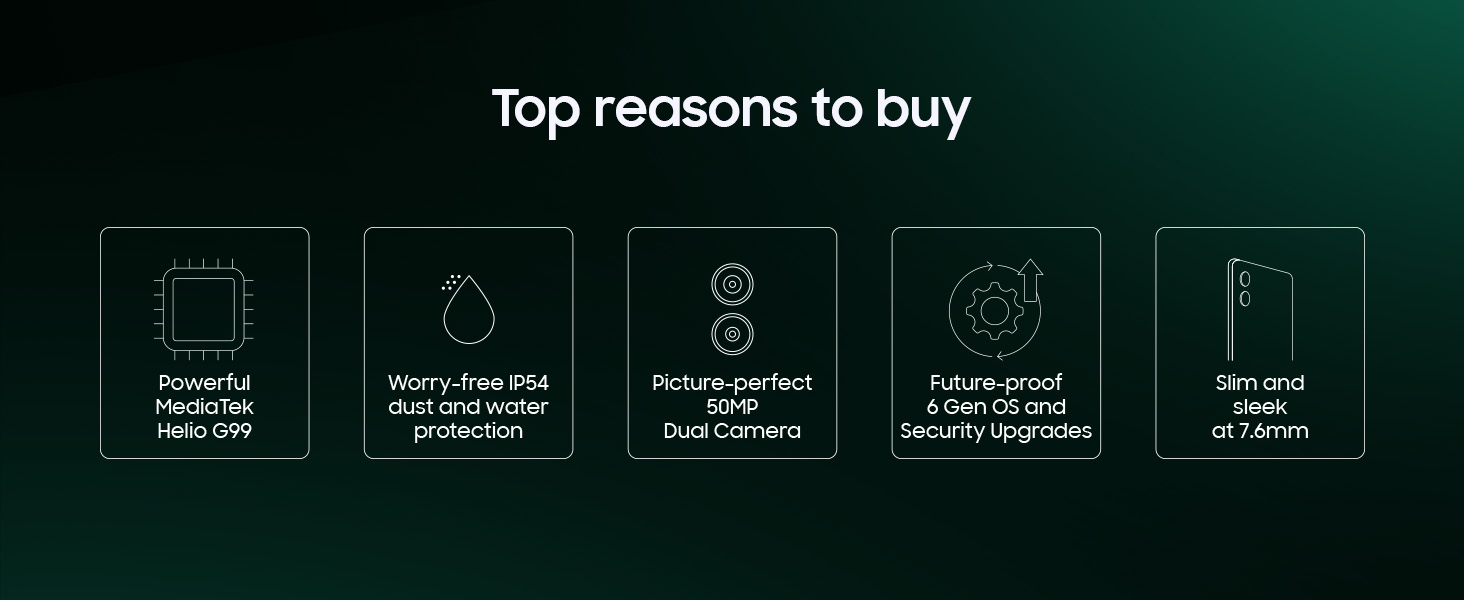
Sary 1: Tapitraview of Samsung Galaxy M07 key features.
2. Inona no ao anaty boaty
Upon unboxing your Samsung Galaxy M07, verify that all the following items are included:
- Samsung Galaxy M07 Smartphone: Your new device.
- Data Cable (C to C): Ho an'ny fiampangana sy famindrana angona.
- SIM Ejection PIN: Used to open the SIM card tray.
- Torolàlana fanombohana haingana: A brief guide to help you begin using your phone.
Note: A charging adapter is not included in the box and must be purchased separately.

Figure 2: Contents of the Samsung Galaxy M07 retail box.
3. Fametrahana
3.1 Fampidirana ny karatra SIM sy ny karatra microSD
- Tadiavo ny lovia karatra SIM eo amin'ny sisin'ny fitaovanao.
- Insert the SIM ejection PIN into the small hole on the tray to open it.
- Place your Nano-SIM card(s) and/or microSD card into the tray with the gold contacts facing down. The Galaxy M07 supports dual SIM and expandable memory.
- Atsofohy amim-pitandremana ny lovia hiverina ao amin'ny slot mandra-pivoarany amin'ny fitaovana.
3.2 Hery voalohany Mampirehitra sy Fametrahana
- Tsindrio ary hazòny ny bokotra Hery (eo amin'ny sisiny) mandra-piseho ny famantarana ny Samsung.
- Follow the on-screen prompts to complete the initial setup, including selecting your language, connecting to Wi-Fi, and signing in with your Google account.
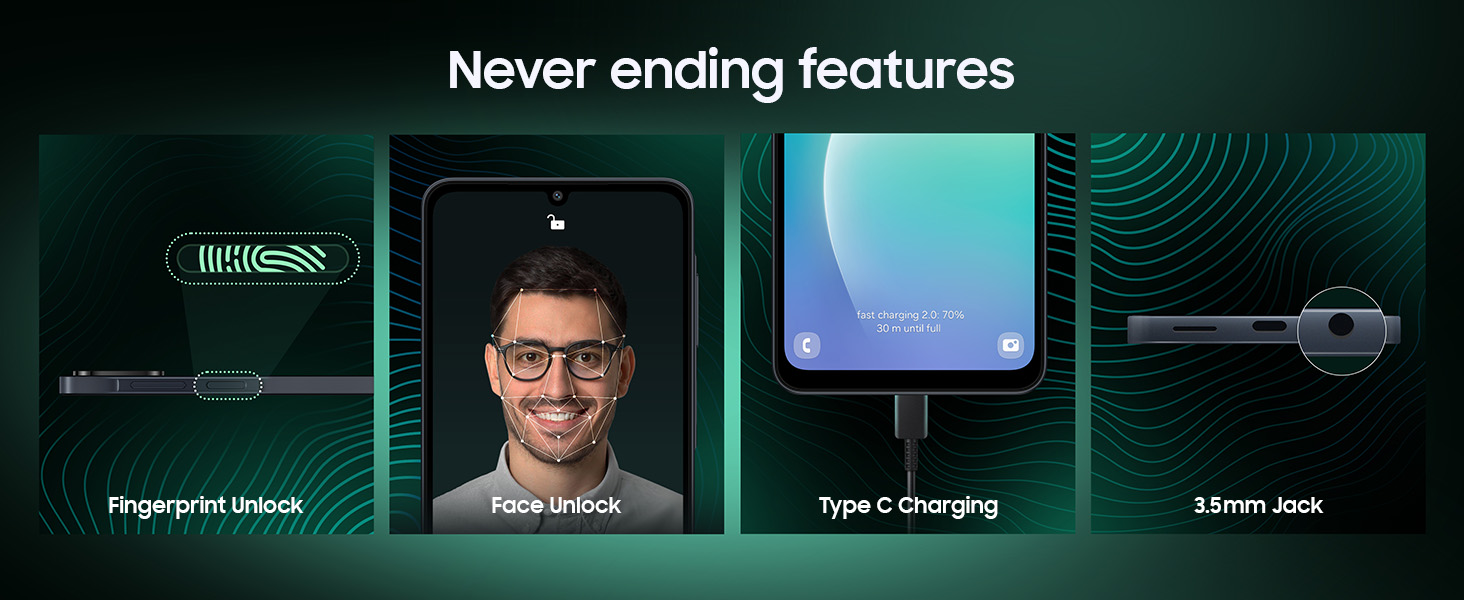
- You will also be guided through setting up security features like fingerprint unlock and face unlock.
4. Torolàlana miasa
4.1 Fampisehoana sy Fikarohana
The Galaxy M07 features a 6.7-inch HD+ display with a 90Hz refresh rate for smooth scrolling and an immersive viewing experience. Navigate the device using touch gestures and the intuitive One UI 7.0 interface.
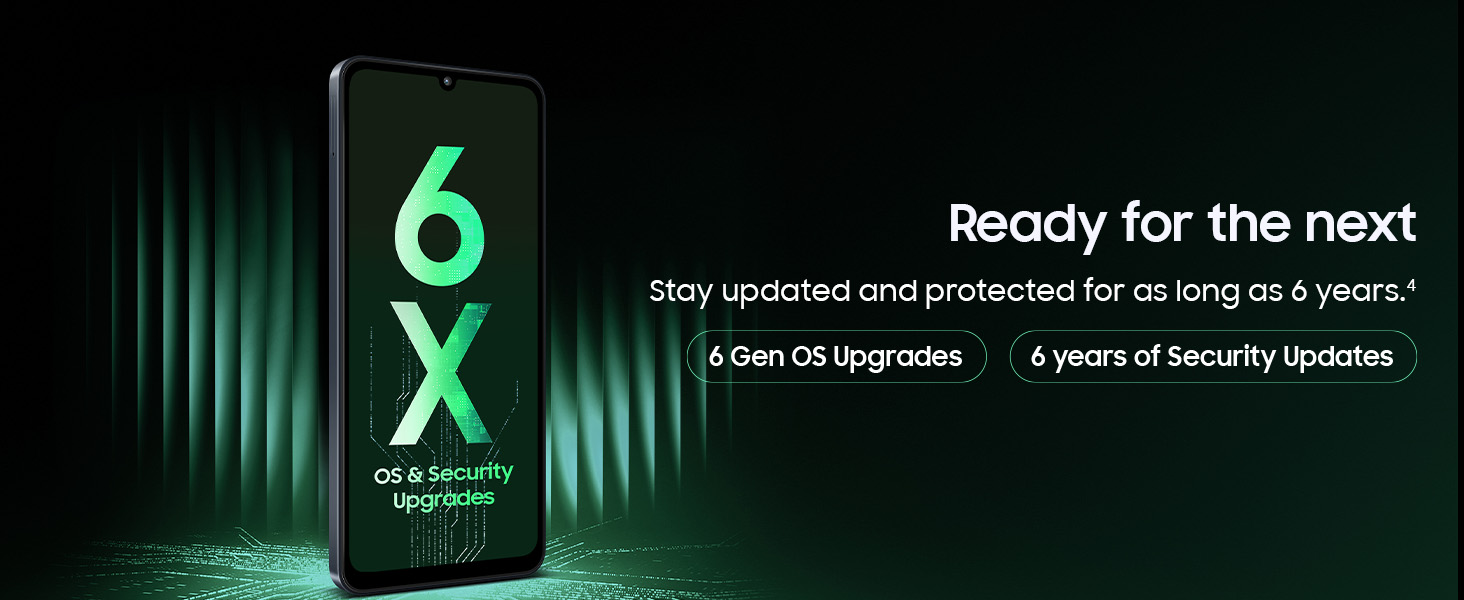
Figure 3: Immersive viewing experience on the 6.7-inch 90Hz display.
4.2 Fampisehoana
Powered by the MediaTek Helio G99 Octa-Core processor (2.2GHz, 2GHz clock speed), the Galaxy M07 delivers powerful performance for multitasking, gaming, and media consumption. It runs on Android 15 with One UI 7.0.

Figure 4: Device performance powered by MediaTek Helio G99.
4.3 Fakan-tsary
Capture sharp and detailed photos with the 50MP high-resolution dual camera (f/1.8). The 8MP front camera (f/2.0) is ideal for stunning selfies, and the device supports FHD (1920 x 1080) video recording.
- Fakan-tsary 50MP mivelatra: For capturing broad scenes and detailed shots.
- Fakan-tsary halalin'ny 2MP: Enhances portrait photos with adjustable background blur.
- 8MP fakan-tsary eo anoloana: Ho an'ny selfie sy antso an-dahatsary avo lenta.

Figure 5: Camera specifications and capabilities.
Sary 6: Eksample of a wide-angle photo taken with the 50MP camera.

Figure 7: Portrait photography with the 2MP Depth Camera.

Figure 8: Selfie captured with the 8MP Front Camera.
4.4 bateria sy fameperana
The device is equipped with a massive 5000mAh battery, providing extended usage. It supports 25W fast charging via a C-Type port. Ensure you use a compatible 25W charger for optimal charging speeds.
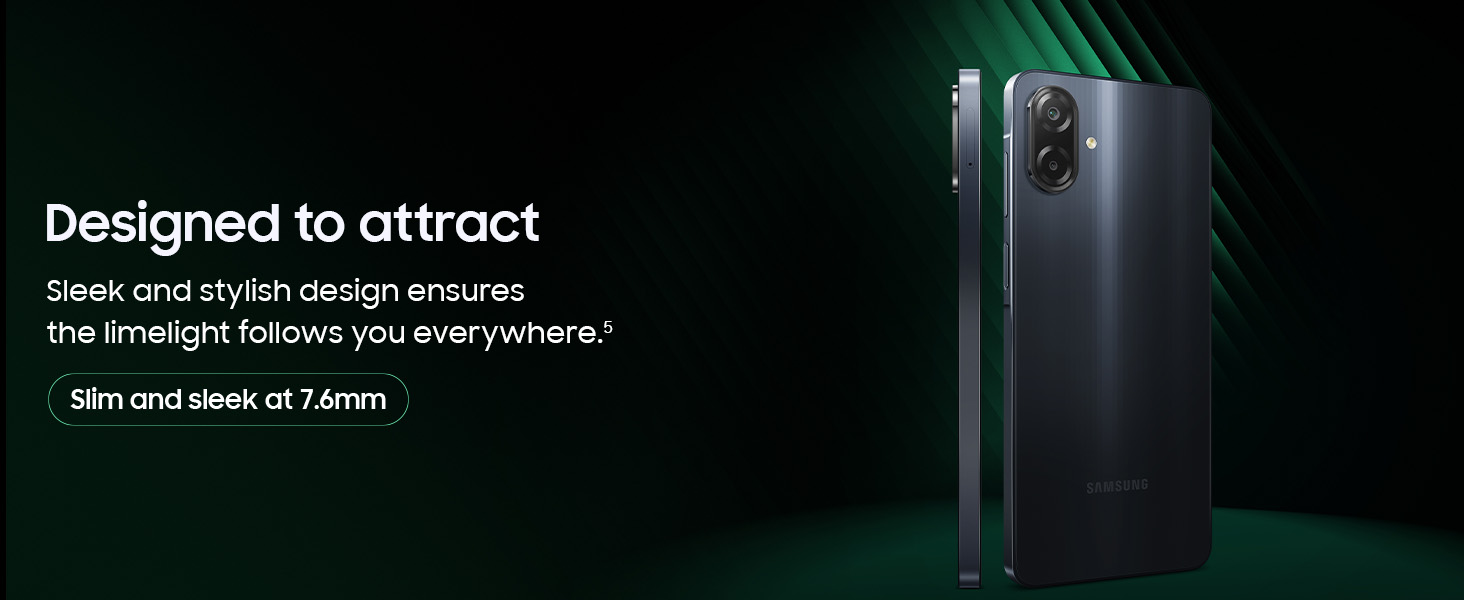
Figure 9: 5000mAh battery for extended use.
4.5 Lozisialy endri-javatra
The Galaxy M07 runs on Android 15 with Samsung's One UI 7.0, offering a user-friendly interface and smart features:
- One UI 7.0: Provides a streamlined and customizable user experience.
- Smart Switch: Easily transfer data from your old device to your new Galaxy M07.
- Fizarana haingana: anjara files quickly and easily with other Samsung Galaxy devices.
- Knox Vault: Enhanced security features to protect your personal data.
- Auto Blocker: Prevents installation of apps from unauthorized sources.
- Built-in Theft Protection: Additional security measures to safeguard your device.

Figure 10: Smart UI features of the Galaxy M07.
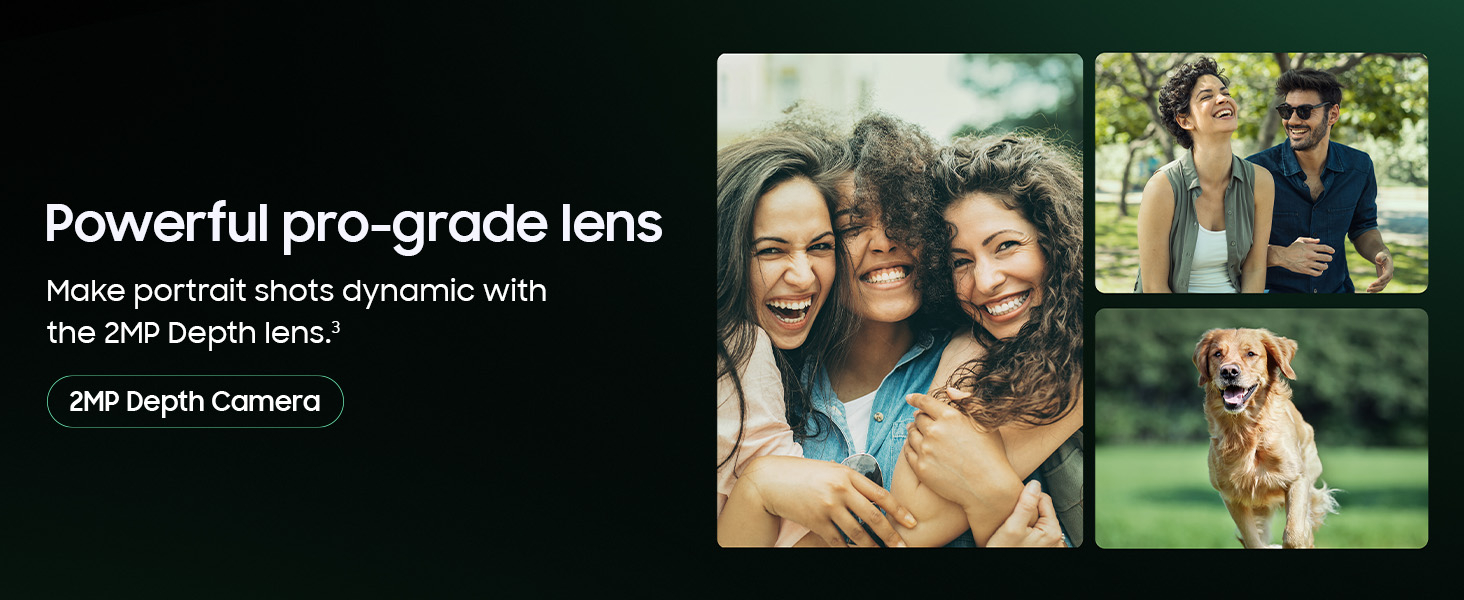
Figure 11: Additional hardware and security features.
5. Fikojakojana
5.1 Dust and Water Protection
The Galaxy M07 is rated IP54 for dust and water protection. This means it is protected against limited dust ingress and splashing water from any direction. While it offers protection, it is not advised for beach or pool use, and water and dust resistance may diminish over time due to normal wear and tear.
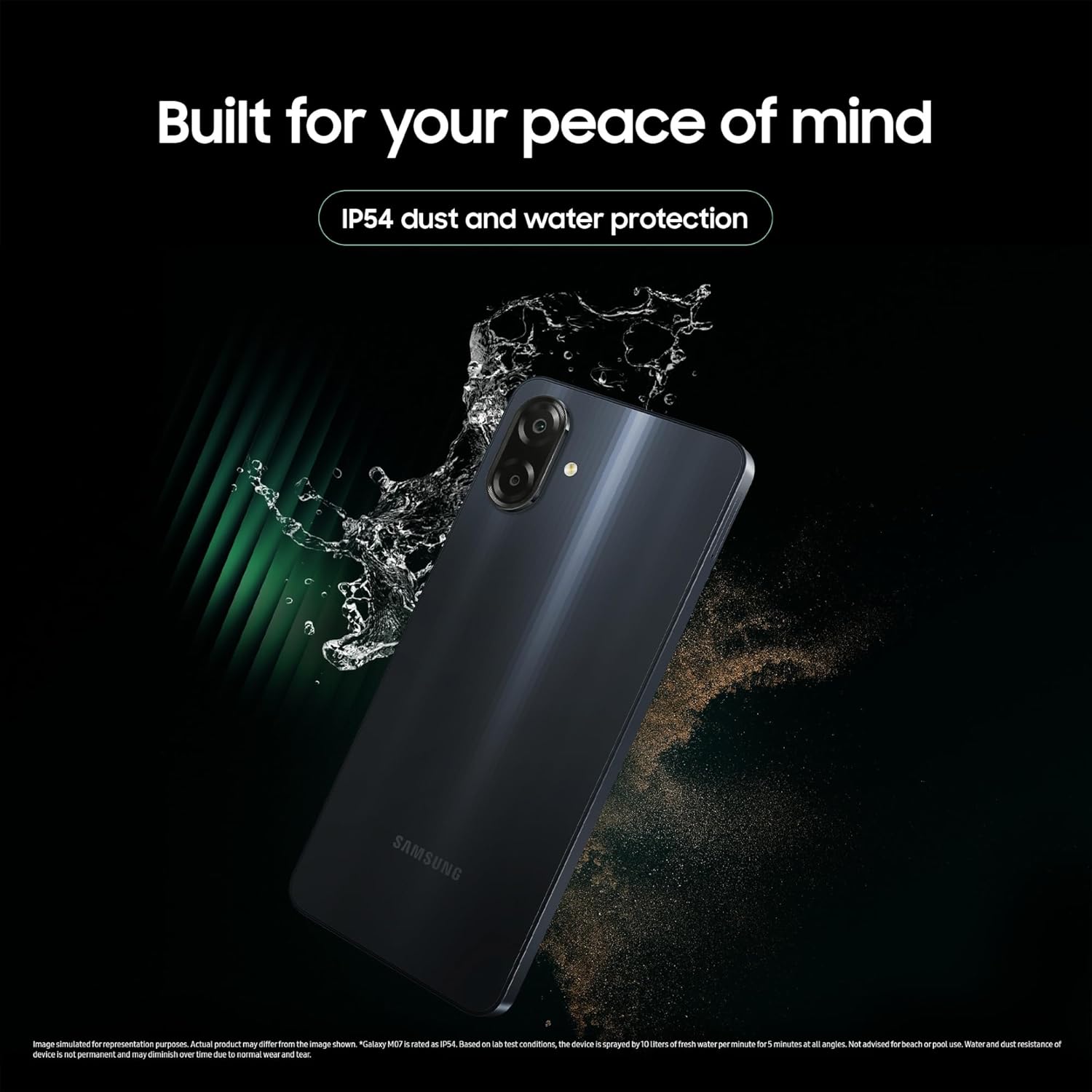
Figure 12: IP54 dust and water protection.
5.2 Fanavaozana rindrambaiko
Samsung provides 6 generations of Android OS upgrades and 6 years of security updates for the Galaxy M07. Regularly check for and install updates to ensure your device has the latest features, performance enhancements, and security patches.

Figure 13: Commitment to OS and security updates.
6. Famaritana
| endri-javatra | famaritana |
|---|---|
| Laharana modely | SM-M075F |
| Rafitra fikirakirana | Android 15.0 (miaraka amin'ny One UI 7.0) |
| processeur | MediaTek Helio G99 Octa-Core (2.2GHz, 2GHz) |
| ram | 4 GB |
| Fitehirizana anatiny | 64 GB |
| miseho | 6.7-inch HD+ (720 x 1600 Pixels), 90Hz Refresh Rate |
| Fakan-tsary aoriana | 50 MP (f/1.8) Wide, 2 MP Depth |
| Camera Front | 8 MP (f/2.0) |
| Video Resolution | FHD (1920 x 1080) |
| Fahaizana bateria | 5000mAh |
| fa mamaly ny | 25W Fast Charging (C-Type) |
| fifandraisana | Bluetooth, USB, Wi-Fi, GPS |
| Audio Jack | 3.5 mm |
| Fanohanana SIM | Dual SIM |
| Fahatsiarovana azo itarina | ENY |
| refy (LxWxH) | 16.74 x 7.74 x 0.76 cm |
| lanja | 184 g |
| MIARO | IP54 Fiarovana ny vovoka sy ny rano |
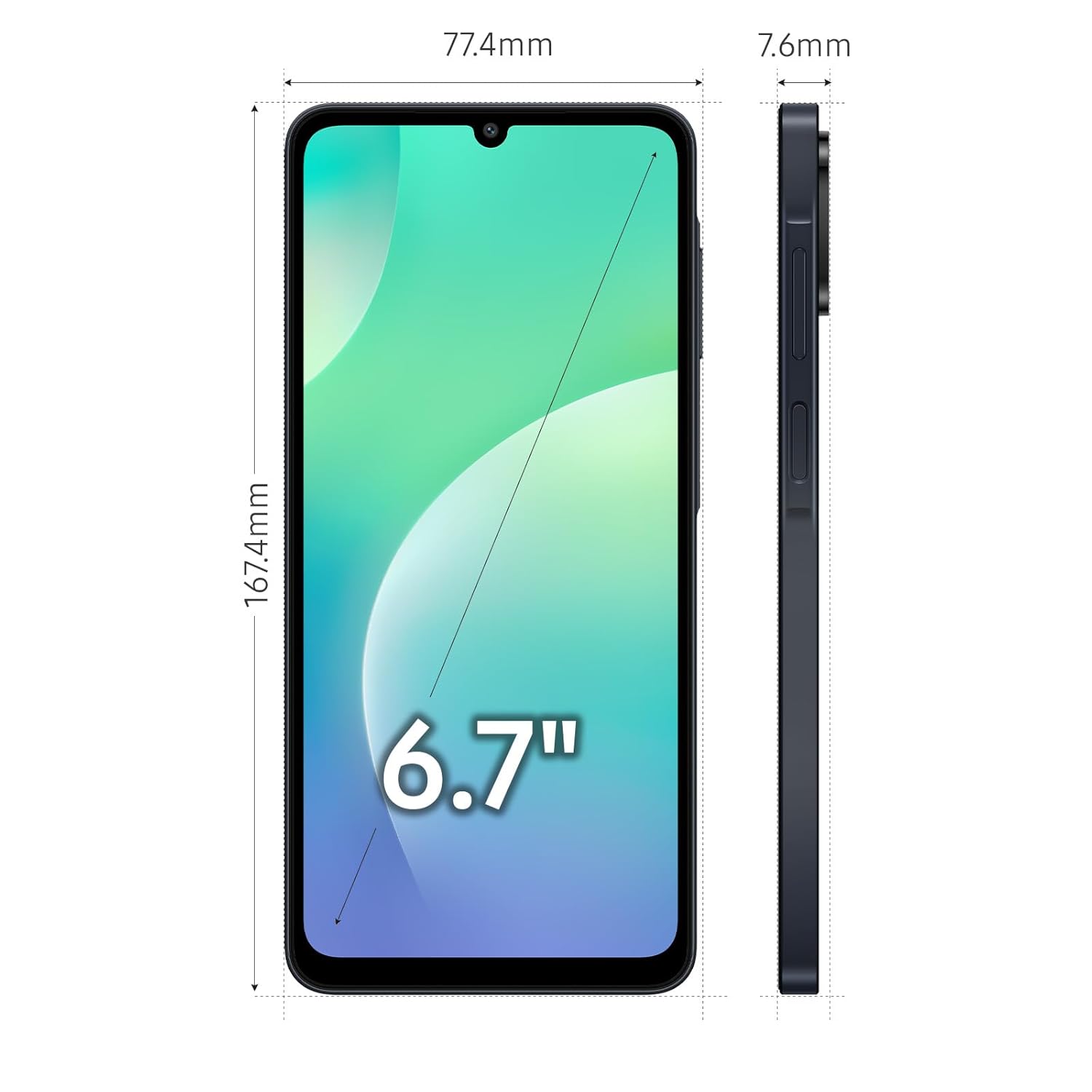
Figure 14: Physical dimensions of the Samsung Galaxy M07.
7. Famahana olana
If you encounter issues with your Samsung Galaxy M07, consider the following general troubleshooting steps:
- Avereno indray ny fitaovana: Ny famerenana tsotra dia afaka mamaha olana kely amin'ny rindrambaiko.
- Jereo ny fanavaozana: Ensure your device's software is up to date. Go to Fikirana > Fanavaozana rindrambaiko.
- Hamafa Cache: If an app is misbehaving, try clearing its cache (Settings> Apps> [Anaran'ny App]> Fitahirizana> Fadio ny cache).
- Famerenana amin'ny orinasa: Ho vahaolana farany, azonao atao ny mamerina amin'ny laoniny ny rafitra (factory reset). Backup all your data before proceeding, as this will erase all personal information from the device.
- Consult Online Resources: Tsidiho ny fanohanan'ny Samsung ofisialy website for detailed troubleshooting guides and FAQs.
8. Warranty sy fanohanana
Your Samsung Galaxy M07 comes with a standard brand warranty. For specific warranty terms and conditions, please refer to the warranty card included with your product or visit the official Samsung support website.
For technical assistance, service, or repairs, Samsung offers extensive support:
- Service Touchpoints: Over 3300 service touchpoints are available for your convenience.
- Fanohanana 24x7: Access round-the-clock support for any queries or issues.
- Antsipiriany ifandraisana: You can reach Samsung India Electronics Pvt. Ltd. at support.india@samsung.com.

Figure 15: Samsung's commitment to service and support.


