1. Fampidirana
This manual provides essential information for the HP 17.3-inch Touchscreen Laptop, model 17-cp3602nr. It covers initial setup, basic operation, maintenance guidelines, and troubleshooting tips to ensure optimal performance and longevity of your device. Please read this manual thoroughly before using your laptop.
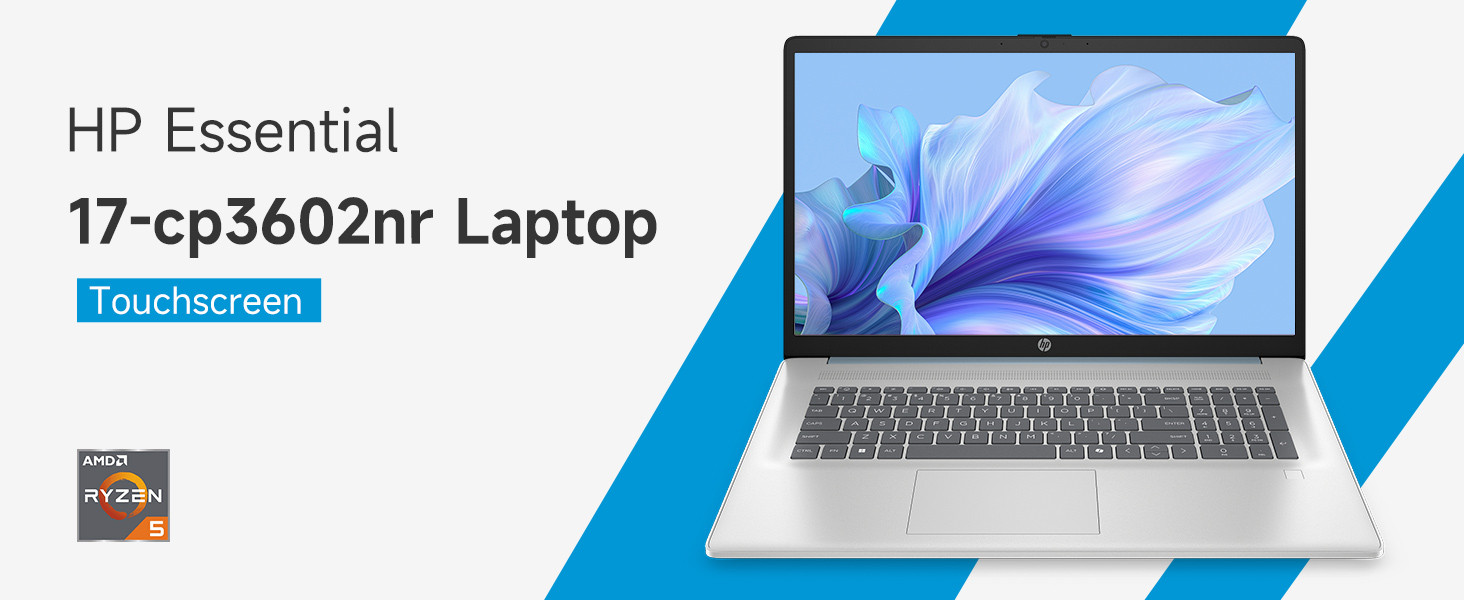
Sary: Overview of the HP 17.3-inch Touchscreen Laptop highlighting its main features.
2. Fametrahana
2.1 Famoahana boaty sy fisafoana voalohany
Carefully remove your laptop and all accessories from the packaging. Verify that all components are present:
- HP 17.3-inch Touchscreen Laptop
- Power Adapter sy Power Cord
- Antontan-taratasy (Torolàlana fanombohana haingana, fampahalalana momba ny antoka)
Inspect the laptop for any physical damage. If any damage is found or components are missing, contact your retailer or HP support immediately.
2.2 Fampifandraisana ny Adapter Hery
Connect the power adapter to the laptop's AC smart pin port and then plug the power cord into a wall outlet. The laptop can be used while charging, but it is recommended to fully charge the battery before first use.
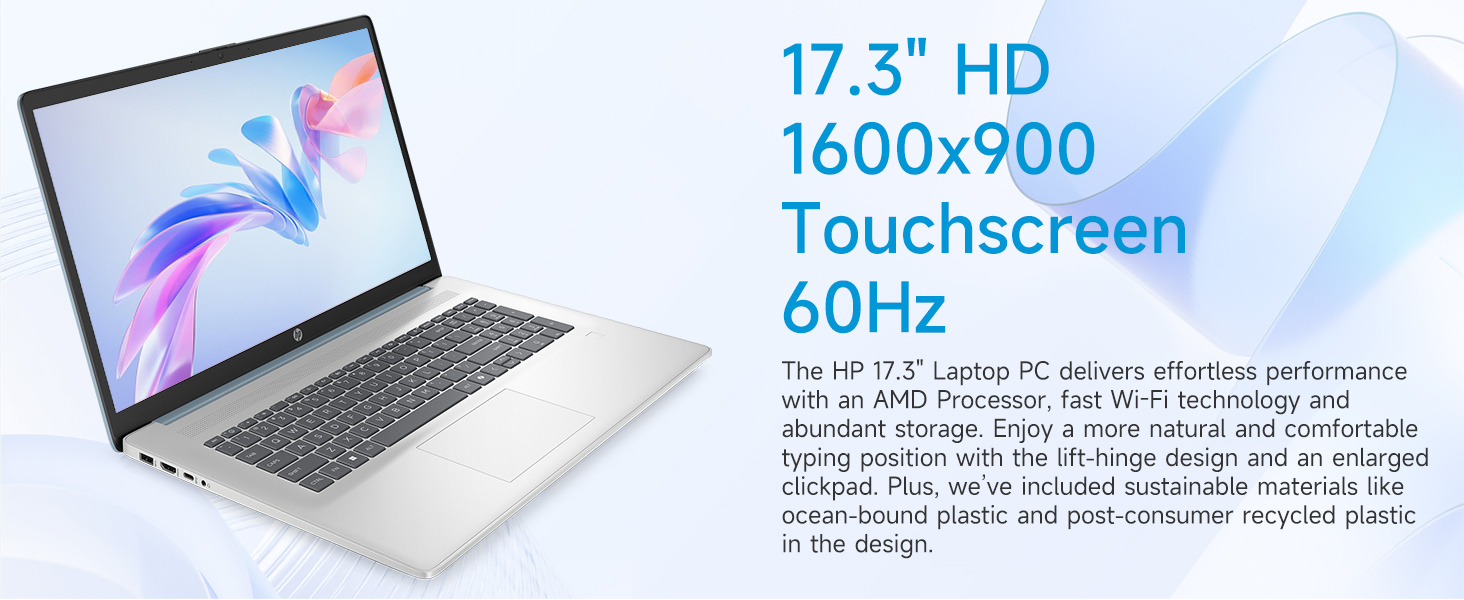
Image: Laptop ports and their locations, including the AC smart pin.
2.3 Famelomana voalohany sy fametrahana ny Windows 11
Press the power button to turn on the laptop. Follow the on-screen instructions to complete the Windows 11 Home setup process. This includes:
- Misafidy ny faritra misy anao sy ny fisehon'ny fitendry.
- Connecting to a Wi-Fi network (Wi-Fi 6 supported).
- Miditra na mamorona kaonty Microsoft.
- Fametrahana PIN na tenimiafina.
- Fametrahana ny fikirana momba ny fiainana manokana.
2.4 Fametrahana ny mpamaky dian-tanana
During the Windows 11 setup or later via Windows Settings, you can configure the integrated fingerprint reader for secure login. Follow the prompts to register your fingerprints.
3. Fampandehanana ny solosainao
3.1 Fikarohana fototra
Your HP laptop features a 17.3-inch HD+ (1600 x 900) touchscreen display, a touchpad, and a full-size keyboard for navigation.
- Efijery kasihina: Use gestures similar to a smartphone or tablet for direct interaction with the display.
- Touchpad: Supports multi-touch gestures for scrolling, zooming, and more.
- Kitendry: Misy fitendry nomerika ho an'ny fidirana angona mahomby.
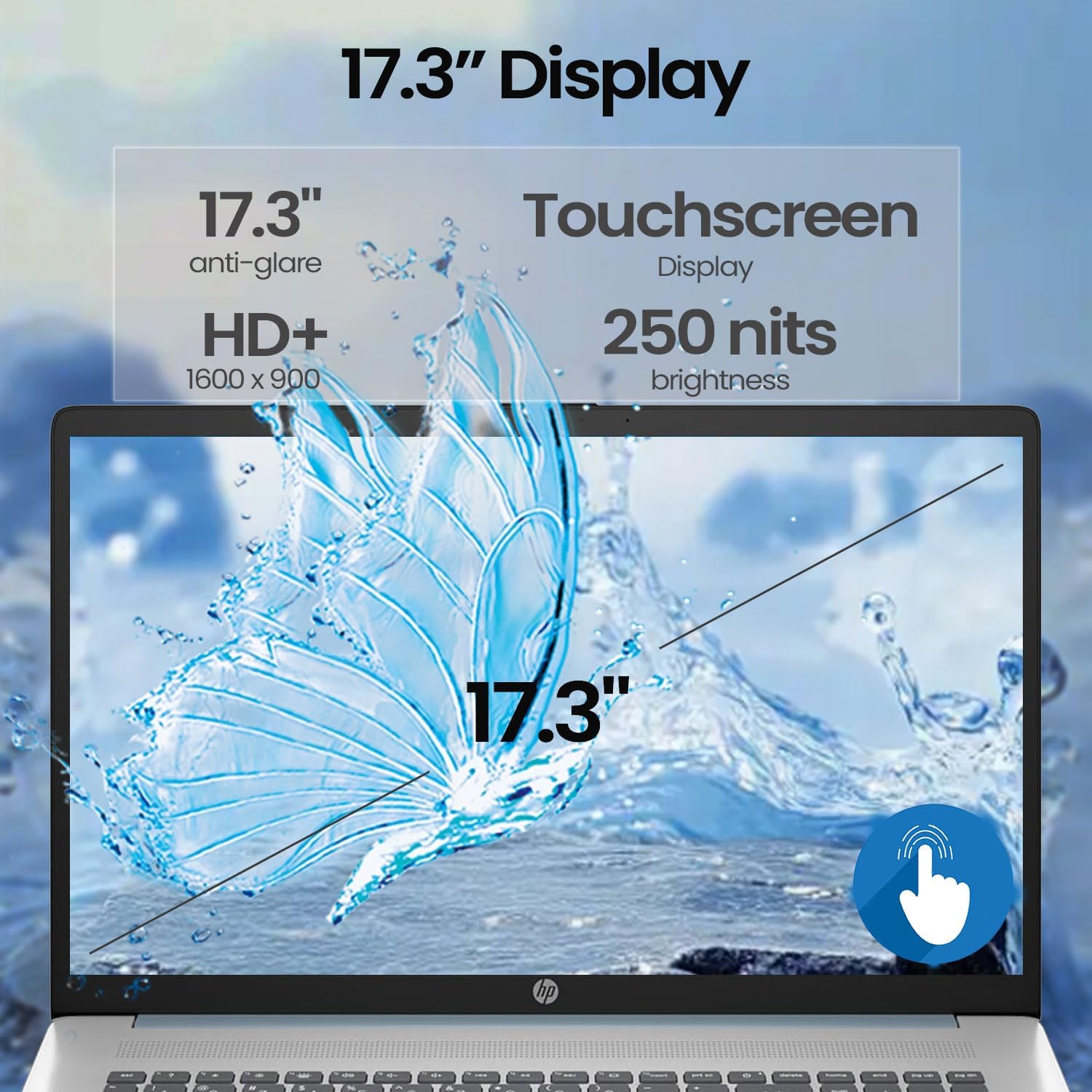
Image: A finger interacting with the laptop's touchscreen display.
3.2 Fitendry misy jiro miverina
The keyboard features backlighting for improved visibility in low-light conditions. The backlight can typically be toggled or adjusted using a dedicated function key (often Fn + F5 or similar, refer to your specific model's keyboard layout).
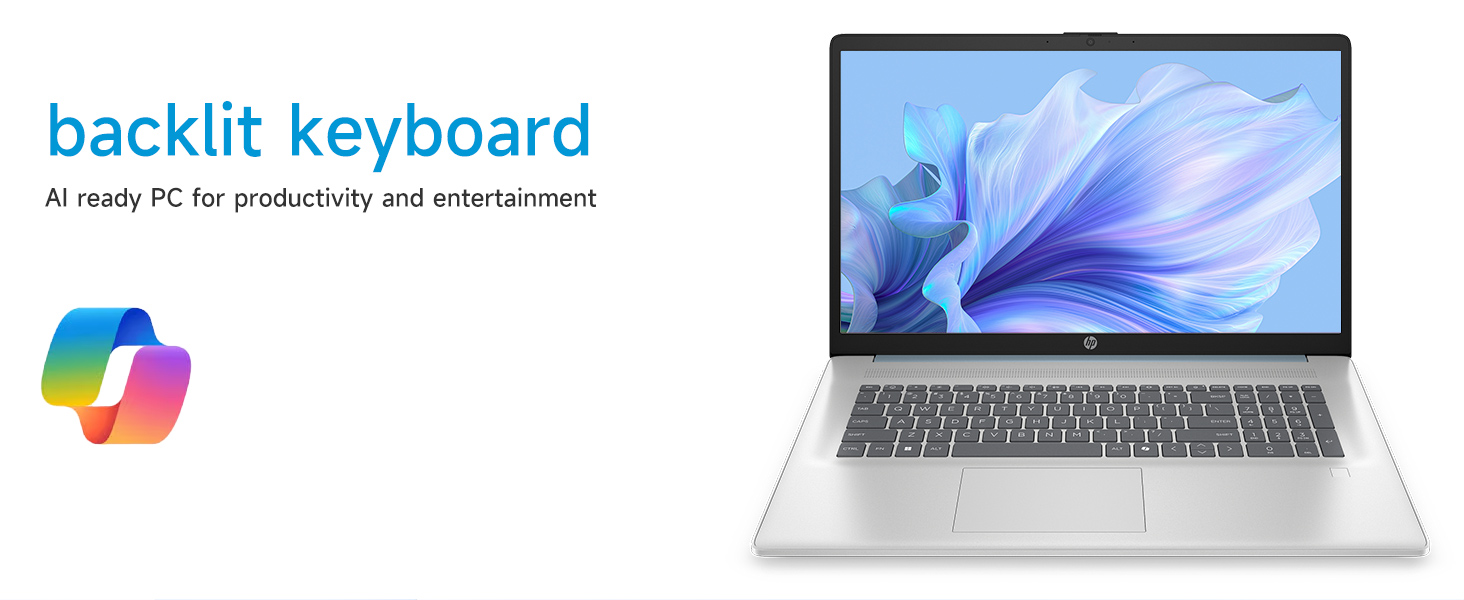
Image: The laptop's backlit keyboard in operation.
3.3 Using the Fingerprint Reader
Once configured, simply place your registered finger on the fingerprint reader (usually located near the keyboard or power button) to log in to Windows or authenticate applications.

Image: Illustration of the fingerprint reader for secure access.
3.4 Fampifandraisana ireo fitaovana ivelany
Your laptop is equipped with various ports:
- USB Type-C 5Gbps signaling rate: For connecting modern USB-C devices.
- USB Type-A 5Gbps signaling rate (x2): For standard USB devices like mice, keyboards, or external drives.
- HDMI 1.4b: Connects to external monitors or TVs for extended display.
- Jack Combo ho an'ny écouteur/microphone: Ho an'ny fampifandraisana headset na fitaovana audio ivelany.
Simply plug the compatible device into the appropriate port. Most devices are plug-and-play and will be recognized automatically by Windows.
3.5 WebFampiasana cam
Ny Integrated webcam can be used for video calls, online meetings, and capturing photos/videos. Access it through applications like Camera, Microsoft Teams, Zoom, or other communication software.
4. Fikojakojana
4.1 Manadio ny Solosainao
- Ecran: Mampiasà lamba malefaka sady tsy misy loko kely dampAfangaro amin'ny rano na vahaolana fanadiovana efijery. Fadio ny akora simika mahery vaika.
- Chassis sy Keyboard: Mampiasà lamba malefaka sy maina. Ho an'ny loto mafy loha dia kely damp cloth can be used. Avoid getting moisture into ports or vents.
- Ventsitra: Periodically use compressed air to clear dust from the cooling vents to prevent overheating.
4.2 Fikarakarana bateria
- Fadio ny mamoaka tanteraka ny bateria matetika.
- Tehirizo ao amin'ny toerana mangatsiatsiaka sy maina ny solosaina finday raha tsy ampiasaina mandritra ny fotoana maharitra.
- Use only the original HP power adapter.
4.3 Fanavaozana rindrambaiko
Regularly check for and install Windows updates and driver updates from HP's official support website to ensure system stability, security, and optimal performance.
4.4 Fitantanana fitahirizana
Manadio tsindraindray tsy ilaina files, uninstall unused applications, and manage your 512GB PCIe NVMe M.2 SSD to maintain fast boot-up and data transfer speeds.
5. Famahana olana
This section addresses common issues you might encounter with your HP laptop.
5.1 Olana fahefana
- Tsy mandeha ny solosaina finday: Ensure the power adapter is securely connected to both the laptop and a working power outlet. Try a different outlet. If the battery is completely drained, it may take a few minutes of charging before the laptop can power on.
- Batterie tsy mi-charge: Verify the power adapter and cable are not damaged. Check the charging indicator light on the laptop.
5.2 Fampisehoana olana
- Tsy misy sary eo amin'ny efijery: Connect an external monitor via HDMI to check if the issue is with the laptop's internal display. Restart the laptop.
- Ecran touchy tsy mamaly: Restart the laptop. Ensure display drivers are up to date.
5.3 Olana mifandray amin'ny tambajotra
- Tsy afaka mifandray amin'ny Wi-Fi: Ensure Wi-Fi is enabled in Windows settings. Restart your router and modem. Check for updated Wi-Fi drivers.
5.4 Input Device Problems
- Keyboard or touchpad unresponsive: Restart the laptop. Check for updated drivers in Device Manager.
- Tsy mandeha ny mpamaky dian-tanana: Ensure your fingerprints are properly enrolled in Windows Hello settings. Clean the sensor.
For persistent issues, consult the HP support webtranonkala na mifandraisa amin'ny serivisy mpanjifa HP.
6. Famaritana
Detailed technical specifications for the HP 17.3-inch Touchscreen Laptop (Model 17-cp3602nr).
| endri-javatra | famaritana |
|---|---|
| Marika | HP |
| Anarana modely | 17-cp3602nr |
| processeur | AMD Ryzen 5 7430U (Core 6, Kofehy 12, hatramin'ny 4.3 GHz) |
| Saripika | Sary AMD Radeon (Tafiditra) |
| ram | 16 GB DDR4 SDRAM (3200 MHz) |
| fitahirizana | SSD PCIe NVMe M.2 512 GB |
| miseho | 17.3-inch HD+ (1600 x 900) Touchscreen, Anti-glare, 250 nits, 60% NTSC, 60 Hz |
| Rafitra fikirakirana | Windows 11 Home |
| fifandraisana | Wi-Fi 6 (802.11ax) |
| seranana | 1x USB Type-C 5Gbps, 2x USB Type-A 5Gbps, 1x HDMI 1.4b, 1x Headphone/Microphone Combo, 1x AC Smart Pin |
| Endri-javatra manokana | Backlit Keyboard, Fingerprint Reader, Numeric Keypad, Webcam |
| Dimensions (L x W x Thickness) | 15.78" x 10.15" x 0.81" |
| loko | Manga |
| UPC | 199485902807 |
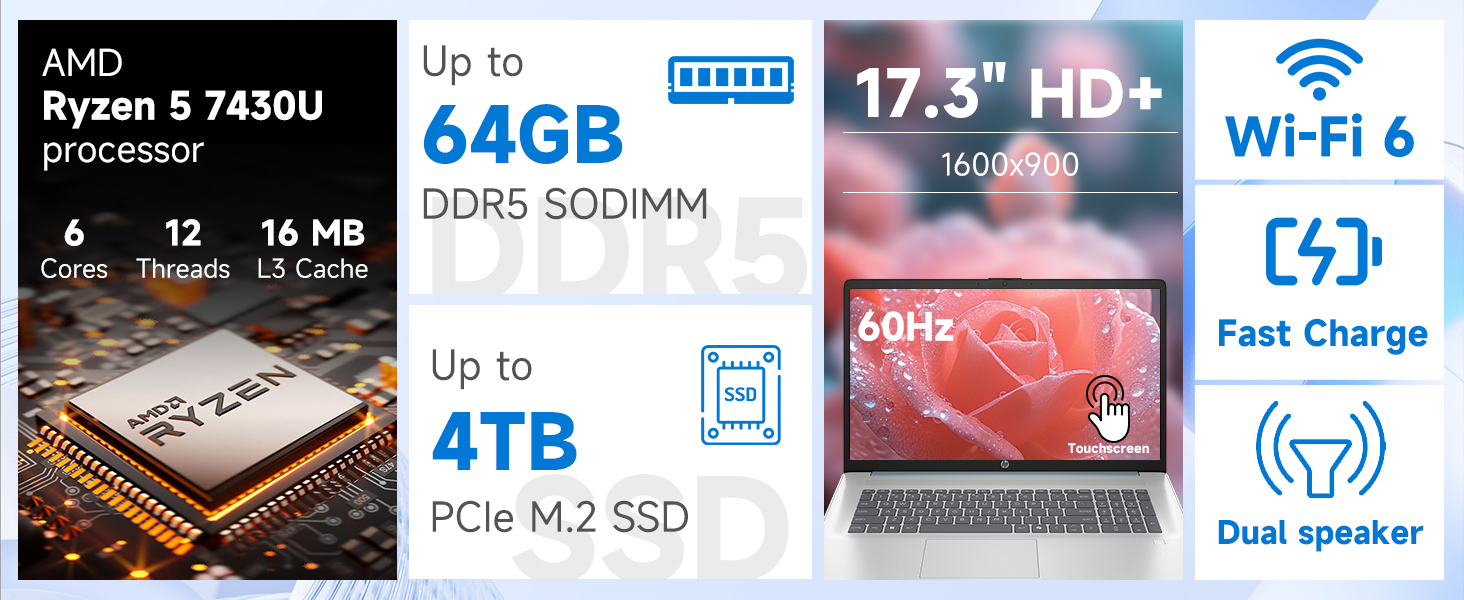
Sary: Detailed view of the AMD Ryzen 5 7430U processor specifications.
7. Warranty sy fanohanana
Your HP laptop comes with a standard manufacturer's warranty. For specific warranty terms and conditions, please refer to the documentation included with your product or visit the official HP support webtranonkala. Raha mila fanampiana ara-teknika, fampidinana mpamily, ary fanohanana fanampiny, tsidiho azafady support.hp.com.