Bose 2025

Bose QuietComfort Wireless Noise Cancelling Headphones (Model 2025)

Boky torolalana

Sava lalana

Welcome to your Bose QuietComfort Wireless Noise Cancelling Headphones. These headphones are designed to provide high-fidelity audio and legendary noise cancellation, allowing you to immerse yourself in your audio experience or stay aware of your surroundings. This manual will guide you through the setup, operation, and maintenance of your new headphones.

Inona no ao anaty boaty

  • Bose QuietComfort Bluetooth Headphones
  • Green Extreme 20W 2-Port USB-C/USB-A Wall Charger, White
  • Audio cable with in-line microphone
  • USB-A mankany USB-C tariby famandrihana
  • Fitondrana entana
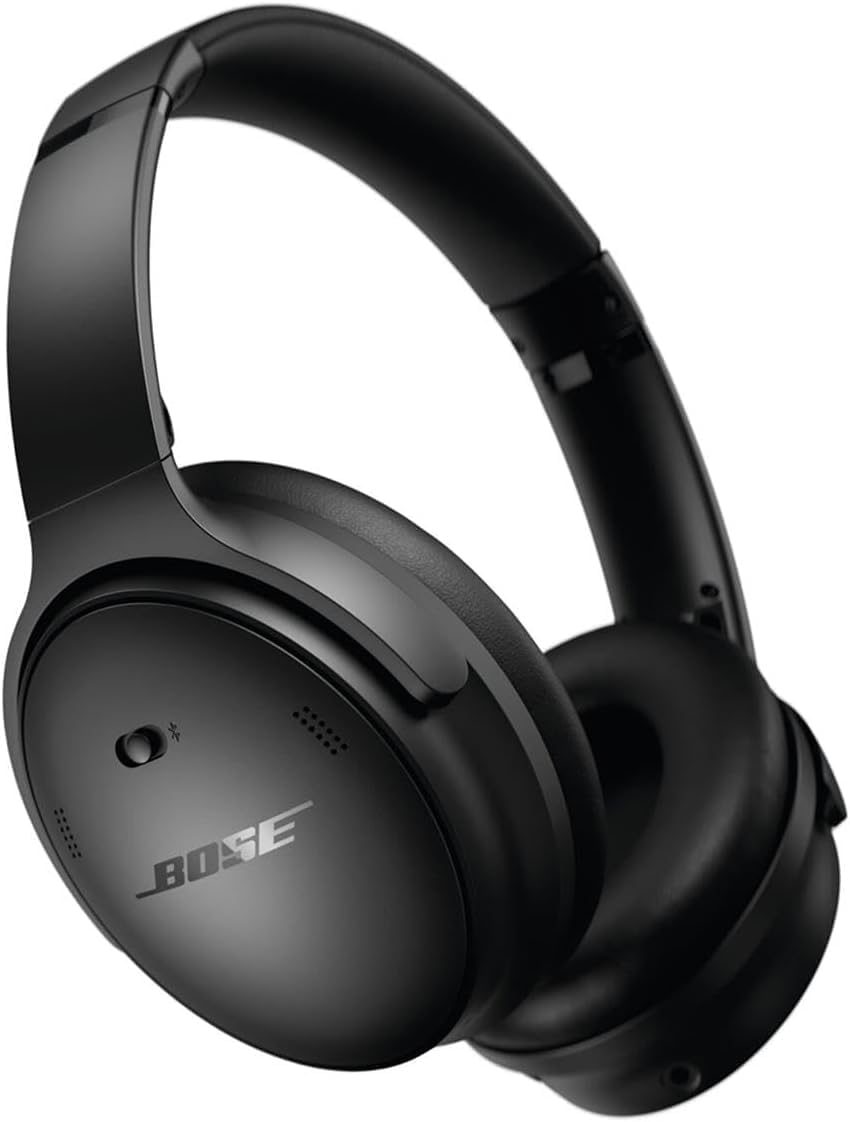
Bose QuietComfort Wireless Noise Cancelling Headphones in black

Image: Bose QuietComfort Wireless Noise Cancelling Headphones in black.
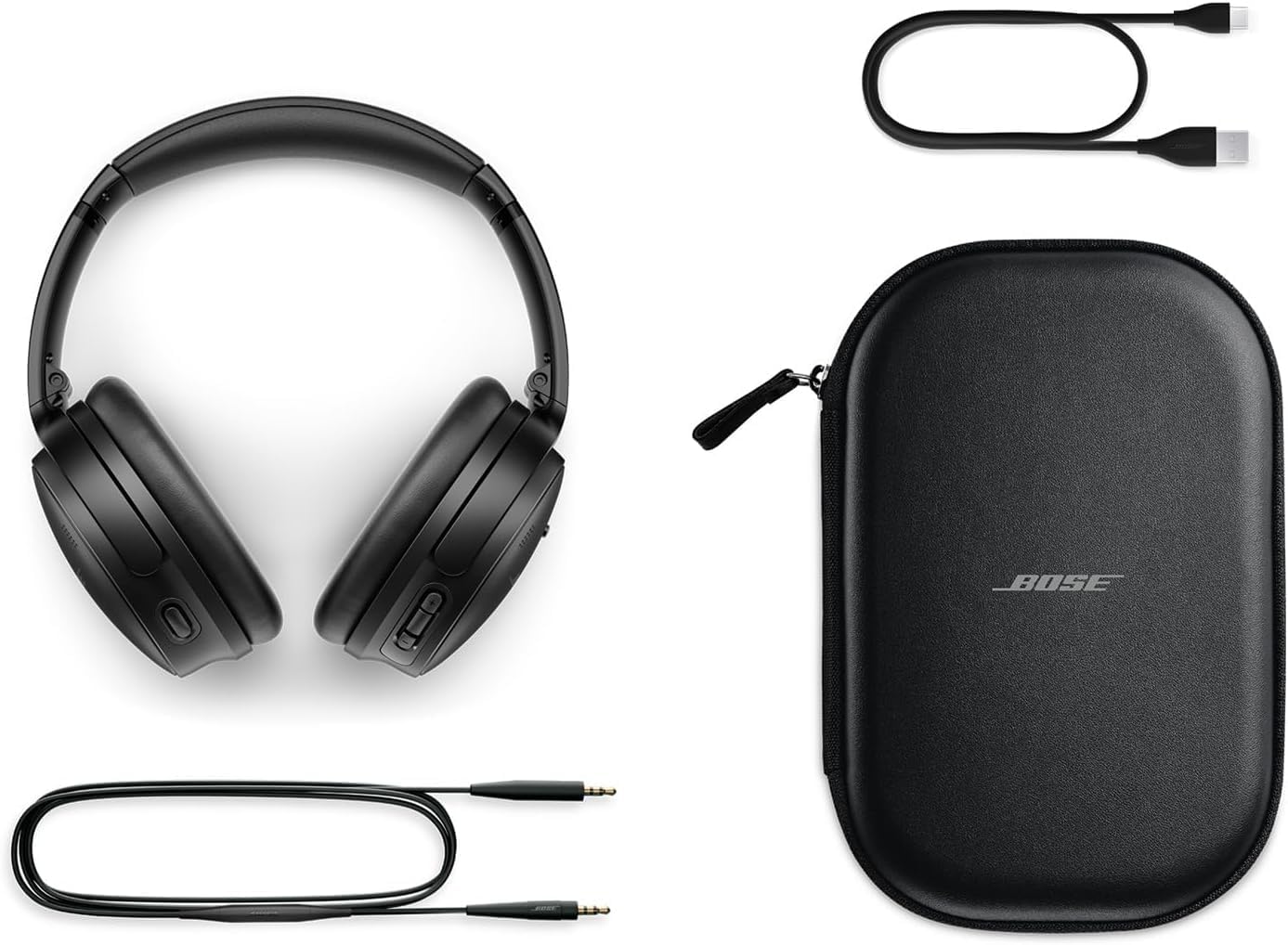
Bose QuietComfort headphones with included accessories: USB-C charging cable, 3.5mm audio cable, and carrying case

Image: Bose QuietComfort headphones with included accessories: USB-C charging cable, 3.5mm audio cable, and carrying case.

Hametraka

Famandrihana ny écouteur

Before first use, fully charge your Bose QuietComfort headphones. Connect the included USB-A to USB-C charging cable to the headphones and the Green Extreme 20W 2-Port USB-C/USB-A Wall Charger. A 15-minute charge provides up to 2.5 hours of additional play time. A full charge offers up to 24 hours of battery life.
Close-up of the right earcup of the Bose QuietComfort headphones, showing the USB-C charging port and control buttons.
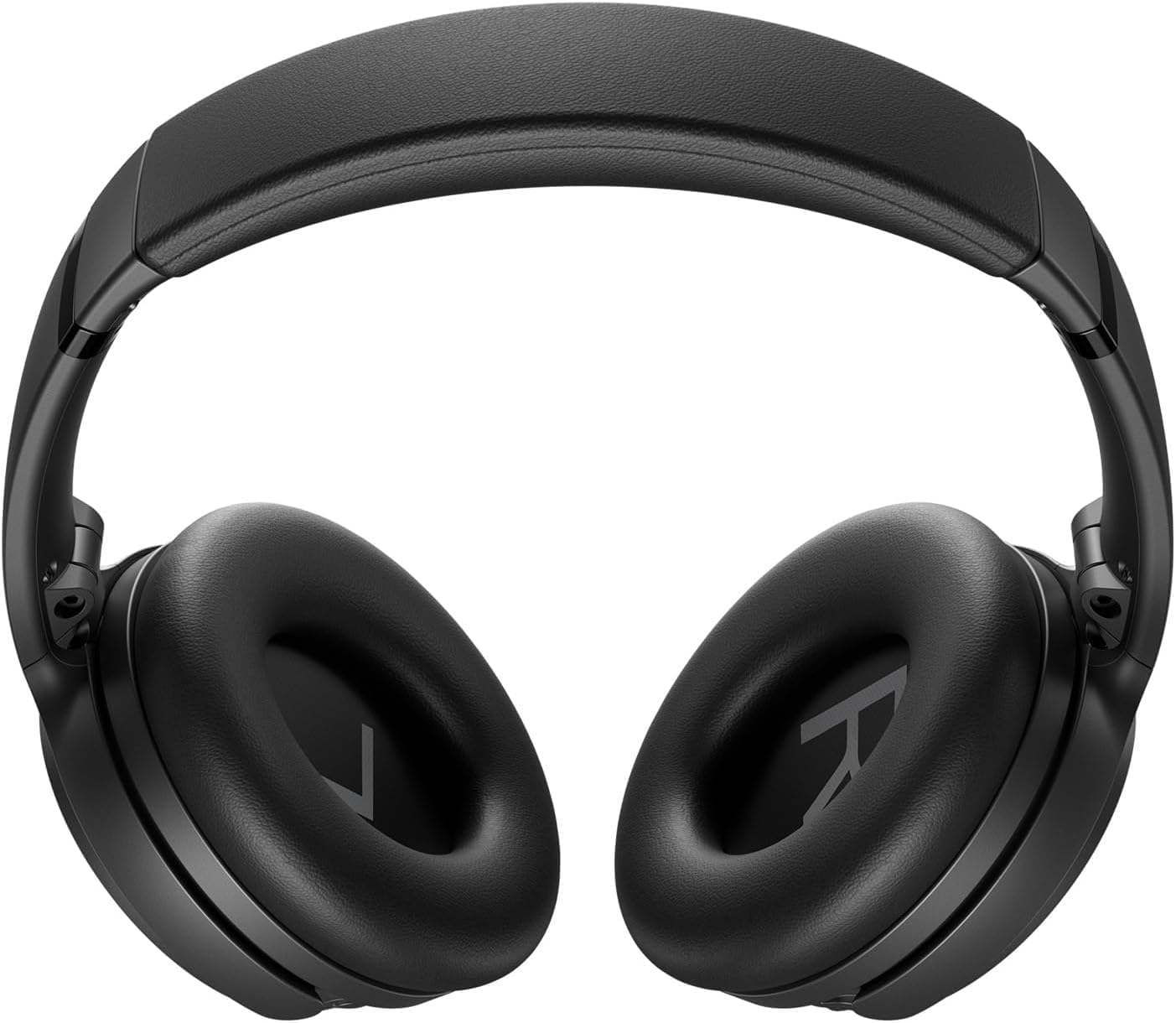
Image: Close-up of the right earcup of the Bose QuietComfort headphones, showing the USB-C charging port and control buttons.

Green Extreme 20W 2-Port USB-C/USB-A Wall Charger, White, being held in a hand.

Image: Green Extreme 20W 2-Port USB-C/USB-A Wall Charger, White, being held in a hand.

Pairing Bluetooth

Hanambatra ny écouteur amin'ny fitaovana iray:

  1. Slide the Power/Bluetooth switch to the Bluetooth symbol and hold until the indicator light blinks blue.
  2. On your device, open Bluetooth settings and select "Bose QuietComfort" from the list of available devices.
  3. Once connected, the indicator light will glow solid blue.
The headphones support multipoint Bluetooth, allowing seamless switching between connected devices.

Torolàlana miasa

Fomba fanafoanana ny tabataba

Your Bose QuietComfort headphones feature two primary listening modes:

  • Fomba mangina: Provides full noise cancellation, ideal for eliminating distractions and focusing on your audio.
  • Aware Mode: Allows you to hear your surroundings while still enjoying your audio, enhancing situational awareness.
You can toggle between these modes using the dedicated button on the earcup. For advanced customization, use the Bose Music app to create custom modes.

Famerenana feo sy antso

Use the media control buttons on the earcup to manage playback (play/pause, skip tracks) and handle calls. The integrated microphone ensures clear communication. An included audio cable with an in-line microphone allows for wired connection, even when the battery is depleted.
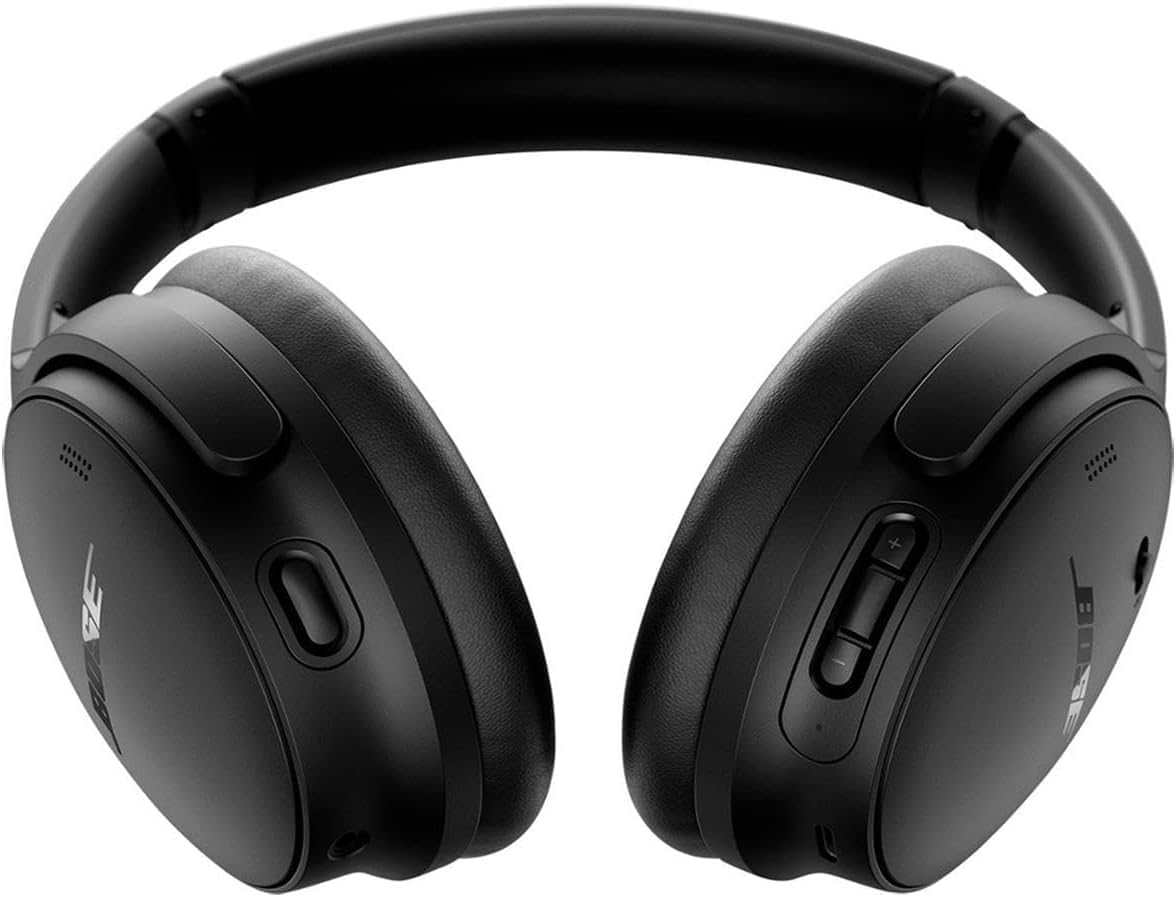
anoloana view of the Bose QuietComfort headphones, showing the control buttons on the right earcup.

Sary: Front view of the Bose QuietComfort headphones, showing the control buttons on the right earcup.

fikarakarana

FANADIOVANA

Wipe the headphones with a soft, dry cloth. Do not use abrasive cleaners or solvents. Ensure charging ports are free of debris.

fitahirizana

When not in use, store the headphones in their provided carrying case to protect them from dust and damage.

Fanamboarana

Tsisy Hery

Olana mifandray amin'ny Bluetooth

Poor Sound Quality or Noise Cancellation

fepetra arahana

endri-javatraantsipirihany
Anarana modelyBose QuietComfort Wireless Noise Cancelling Headphones
Laharana modely2025
Teknolojia fifandraisanaBluetooth 5.1, Misy tariby (Jack 3.5 mm)
Fanaraha-maso ny tabatabaActive Noise Cancellation (Quiet Mode, Aware Mode)
Fiainana bateriaHatramin'ny 24 ora
Time Charging15 minitra mandritra ny 2.5 ora lalao
Fametrahana sofinaOver sofina
KEVITRALamba
Misy ChargerGreen Extreme 20W 2-Port USB-C/USB-A Wall Charger

Warranty sy fanohanana

Warranty Information

For detailed warranty information, please refer to the documentation included with your product or visit the official Bose support website.

Fanohanana ny mpanjifa

For further assistance, technical support, or to download the Bose Music app, please visit the Fanohanana Bose Webtoerana.

Documents mifandraika - 2025

Preview Bose Noise Cancelling Headphones 700: Features, Voice Assistants, and FAQs
Explore the features of Bose Noise Cancelling Headphones 700, including Bose AR, Google Assistant, and Alexa integration. Get answers to common questions about battery, range, pairing, microphones, and noise cancellation. Compare with QuietComfort 35.
Preview Bose QuietComfort Ultra Headphones Troubleshooting: Reset, Restore, and Update
Comprehensive guide to troubleshooting your Bose QuietComfort Ultra headphones. Learn how to reset, restore to factory settings, and update firmware with clear, step-by-step instructions.
Preview Bose QuietComfort 2 Acoustic Noise Cancelling Headphones User Manual and Warranty Information
Comprehensive user manual for Bose QuietComfort 2 Acoustic Noise Cancelling Headphones, covering setup, usage, care, troubleshooting, and limited warranty information. Learn how to enjoy superior sound and noise cancellation.
Preview Bose QuietComfort SC Headphones: User Manual and Safety Guide
Discover the Bose QuietComfort SC noise-cancelling headphones. This guide provides essential safety instructions, setup details, control explanations, Bluetooth connectivity, app integration, care tips, and troubleshooting for your Bose QuietComfort SC headphones.
Preview Torolalana fanombohana haingana ho an'ny écouteur Bose QuietComfort SC Over-Ear
Torolàlana HTML fohy sy nohatsaraina ho an'ny SEO ho an'ny fametrahana, fampifandraisana, famandrihana ary fampiasana ny Bose QuietComfort SC Over-Ear Headphones, anisan'izany ny fanaraha-maso, ny fanafoanana ny tabataba, ny mpanampy amin'ny feo ary ny endri-javatra amin'ny fampiharana.
Preview Bose QuietComfort Headphones-ის სწრაფი გამოყენების ინსტრუქცი
Bose QuietComfort Headphones-ის სწრაფი გამოყენების ინსტრუქც, რომელიც მოიცავს დაწყებას, Bluetooth-ის დაწყბიეყბი მართვის ღილაკებს, ხმაურის ჩახშობას, ხმოვან ასისტენტებს და Bose Music აპლიკაციას.