Sava lalana
The LeapFrog Preschool Game and Go is a handheld video game toy designed to introduce young children to fundamental concepts such as numbers, letters, and shapes through engaging mini-games and music. This device offers a portable and interactive learning experience for children aged 2 years and older.
Inona no ao anaty boaty
- LeapFrog Preschool Game and Go Handheld Toy
- Torolalana fanombohana haingana
Note: 3 AAA batteries are included for demo purposes only. New batteries are recommended for regular use.
Hametraka
Fametrahana bateria
- Tadiavo ny toerana misy ny bateria ao ambadiky ny fitaovana.
- Ampiasao ny screwdriver, sokafy ny fonon'ny batterie.
- Ampidiro ny bateria AAA 3 vaovao, hiantohana ny polarity marina (+/-).
- Soloy ny fonon'ny batterie ary arotsaho amin'ny visy izany.
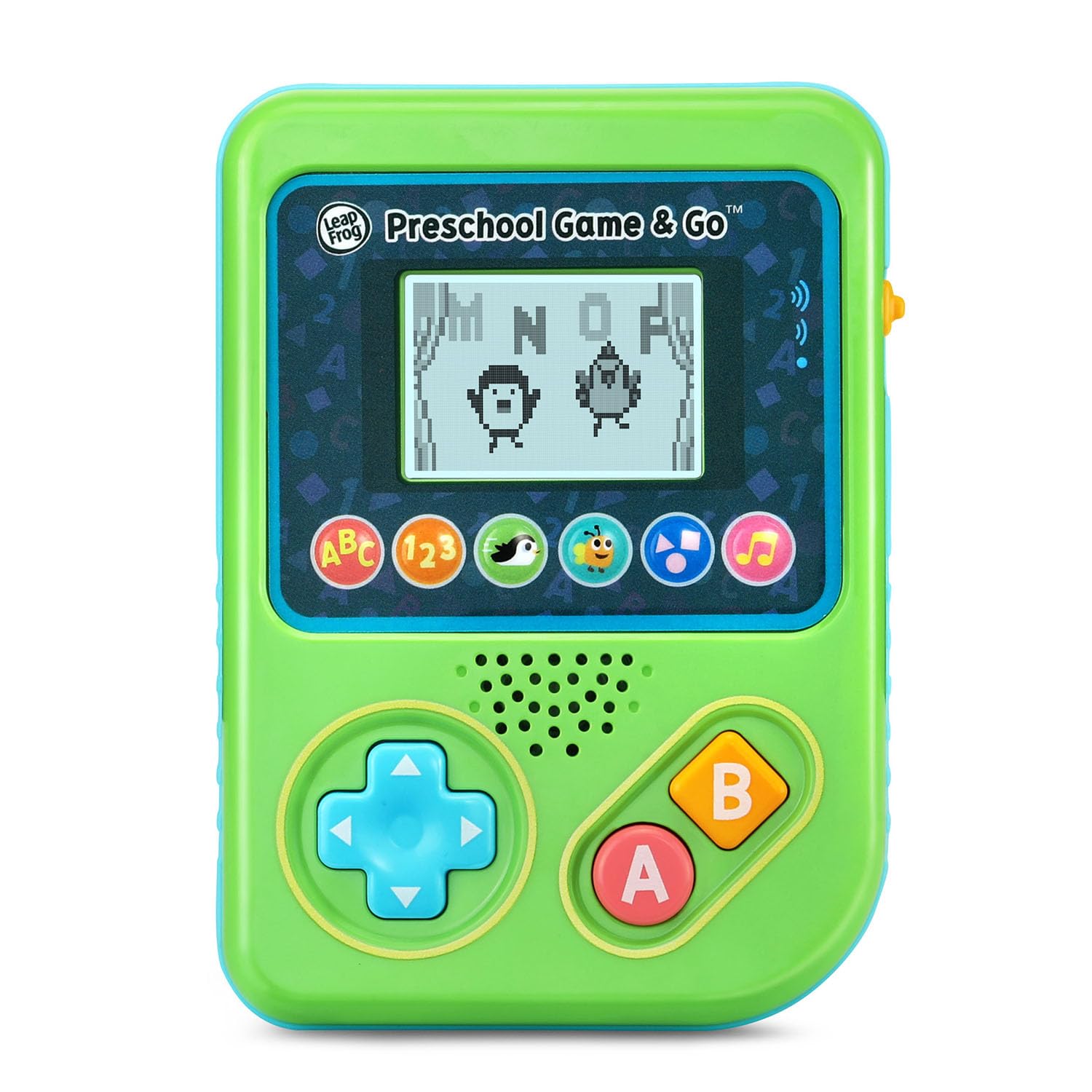
Sary 1: Eo anoloana view of the LeapFrog Preschool Game and Go.
Power On/off
- To power on the device, slide the orange power switch located on the right side of the unit upwards.
- To power off the device, slide the orange power switch downwards.
Fanaraha-maso ny volume
- The device features two volume settings.
- Adjust the volume using the dedicated switch or button, typically located near the power switch, to select between a lower or higher sound output.
Torolàlana miasa
fanaraha-maso
- Directional Pad (D-Pad): Located on the left side, use this to navigate menus and control characters within games.
- Bokotra: Typically used for selection or action within games.
- B bokotra: Typically used for secondary actions or going back in menus.
Lalao Selection
The device features six distinct game icons below the screen. Press the corresponding icon to select a game:
- ABC Icon: Activates the ABC Swim game.
- 123 Icon: Activates the 123 Treasure game.
- Penguin Icon: Activates the Letter Slide game.
- Bug Icon: Activates the Snack Track game.
- Shapes Icon: Activates the Shape Ape game.
- Music Note Icon: Activates the Song Shuffle feature.
Personalizing Game Play
You can personalize the experience by adding a child's name (up to 10 characters). The child's name will appear in certain games, such as the Letter Slide game, where they collect letters to spell their name.
Lalao mianatra
The LeapFrog Preschool Game and Go includes six exciting learning games:
- ABC Swim: Pop bubbles to explore letter sounds.
- 123 Treasure: Collect coins and count hearts to introduce numbers.
- Letter Slide: Help a penguin slide and jump to collect letters, including those in the child's personalized name.
- Snack Track: Feed a hungry bug by eating and counting snacks.
- Shape Ape: Catch various shapes as they fall from trees.
- Song Shuffle: Dance along to three engaging learning songs.
Lahatsary 1: Fampisehoana horonan-tsary momba ny vokatra ofisialycasing the LeapFrog Preschool Game & Go features and gameplay.
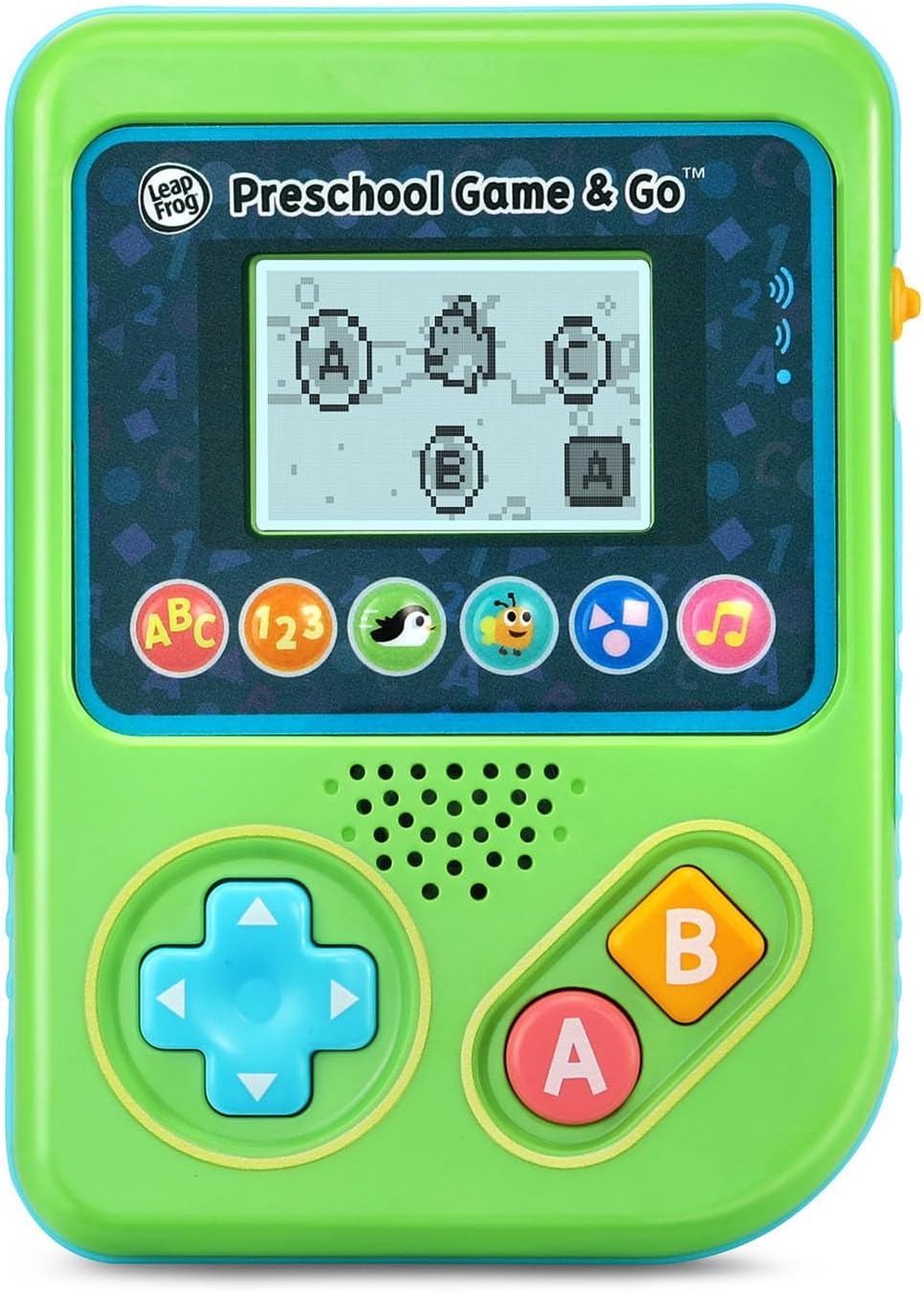
Figure 2: The ABC Swim game interface on the device screen.
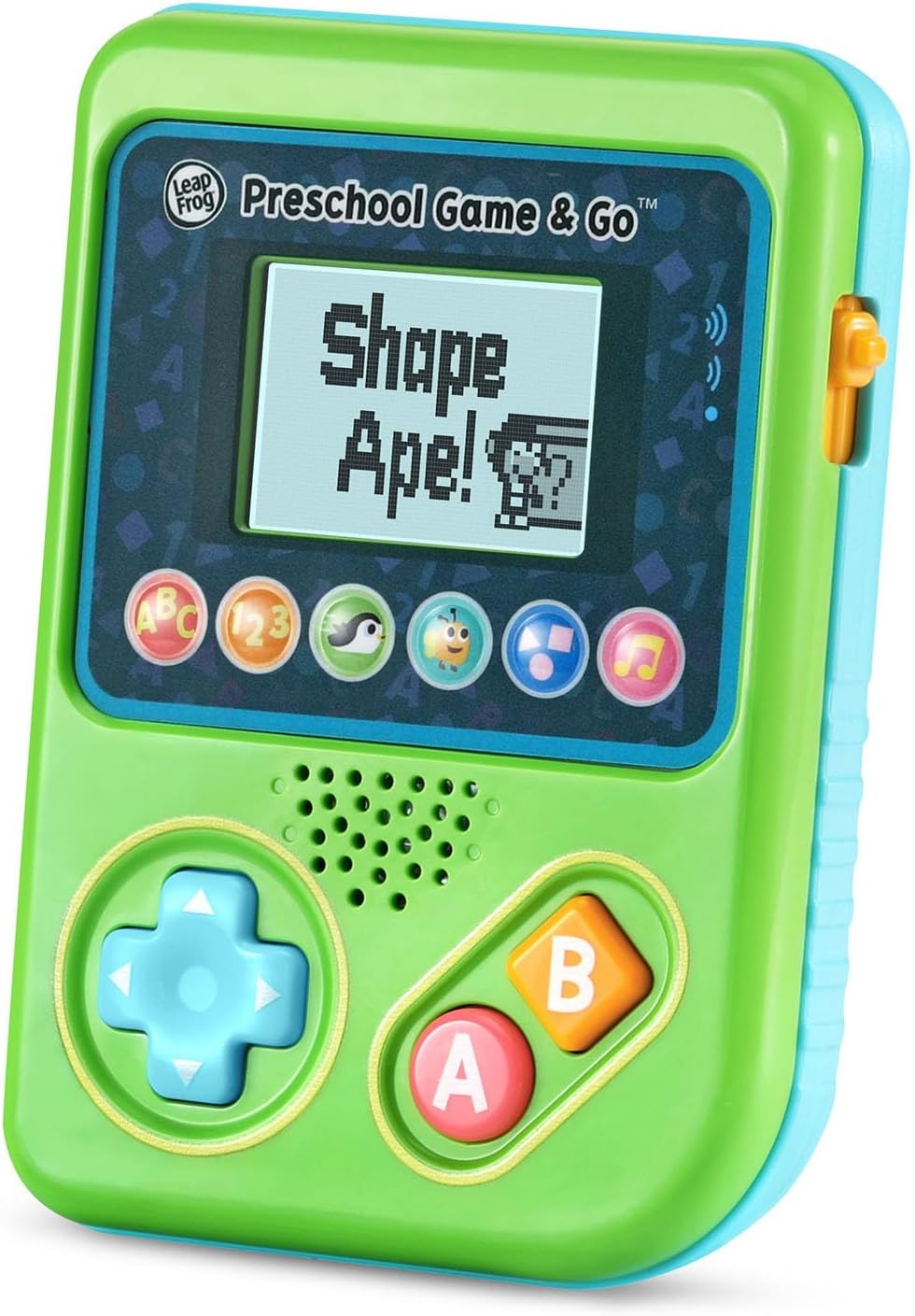
Figure 3: The Shape Ape game interface on the device screen.
fikarakarana
- To clean the device, wipe it with a slightly damp lamba. Aza atsoboka anaty rano.
- Fadio ny fampiharihariana ny fitaovana amin'ny hafanana tafahoatra na ny tara-masoandro mivantana.
- Esory ny batterie raha tsy ampiasaina mandritra ny fotoana maharitra ilay fitaovana mba hisorohana ny fivoahana.
Fanamboarana
- Tsy mandeha ny fitaovana: Ensure fresh batteries are correctly installed. Check the power switch position.
- Tsy misy feo na feo iva: Adjust the volume switch. Replace batteries if sound is distorted or very low.
- Olana amin'ny efijery: If the screen is blank or flickering, try turning the device off and on again. Replace batteries if the issue persists.
- Bokotra tsy mamaly: Ensure the device is powered on. If a specific button is unresponsive, try cleaning around it. If the issue continues, replace batteries.
fepetra arahana
| endri-javatra | antsipirihany |
|---|---|
| Laharana modely | 80-621200 |
| Sahan-taona | 2+ Taona |
| Loharanon-kery | Battery Powered |
| Ilaina ny bateria | 3 AAA batteries (included for demo) |
| Karazana Controller | Fanaraha-maso bokotra |
| Karazana fampisehoana | Hafanàm-po |
| KEVITRA | plastika |
| Ny refin'ny vokatra | 1.3 x 4.1 x 5.6 santimetatra |
| Lanja entana | 6.4 oz |
Warranty sy fanohanana
For warranty information, product registration, or additional support, please refer to the contact information provided in the Quick Start Guide included with your product or visit the official LeapFrog website. Tehirizo ny tapakila fividiananao ho an'ny fitakiana fiantohana.


