Sava lalana
This manual provides comprehensive instructions for the Saillong Walking Pad Remote Replacement, compatible with specific treadmill models. This remote control is designed for ease of use, allowing seamless operation of your walking pad without the need for complex pairing or downloads.
Hametraka
Fametrahana bateria
The Saillong Walking Pad Remote comes with a CR2025 battery pre-installed and ready for immediate use. A bright blue indicator light confirms the battery is functional. If the remote does not respond, ensure the battery is correctly seated or replace it if necessary.
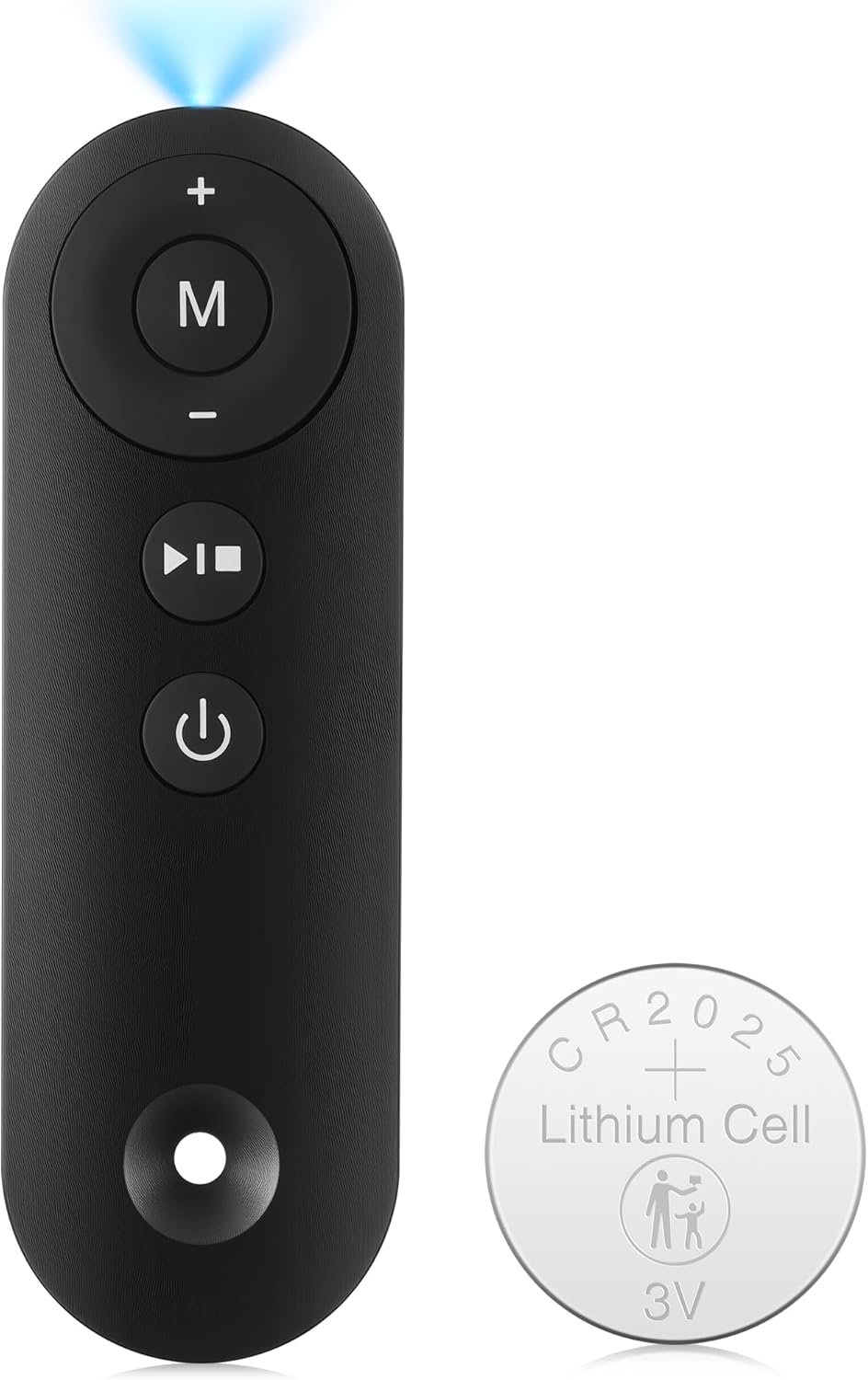
Image: The Saillong Walking Pad Remote Control shown alongside a CR2025 lithium cell battery, indicating the included power source.
Initial Start-up Procedure
- Ensure the power switch located on the front of your treadmill is reset.
- Tsindrio ny "Manomboka/Atsaharo" button on the remote controller to initiate the walking pad.
- The LED monitor on the treadmill will display a countdown sequence of "3-2-1", accompanied by a buzzer sound for each count.
- Following the countdown, the treadmill motor will begin operation.
Important Note: This remote requires no downloads or pairing. If it does not function with your treadmill, it may not be compatible with your specific model.
Torolàlana miasa
The Saillong Walking Pad Remote features a user-friendly control panel for efficient treadmill operation. It offers precise control from a distance of up to 33 feet in a 360-degree radius, with a response time of 0.2 seconds.
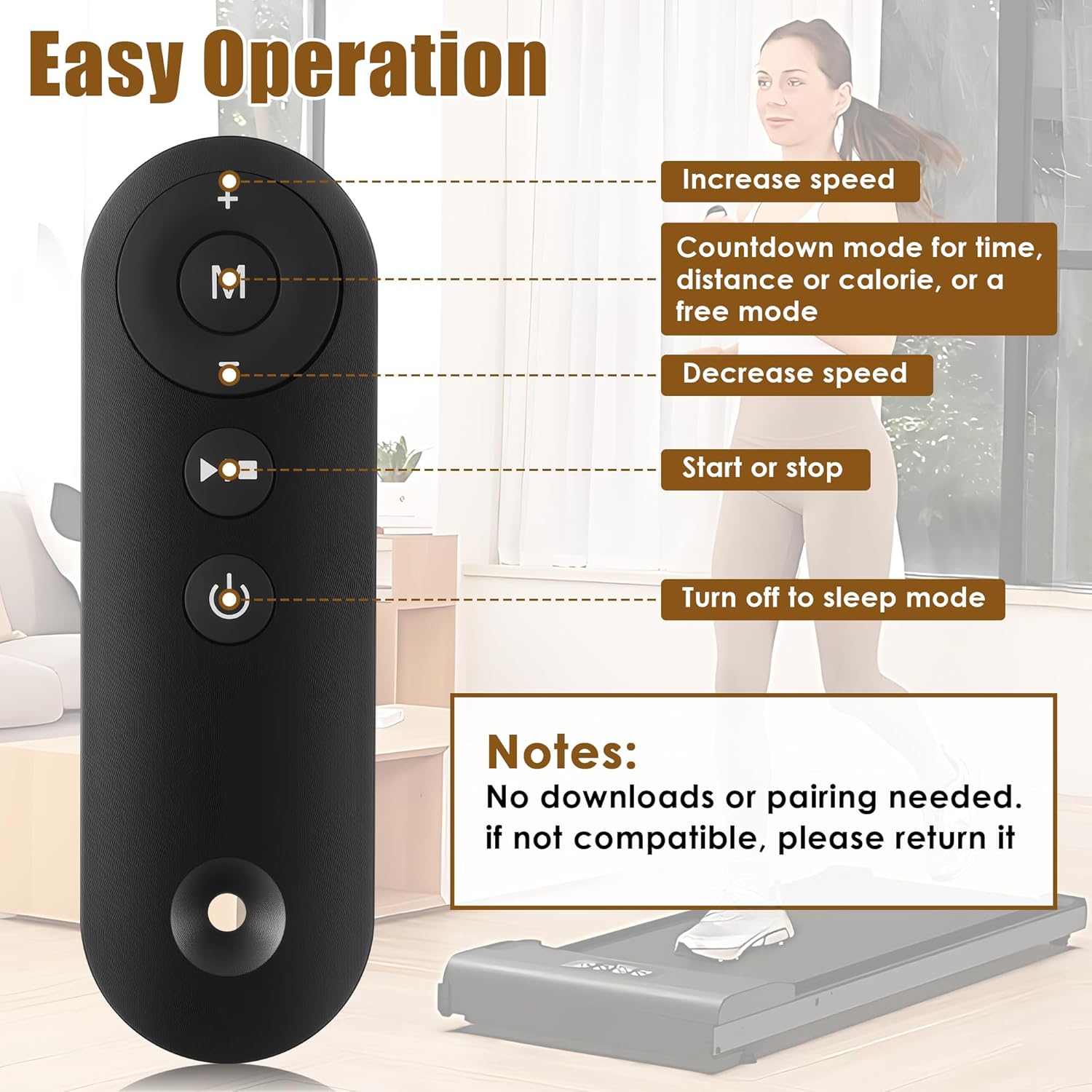
Image: A detailed diagram illustrating the functions of each button on the Saillong Walking Pad Remote Control.
Description of Remote Control Buttons:
- Bokotra Hery (⏻):
- Turns off the walking pad when it is running.
- When the walking pad is in standby mode, pressing this button will turn off the display and enter sleep mode.
- Start/Stop Button (⏸):
- Initiates or halts the walking pad.
- When power is on, pressing this button in the stop state will start the walking pad.
- Pressing the button when the walking pad is running will stop the walking pad.
- Button Mode (M):
- Selects the countdown mode for time, distance, or calorie, as well as a free mode.
- Pressing this button cycles through the options: "30:00" (time countdown mode), "1.0" (distance countdown mode), "50.0" (calorie countdown mode), and "0.0" (free mode).
- Speed + Button (+):
- Increases the speed of the walking pad after it is started.
- A single press adjusts the speed by 0.1 MPH.
- Pressing continuously for more than 1 second will cause the speed to increase continuously.
- Speed - Button (-):
- Decreases the speed of the walking pad after it is started.
- A single press adjusts the speed by 0.1 MPH.
- Pressing continuously for more than 1 second will cause the speed to decrease continuously.
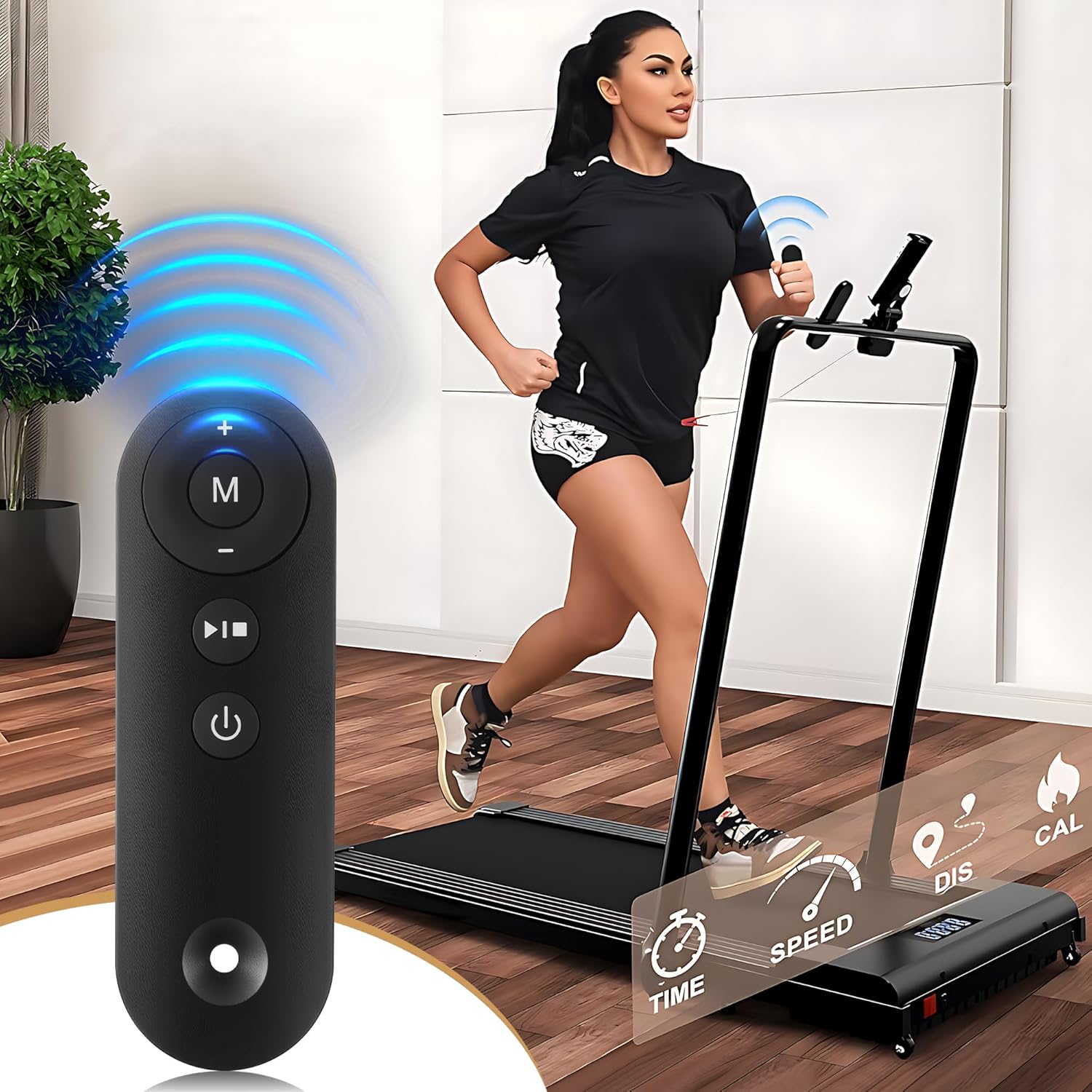
Image: A user operating a walking pad with the Saillong remote control, demonstrating its practical application.
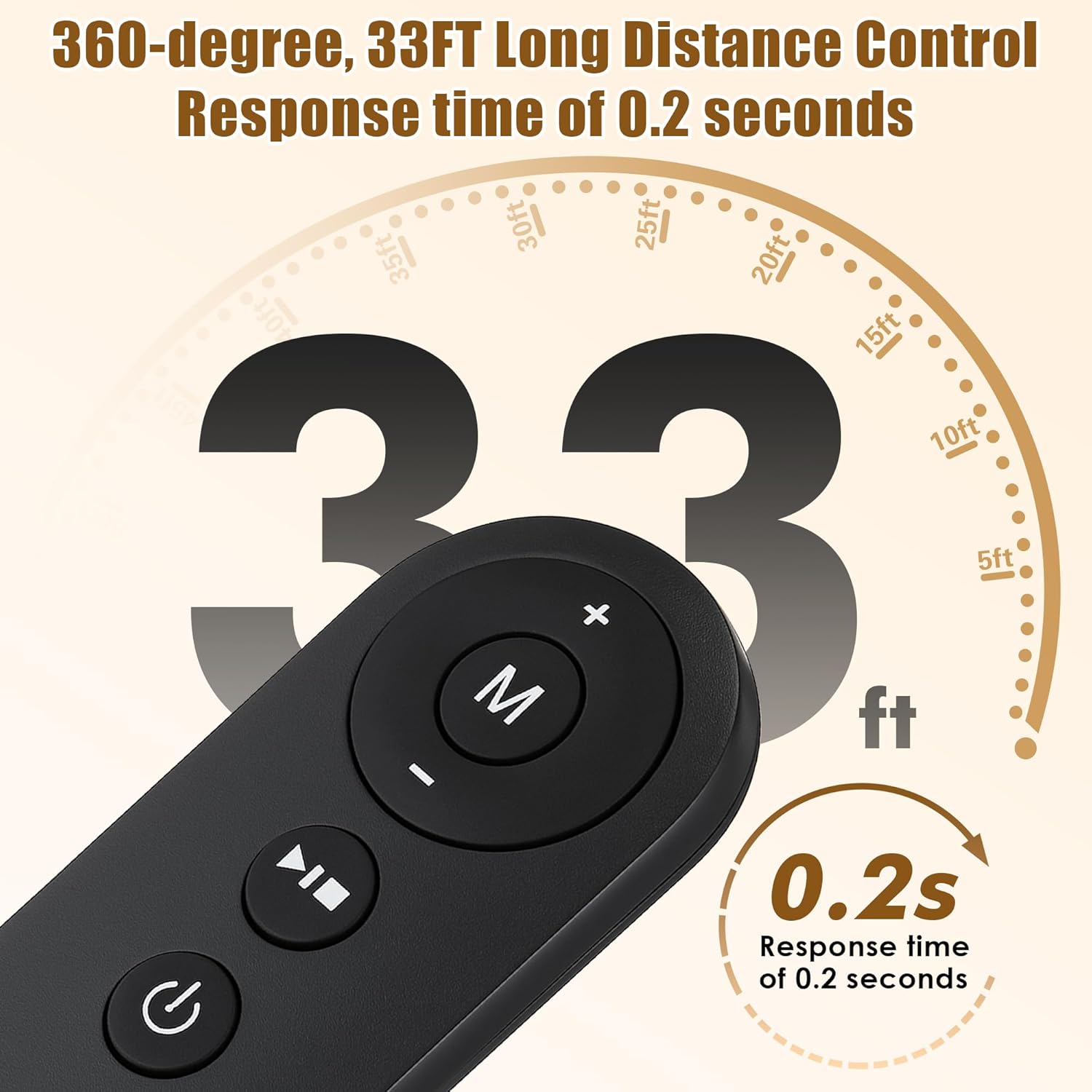
Image: An illustration highlighting the remote's 360-degree, 33-foot control range and rapid 0.2-second response time.
mifanentana
This Saillong Walking Pad Remote Replacement is specifically designed for compatibility with the following treadmill models:
- Model AD-4000 Plus
- Model DK-38AB-2
- Model UT-38AB IY
- Other models from the Saillong brand that explicitly state compatibility.
Note: This remote is not universally compatible. Please verify your treadmill model before use. If your model is not listed or explicitly stated as compatible, the remote may not function correctly.
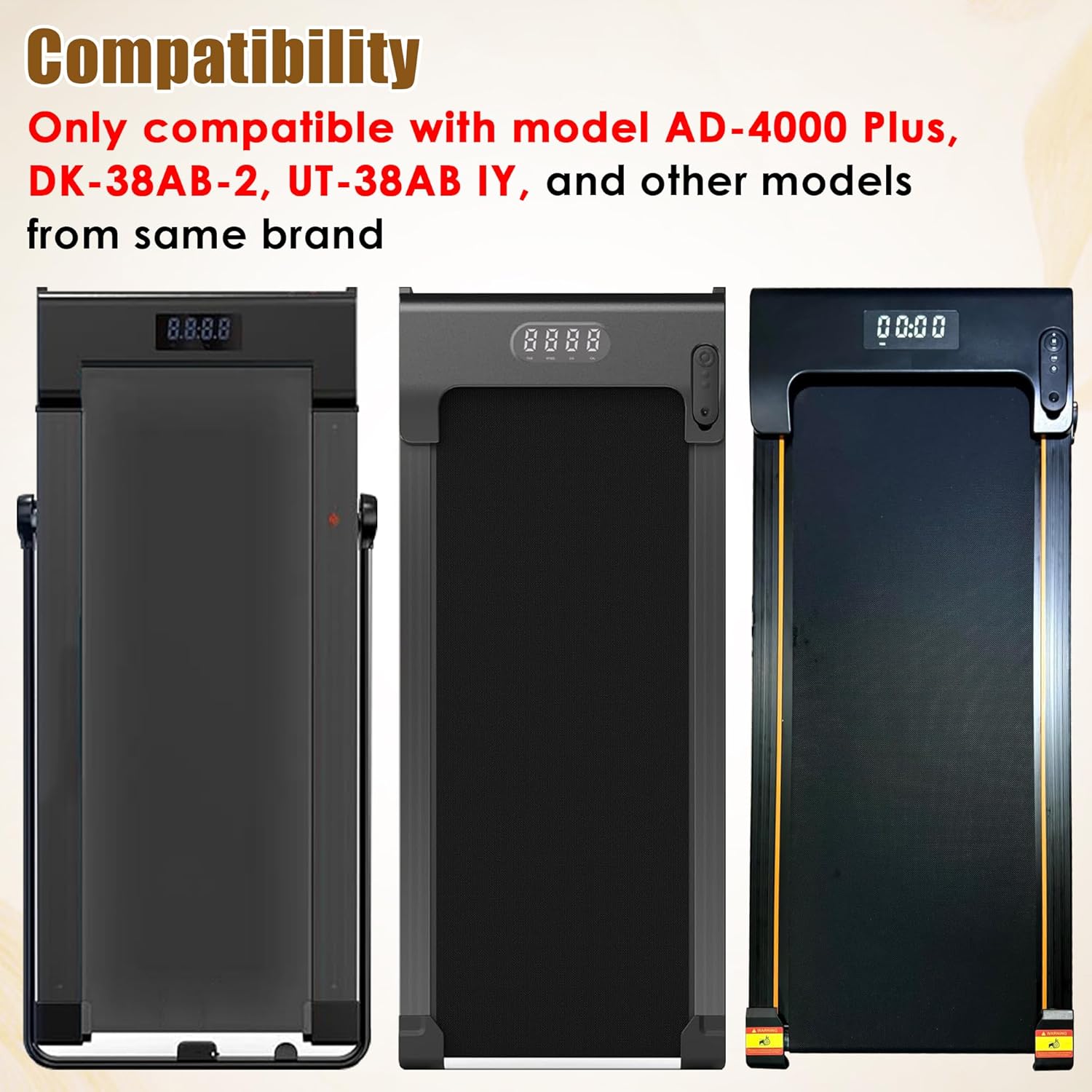
Image: Three distinct walking pad treadmill models are displayed, illustrating the range of compatible devices for the remote control.
fikarakarana
To ensure the longevity and optimal performance of your Saillong Walking Pad Remote, follow these simple maintenance guidelines:
- Fanadiovana: Wipe the remote with a soft, dry cloth. Avoid using abrasive cleaners or solvents, which can damage the surface or internal components.
- fitahirizana: Tehirizo ao amin'ny toerana mangatsiatsiaka sy maina lavitry ny tara-masoandro mivantana sy ny maripana tafahoatra ny remote.
- Fiainana bateria: The battery life is influenced by the frequency and duration of use. If the remote becomes unresponsive or the indicator light dims, replace the CR2025 battery.
- Fikarakarana: Handle the remote with care to prevent drops or impacts, which could damage its internal circuitry.
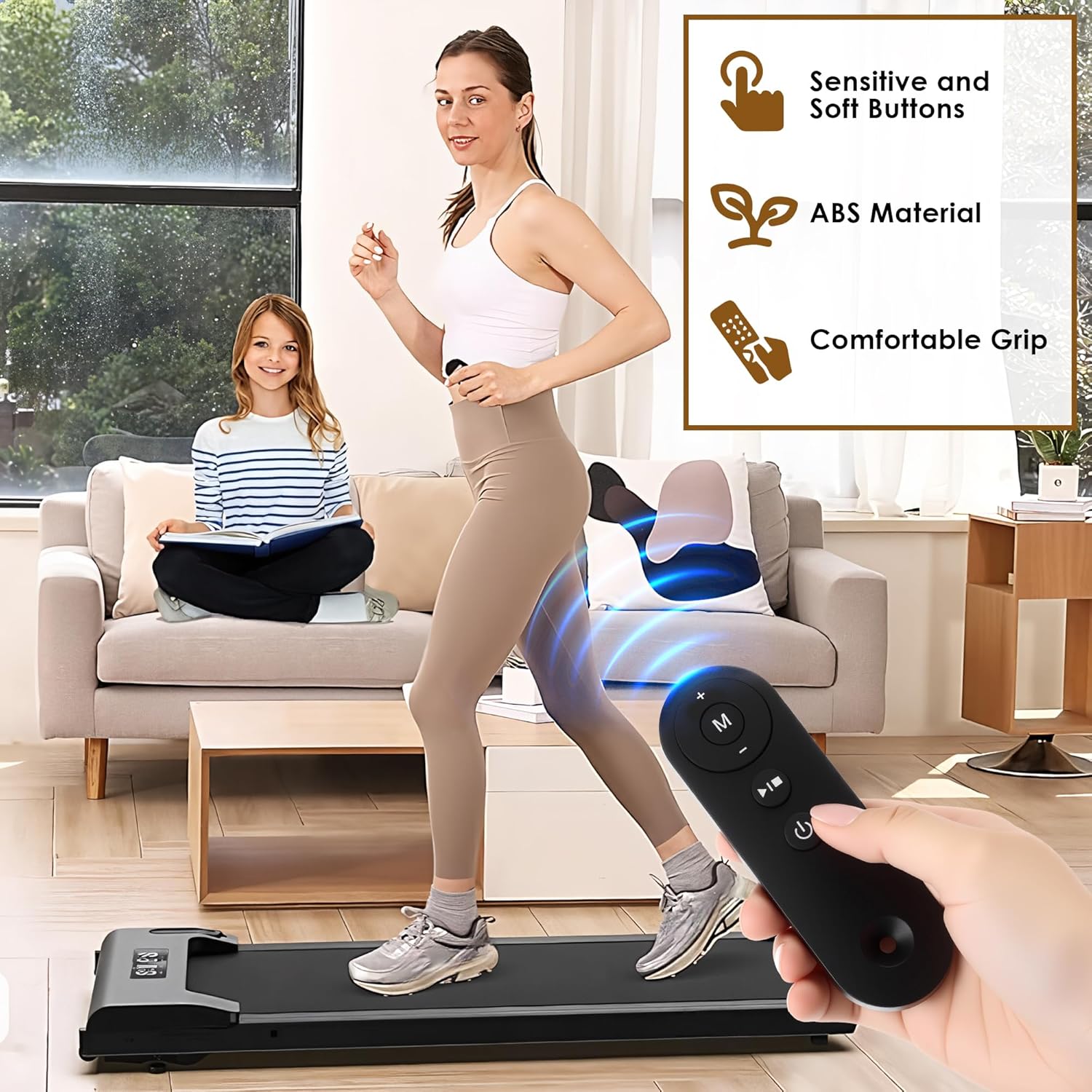
Image: A hand holding the Saillong remote control, emphasizing its sensitive and soft buttons, durable ABS material construction, and comfortable ergonomic grip.
Fanamboarana
If you encounter issues with your Saillong Walking Pad Remote, consider the following:
- Lavitra tsy mamaly:
- Ensure the treadmill's main power switch is turned on and reset.
- Verify the remote's battery is correctly inserted and has sufficient charge. Replace the CR2025 battery if needed.
- Confirm that your treadmill model is listed as compatible with this remote. This remote does not require pairing; if it's not compatible, it will not work.
- Fampandehanana tsy tapaka:
- Check for any obstructions between the remote and the treadmill's receiver.
- Ataovy azo antoka fa ao anatin'ny elanelana azo ampiasaina tsara ianao (hatramin'ny 33 metatra).
- Low battery can cause intermittent issues; consider replacing the battery.
Note: As stated, this remote does not require pairing or downloads. If compatibility is the issue, returning the product may be necessary.
fepetra arahana
| endri-javatra | antsipirihany |
|---|---|
| Marika | Saillong |
| Anarana modely | SL1110 |
| Laharana modely | SL-Saillong-1110 |
| Ny refin'ny vokatra | 5.12 x 1.57 x 0.39 santimetatra |
| Lanja entana | 0.634 oz |
| loko | Mainty |
| vatoaratra | 1 CR2025 bateria ilaina (tafiditra) |
| mpanamboatra | Saillong |
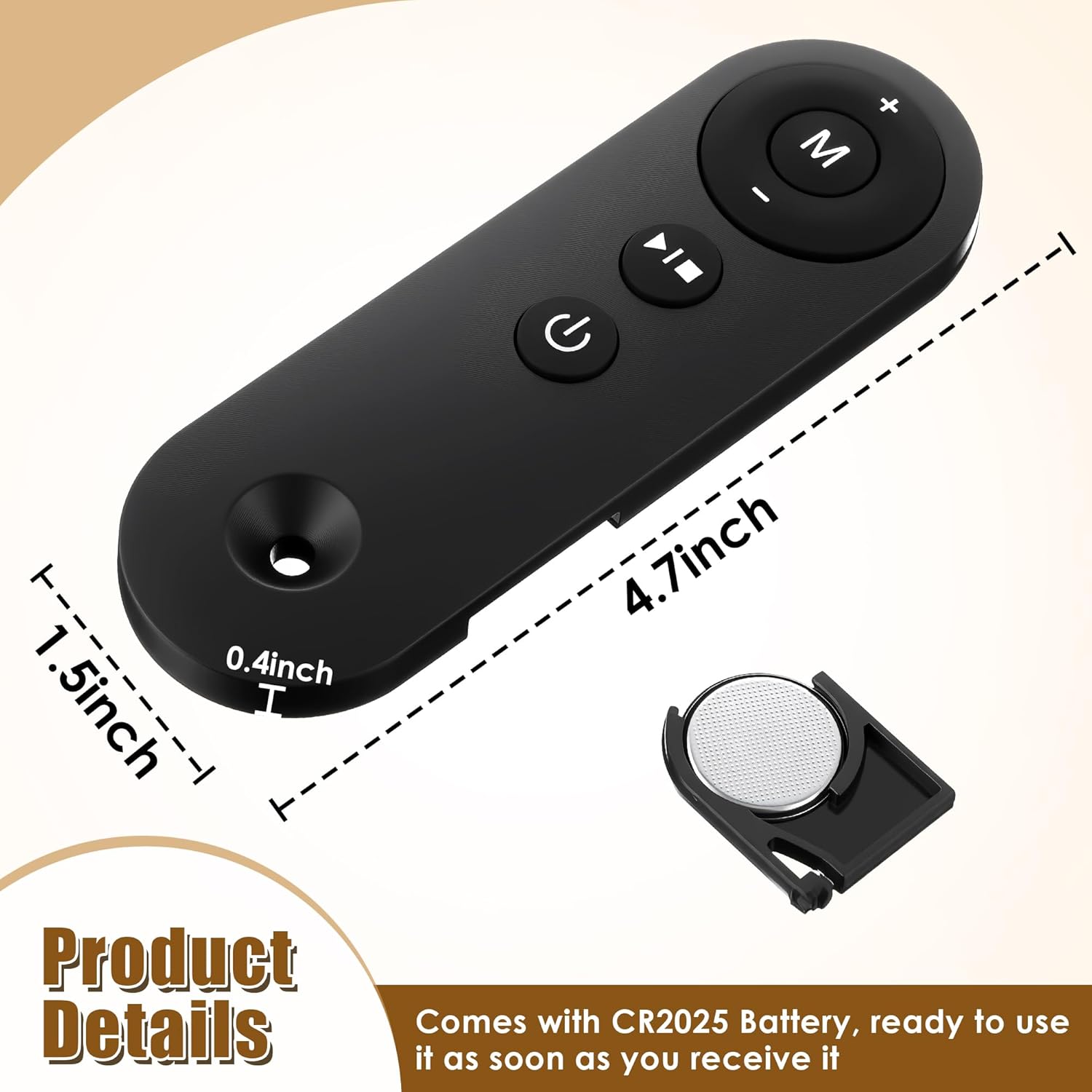
Image: An illustration detailing the physical dimensions of the remote control and confirming the inclusion of a CR2025 battery.
Warranty sy fanohanana
For information regarding warranty coverage, technical support, or product inquiries, please refer to the contact information provided with your original product packaging or visit the official Saillong website.


