1. Vokatra mihoatraview
The Baseus EnerGeek 145W Power Bank is a high-capacity portable charging device designed to provide fast and efficient power to a wide range of electronic devices, including laptops, smartphones, and tablets. It features a 20000mAh battery, a maximum output of 145W, and an integrated 60cm retractable USB-C cable for convenience.

Image: The Baseus EnerGeek 145W Power Bank, showcasing its compact design and the integrated retractable USB-C cable. The digital display is visible, indicating battery status.
Lafin-javatra fototra:
- Famoahana ambony indrindra 145W: Supports Power Delivery for rapid charging of high-power devices.
- 20000mAh fahaiza-manao: Provides multiple charges for smartphones and laptops.
- Integrated 60cm Retractable USB-C Cable: Durable and convenient for storage and use.
- Multi-Port Charging: Two USB-C ports and two USB-A ports allow simultaneous charging of up to four devices.
- Intelligent Digital Display: Real-time display of battery level, charging power, and remaining time.
- Advanced Cooling System: Features conductive graphene, aerogel insulation, and an AI-powered chip for effective temperature regulation.
2. Ny votoatin'ny fonosana
Azafady, jereo ny fonosana ho an'ireto zavatra manaraka ireto:
- Baseus EnerGeek 145W Power Bank (EnerGeek GR11)
- User Manual
- (Mety miovaova arakaraka ny faritra na ny fonosana ny kojakoja fanampiny)
3. Fametrahana sy fampiasana voalohany
3.1 Fametrahana voalohany
Before first use, it is recommended to fully charge the Baseus EnerGeek Power Bank. This ensures optimal battery performance and longevity.
- Connect the integrated USB-C cable or a separate USB-C cable to the power bank's input port (USB-C1 or USB-C2).
- Connect the other end of the cable to a compatible USB-C wall charger (100W charger recommended for fastest charging).
- The digital display will show the charging status and battery percentage. Voaloa tanteraka ny banky herinaratra rehefa mampiseho 100% ny fampisehoana.

Image: The Baseus EnerGeek Power Bank connected to a wall charger via its integrated USB-C cable, illustrating the fast charging input capability.
4. Torolàlana miasa
4.1 Fitaovana famandrihana
The Baseus EnerGeek Power Bank can charge up to four devices simultaneously using its various output ports.
- Using the Integrated USB-C Cable: Pull out the 60cm retractable USB-C cable and connect it to your device's USB-C port.
- Fampiasana Tariby ivelany: Connect your device's charging cable to one of the available USB-C (C2, C3) or USB-A (A1) output ports on the power bank.
- The power bank will automatically detect the connected device and begin charging. The digital display will show the output power.
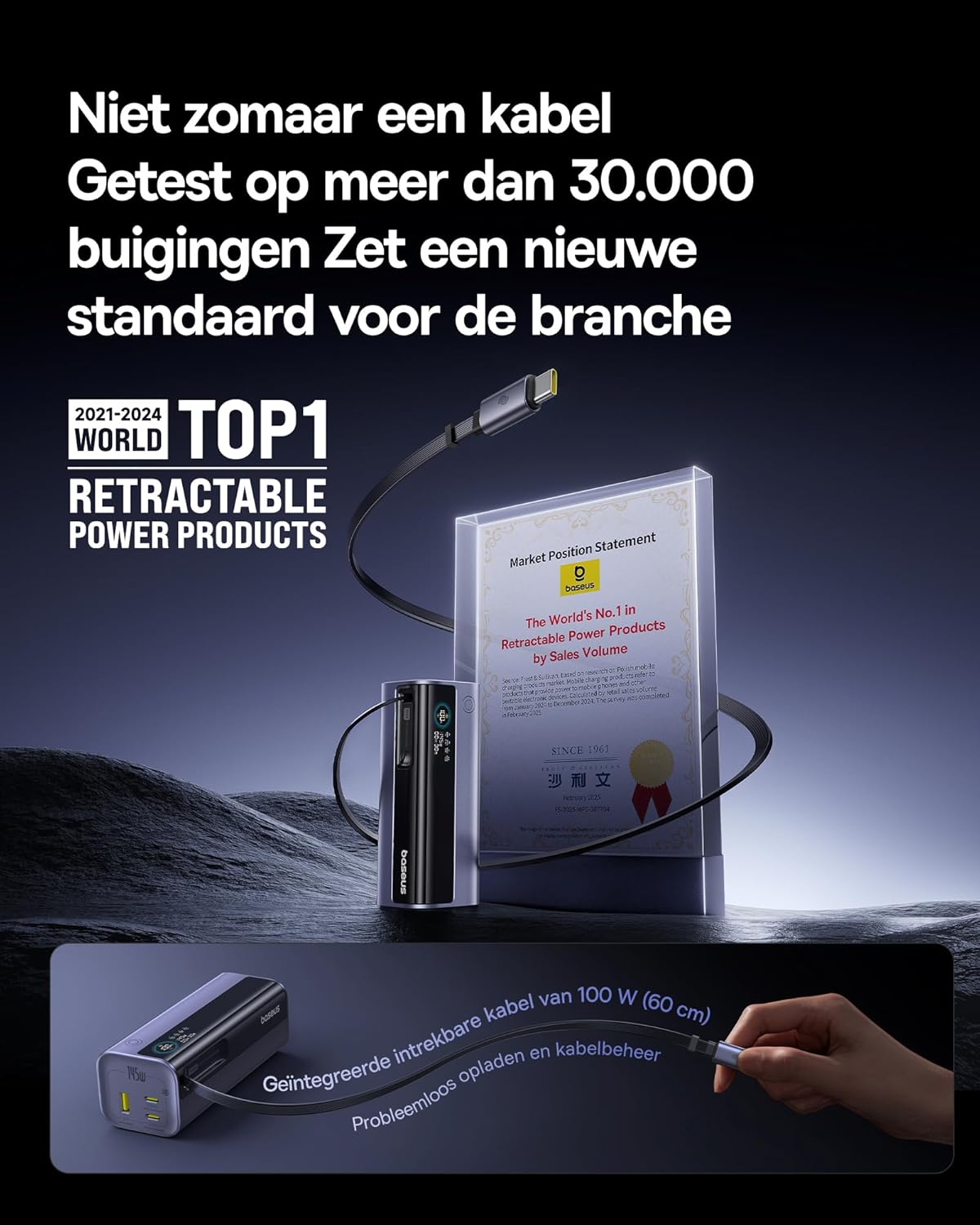
Image: The Baseus EnerGeek Power Bank connected to a laptop and an iPhone, demonstrating its ability to charge multiple devices simultaneously with high power output.
4.2 Fahatakarana ny Fampisehoana Nomerika
The intelligent digital display provides real-time information:
- Ambaratonga bateria: Mampiseho ny isan-jaton'ny bateria sisatage.
- Charging Power (Input/Output): Mampiseho ny wat ankehitrinytage being drawn or delivered.
- Fotoana sisa: Estimates the time left for the power bank to fully charge or discharge.
- Sata I/O: Indicates which ports are active for input or output.

Sary: A antsipirihany view of the Baseus EnerGeek Power Bank's digital display, showing battery percentage, current wattage, and estimated remaining time.
4.3 Famerenana ny tariby
To retract the integrated USB-C cable, gently pull it out slightly further, then release it. The cable will automatically retract into the power bank's housing.
5. Fikojakojana sy fikarakarana
- Arovy amin'ny mari-pana tafahoatra (mafana na mangatsiaka), tara-masoandro mivantana ary tontolo mando ny power bank.
- Aza asiana rano na ranon-javatra hafa ny banky herinaratra.
- Fadio ny fandatsahana na ny fanerena ny banky herinaratra amin'ny fiantraikany mahery vaika.
- Diovy amin'ny lamba malefaka sy maina ny velaran'ny power bank. Aza mampiasa akora simika mahery vaika na fitaovana mikikitra.
- Store the power bank in a cool, dry place when not in use for extended periods. It is recommended to charge it to about 50-70% before long-term storage.
6. Famahana olana
| OLANA | Antony mety hitranga | vahaolana |
|---|---|---|
| Power bank tsy mi-charge | Low battery on power bank; faulty charging cable; incompatible wall adapter. | Ensure the power bank has some charge. Try a different USB-C cable and a compatible wall adapter (e.g., 100W PD charger). |
| Ny fitaovana tsy mi-charge amin'ny power bank | Power bank battery is empty; faulty device cable; device not compatible with power bank output. | Recharge the power bank. Try a different charging cable for your device. Ensure your device supports the power bank's output specifications. |
| Famandrihana miadana | Cable or adapter not supporting fast charging; multiple devices connected reducing individual output. | Use a high-quality, fast-charging compatible cable and adapter. Disconnect other devices to maximize output to a single device. |
| Tsy mandeha ny fampisehoana nomerika | Power bank is off; temporary software glitch. | Press the power button to activate the display. If the issue persists, try fully discharging and recharging the power bank. |
7. Famaritana
| endri-javatra | antsipirihany |
|---|---|
| Laharana modely | EnerGeek GR11 |
| Fahaizana bateria | 20000mAh |
| Maherin'ny Output | 145W (Total) |
| USB-C1 Cable Output | 100W Max |
| USB-C2 Output | 100W Max |
| USB-C3 Output | 100W Max |
| USB-A1 Output | 33W Max |
| Ampidiro (USB-C) | 100W Max |
| lafiny | 13 x 5.2 x 4.9 cm |
| lanja | 465 g |
| Karazana bateria | Lithium-ion |
| Endri-javatra manokana | Digital display, Integrated cable, Fast charging |
8. Warranty sy fanohanana
Raha mila fampahalalana momba ny fiantohana sy ny fanohanan'ny mpanjifa, azafady jereo ny Baseus ofisialy webtranonkala na mifandraisa amin'ny mpivarotra nividiananao ny vokatra. Tazomy ny porofon'ny fividiananao mba hahazoana antoka.
Mpanamboatra: Baseus
ASIN: B0F83VMZJT
Daty misy voalohany: 9 Mey 2025
Raha mila fanampiana fanampiny dia azonao atao ny mitsidika ny Baseus Store amin'ny Amazon.


