1. Fampidirana
Thank you for choosing the soyes Mini Phone 4G Unlocked Smartphone. This compact and feature-rich device is designed for portability and essential communication, offering a balance of functionality and convenience. This manual provides detailed instructions to help you set up, operate, and maintain your new smartphone.
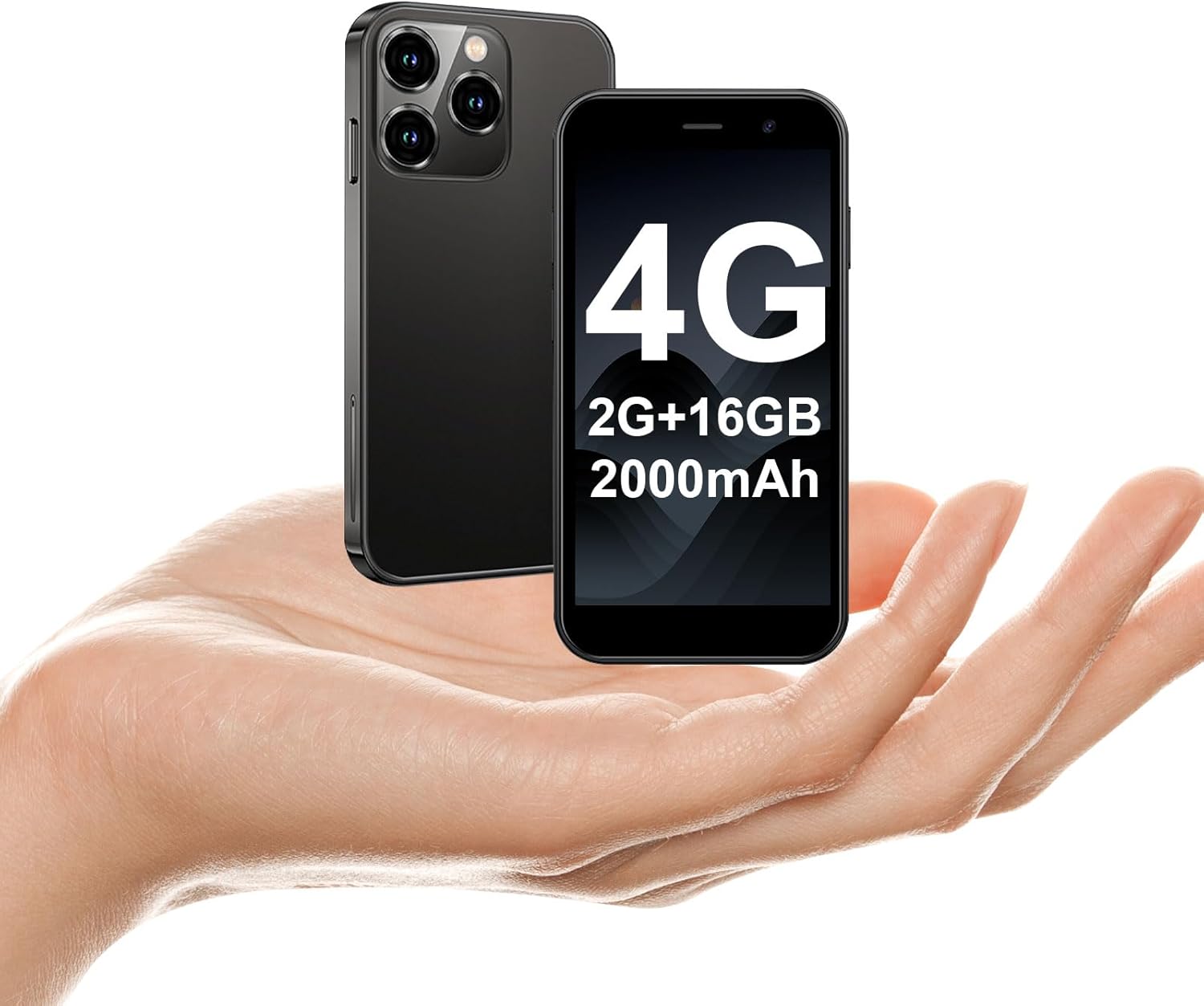
The soyes Mini Phone 4G Unlocked Smartphone, designed for portability and essential communication.
2. Inona no ao anaty boaty
Hamarino azafady fa ao anatin'ny fonosanao ny entana rehetra:
- 1 x soyes Mini Smartphone
- 1 x Tempered Film (Screen Protector)
- 1 x Type C Cable
- 1 x Mobile Phone Case
- 1 x SIM Ejector Pin
3. Fametrahana
3.1. Fametrahana karatra SIM sy karatra fahatsiarovana
The soyes Mini Phone supports dual SIM cards and a memory card for expanded storage. Ensure your SIM card is compatible with the following frequency bands: WCDMA B2/B4, B5; FDD B2/B4/B5/B7/B17/B28/B28A/B41/B66.
- Tadiavo ny lovia karatra SIM eo amin'ny sisin'ny telefaona.
- Insert the provided SIM ejector pin into the small hole next to the tray and press gently until the tray pops out.
- Esory tsara ny lovia.
- Place your Nano-SIM cards into the designated slots (SIM1, SIM2) and the TF (microSD) card into its slot, ensuring the gold contacts face downwards.
- Atsofohy moramora ao anaty telefaona ilay lovia mandra-pikitika azy amin'ny toerany.

Insert your SIM and memory cards into the tray.
3.2. Herin'ny voalohany
Press and hold the Power button (located on the right side of the phone) until the screen lights up. Follow the on-screen prompts to complete the initial setup, including language selection, Wi-Fi connection, and Google account setup.
3.3. Fametrahana ny fitaovana
Before first use, it is recommended to fully charge the phone. Connect the provided Type-C cable to the phone's charging port and the other end to a compatible USB power adapter (not included) or a computer's USB port.

Connect the Type-C cable to charge your device.
4. Torolàlana miasa
4.1. Fikarohana fototra
The soyes Mini Phone features a 3.0-inch HD touchscreen. Navigate the interface by tapping, swiping, and pinching. The Android 8.1 operating system provides an intuitive user experience.

Experience clear visuals on the 3.0-inch HD touchscreen.
4.2. Calling and Messaging
Utilize the Phone app for making and receiving calls. The Messaging app allows you to send and receive SMS/MMS messages. With dual SIM support, you can manage two different phone numbers simultaneously.
4.3. Fampiasana fakan-tsary
The phone is equipped with a 2MP front camera and a 5MP rear camera. Open the Camera app to capture photos and videos. Tap the screen to focus and press the shutter button to take a picture.

Capture moments with the HD Dual Camera.
4.4. App Installation and Usage
Running on Android 8.1, the soyes Mini Phone is fully compatible with the Google Play Store. You can download and install a wide range of applications, including social media, entertainment, and productivity tools.
- Ensure you are connected to Wi-Fi or have mobile data enabled.
- Open the 'Play Store' app from your home screen or app drawer.
- Hitady ny your desired application.
- Tap 'Install' to download and set up the app.

Download and enjoy a wide variety of applications from the Google Play Store.
4.5. Face ID
The device features advanced facial recognition technology for faster and secure unlocking. To set up Face ID, go to Settings > Security > Face Unlock and follow the on-screen instructions.

Unlock your phone quickly and securely with Face ID.
4.6. Fitantanana fitahirizana
The soyes Mini Phone comes with 2GB RAM and 16GB ROM. You can expand the storage capacity up to 256GB using a TF (microSD) card, allowing you to store more photos, videos, and applications.

Manage your storage with 2GB RAM, 16GB ROM, and expandable memory.
5. Fikojakojana
5.1. Fikarakarana bateria
The phone is equipped with a 2000mAh battery. To maximize battery life:
- Fadio ny hafanana tafahoatra.
- Charge the phone regularly, but avoid leaving it fully charged or fully depleted for extended periods.
- Ampiasao ny tariby Type-C nomena mba hamenoana.

The 2000mAh battery provides extended usage time.
5.2. Fanadiovana
Mampiasà lamba malefaka sady tsy misy loko mba hanadiovana ny efijery sy ny vatan'ny telefaona. Fadio ny mampiasa akora simika masiaka na akora abrasive.
5.3. Fanavaozana rindrambaiko
Periodically check for software updates in Settings > System > System update to ensure your device has the latest features and security patches.
6. Famahana olana
If you encounter issues with your soyes Mini Phone, please refer to the following common solutions:
| OLANA | Vahaolana mety |
|---|---|
| Phone is unresponsive or frozen | Tsindrio ary hazòny ny bokotra Hery mandritra ny 10-15 segondra eo ho eo hanerena ny famerenana indray. |
| Lany haingana ny bateria | Close unused apps, reduce screen brightness, disable Wi-Fi/Bluetooth when not in use, or check for background app activity. |
| Tsy afaka mifandray amin'ny Wi-Fi/Data finday | Toggle Wi-Fi/Mobile Data off and on. Restart the phone. Ensure correct SIM card installation and network settings. |
| Apps mianjera na tsy tafapetraka | Clear cache for the app or Play Store. Ensure sufficient storage space. Check app compatibility with Android 8.1. |
| Face ID not working | Ensure good lighting and that your face is clearly visible to the front camera. Re-register your face in settings if necessary. |
If the problem persists, consider performing a factory reset (backup your data first) or contact customer support.
7. Famaritana
The soyes Mini Phone 4G Unlocked Smartphone offers the following technical specifications:

Ny endrika maivana sy maivana ho mora entina.

Designed to fit comfortably in the palm of your hand.
| endri-javatra | antsipirihany |
|---|---|
| Anarana modely | soyes-15mini-bk |
| Rafitra fikirakirana | Android 8.1 |
| processeur | Quad-core |
| ram | 2 GB |
| Fitehirizana anatiny (ROM) | 16 GB |
| Fahatsiarovana azo itarina | TF Card Slot (up to 256GB) |
| Haben'ny efijery | 3.0 santimetatra |
| Fanapahan-tsary | 480*854 HD |
| Fakan-tsary aoriana | 5 MP |
| Camera Front | 2 MP |
| Fahaizana bateria | 2000mAh Lithium Ion |
| Fanohanana ny karatra SIM | SIM roa (Nano-SIM) |
| Teknolojia finday | 4G (Unlocked) |
| Bandy Frequency tohanana | WCDMA B2/B4, B5; FDD B2/B4/B5/B7/B17/B28/B28A/B41/B66 |
| fifandraisana | Wi-Fi, Bluetooth, GPS |
| Endri-javatra manokana | Face ID, Stereo Speakers, Fast Charging Support |
| Dimensions (Phone) | Approx. 3.7 inches (L) x 1.87 inches (W) |
| lanja | 3.35 ounces (95 grama) |
| Charging Port | Type-C |
8. Warranty sy fanohanana
For warranty information and customer support, please refer to the documentation included with your product packaging or visit the official soyes website. Tehirizo ny tapakila fividiananao ho porofon'ny fividianana.


