1. Fampidirana
This manual provides comprehensive instructions for the installation, operation, and maintenance of your BEENOZO QW6-MD1 2K Dual Lens Outdoor WiFi Surveillance Camera. Please read this manual thoroughly before using the product to ensure proper functionality and safety. Keep this manual for future reference.
2. Vokatra mihoatraview
2.1 Ny votoatin'ny fonosana
- BEENOZO 2K Dual Lens Outdoor WiFi Surveillance Camera (QW6-MD1) x1
- Paneau solaire x1
- Cable USB-C Charging x1
- Solar Panel Stand x1
- Mounting Screws and Wall Plugs x2 sets
- Drill Templates x2
- Reset Pin x1
- Torolàlana ho an'ny mpampiasa x1
2.2 Lafin-javatra fototra
- 2K Dual Lens: High-resolution 2K video with a 6x hybrid zoom for clear imaging.
- Solar Powered & Battery: Integrated 15,000 mAh battery with solar panel for continuous power.
- 360° PTZ Coverage: Horizontal 355° and vertical 110° rotation for comprehensive area monitoring.
- Loko alina fahitana (Color Night Vision): Automatic switching to color night vision using integrated CMOS sensor and IR light.
- PIR Human Detection: Advanced infrared sensor detects human movement up to 10 meters, reducing false alarms.
- Audio roa-lalana: Built-in speaker and microphone for real-time communication.
- IP66 Weatherproof: Designed for outdoor use, resistant to water and dust.
- Safidy fitahirizana: Supports Cloud storage (3 days free) and local SD card storage (up to 256GB, not included).
- 2.4GHz WiFi fifandraisana: Stable wireless connection (5GHz WiFi not supported).
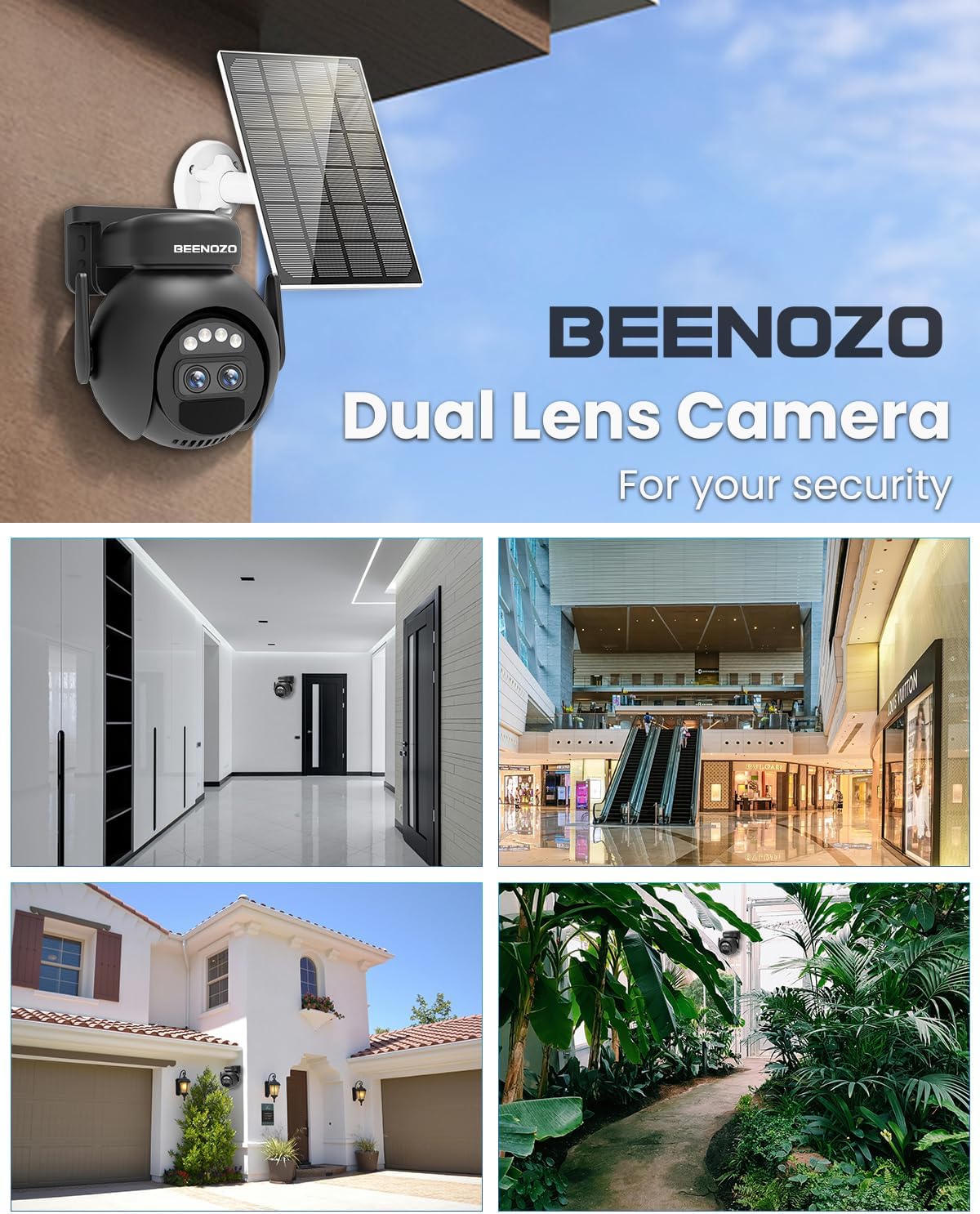
Sary 2.1: Tapitraview of the BEENOZO Dual Lens Camera and its applications.
3. Fametrahana sy fametrahana
3.1 Fametrahana voalohany
Before initial use, fully charge the camera's internal battery using the provided USB-C cable and a 5V power adapter (not included). The red LED near the Type-C port will turn off once charging is complete. This ensures optimal battery performance, especially before relying on solar power.
3.2 Fampidinana fampiharana sy fisoratana anarana kaonty
- Scan the QR code in the user manual or search for "O-KAM Pro" in your mobile app store (iOS or Android).
- Download and install the "O-KAM Pro" application.
- Open the app and register for a new account. Ensure Bluetooth, Wi-Fi, and Location services are enabled on your smartphone.
3.3 Camera Pairing with App
- Power on the camera by sliding the switch near the Type-C port to the ON position. The camera will begin self-calibration.
- In the "O-KAM Pro" app, tap the '+' icon in the top right corner to add a new device.
- Scan the QR code located on the camera itself.
- Follow the on-screen prompts to connect the camera to your 2.4GHz Wi-Fi network. Fanamarihana: Tsy tohana ny tambajotra Wi-Fi 5GHz.
- The app will display a QR code on your smartphone. Position your camera's lens to scan this QR code. Adjust the distance slowly until you hear a confirmation sound from the camera.
- Once connected, the camera will be added to your app.
3.4 Fametrahana ara-batana
The camera and solar panel are designed for easy, 100% wireless installation. Use the provided drill templates, screws, and wall plugs to mount the camera and solar panel in your desired outdoor location. Ensure the solar panel is positioned to receive maximum sunlight for optimal charging.
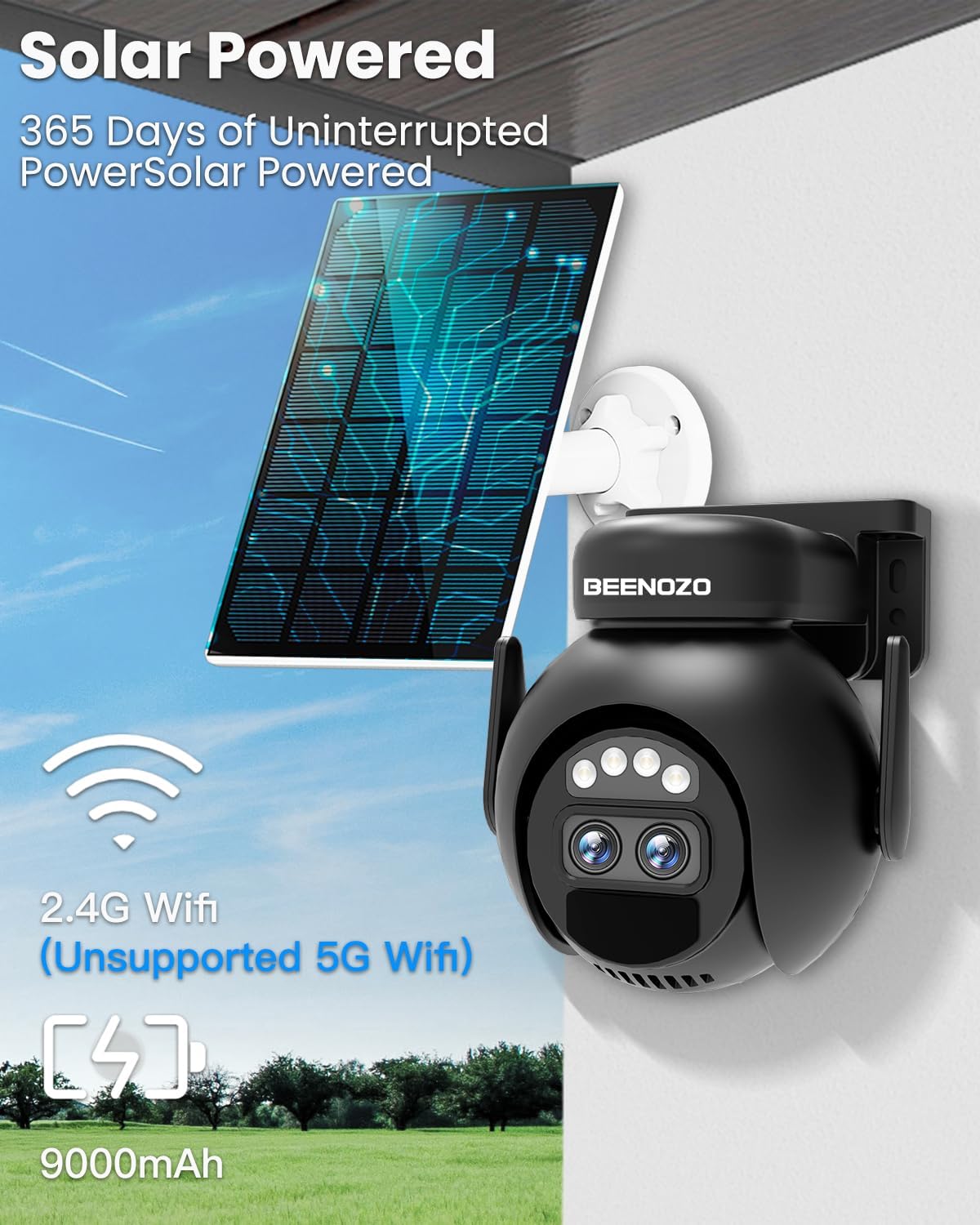
Figure 3.1: The camera is solar-powered and connects via 2.4G WiFi.
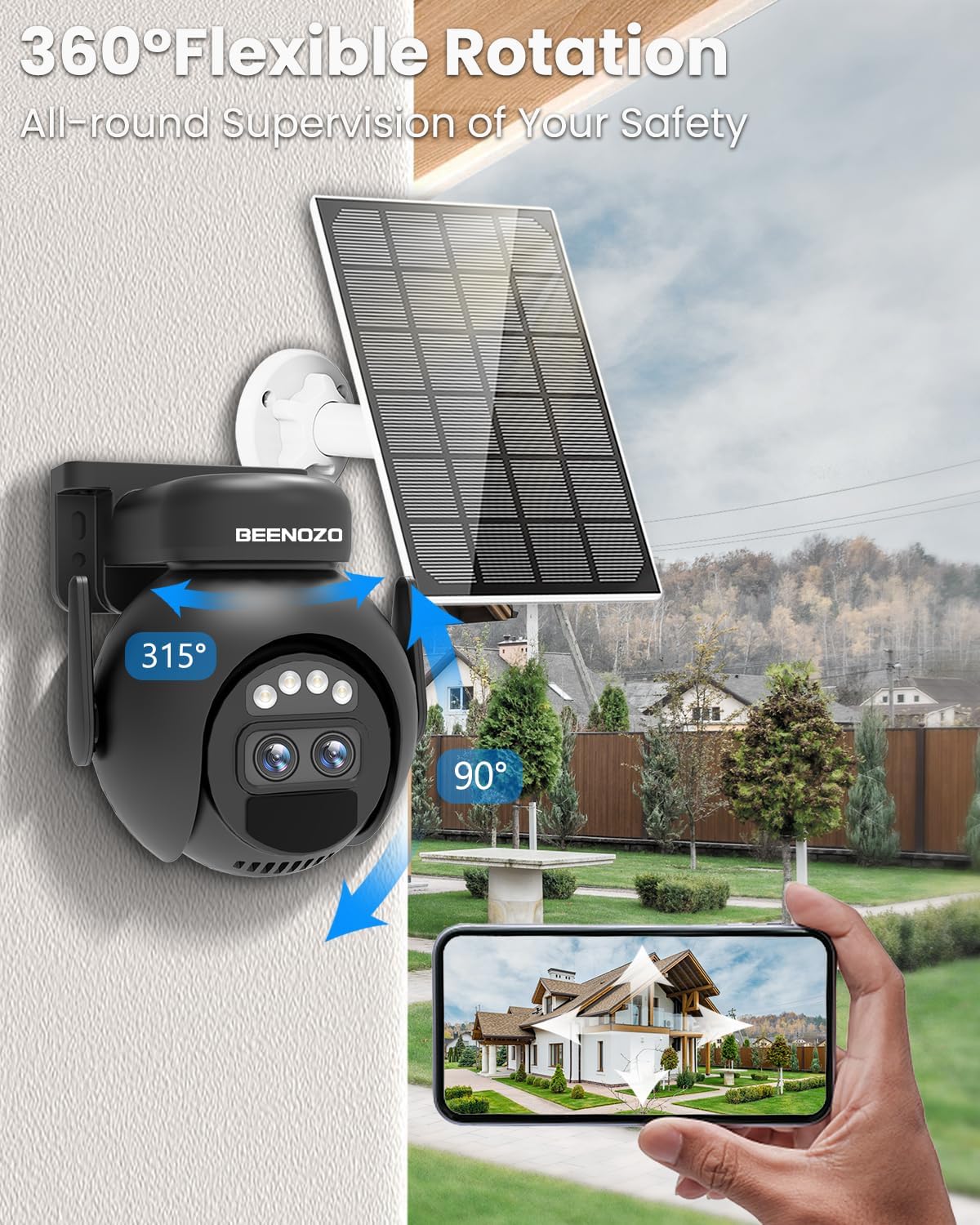
Figure 3.2: The camera offers 360° flexible rotation for comprehensive supervision.
4. Torolàlana miasa
4.1 Live View ary ny fanaraha-maso PTZ
Once connected, open the "O-KAM Pro" app to access the live video feed from your camera. Use the on-screen controls to pan horizontally (355°) and tilt vertically (110°) to adjust the camera's viewing angle. The 6x hybrid zoom allows for closer inspection of details.
4.2 Fikarohana sy fanairana
The camera features advanced PIR human detection. When human motion is detected, the camera can send real-time alarm notifications to your phone, trigger a siren, spotlight, or audible alarm to deter intruders. You can customize detection sensitivity and alert preferences within the app.

Figure 4.1: The camera's human motion detection supports human shape tracking and intelligent alarm pushes, reducing false alarms.
4.3 Feon-peo roa
Utilize the built-in microphone and speaker for two-way communication. Tap the microphone icon in the app to speak, and your voice will be transmitted through the camera. You can hear audio from the camera's vicinity through your phone.

Figure 4.2: The camera supports two-way audio for remote communication.
4.4 Fahitana alina
The camera automatically switches to color night vision in low-light conditions, providing clear surveillance even in darkness.

Figure 4.3: The camera provides 2K Ultra HD resolution and full-color night vision.
4.5 Fitantanana fitahirizana
Ny fakantsary dia manohana fomba fitahirizana roa:
- Fitahirizana karatra SD: Insert a microSD card (up to 256GB, not included) into the designated slot. Format the SD card via the app for optimal performance. The camera will automatically record and save videos to the card.
- Cloud Storage: Enjoy 3 days of free cloud storage for recorded events. Subscription options may be available for extended cloud storage periods.
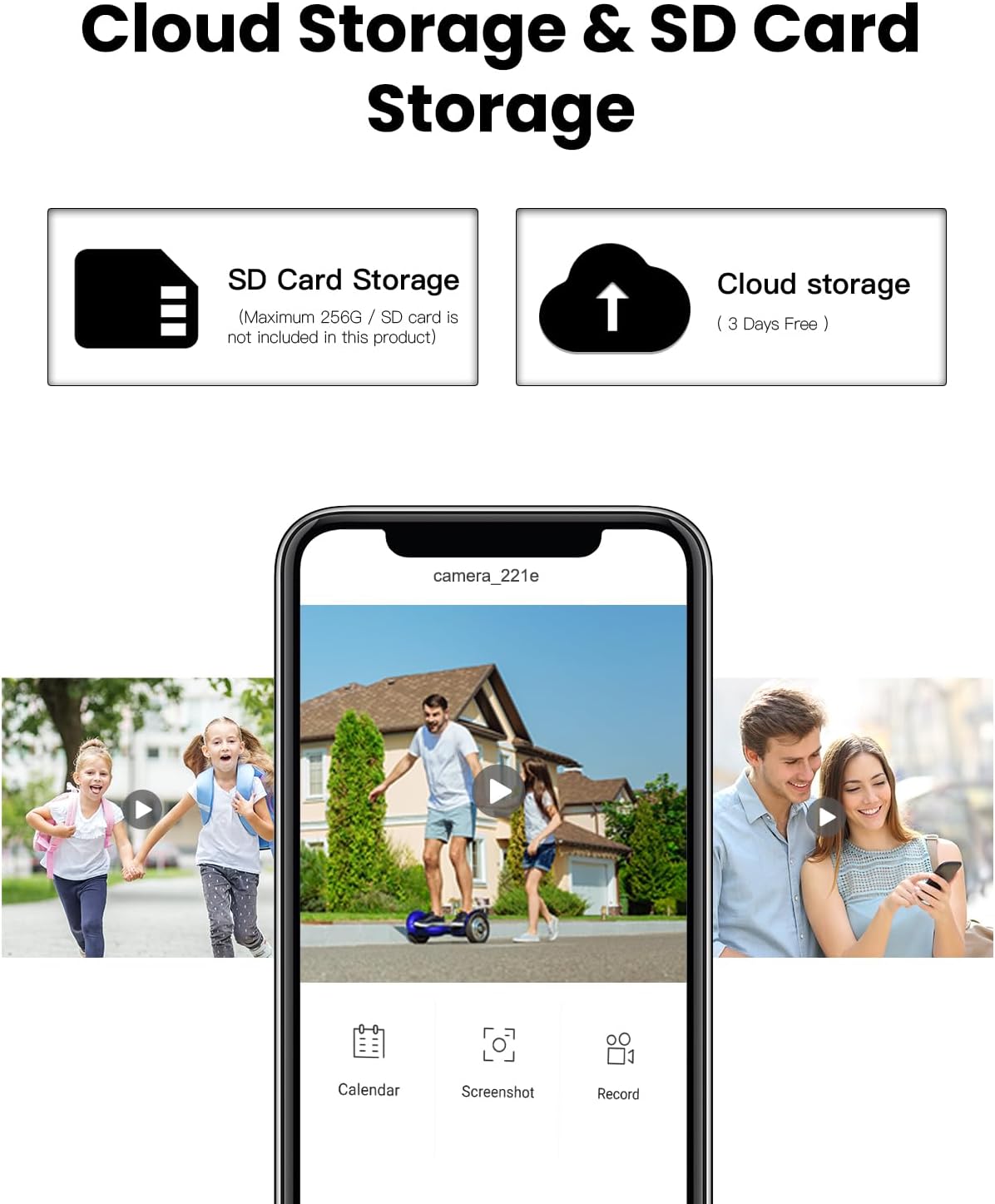
Figure 4.4: The camera offers both SD card and cloud storage solutions.
4.6 Fidirana amin'ny fitaovana fizarana
You can share access to your camera's live feed and recordings with family or friends by scanning a QR code generated within the app. This allows multiple users to monitor the property simultaneously.
5. Fikojakojana
5.1 Fanadiovana
Diovy tsy tapaka ny fakan-tsary sy ny panneau solaire amin'ny malefaka, damp lamba mba hiantohana ny kalitaon'ny sary mazava sy ny fiampangana masoandro mahomby. Fadio ny mampiasa akora simika masiaka na akora abrasive mety hanimba ny ety ivelany.
5.2 Fanatsarana ny bateria
While the camera is solar-powered, prolonged periods of low sunlight may reduce battery levels. Ensure the solar panel is free from obstructions and receives direct sunlight whenever possible. The camera's low-power consumption system helps extend battery life.
5.3 Toetrandro fanoherana
The camera is IP66 rated, making it resistant to dust and strong jets of water. It can operate in temperatures ranging from -20°C to +48°C. While designed for outdoor use, positioning it under a protective overhang can further extend its lifespan.

Figure 5.1: The camera features IP66 waterproofing and dustproofing for ultra-long service life in various weather conditions.
6. Famahana olana
| OLANA | Antony mety hitranga | vahaolana |
|---|---|---|
| Tsy mety mifandray amin'ny Wi-Fi ny fakantsary. | Incorrect Wi-Fi password, 5GHz network used, camera too far from router, weak signal. |
|
| Poor image quality or blurry video. | Dirty lens, poor lighting, network issues. |
|
| Motion detection not working or too many false alarms. | Incorrect sensitivity settings, environmental factors (e.g., moving branches). |
|
| Tsy mandeha amin'ny alalan'ny "panneau solaire" ny bateria. | Solar panel obstructed, insufficient sunlight, panel dirty. |
|
| Camera unresponsive. | Olana amin'ny rindrambaiko, bateria lany. |
|
7. Famaritana
| endri-javatra | antsipirihany |
|---|---|
| Laharana modely | QW6-MD1 |
| Marika | BEENOZO |
| Fanapahan-kevitra momba ny firaketana horonantsary | 2K (1296p) |
| Teknolojia fifandraisana | Tsy misy tariby (Wi-Fi 2.4GHz ihany) |
| Fampiasana tontolo iainana | ivelan'ny trano |
| Endri-javatra manokana | HD Resolution, Dual Lens, Solar Powered, PTZ, Color Night Vision, PIR Human Detection, Two-Way Audio |
| Ny haavon'ny fanoherana ny rano | IP66 (tsy tantera-drano) |
| Loharanon-kery | Battery (Lithium-ion, 15000 mAh) / Solar Panel |
| Fanjifana herinaratra | 4 Watts |
| Fari-pahitana amin'ny alina | Up to 10 meters (PIR detection) |
| Ny fiovan'ny vidin'ny PTZ | 355° mitsivalana, 110° mitsangana |
| fitahirizana | MicroSD card (max 256GB, not included), Cloud Storage |
| Temperature miasa | -20°C hatramin’ny +48°C |
| refy (L x W x H) | 5 x 4.99 x 4.99 cm |
| lanja | 900 grama |
8. Warranty sy fanohanana
8.1 Fampahalalana momba ny fiantohana
BEENOZO provides a 1-year warranty and replacement services from the date of purchase for this product. Please retain your proof of purchase for warranty claims.
8.2 Fanohanana ny mpanjifa
For any questions, technical assistance, or support regarding your BEENOZO QW6-MD1 camera, please contact our customer service. Our support team is available 24/7 to assist you.
Contact information can typically be found on the product packaging or the official BEENOZO website.


