1. Fampidirana
This manual provides essential information for the safe and efficient installation, operation, and maintenance of your Legrand Arteor 572008 Intermediate Switch. Please read this manual thoroughly before installation and keep it for future reference.
The Legrand Arteor 572008 is a 10 Amp, 1-unit intermediate switch designed for controlling lighting circuits and other electrical loads from multiple points. Its modern square design and durable magnesium finish ensure both aesthetic appeal and long-lasting performance.
2. Information momba ny fiarovana
FAMPITANDREMANA: Atahorana ho voan'ny fahatafintohinana herinaratra. Ny fametrahana dia tsy maintsy ataon'ny elektrisianina mahafeno fepetra mifanaraka amin'ny kaody elektrika rehetra eo an-toerana sy nasionaly.
- Always disconnect power at the circuit breaker or fuse box before installing or servicing the switch.
- Ensure all wiring connections are secure and correctly insulated.
- Aza mihoatra ny naoty herinaratra voafaritra (10 Amp).
- Ity vokatra ity dia natao ho an'ny fampiasana anatiny ihany.
- Arovy amin'ny ankizy.
3. Ny votoatin'ny fonosana
Hamarino fa misy ny singa rehetra alohan'ny hanombohan'ny fametrahana:
- 1 x Legrand Arteor 572008 Intermediate Switch (10A, 1 Unit, White)
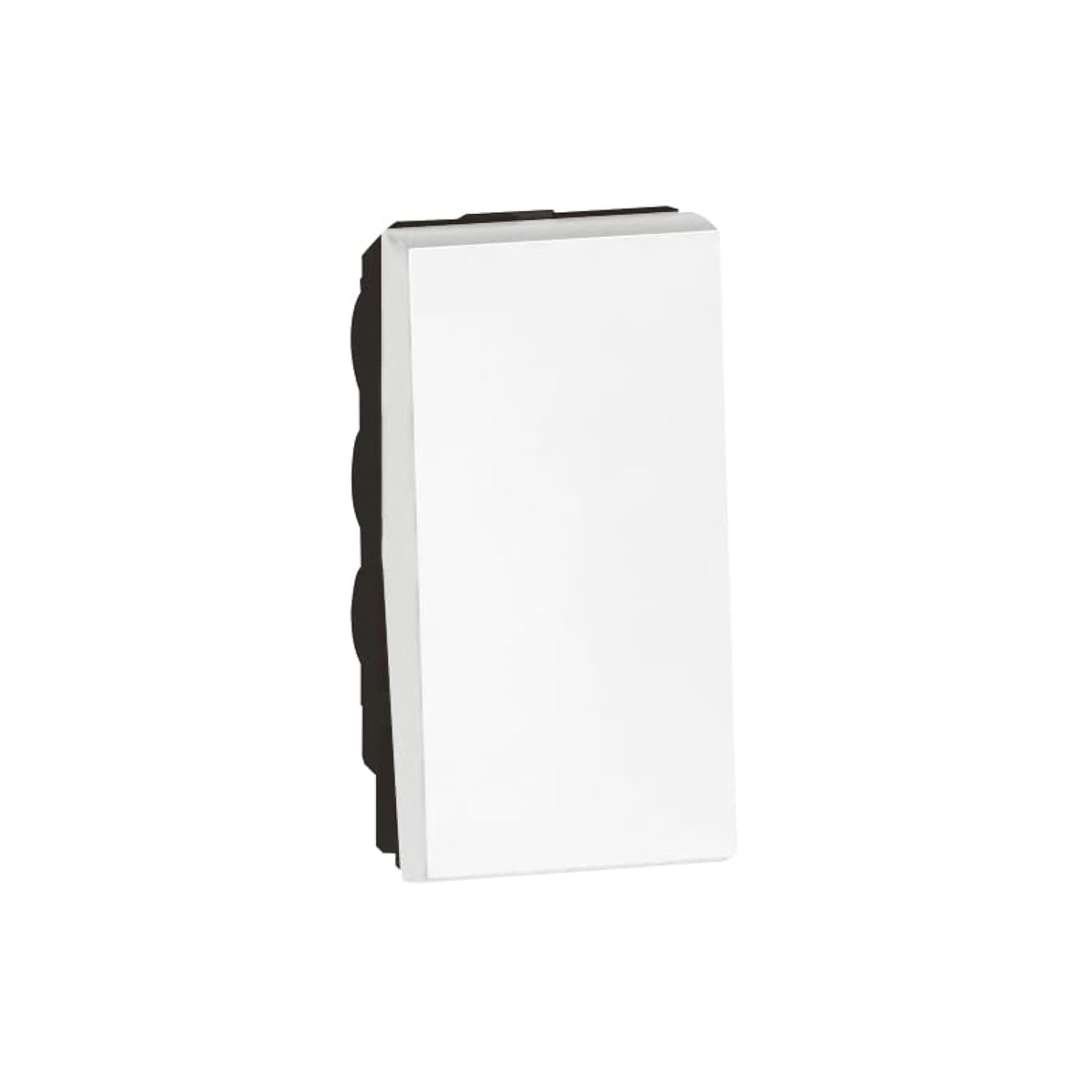
Image 1: Legrand Arteor 572008 Intermediate Switch. This image shows the front view of the white square switch unit.
4. Famaritana
| Laharana modely | 572008 |
| Type | Fanelanelanana Switch |
| Rating amin'izao fotoana izao | 10 Amp |
| Isan'ny tarika | 1 Unit |
| refy (L x W x H) | 4.22 x 2.25 x 4.5 cm |
| lanja | 90 grama |
| loko | White |
| Ilaina ny bateria | tsy misy |
5. Fametrahana sy fametrahana
Before you begin, ensure the power supply to the circuit is OFF at the main breaker.
- Prepare the Electrical Box: Ensure you have a standard single-unit electrical box installed in the wall.
- Identify Wiring: An intermediate switch requires specific wiring. Typically, you will have a live wire (L), a neutral wire (N), and two switched live wires (L1, L2) for multi-point control. Consult a wiring diagram for intermediate switches if unsure.
- Connect Wires:
- Connect the incoming live wire to the common terminal (often marked 'L' or 'COM').
- Connect the two traveler wires (from the first two-way switch) to the 'L1' and 'L2' terminals.
- Connect the two outgoing traveler wires (to the second two-way switch) to the remaining 'L1' and 'L2' terminals.
- Ataovy azo antoka fa mafy sy azo antoka ny fifandraisana rehetra.
- Tendrombohitra ny Switch: Carefully push the wired switch into the electrical box. Secure it with the provided screws.
- Apetaho ny takelaka tarehy: Snap or screw the decorative faceplate onto the switch mechanism.
- Ampodio hery: Avereno ON ny famatsiana herinaratra eo amin'ny "circuit breaker".
- Fampiasana fitsapana: Test the switch from all control points to ensure proper operation.
If you are unfamiliar with electrical wiring, it is highly recommended to seek assistance from a certified electrician.
6. Torolàlana miasa
The Legrand Arteor 572008 Intermediate Switch operates as part of a multi-point lighting control system, typically used with two 2-way switches.
- ON/OFF: Press the switch button to toggle the connected lighting circuit ON or OFF.
- Multi-Point Control: This intermediate switch allows you to control the same light(s) from three or more locations when combined with two 2-way switches. Each press of any connected switch will reverse the state of the light(s).
7. Fikojakojana
The Legrand Arteor 572008 Intermediate Switch requires minimal maintenance.
- Fanadiovana: To clean the switch, wipe it with a soft, dry cloth. Do not use abrasive cleaners, solvents, or excessive moisture, as these can damage the finish or internal components.
- Fanaraha-maso: Periodically inspect the switch for any signs of damage, loose connections, or discoloration. If any issues are observed, disconnect power and consult a qualified electrician.
8. Famahana olana
| OLANA | Antony mety hitranga | vahaolana |
|---|---|---|
| Light does not turn ON/OFF. | Tsy misy herinaratra ho an'ny circuit. Ny fifandraisana wiring malalaka. Bulob diso. Tariby tsy mety. | Zahao ny fanapahana faritra. Disconnect power and check all wire connections. Soloy ny jiro. Verify wiring against a standard intermediate switch diagram. Consult an electrician if needed. |
| Mafana ny "switch". | Overload amin'ny circuit. Fifandraisana malalaka. | Immediately disconnect power. Reduce the load on the circuit. Disconnect power and check all wire connections. If the problem persists, consult an electrician. |
| Tsy mamaly ny Switch. | Fahadisoana anatiny. | Disconnect power and replace the switch. |
For issues not listed here or if solutions do not resolve the problem, contact Legrand customer support or a qualified electrician.
9. Warranty sy fanohanana
Legrand products are manufactured to high standards and are backed by a manufacturer's warranty. For specific warranty details, please refer to the warranty card included with your purchase or visit the official Legrand website.
For technical support, replacement parts, or further assistance, please contact Legrand customer service through their official channels. Keep your model number (572008) and purchase date ready when contacting support.
Legrand Ofisialy Webtranokala: www.legrand.com


