Sava lalana
This manual provides essential information for the setup, operation, and maintenance of your AOC 24G15N 24-inch Gaming Monitor. Please read this guide thoroughly before using the product to ensure optimal performance and longevity.

Sary: Front view of the AOC 24G15N 24-inch Gaming Monitor.
Inona no ao anaty boaty
Hamarino fa misy ny entana rehetra ao anaty fonosana:
- Monitor
- Cable HDMI
- Tady herinaratra
- User Manual
Setup Guide
1. Manangona ny Stand
Carefully remove the monitor from its packaging. Attach the stand base to the stand neck, then secure the assembled stand to the back of the monitor using the provided screws. Ensure all connections are firm.

Image: The AOC 24G15N monitor with its stand, illustrating the assembled unit.
2. Mampifandray ny Monitor
Connect the monitor to your computer or console using the appropriate cable (HDMI or DisplayPort). Plug the power cord into the monitor and then into a power outlet. The monitor is VESA compatible for alternative mounting solutions (mount not included).

Sary: aoriana view of the AOC 24G15N monitor, showing the HDMI and DisplayPort connections.
Video: "HDMI/WFH, ready for everything. Before you buy!" - This video demonstrates the monitor's connectivity options, including HDMI, and its suitability for various setups.
Torolàlana miasa
Mamelona/Efa
Press the power button located on the bottom right bezel of the monitor to turn it on or off. The power indicator light will show the monitor's status.
Adjusting Settings (OSD Menu)
Use the buttons on the monitor's bezel to navigate the On-Screen Display (OSD) menu. Here you can adjust various settings such as brightness, contrast, color temperature, input source, and gaming features.

Image: The AOC G-Menu interface, illustrating options for customizing display settings and synchronizing peripherals.
Optimizing Display Settings
For optimal gaming performance, ensure your device's display settings are configured to match the monitor's capabilities:
- fanapahan-kevitra: Set to 1920x1080 (Full HD).
- Havaozina: Set to 180Hz for the smoothest experience.
- Adaptive-Sync: Enable Adaptive-Sync (AMD FreeSync) in your graphics card settings to eliminate screen tearing and stuttering.
- HDR: Activate HDR in your system settings for enhanced contrast and color depth.
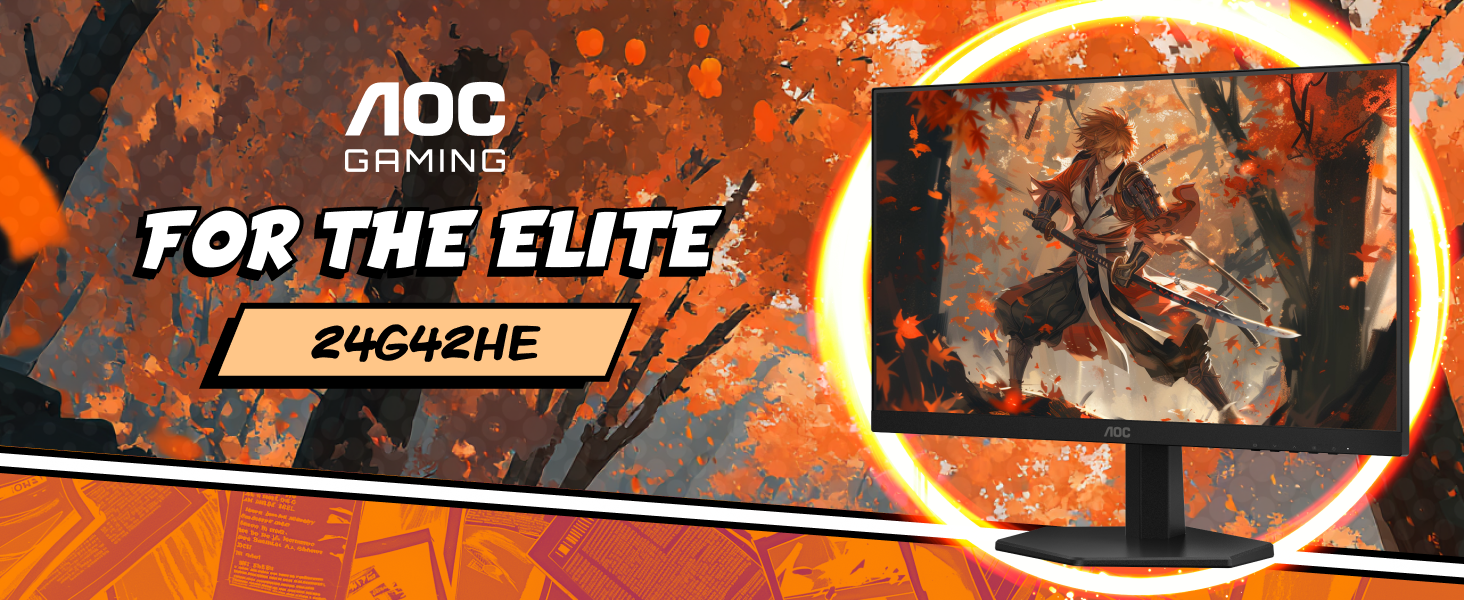
Image: A visual representation of the performance benefits of 180Hz refresh rate and 1ms response time with Adaptive-Sync.
Video: "Is the AOC G-Series 24G15N Monitor Worth Your Money?" - This video provides a detailed review of the monitor's features and performance, including refresh rate, response time, and color accuracy.
Endri-javatra fototra
- Sharp Clarity: The 24-inch class (23.8" viewable) display delivers crisp Full HD 1920x1080 visuals, ideal for games, movies, and detailed content. Its 3-sided frameless design is suitable for multi-monitor setups.
- Hafainganam-pandeha ambony sy fotoana famaliana: Experience smooth motion with a 180Hz refresh rate and a rapid 1ms MPRT response time. Adaptive-Sync technology and low input lag ensure fluid action without ghosting.
- Loko Mamirapiratra: Enjoy accurate and vibrant colors with 116% sRGB wide color gamut and HDR readiness, bringing visual content to life.
- Console Gaming Ready: Designed to optimize console performance, supporting up to 120Hz frame rate (depending on console capabilities) and ultra-low latency for a competitive edge.
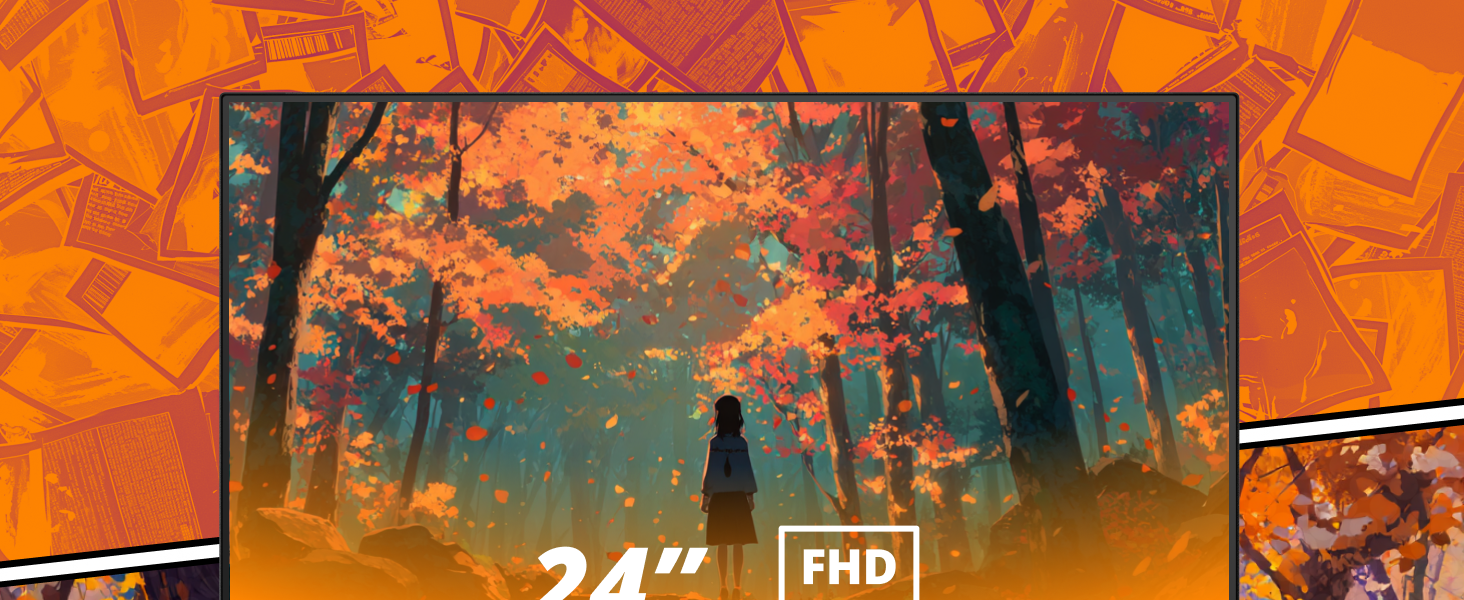
Image: The AOC monitor showcasing a detailed gaming scene, emphasizing its Full HD resolution and frameless design.

Image: The AOC monitor displaying a colorful graphic, highlighting its wide color gamut and HDR capabilities.
Image: The AOC monitor illustrating its readiness for console gaming, featuring low input lag and support for up to 120Hz frame rates.
fikarakarana
Manadio ny efijery
Mba hanadiovana ny écran dia fafao moramora amin'ny lamba malefaka tsy misy loko. Ho an'ny marika mafy loha, moramora dampen the cloth with a screen-cleaning solution (do not spray directly onto the screen) and wipe carefully. Avoid using harsh chemicals or abrasive materials.
Fikarakarana ankapobeny
Keep the monitor in a well-ventilated area. Avoid exposing it to direct sunlight, high humidity, or extreme temperatures. Do not block the ventilation openings. When moving the monitor, handle it carefully to prevent damage.
Fanamboarana
Tsisy Hery
If the monitor does not power on, ensure the power cord is securely connected to both the monitor and a working power outlet. Check if the power indicator light is on. If not, try a different power outlet or power cord.
Tsy misy famantarana
If the monitor displays "No Signal," verify that the video cable (HDMI or DisplayPort) is correctly connected to both the monitor and your computer/console. Ensure the correct input source is selected in the monitor's OSD menu. Restart your computer or console.
Image Issues
For issues like flickering, distorted colors, or incorrect resolution, check the display settings on your computer/console to ensure they match the monitor's native resolution (1920x1080) and refresh rate (180Hz). Ensure Adaptive-Sync is enabled if supported by your graphics card. If problems persist, consult the AOC support website.
fepetra arahana
| endri-javatra | antsipirihany |
|---|---|
| Haben'ny efijery | 24 santimetatra (23.8 santimetatra) viewafaka) |
| vahaolana | Full HD 1920x1080 |
| Ny tahan'ny fanavaozana | 180Hz |
| Fotoam-pamaliana | 1ms MPRT |
| Karazana tontonana | VA Panel (178/178 degrees extra-wide viewing) |
| Color Gamut | 116% sRGB |
| Fanohanana HDR | HDR vonona |
| Adaptive Sync | Yes (AMD FreeSync) |
| fifandraisana | 1x HDMI 2.0, 1x DisplayPort |
| fitomboan'ny | Mifanaraka amin'ny VESA |
| refy (LxWxH) | 7.03 x 21.25 x 16.68 santimetatra |
| lanja | 9.23 kg |
Warranty sy fanohanana
The AOC 24G15N Gaming Monitor includes a 3-year Zero-Bright-Dot warranty program, offering peace of mind with advanced replacement and coverage for one-time accidental damage.

Image: AOC's "Peace of Mind" warranty details, including 3-year Zero-Bright-Dot, 3-year advanced replacement, and 1-year accidental damage coverage.
For further assistance, please refer to the official AOC support channels or visit the AOC Store.


