Sava lalana
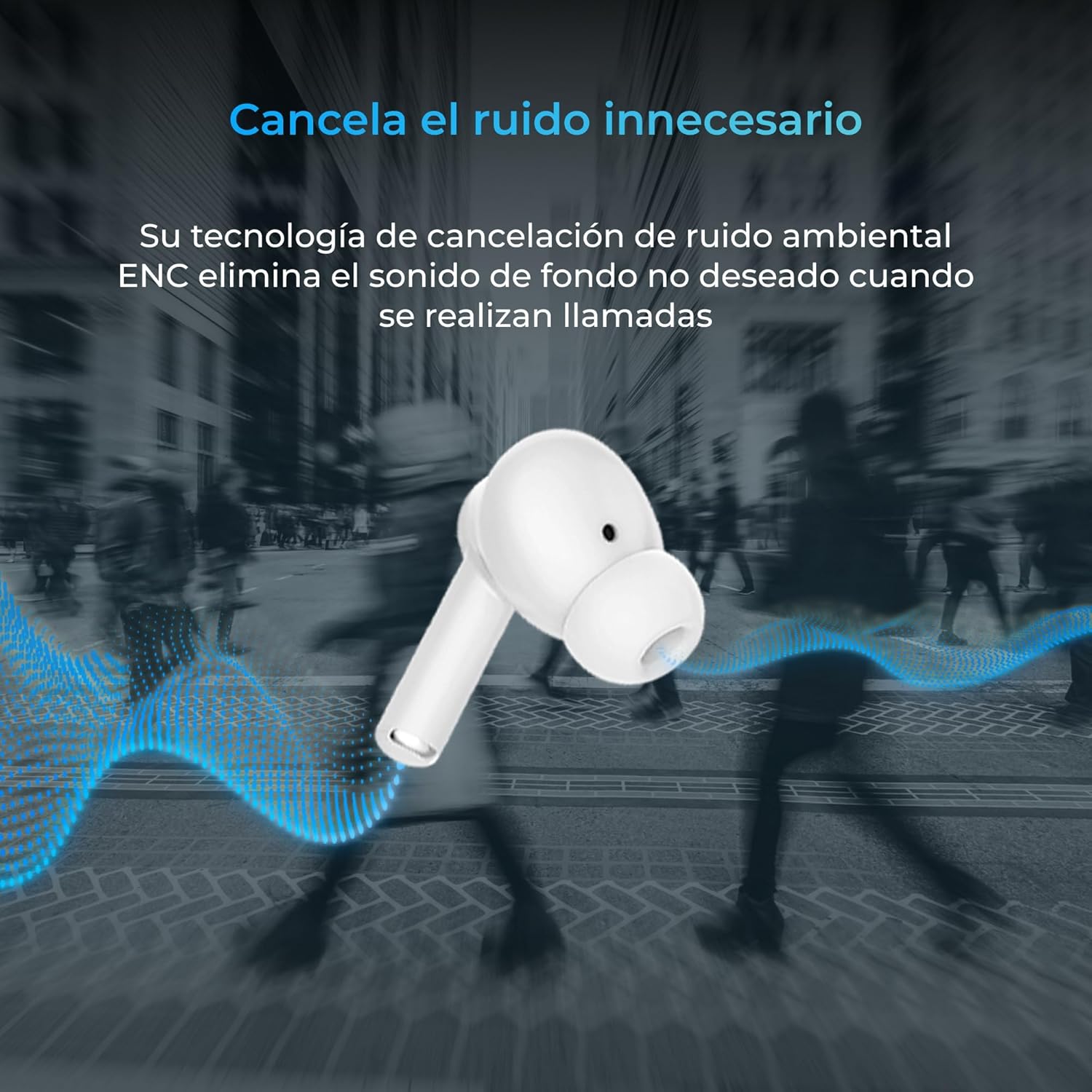
Thank you for choosing the KSIX Orion Wireless Earbuds. These earbuds are designed to provide a superior audio experience with features such as HD calls, Environmental Noise Cancellation (ENC), True Wireless Stereo (TWS), and intuitive touch controls. With up to 15 hours of total battery life and IPX4 water resistance, they are perfect for music, sports, and travel. This manual will guide you through the setup, operation, and maintenance of your new earbuds to ensure optimal performance and longevity.
Vita ny vokatraview




Hametraka
1. Fametrahana ny Earbuds sy Case
Before first use, fully charge your KSIX Orion earbuds and charging case. The case and earbuds can be fully charged in approximately 1 hour. The earbuds provide up to 5 hours of playback, and the charging case provides an additional 10 hours, for a total of 15 hours of autonomy.
- Apetraho ao anaty vata fampangatsiahana ny sofina.
- Connect the charging case to a power source using a compatible USB-C cable.
- Ny jiro famantarana eo amin'ny raharaha dia hampiseho ny sata fiampangana.
2. Mampifanaraka amin'ny fitaovanao
The KSIX Orion earbuds utilize Bluetooth 5.3 for a stable and uninterrupted connection.
- Ensure the earbuds are in the charging case and the case lid is open, or take them out of the case. They will automatically enter pairing mode.
- Amin'ny findainao, tablette, na fitaovana hafa afaka Bluetooth, mandehana any amin'ny kiran'ny Bluetooth.
- Hitady ny "KSIX Orion" in the list of available devices.
- Select "KSIX Orion" to connect. Once connected, you will hear a confirmation tone, and the earbuds will be ready for use.
- If pairing fails, place the earbuds back in the case, close the lid, wait a few seconds, then open the lid and try again.
Torolàlana miasa
The KSIX Orion earbuds feature intuitive touch controls for easy management of music and calls.
Touch Controls
| Action | Earbud ankavia | Earbud havanana |
|---|---|---|
| Alefaso/Atsaharo ny mozika | Paompy tokana | Paompy tokana |
| Hira manaraka | Paompy telo | Paompy telo |
| Hira teo aloha | Tsindrio indroa | Tsindrio indroa |
| Ambony ny boky | Long press (Right) | Long press (Right) |
| Midina ny feo | Long press (Left) | Long press (Left) |
| Valio/Atsaharo ny antso | Paompy tokana | Paompy tokana |
| Mandà ny antso | Press lava | Press lava |
| Ampidiro ny Voice Assistant | Tsindrio ary hazòny mandritra ny 2 segondra | Tsindrio ary hazòny mandritra ny 2 segondra |
Voice Assistant
The KSIX Orion earbuds are compatible with popular voice assistants such as Siri, Amazon Alexa, and Google Assistant. To activate your preferred voice assistant, use the designated touch control (tap and hold for 2 seconds). You can then issue commands for calls, music control, and more.
fikarakarana
Proper maintenance ensures the longevity and optimal performance of your KSIX Orion earbuds.
- Fanadiovana: Regularly clean the earbuds, especially the ear tips and charging contacts, with a soft, dry, lint-free cloth. Do not use abrasive cleaners or solvents.
- fanoherana ny rano: The earbuds are IPX4 water resistant, meaning they are protected against splashing water from any direction. They are resistant to sweat and light rain. Do not submerge the earbuds in water or expose them to strong jets of water. Ensure the earbuds are dry before placing them back in the charging case to prevent damage.
- fitahirizana: Rehefa tsy ampiasaina dia tehirizo ao anaty vata fampangatsiahana ny sofina mba hiarovana azy amin'ny vovoka sy ny fahasimbana ara-batana. Tehirizo ao amin'ny toerana mangatsiatsiaka sy maina lavitry ny hafanana tafahoatra.
- Fikarakarana bateria: Mba hitsitsiana ny faharetan'ny bateria dia aza ampiasaina matetika ny écouteur sy ny fonony. Ampidiro matetika ny bateria, na dia tsy ampiasaina matetika aza.
Fanamboarana
If you encounter issues with your KSIX Orion earbuds, try the following solutions:
| OLANA | Vahaolana mety |
|---|---|
| Earbuds tsy mitambatra |
|
| Tsy misy feo avy amin'ny écouteur iray na roa |
|
| Earbuds tsy mi-charge |
|
| Poor call quality / ENC not working |
|
fepetra arahana
| endri-javatra | antsipirihany |
|---|---|
| Laharana modely | BXTW09B |
| Marika | KSIX smart your tech |
| loko | White |
| Teknolojia fifandraisana | Wireless (Bluetooth 5.3) |
| Fametrahana sofina | An-tsofina |
| Form Factor | An-tsofina |
| Insulation feo | Fanafoanana ny tabataban'ny tontolo iainana (ENC) |
| Ny haavon'ny fanoherana ny rano | IPX4 (tsy tselatra) |
| Fahaveloman'ny bateria (Earbuds) | Hatramin'ny 5 ora |
| Fahaveloman'ny bateria manontolo (miaraka amin'ny fonony) | Hatramin'ny 15 ora |
| Time Charging | Approx. 1 ora |
| Salan'ny Frequency | 20 Hz - 20,000 Hz |
| Karazana fanaraha-maso | Fanaraha-maso amin'ny fikasihana, Fanaraha-maso amin'ny feo |
| Fitaovana mifanentana | Smartphones, tablets, laptops, desktops, smart speakers |
| Fampiasana soso-kevitra | Calls, Music, Sport, Travel |
| Anisan'ny singa | Wireless famandrihana case |
Warranty sy fanohanana
For detailed warranty information and customer support, please refer to the official KSIX website or contact their customer service directly. Information regarding spare parts availability and software update guarantees is not available in this manual.
Raha mila fanampiana fanampiny dia tsidiho azafady: www.ksix.com


