1. Fampidirana
This manual provides detailed instructions for the installation, operation, and maintenance of your JOOAN 2K Outdoor Security Camera W8-U X. Please read this manual thoroughly before using the product to ensure proper functionality and safety. This camera is designed to provide comprehensive surveillance with its dual-lens system, offering both a fixed wide-angle view and a pan-tilt-zoom (PTZ) view ho fanatsarana ny fanaraha-maso.
2. Information momba ny fiarovana
- Ensure the power supply meets the camera's requirements (5V DC). Using an incorrect power adapter may damage the device.
- Aza apetraka amin'ny hafanana tafahoatra, ny hamandoana, na ny tontolo manimba ny fakantsary.
- Aza apetraka akaikin'ny saha elektromagnetika mahery ny fakantsary.
- Arovy amin'ny ankizy ny fakan-tsary sy ny singa ao aminy.
- For outdoor installation, ensure all connections are waterproofed to prevent water ingress.
- Aza manandrana manongotra na manamboatra ny fakan-tsary. Mifandraisa amin'ny fanohanan'ny mpanjifa hahazoana fanampiana.
3. Ny votoatin'ny fonosana
- JOOAN 2K Outdoor Security Camera W8-U X
- Tariby herinaratra (USB-C)
- Fametrahana ny visy sy ny rindrina
- User Manual (ity antontan-taratasy ity)
Note: A 5V power adapter is required but not included in the package. Your smartphone adapter (5V 1.5A, 2A, or 3A) can be used.
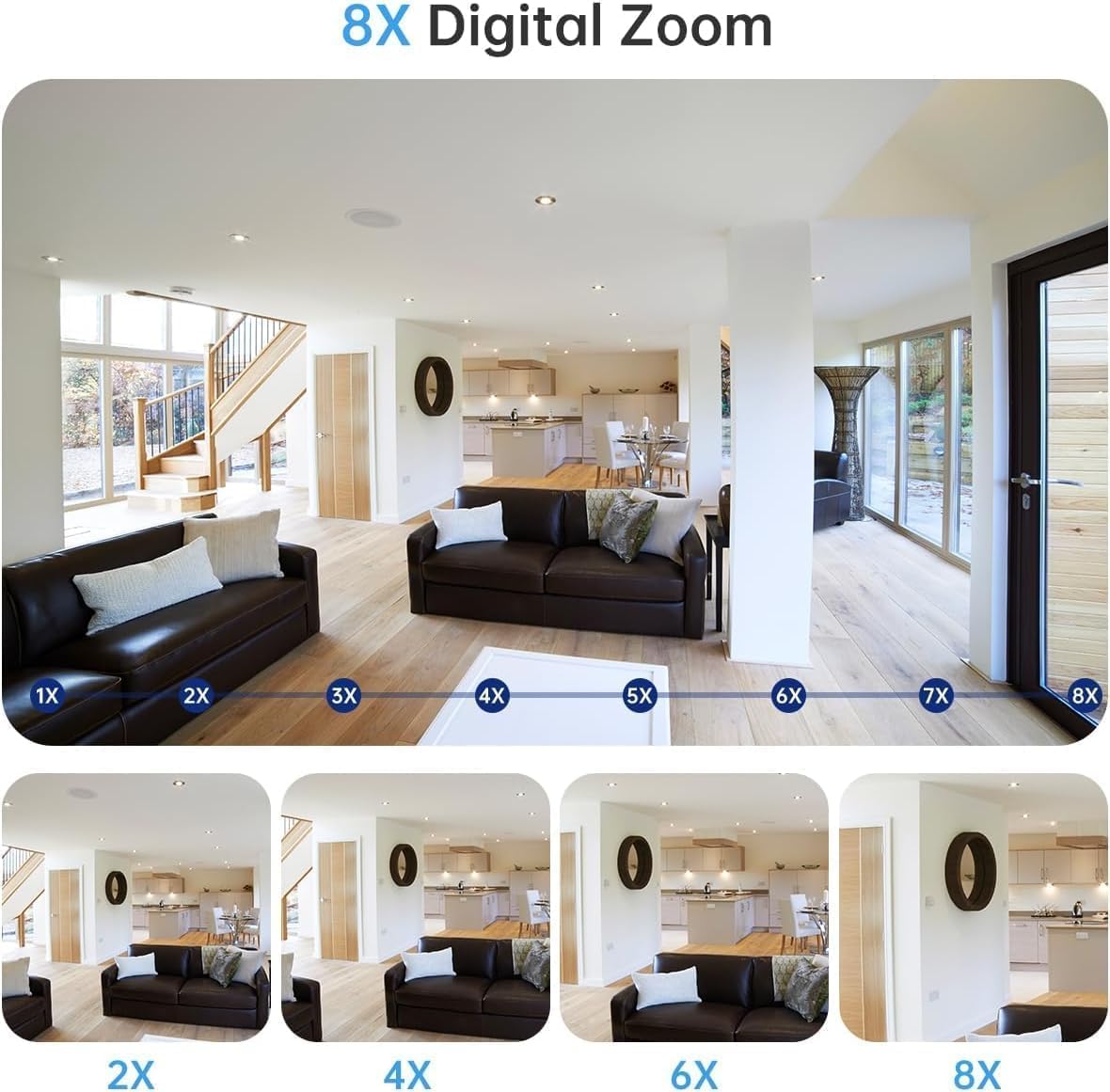
Image: Contents of the camera package, showing the camera, power cable, and mounting accessories. A power adapter is explicitly marked as not included.
4. Vokatra mihoatraview
4.1 Lafin-javatra fototra
- Rafitra Fakan-tsary Roa Lay: Features one fixed lens for a wide overview and one rotatable (PTZ) lens for detailed monitoring.
- Fanapahan-kevitra 2K: Provides clear and sharp video footage.
- 360-diplaoma View: The PTZ lens offers 355° horizontal pan and 90° vertical tilt for comprehensive coverage.
- Fitihana fihetsehana sy fanaraha-maso mandeha ho azy: Automatically detects movement and tracks subjects, sending instant alerts.
- Audio roa-lalana: Ny mikrôfôna sy ny fanamafisam-peo tafiditra dia ahafahana mifandray amin'ny fotoana tena izy.
- Three Night Vision Modes: Black & White, Full-Color, and Intelligent (auto-switching) night vision.
- IP66 Weatherproof: Designed to withstand various weather conditions for outdoor use.
- Fitehirizana mora azo: Supports Micro SD card (up to 256GB, not included) and optional cloud storage.
- Wi-Fi roa tarika: Compatible with both 2.4GHz and 5GHz Wi-Fi networks for stable connection.
4.2 Ireo singa fakan-tsary

Image: The JOOAN 2K Outdoor Security Camera, highlighting its dual-lens design.
- Lensa ambony: Fixed wide-angle lens.
- Lensa ambany: PTZ (Pan-Tilt-Zoom) rotatable lens with LED lights.
- Antenna: Ho an'ny fifandraisana Wi-Fi.
- Microphone: Ho an'ny fampidirana feo.
- Mpandahateny: For two-way audio output and alerts.
- bokotra Reset: Ampiasaina hamerenana ny fakan-tsary amin'ny fikirana orinasa.
- Slot SD Card SD: Ho an'ny fitahirizana horonan-tsary eo an-toerana.
- Seranan-tsambo herinaratra: For connecting the 5V power cable.
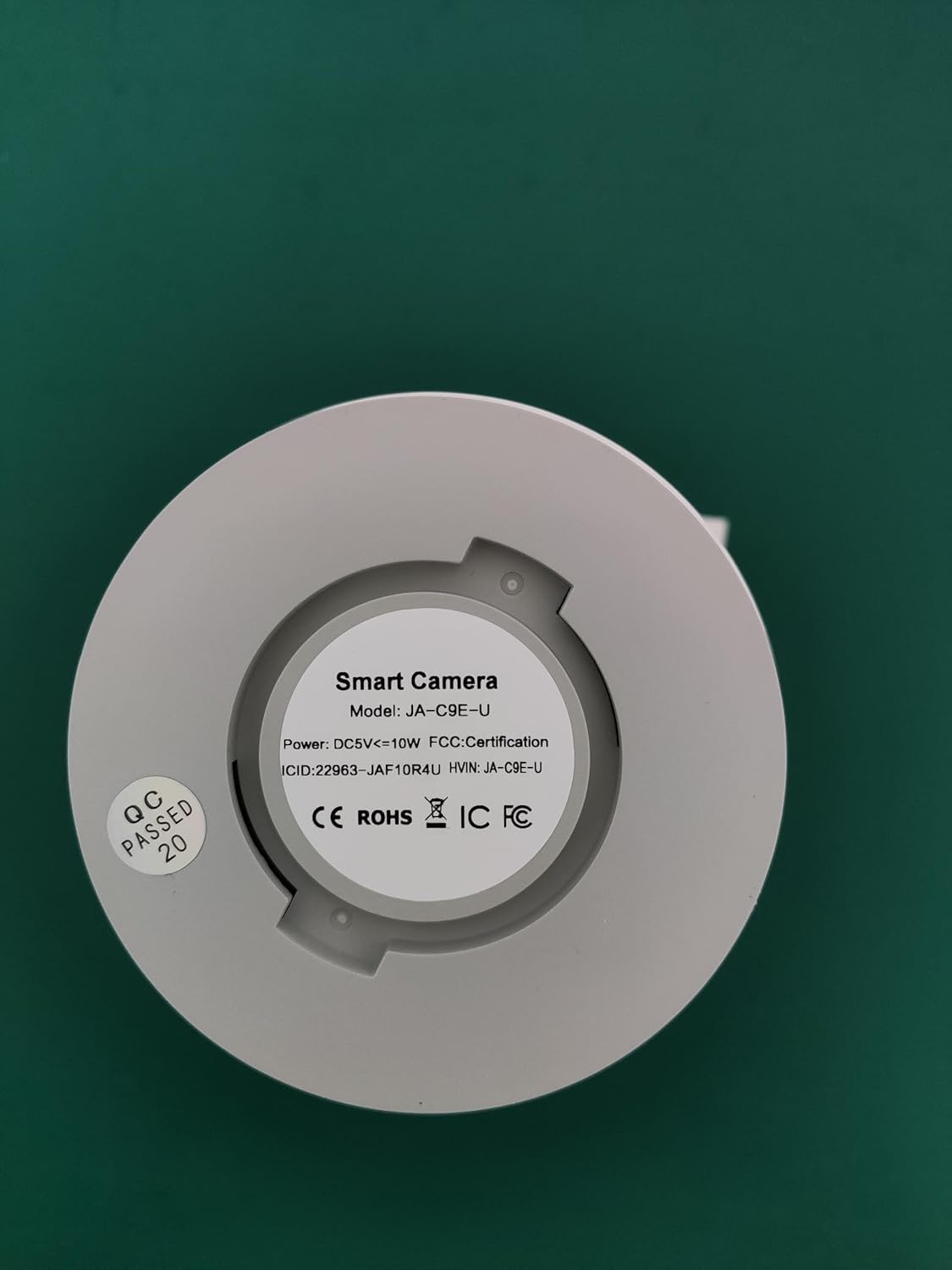
Image: The base of the camera, displaying the model number W8-U X and other product details.
5. Fametrahana
5.1 Download and Register the App
- Download the "cam720" app from the App Store (iOS) or Google Play (Android).
- Register a new account using your email address. A verification code will be sent to your email.
5.2 Power On and Reset the Camera
- Connect the camera to a 5V power adapter (not included) using the provided power cable.
- Andraso ny fakan-tsary mandeha.
- Locate the reset button (usually a small pinhole) on the camera. Use a pin or paperclip to press and hold the reset button for approximately 3-5 seconds until you hear a "Di-Di" sound, indicating the camera has reset.
5.3 Mifandray amin'ny Wi-Fi
- Open the "cam720" app and tap "Add a device" or the "+" icon.
- Select "Wi-Fi connection" and follow the on-screen prompts.
- When prompted, connect your phone to the camera's Wi-Fi hotspot, which typically starts with "JAA-**".
- Return to the app and enter the password for your home Wi-Fi network (2.4GHz or 5GHz).
- Ensure your phone and the camera are close to the Wi-Fi router during the initial setup.
Video: A step-by-step guide on connecting the camera to your Wi-Fi network using the mobile application.
5.4 Fametrahana ara-batana
The camera can be installed in various locations, including wall-mounted, ceiling-mounted, or placed on a flat surface. Choose a location that provides optimal viewing angles and is within Wi-Fi range.
- Rindrina/Ceiling Mount: Use the provided mounting screws and wall plugs to securely attach the camera bracket to the desired surface. Then, attach the camera to the bracket.
- Tany fisaka: Apetraho eo amin'ny toerana marin-toerana sy fisaka ny fakantsary.

Image: Illustration of different installation methods for the camera, including flat placement, wall mounting, and ceiling mounting.
6. Fampandehanana
6.1 Live View ary Playback
- Once connected, open the "cam720" app to access the live video feed from your camera.
- ny view voarakitra footage, navigate to the playback section within the app. Ensure you have either a Micro SD card installed or cloud storage enabled.
6.2 PTZ Control and Digital Zoom
The app allows you to remotely control the pan (horizontal) and tilt (vertical) movements of the lower lens to adjust the viewing angle. You can also use digital zoom to get a closer look at specific areas.
Image: Mobile application interface demonstrating the pan, tilt, and digital zoom controls for the camera.
Video: Demonstrates the 360-degree view and auto-tracking capabilities of the camera, along with two-way audio and floodlight features.
6.3 Feon-peo roa
Use the two-way audio feature to listen to the environment around the camera and speak through its built-in speaker. This is useful for communicating with visitors or deterring intruders.
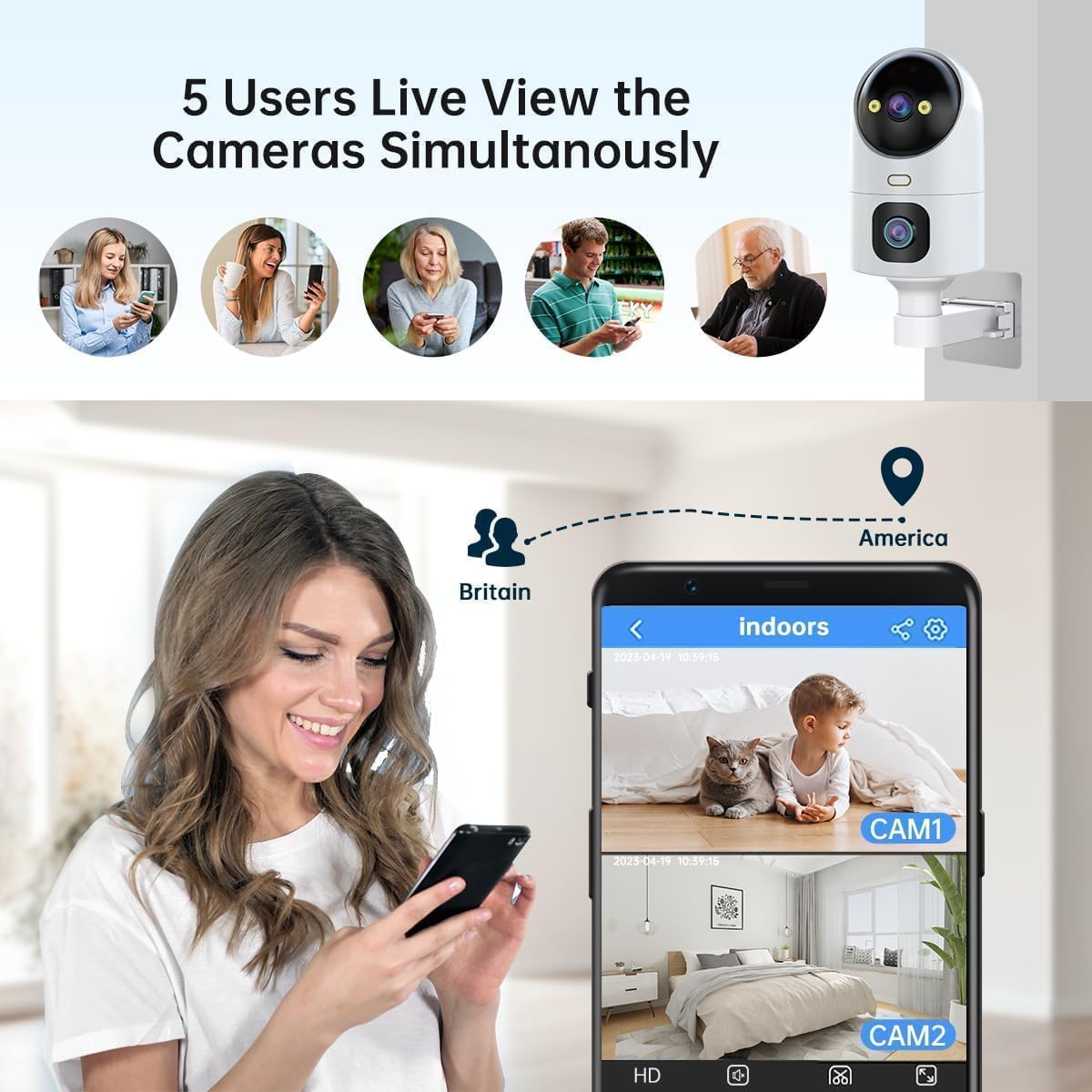
Image: Visual representation of the two-way audio function, allowing communication through the camera.
6.4 Fikarohana sy fanairana
Configure motion detection settings in the app:
- Fomba fitadiavana: Choose between sound and motion detection.
- Faritra hita maso: Define specific zones for motion detection to avoid false alarms.
- Fahatsapana: Adjust the sensitivity level of motion detection.
- Feo fanairana: Set custom alarm sounds and adjust volume.
- Fanairana: Receive instant notifications on your mobile device when motion is detected.

Image: Motion detection feature with light and sound alerts, showing a person triggering an alarm and a mobile notification.

Image: Visualizing the detection and alert system, including sound and motion detection with customizable setup options.
6.5 Fomba fahitana alina
Manolotra fomba fijery amin'ny alina telo ny fakantsary:
- Black & White Night: Standard infrared night vision.
- Full-Color Night: Utilizes built-in spotlights to provide color images in low-light conditions.
- Fahitana amin'ny alina marani-tsaina: Automatically switches between B/W and color night vision based on detected motion or light conditions.

Image: Comparison of the three night vision modes available on the camera.
6.6 Fitantanana fitahirizana
- Karatra SD Micro: Insert a Micro SD card (8GB-256GB) into the designated slot for continuous local recording. The camera supports 24/7 loop recording.
- Cloud Storage: The camera offers a free 30-day trial of cloud storage. After the trial, subscription options are available for continued cloud recording.

Image: Storage options including Micro SD card and cloud storage, with details on capacity and features.
Image: Illustrates the process of inserting a Micro SD card into the camera.
6.7 Sharing and Remote Access
- Share Camera: Share live view access with up to 6 users simultaneously. The main account holder can manage settings and permissions.
- Transfer Account: You can transfer the main account ownership to another user within the app.

Image: Demonstrates the family sharing feature, allowing multiple users to view ny fakan-tsary.
Video: Highlights the dual-lens functionality and 360-degree view of the 2K outdoor security camera.
7. Fikojakojana
7.1 Fanadiovana
To maintain optimal image quality, regularly clean the camera lens with a soft, dry cloth. Avoid using harsh chemicals or abrasive materials that could scratch the lens.
7.2 Fanavaozana firmware
Periodically check the "cam720" app for available firmware updates. Keeping your camera's firmware up-to-date ensures you have the latest features, security patches, and performance improvements.
8. Famahana olana
- Tsy mandeha ny fakan-tsary: Ensure the 5V power adapter is correctly connected and functioning. Check the power cable for any damage.
- Tsy afaka mifandray amin'ny Wi-Fi:
- Hamarino tsara fa 2.4GHz na 5GHz ny tambajotra Wi-Fi-nao.
- Hamarino tsara fa marina ny tenimiafina Wi-Fi.
- Place the camera closer to the router during setup.
- Reset the camera and try the connection process again.
- No recording or playback:
- Check if a Micro SD card is properly inserted and formatted.
- Ensure cloud storage is active if you are relying on it.
- Verify recording settings in the app.
- Ratsy kalitaon'ny sary:
- Diovy ny fakantsary.
- Ensure sufficient lighting, especially for color night vision.
- Jereo ny hafainganam-pandehan'ny fifandraisanao amin'ny Internet.
- Tsy mandeha ny fihetsiketsehana:
- Verify motion detection is enabled in the app.
- Adjust detection sensitivity and area settings.
9. Famaritana
| endri-javatra | antsipirihany |
|---|---|
| Laharana modely | W8-U X |
| vahaolana | 2K (2304*1296) |
| fifandraisana | Wireless (2.4GHz & 5GHz Wi-Fi) |
| Salan'ny Pan/Tilt | 355° Pan, 90° Mitongilana |
| Fahitana alina | Black & White, Full-Color, Intelligent |
| teny | Audio roa-lalana |
| Safidy fitahirizana | Karatra Micro SD (hatramin'ny 256GB), fitahirizana rahona |
| Toetrandro fanoherana | IP66 |
| Fampidirana herinaratra | 5V DC (Adapter not included) |
| lafiny | 18.1 x 9.6 x 9.3 cm |
| Lanja entana | 460 g |

Image: The camera's IP66 weather-resistant design, suitable for various outdoor conditions.
10. Warranty sy fanohanana
Your JOOAN 2K Outdoor Security Camera W8-U X comes with a 1-year manufacturer's warranty. For technical support, warranty claims, or any questions regarding your product, please refer to the contact information provided on the product packaging or the official JOOAN website.


