Sava lalana
This manual provides essential information for setting up, operating, maintaining, and troubleshooting your iFFALCON 43-inch 4K Ultra HD Smart LED Google TV, model iFF43U62. Please read this manual thoroughly before using your television to ensure proper functionality and safety.
Inona no ao anaty boaty
Rehefa voavaha ny entana dia hamarino tsara fa tafiditra ao daholo ireto entana manaraka ireto:
- 1 x iFFALCON 43-inch LED TV
- 1 x Fijoroana ambony latabatra
- 1 x User Manual
- 1 x karatra fiantohana
- 1 x Fanaraha-maso lavitra
- 2 x AAA Batterie
Hametraka
1. Mijoroa Fametrahana na Wall Mounting
Carefully place the TV face down on a soft, flat surface to prevent screen damage. Attach the provided table-top stand using the screws, ensuring it is securely fastened. If wall mounting, follow the instructions provided with your wall mount kit (sold separately) and ensure proper ventilation around the TV.

Image: TV dimensions for stand installation or wall mounting.
2. Fitaovana mampifandray
Connect your external devices such as set-top boxes, Blu-ray players, or gaming consoles to the HDMI ports. Use the USB port for external storage devices. For wired internet, connect an Ethernet cable to the LAN port. The TV also supports in-built Wi-Fi (2.4GHz/5GHz) for wireless connectivity.

Sary: Side view showing various connectivity ports.
3. Power On sy Fametrahana voalohany
Plug the power cord into an electrical outlet. Press the power button on the TV or remote control. Follow the on-screen instructions to complete the initial setup, including language selection, network connection, and Google account sign-in.
Fampandehanana ny fahitalavitrao
1. Google TV Interface and Smart Features
Your iFFALCON TV runs on Google TV, offering a personalized experience with content recommendations. Access pre-installed apps like Netflix, Prime Video, Disney+Hotstar, and YouTube. Use Google Assistant for voice control to search for content, control smart home devices, and more.

Image: Google TV interface with streaming apps.
2. Fampisehoana endri-javatra
Experience stunning visuals with 4K Ultra HD resolution (3840 x 2160) and a 60Hz refresh rate. The TV features an A+ Grade Panel, AI Picture Engine 2.0, HDR 10 support, 4K Upscaling, Dynamic Color Enhancement, and Micro Dimming Technology for enhanced contrast and vibrant colors. The Edgeless Design provides an immersive viewamin'ny traikefa.
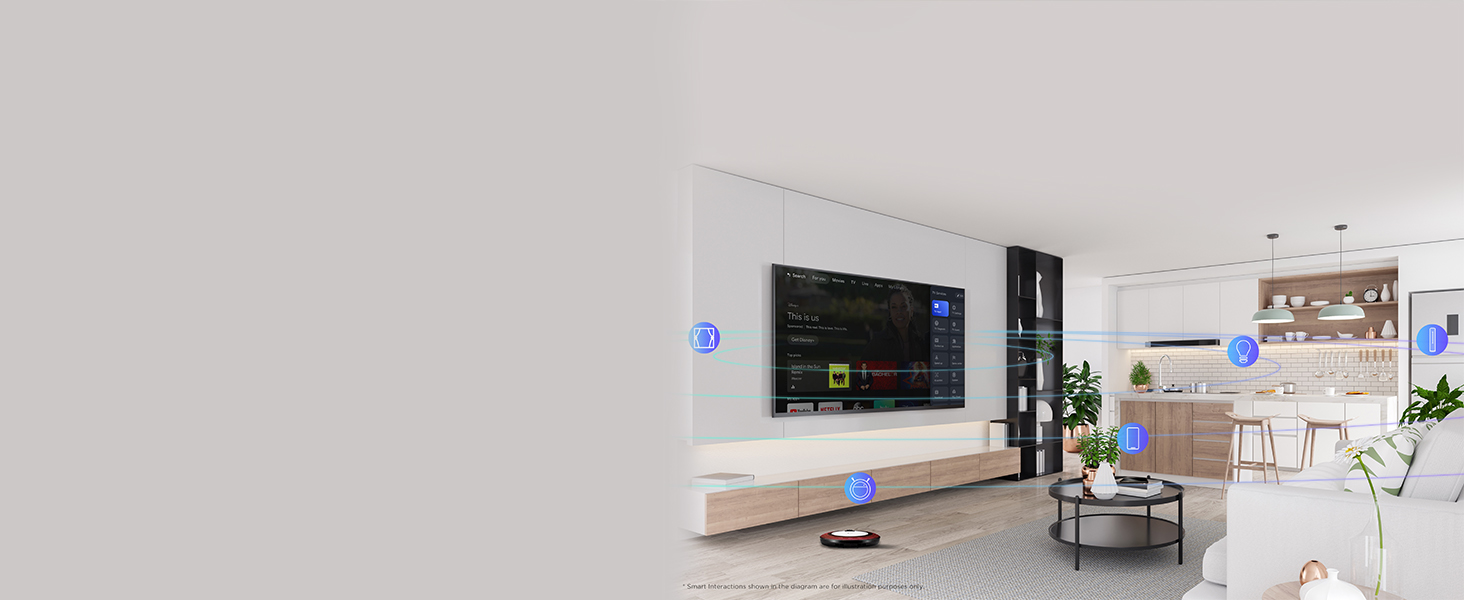
Image: 4K Ultra HD resolution detail.
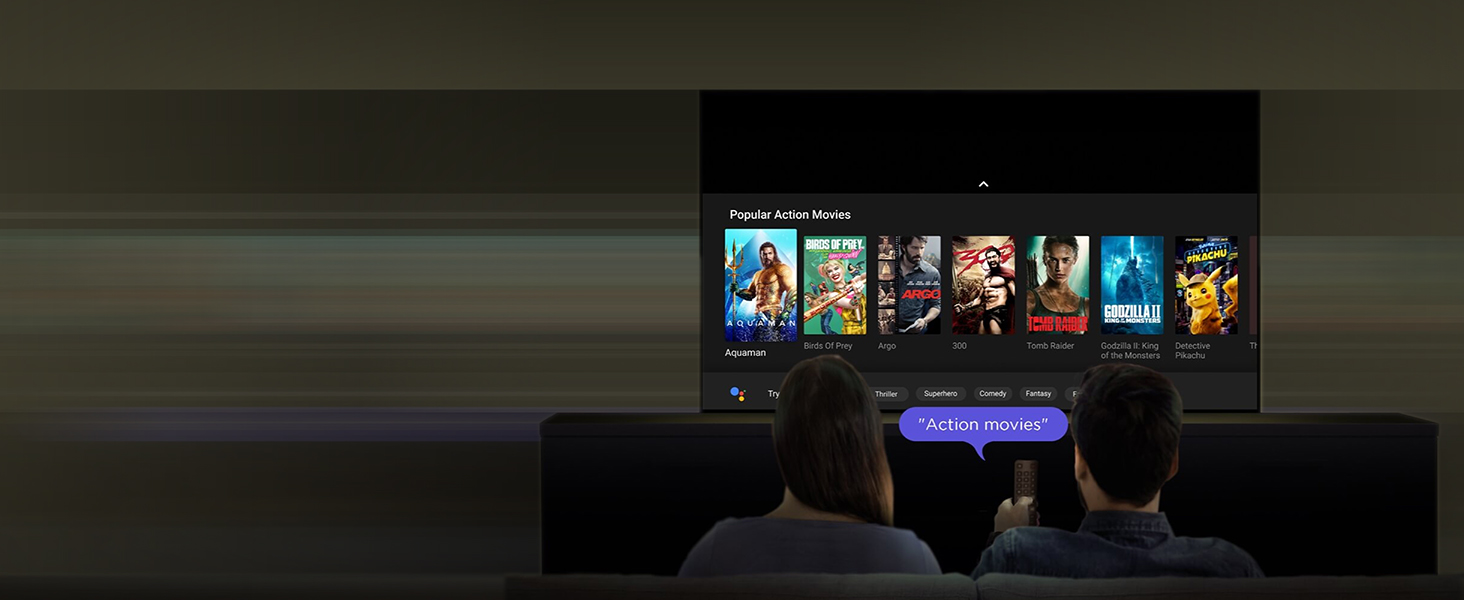
Image: HDR 10 contrast and color enhancement.
Image: Dynamic Color Enhancement.
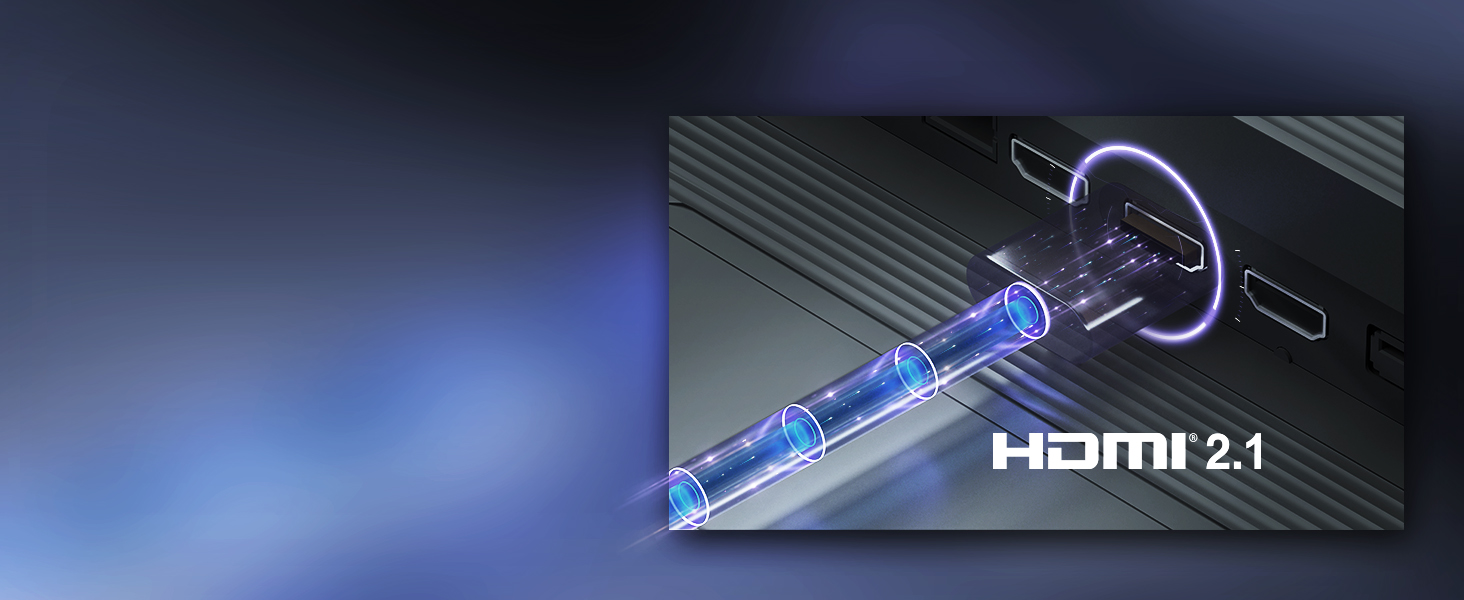
Image: Micro Dimming technology for enhanced contrast.
3. Endri-peo
The TV delivers powerful audio with 24 Watts output and Dolby Audio technology, providing rich, clear, and immersive sound for all your entertainment.
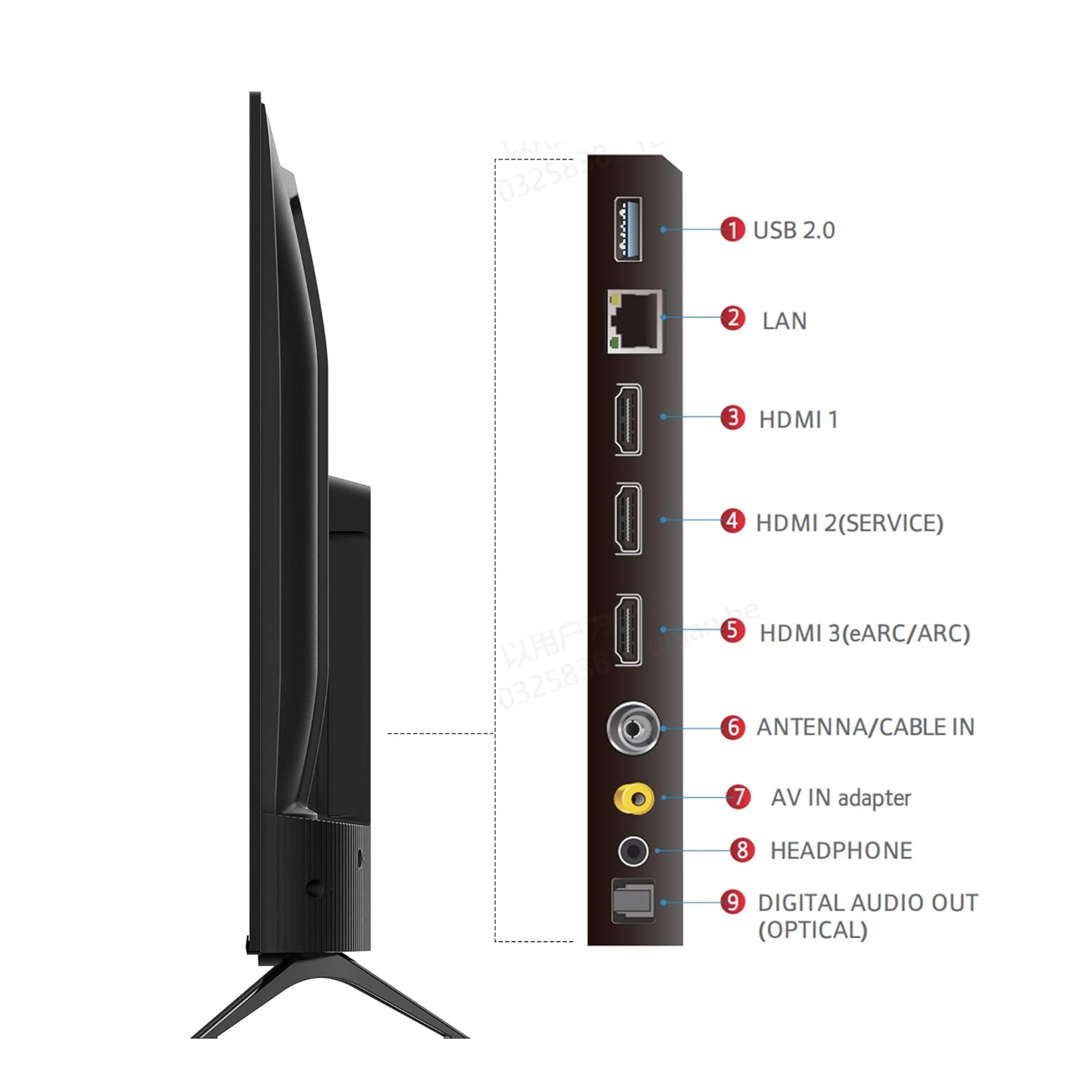
Image: Dolby Audio for immersive sound.
4. Lahatsary momba ny vokatra ofisialy
Lahatsary: Fampisehoana lahatsary ofisialy momba ny vokatraasing the iFFALCON U62 Series 4K HDR TV features, including Dolby Audio, 4K Ultra HD resolution, Micro Dimming, Dynamic Color Enhancement, Google TV, and HDMI 2.1 connectivity.
fikarakarana
1. Manadio ny fahitalavitrao
Mba hanadiovana ny écran dia fafao moramora amin'ny lamba malefaka tsy misy loko. Ho an'ny marika mafy loha, kely dampen the cloth with water or a screen cleaner specifically designed for TVs. Avoid using harsh chemicals, abrasive materials, or direct spraying of liquids onto the screen. For the TV body, use a soft, dry cloth.
2. Fikarakarana ankapobeny
Keep the TV away from direct sunlight, heat sources, and excessive dust. Ensure adequate ventilation around the TV to prevent overheating. Unplug the TV during lightning storms or when it will be unused for extended periods.
Fanamboarana
Raha sendra olana amin'ny fahitalavitra ianao dia jereo ireto olana sy vahaolana mahazatra ireto:
- Tsy misy hery: Ensure the power cord is securely plugged into both the TV and the electrical outlet. Check if the outlet is working by plugging in another device. Try pressing the power button on the TV itself, not just the remote.
- Tsy misy sary/feo: Verify that the correct input source is selected (e.g., HDMI 1, HDMI 2). Check all cable connections between the TV and external devices. If using a set-top box, ensure it is powered on.
- Ratsy kalitaon'ny sary: Adjust picture settings (brightness, contrast, color) in the TV menu. Ensure the input source is providing a high-quality signal. For 4K content, ensure your source device and cables support 4K.
- Tsy misy fifandraisana Internet: For Wi-Fi, check your router and ensure the TV is within range. Re-enter the Wi-Fi password. For wired connection, ensure the Ethernet cable is properly connected and your router is working.
- Fanaraha-maso lavitra tsy mandeha: Soloy ny bateria AAA ao amin'ny fanaraha-maso lavitra. Ataovy azo antoka fa tsy misy sakana eo anelanelan'ny fanaraha-maso lavitra sy ny sensor IR an'ny fahitalavitra.
Raha mbola mitohy ny olana rehefa avy nanandrana ireto dingana ireto dia mifandraisa amin'ny fanohanana mpanjifa.
fepetra arahana
| endri-javatra | famaritana |
|---|---|
| Marika | iFFALCON |
| MODELY | iFF43U62 |
| Haben'ny efijery | 43 santimetatra (108 sm) |
| vahaolana | 4K Ultra HD (3840 x 2160) |
| Ny tahan'ny fanavaozana | 60 Hertz |
| Rafitra fikirakirana | Google TV |
| ram | 2 GB |
| Rom | 16 GB |
| processeur | Processeur Quad Core 64-bit |
| fifandraisana | 3 HDMI Ports, 1 USB Port, Headphone Output, Wi-Fi (2.4Ghz/5GHz), Ethernet, Bluetooth |
| Feo Output | 24 Watts |
| Teknolojia Audio | Dolby Audio |
| Asehoy ny endri-javatra | A+ Grade Panel, 178 Degree Wide Viewing Angle, AI Picture Engine 2.0, HDR 10, 4K Upscaling, Dynamic Color Enhancement, Micro Dimming Technology, Edgeless Design |
| Ny haben'ny vokatra (miaraka amin'ny fijoroana) | 95.7 x 18.5 x 61 cm |
| Lanja entana | 6.3 kg |
Warranty sy fanohanana
Warranty Information
Your iFFALCON iFF43U62 TV comes with a Warranty 1 taona nomen'ny mpanamboatra nanomboka tamin'ny datin'ny fividianana. Tazomy ny rosia fividiananao sy ny karatra fiantohana raha misy fangatahana fiantohana.
Fanohanana ny mpanjifa
For technical assistance, service requests, or any inquiries regarding your iFFALCON TV, please refer to the contact information provided on your warranty card or visit the official iFFALCON support website. Ensure you have your TV's model number (iFF43U62) and serial number ready when contacting support.


