Sava lalana
This manual provides detailed instructions for the Parsonver LW45 Smart Watch. Please read this guide thoroughly to understand the watch's functions, setup, and maintenance, ensuring optimal performance and longevity of your device.
Fonosana fonosana
Rehefa voasokatra ny fonosana dia jereo tsara fa ao daholo ny entana rehetra:
- Parsonver LW45 Smart Watch
- Charging Cable
- User Manual
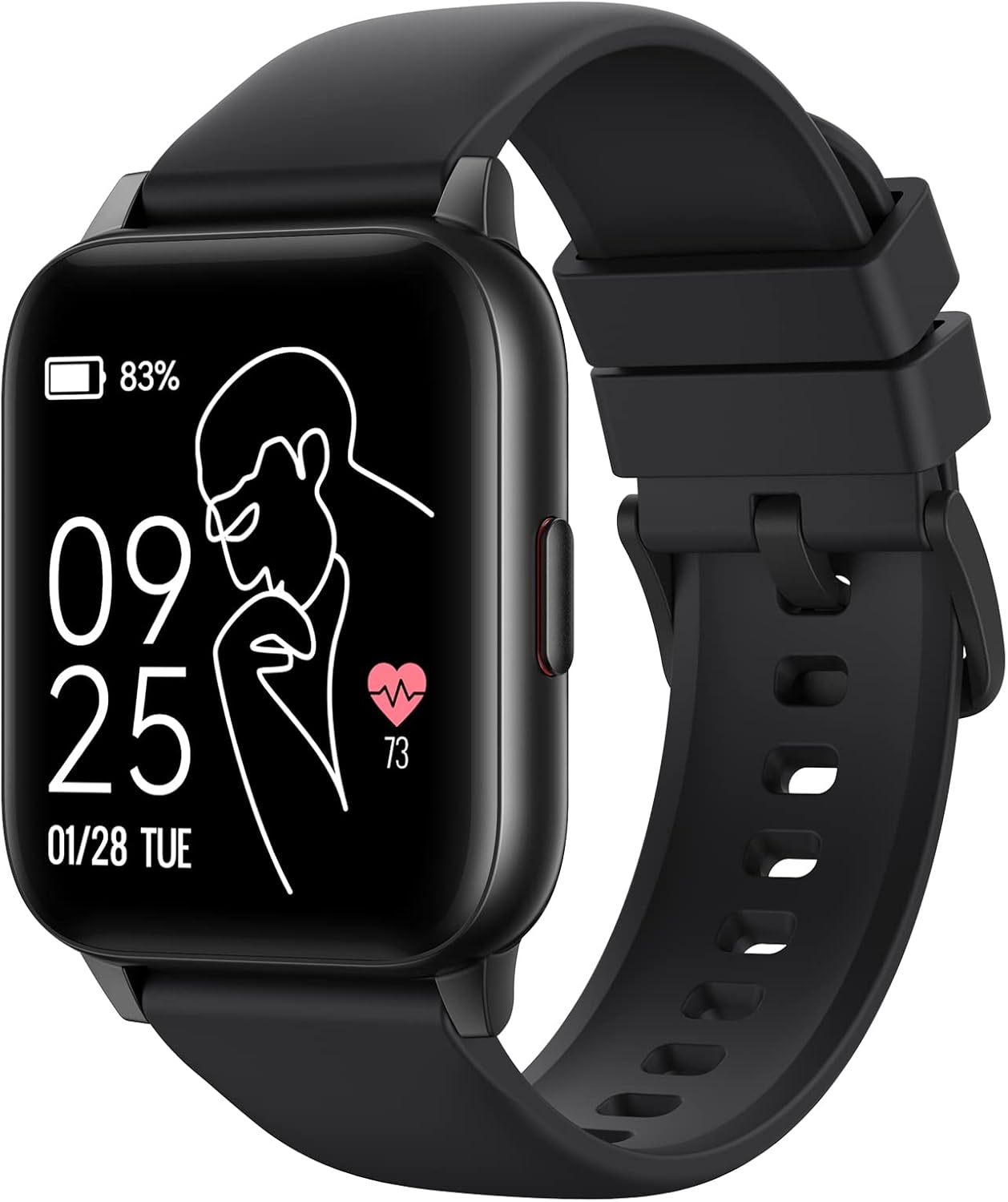
Image: The Parsonver LW45 Smart Watch, black model, displaying time and health metrics.
Setup Guide
1. Fametrahana ny fitaovana
Before initial use, fully charge the smart watch. Connect the charging cable to the charging port on the back of the watch and to a USB power source. The watch display will indicate charging status.
2. Fametrahana fampiharana sy fampiarahana
- Download the official Parsonver app from your smartphone's app store (compatible with iOS 10.0/Android 5.0 or above).
- Ataovy azo antoka fa alefa amin'ny findainao ny Bluetooth.
- Sokafy ny fampiharana ary araho ny torolàlana eo amin'ny efijery mba hamoronana kaonty na hidirana.
- Select "Add Device" or similar option within the app to search for your LW45 Smart Watch.
- Hamafiso ny fangatahana fampiarahana amin'ny findainao sy ny famantaranandro.
Fanamarihana: The watch connects via Bluetooth 5.0. Maintain proximity between the watch and your smartphone for a stable connection.

Image: A smartphone displaying the Parsonver app, illustrating the device connection process.
Torolàlana miasa
Fikarohana fototra
- Efijery kasihina: Swipe left/right, up/down to navigate menus and access features. Tap to select.
- bokotra sisiny: Tsindrio mba hiverenana amin'ny efijery fandraisana na hamoha ny fitaovana.
Sports Modes
The LW45 Smart Watch features 16 default sports modes. Over 100 additional sports modes can be customized and added via the companion app. These include activities such as walking, running, cycling, swimming, yoga, and strength training.
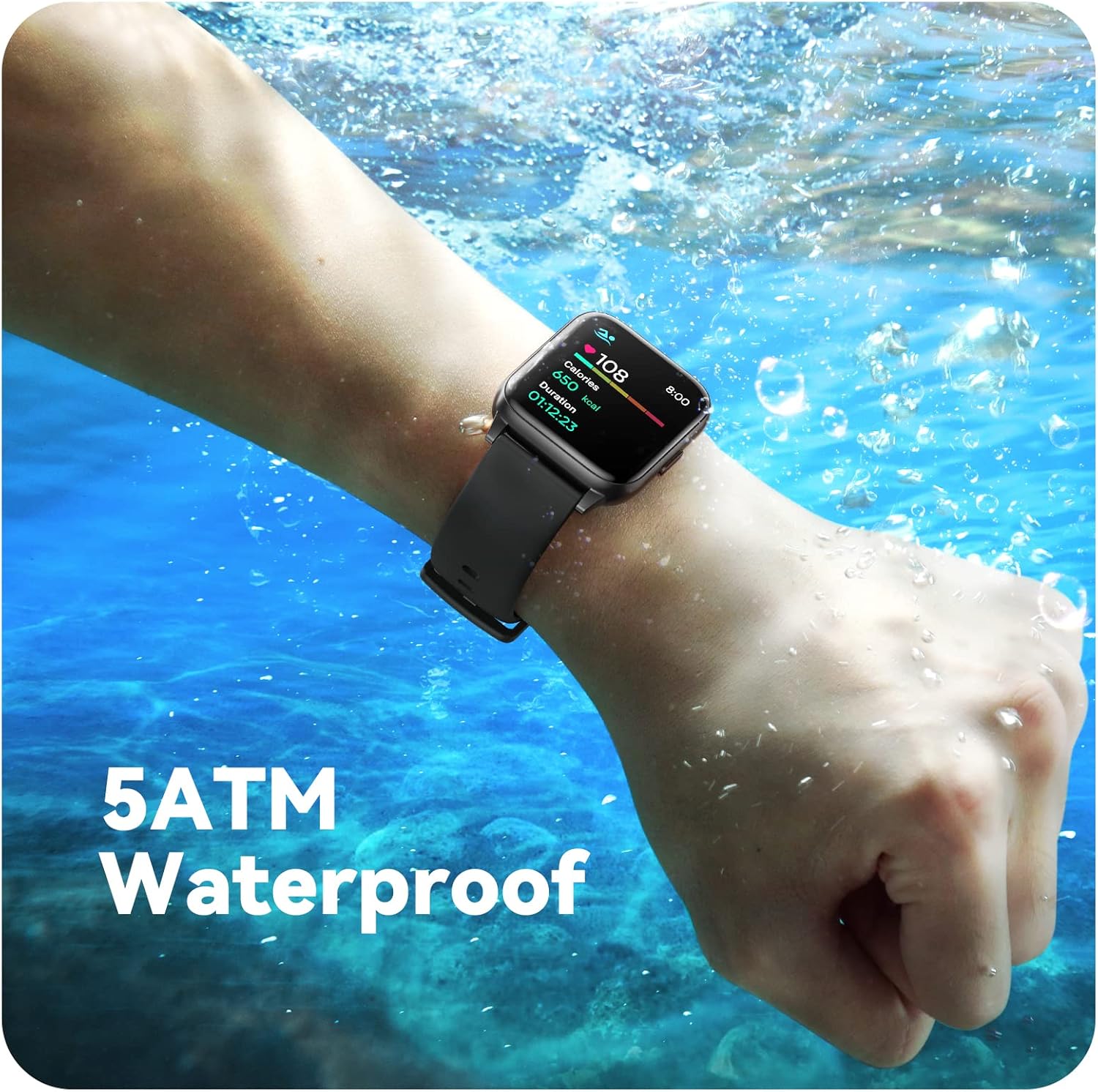
Image: A person engaged in soccer, wearing the smart watch, demonstrating its use during sports activities.

Image: A smartphone screen displaying a wide selection of sports modes within the Parsonver application.
Fanaraha-maso ara-pahasalamana
- Fanaraha-maso ny tahan'ny fo: Provides 24/7 real-time heart rate data.
- Fanaraha-maso oksizenina amin'ny rà: Mandrefy ny haavon'ny oksizenina ao amin'ny ra.
- Fanaraha-maso torimaso: Automatically monitors sleep patterns, including deep sleep, light sleep, and awake times (from 9:00 PM to 12:00 PM the next day).
- Hydration and Sedentary Alerts: The watch can provide reminders for hydration and prolonged inactivity.
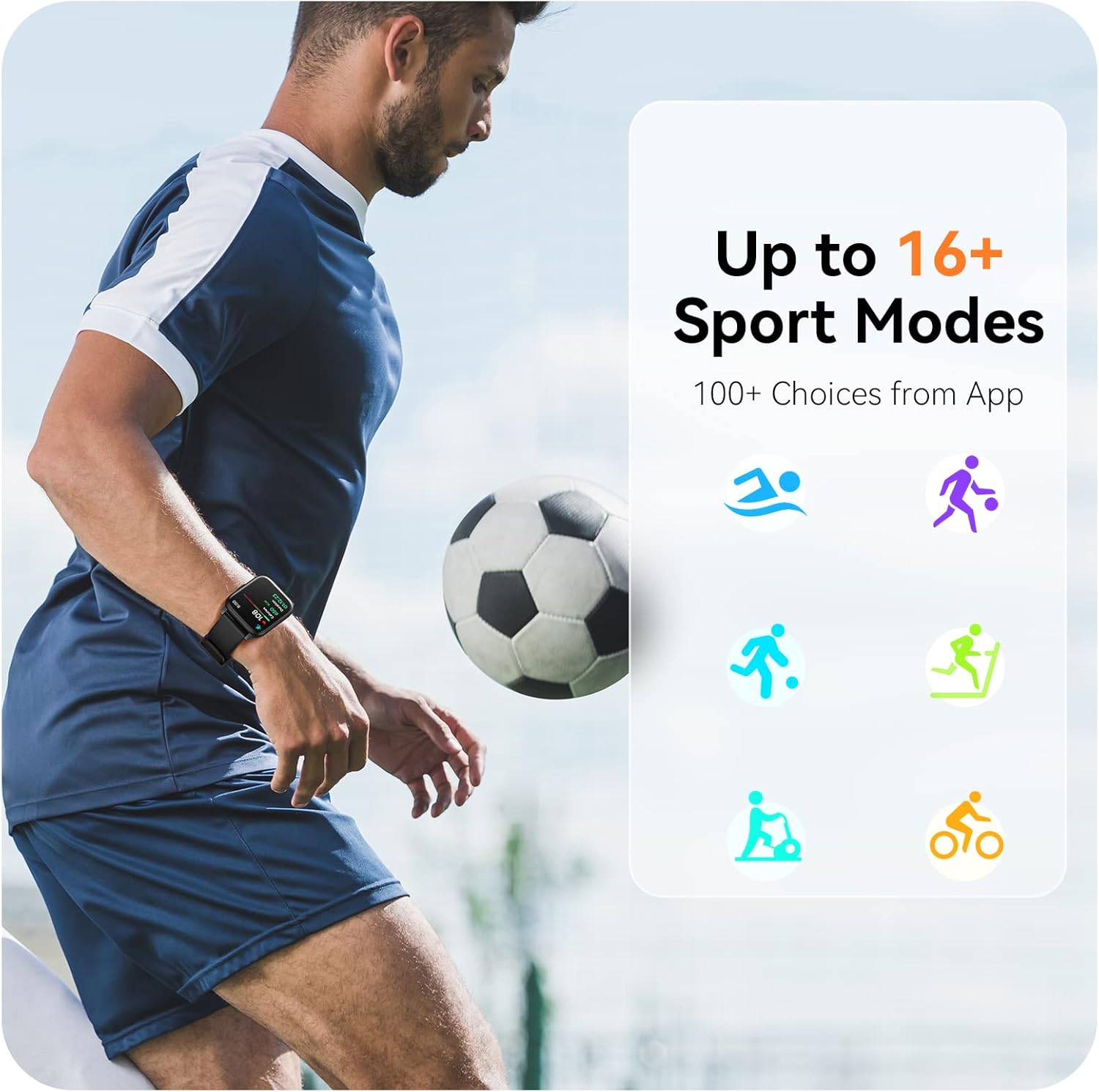
Image: A man running, with the smart watch on his wrist showing real-time fitness data.

Image: A person sleeping, with the smart watch tracking sleep and displaying data on a connected phone.
fampahatsiahivana
Receive notifications for incoming calls, SMS messages, emails, and alerts from social media applications (WhatsApp, LinkedIn, Instagram, Twitter) when connected to your smartphone. You can reject calls directly from the watch, but cannot answer or reply to messages.
Image: The smart watch screen showing icons for different types of notifications.
Asa fanampiny
The 1.69-inch high-definition touch screen provides access to various features:
- vinavina ny toetrandro
- famantaranandro fanairana
- Timer sy stopwatch
- Fanaraha-maso fakantsary lavitra
- Fanaraha-maso ny fandefasana mozika
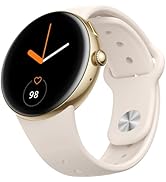
Image: The smart watch screen showing a weather forecast display.
Customization
Ataovy manokana ny traikefanao amin'ny famantaranandro:
- Topy mijery: Choose from a variety of pre-installed watch faces or download more via the app.
- Custom Backgrounds: Set your own photos as watch face backgrounds through the app.
- Time and Unit Formats: Adjust time display (12/24 hour) and measurement units (Metric/Imperial, Celsius/Fahrenheit) in the app settings.
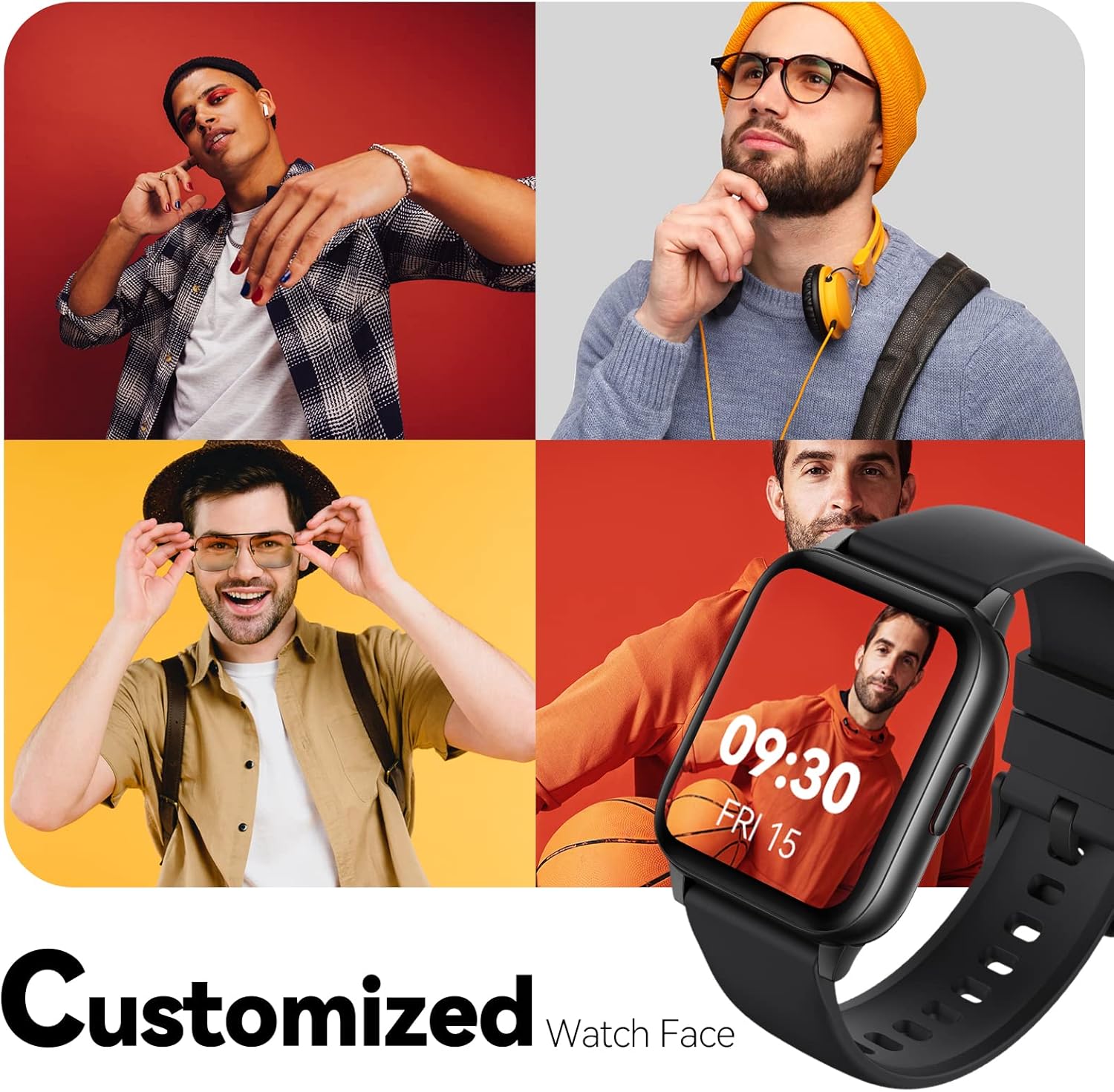
Image: Multiple watch face designs shown on the smart watch, highlighting customization.

Image: A visual guide demonstrating how to adjust time formats, units, and customize watch faces via the companion app.
Water Resistance
The Parsonver LW45 Smart Watch is rated 5ATM waterproof, meaning it is water-resistant up to 50 meters. This allows for use during swimming, showering, and in various weather conditions like rain or snow. Important: Do not press any buttons while the watch is submerged in water.

Image: The smart watch submerged in water, illustrating its 5ATM waterproof capability.
fikarakarana
- Fanadiovana: Regularly clean the watch and strap with a soft, dry cloth. For stubborn dirt, use a slightly damp lamba sy savony malefaka, dia kobanina ary maina tsara.
- Mametraka fifandraisana: Tazomy ho madio sy tsy misy loto ireo fifandraisana famandrihana ao andamosin'ny famantaranandro mba hahazoana antoka fa mandeha tsara ny famandrihana.
- fitahirizana: Tehirizo ao amin'ny toerana mangatsiatsiaka sy maina ny famantaranandro rehefa tsy ampiasaina.
- Avoid Chemical: Do not expose the watch to strong chemicals, solvents, or detergents, as these can damage the materials.
Fanamboarana
| Olana | Vahaolana mety |
|---|---|
| Tandremo fa tsy mandeha na mandefa | Ensure the charging cable is securely connected to both the watch and a working USB power source. Clean the charging contacts. Try a different USB port or adapter. |
| Tsy afaka mifandray amin'ny smartphone | Ensure Bluetooth is enabled on your phone. Restart both the watch and phone. Make sure the watch is within Bluetooth range. Check if other Bluetooth devices are interfering. Uninstall previous watch apps if present. |
| Tsy voaray ny fampahafantarana | Verify that notification permissions are enabled for the Parsonver app in your phone's settings. Ensure the watch is connected via Bluetooth. Check app settings for specific notification toggles. |
| Inaccurate step count or sleep data | Ensure the watch is worn snugly on your wrist. Calibrate the watch through the app if available. Note that some activities (like driving) might register as steps. Sleep tracking is active from 9:00 PM to 12:00 PM the next day. |
fepetra arahana
| endri-javatra | antsipirihany |
|---|---|
| Anarana modely | LW45 |
| Haben'ny efijery | 1.69 santimetatra |
| Water Resistance | 5ATM (hatramin'ny 50 metatra) |
| lanja | 40g ny |
| Fifanarahana amin'ny rafitra fandidiana | iOS 10.0/Android 5.0 or above |
| fifandraisana | Bluetooth 5.0 |
| Fahaizana bateria | 300 Miliamp ORA |
| Fahaizana fitahirizana fahatsiarovana | 128 mb |
| GPS | Amin'ny alàlan'ny Smartphone |
| Anisan'ny singa | Smart Watch |
Fanohanana sy fiantohana
For technical assistance or warranty inquiries, please contact Parsonver customer service. Refer to the product packaging or the official Parsonver webtranokala ho an'ny fampahalalana mifandraika amin'izao fotoana izao.
Email serivisy ho an'ny mpanjifa: support@parsonver.com

Image: The official Parsonver brand logo.

Image: A graphic indicating 24/7 online customer support availability.
Fampahalalana manan-danja momba ny fiarovana
- Aza manandrana mamongotra na manova ny famantaranandro.
- Keep the watch away from extreme temperatures.
- Consult a medical professional before starting any new exercise regimen, especially if you have pre-existing health conditions. The health monitoring features are for informational purposes and not for medical diagnosis.
- Ario ny fitaovana sy ny bateriny araka ny lalàna eo an-toerana.


