1. Fampidirana
Welcome to the Polaroid Hi-Print Gen1 Bluetooth Pocket Photo Printer. This compact, dye-sublimation printer allows you to transform digital photos from your mobile device into high-quality, 2x3 inch self-adhesive prints. This manual provides essential information for setup, operation, and maintenance to ensure optimal performance of your device.
2. Ny votoatin'ny fonosana
The Polaroid Hi-Print Everything Box includes:
- Polaroid Hi-Print Wireless Pocket Photo Printer
- Two packs of Polaroid Hi-Print Paper (40 sheets total)
- USB Charging Cable
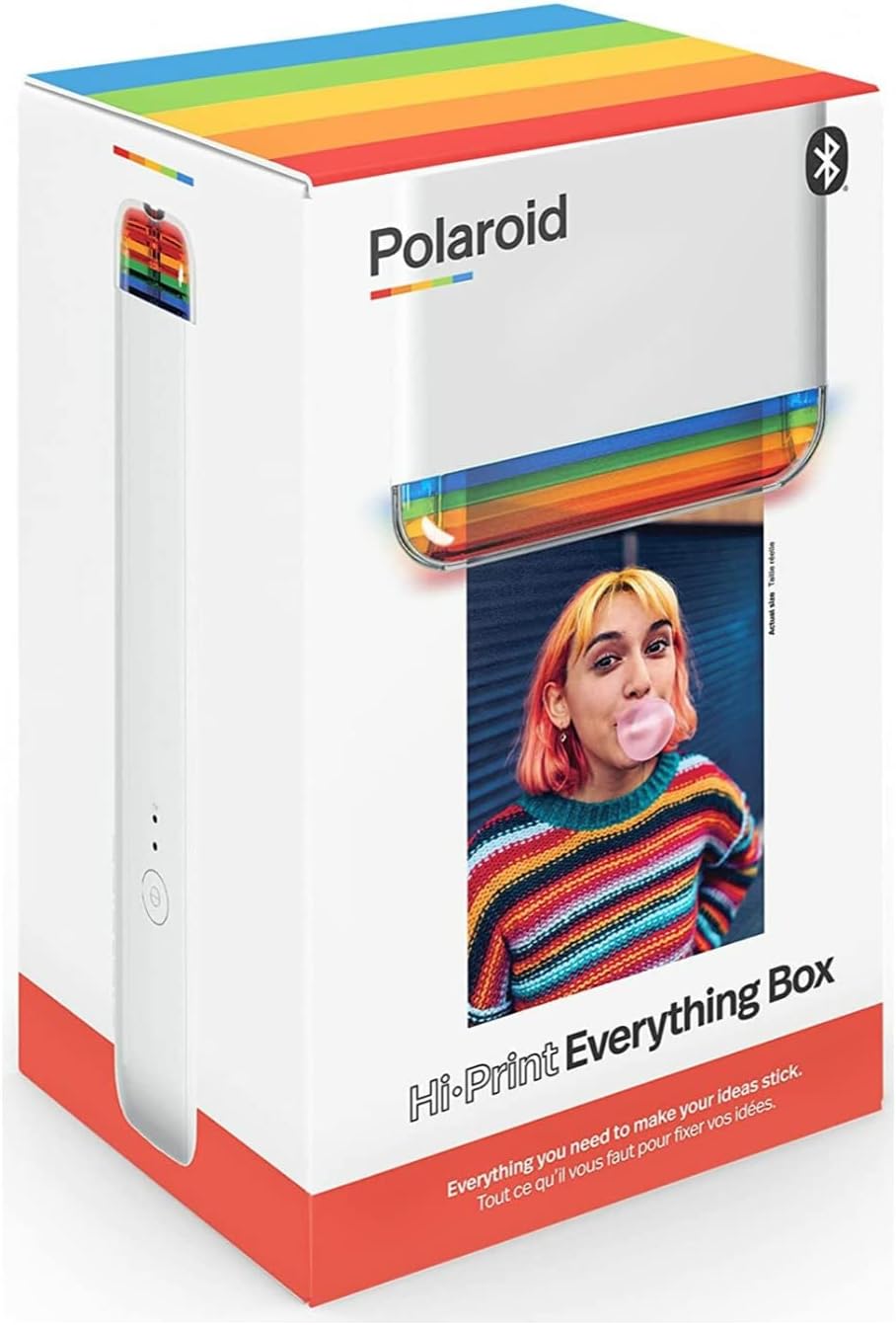
Image 1: The Polaroid Hi-Print Everything Box, showing the printer and paper cartridges.
3. Fametrahana
3.1 Famandrihana ny mpanonta printy
Before first use, fully charge your Polaroid Hi-Print printer. Connect the provided USB charging cable to the printer's charging port and a compatible USB power source. The LED indicators will show charging status.
3.2 Installing the Paper Cartridge
- Open the paper compartment door on the side of the printer.
- Remove a new 2x3 Paper Cartridge from its packaging.
- Insert the cartridge into the compartment, ensuring it clicks securely into place. The paper should be facing upwards.
- Akatona ny varavaran'ny efi-trano.
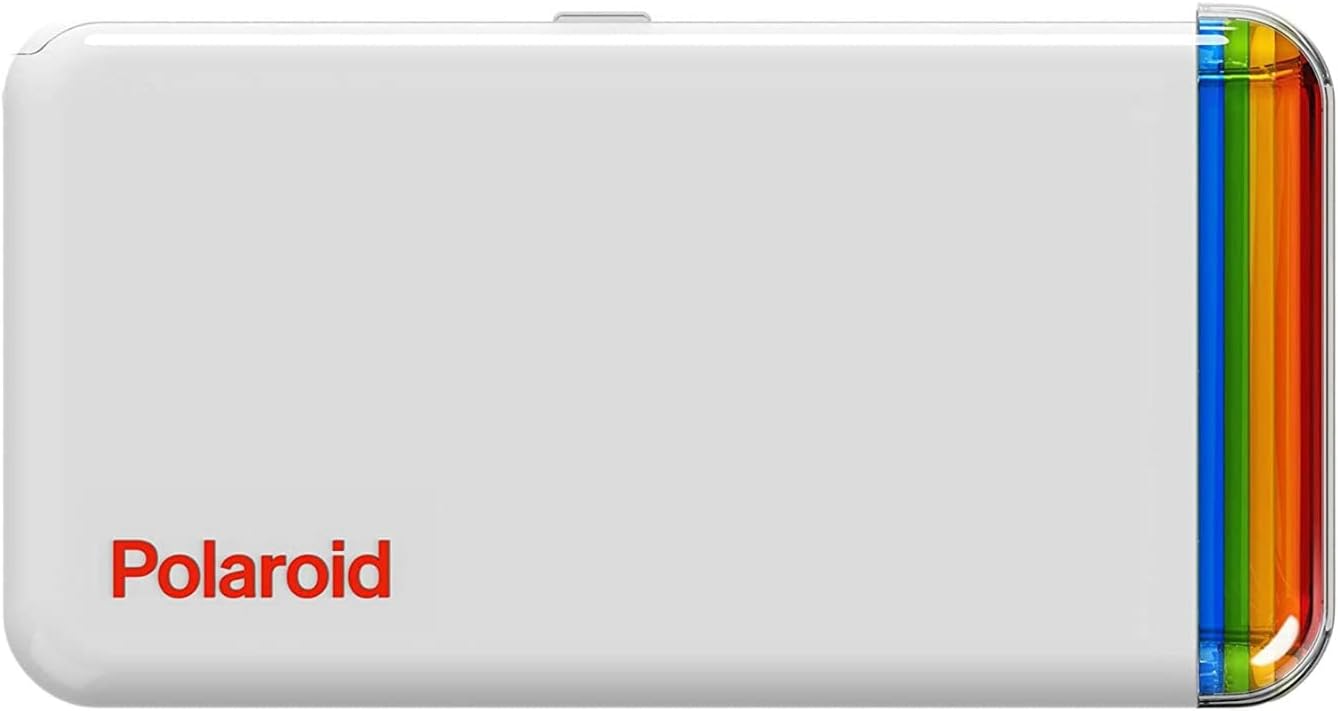
Sary 2: Ambony view of the Polaroid Hi-Print printer, showing the paper cartridge slot.
3.3 Fifandraisana amin'ny fampiharana finday
The Polaroid Hi-Print operates via a dedicated mobile application. Download the Polaroid Hi-Print app from your device's app store (available for iOS and Android).
- Turn on your Polaroid Hi-Print printer by pressing the power button.
- Alefaso ny Bluetooth amin'ny findainao.
- Open the Polaroid Hi-Print app and follow the on-screen instructions to pair your device.
Video 1: Official Polaroid demonstration of the Hi-Print printer, showcasing its ease of use and quick printing capabilities.
4. Fampiasana ny mpanonta printy
4.1 Fanontana Sary
Once your printer is paired with the app and a paper cartridge is loaded, you can begin printing:
- Select a photo from your mobile device's gallery within the Polaroid Hi-Print app.
- Use the app's editing tools to customize your photo with frames, filters, text, and emoticons.
- Tap the print button in the app. The printer will process the image using dye-sublimation technology, layering colors (yellow, magenta, cyan) and a protective coating in under 50 seconds.
- The finished 2x3 inch self-adhesive print will emerge from the printer.

Image 3: The Polaroid Hi-Print printer in action, with a photo emerging from the print slot.
Video 2: A detailed product demonstration video showing the unboxing, paper loading, and printing process of the Polaroid Hi-Print.
4.2 Using Self-Adhesive Prints
Each 2x3 inch print features a self-adhesive backing. Simply peel off the backing to stick your photos onto journals, scrapbooks, laptops, or any other surface.
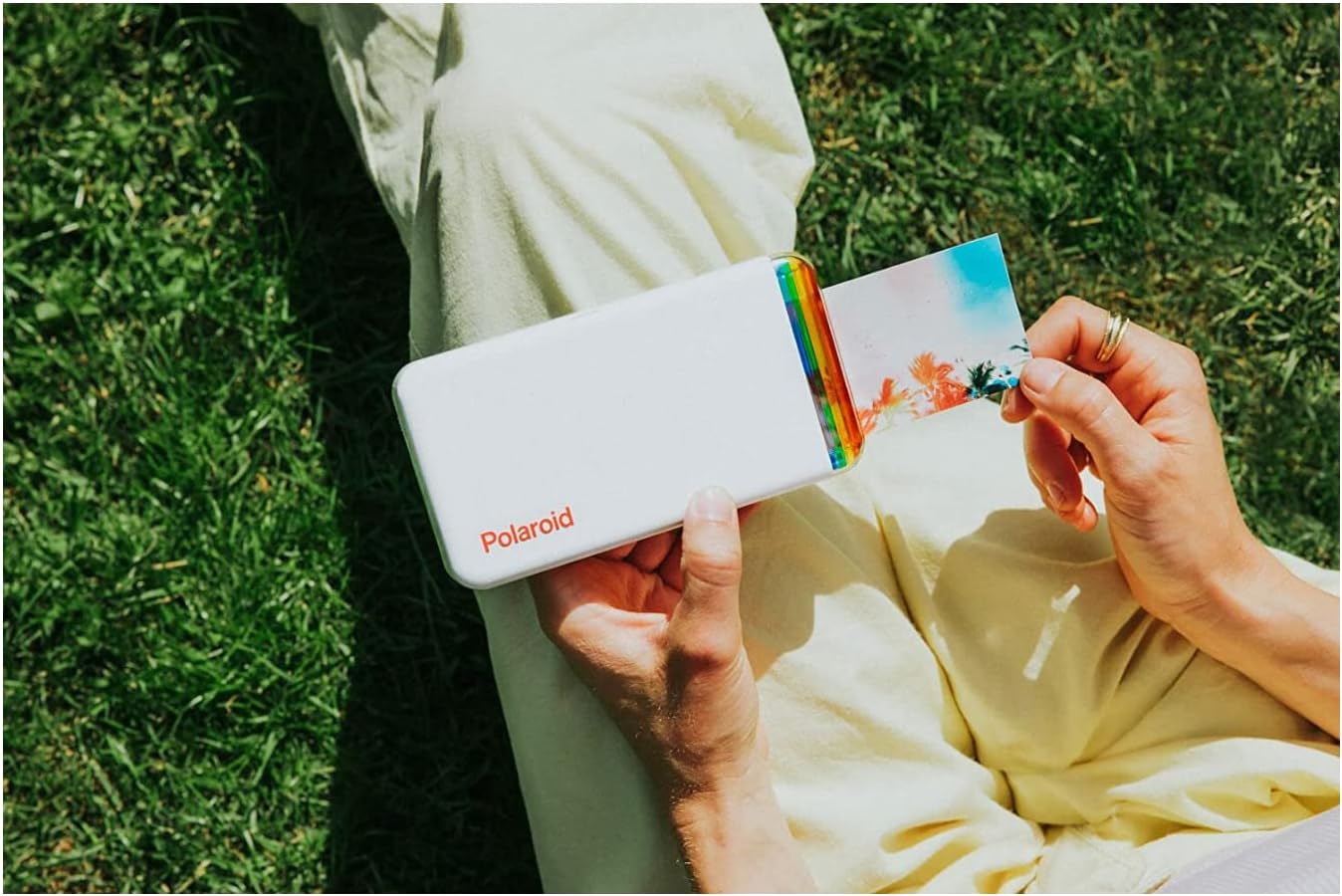
Image 4: A hand holding the Polaroid Hi-Print printer, with a freshly printed photo being held next to it, demonstrating its portability and the size of the prints.
5. Fikojakojana
5.1 Fanadiovana ny mpanonta
To maintain optimal print quality, keep the printer clean. Gently wipe the exterior with a soft, dry cloth. Avoid using harsh chemicals or abrasive materials. Ensure no dust or debris enters the paper compartment.
5.2 Storing Paper Cartridges
Store unused paper cartridges in their original sealed packaging in a cool, dry place away from direct sunlight to prevent damage and maintain print quality.
6. Famahana olana
6.1 Tsy mifandray amin'ny alàlan'ny Bluetooth ny mpanonta printy
- Hamarino tsara fa mandeha tsara ny milina pirinty ary feno ny bateriny.
- Hamarino fa mandeha ny Bluetooth amin'ny findainao.
- Restart both the printer and your mobile device.
- If issues persist, try unpairing and re-pairing the printer through your device's Bluetooth settings and the Polaroid Hi-Print app.
6.2 Ratsy kalitao fanontana
- Ensure the paper cartridge is correctly inserted and not expired.
- Check the original image quality on your mobile device. Higher resolution images yield better prints.
- Clean the printer as described in the Maintenance section.
6.3 Firmware Update Issues
If you encounter problems during a firmware update, ensure your printer is fully charged and has a stable Bluetooth connection. Try restarting the update process. If the issue persists, contact Polaroid customer support.
7. Famaritana
| Anarana modely | 6152 |
| Ny refin'ny vokatra | 4" D x 7" W x 4" H |
| Lanja entana | 1 pound (454 grams) |
| Teknolojia fifandraisana | Bluetooth |
| Teknolojia fanontana | Fandokoana Sublimation |
| Haben'ny Media ambony indrindra | 2x3 inch (self-adhesive photo paper) |
| Famahanana loko ambony indrindra amin'ny pirinty | 300 dpi |
| Loko ranomainty | Cyan, Magenta, Yellow, Black |
| Fomba fanaraha-maso | App (iOS and Android compatible) |
| vatoaratra | 1 Lithium Ion bateria (tafiditra) |
8. Warranty sy fanohanana
8.1 Garantie voafetra
Your Polaroid Hi-Print Gen1 Bluetooth Pocket Photo Printer comes with a limited warranty. Please refer to the warranty information included in your product packaging or visit the official Polaroid webtranonkala raha mila fanazavana fanampiny momba ny fandrakofana sy ny fepetra.
8.2 Fanohanana ny mpanjifa
For further assistance, technical support, or to purchase additional paper cartridges, please visit the official Polaroid webtranokala na mifandray amin'ny departemantan'ny serivisy mpanjifany.
Pejy Ofisialy momba ny vokatra: polaroid.com/hiprint2x3
Visit the Polaroid Store: Fivarotana Polaroid ao amin'ny Amazon


