1. Fampidirana
This manual provides detailed instructions for the setup, operation, and maintenance of your Bytech BYMCWC101BLK PC Web Camera. Please read this manual thoroughly before using the product to ensure proper functionality and longevity.
2. Ny votoatin'ny fonosana
Hamarino fa ny entana rehetra voatanisa etsy ambany dia tafiditra ao anatin'ny fonosanao vokatra:
- Bytech BYMCWC101BLK PC Web Camera
- User Manual (ity antontan-taratasy ity)
- Cable USB Integrated
3. Fametrahana
Follow these steps to set up your Bytech BYMCWC101BLK PC Web fakan-tsary:
- Fametrahana: Mametraka ny webcam on top of your computer monitor, laptop screen, or a flat surface. The adjustable clip allows for secure attachment.
- Mifandray amin'ny solosaina: Plug the integrated USB cable from the webcam amin'ny seranan-tsambo USB misy amin'ny solosainao.
- Fametrahana mpamily: ny webcam is typically plug-and-play. Your operating system (Windows, macOS, Linux) should automatically detect and install the necessary drivers. Wait for the installation to complete.
- Fanamarinana: Open a video conferencing application (e.g., Zoom, Skype, Microsoft Teams) or your computer's camera application to confirm the webFantatra ny cam ary mampiseho horonan-tsary.
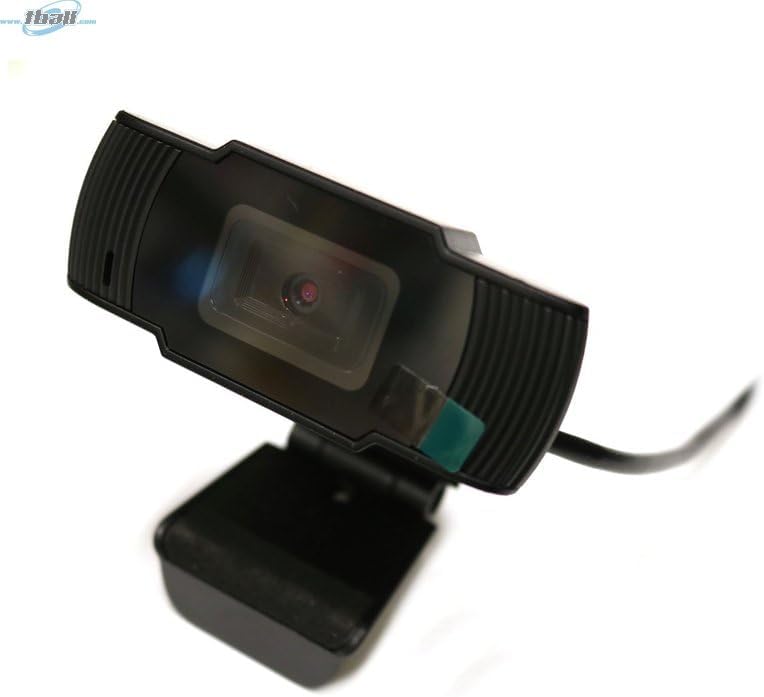
Image: The Bytech BYMCWC101BLK PC Web Camera securely mounted on top of a computer monitor, demonstrating its adjustable clip design.
4. Torolàlana miasa
Once installed, the Bytech BYMCWC101BLK PC Web Camera can be used with various applications:
- Video fihaonambe: Select the Bytech webcam as your video input device within your preferred video conferencing software (e.g., Zoom, Skype, Google Meet).
- Streaming: For live streaming platforms, configure the webcam as your primary video source in your streaming software (e.g., OBS Studio).
- Fandraketana: Use your computer's built-in camera application or third-party software to record video.
- Fahombiazan'ny hazavana kely: ny webcam features BSI CMOS photo sensor technology and is designed to perform effectively in low-light conditions, providing clear video even with limited ambient lighting.
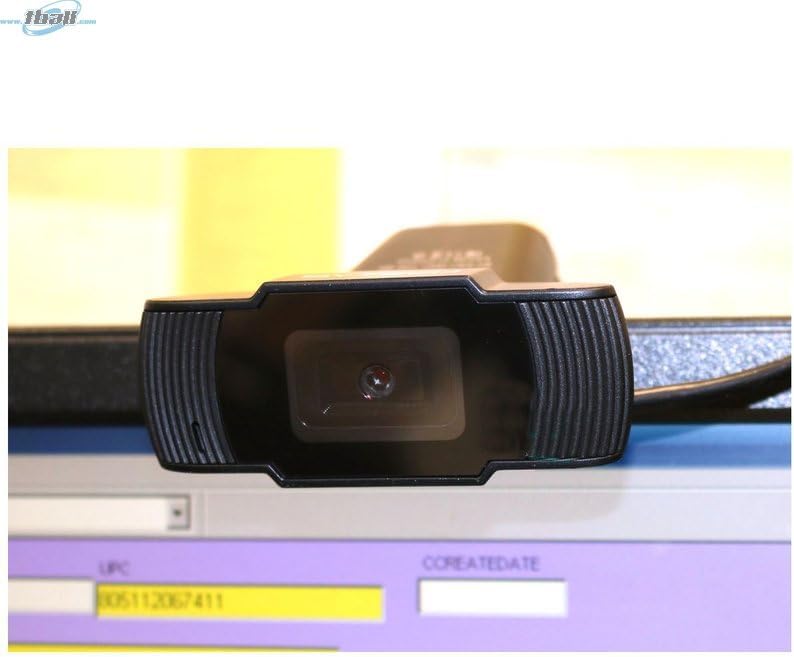
Sary: akaiky view of the Bytech BYMCWC101BLK PC Web Camera's lens, highlighting its design and integrated privacy cover (if applicable, otherwise just lens).
5. Fikojakojana
To ensure optimal performance and extend the lifespan of your webcam:
- Fanadiovana: Gently wipe the lens with a soft, lint-free cloth. Avoid using harsh chemicals or abrasive materials.
- fitahirizana: Rehefa tsy ampiasaina dia tahirizo ny webcam in a clean, dry environment away from direct sunlight and extreme temperatures.
- Cable Care: Do not bend or crimp the USB cable excessively.
6. Famahana olana
Raha sendra olana amin'ny tenanao ianao webcam, refer to the following common problems and solutions:
- Tsy misy sary/horonan-tsary:
- Ataovy azo antoka fa mifandray tsara amin'ny roa ny tariby USB webny cam sy ny solosainao.
- Andramo apetraka ny webcam amin'ny port USB hafa.
- Avereno indray ny solosainao.
- Check your application settings to ensure the Bytech webcam is selected as the video input device.
- Ratsy kalitaon'ny horonan-tsary:
- Ataovy izay hahazoana jiro ampy tsara ao amin'ny manodidina anao.
- Diovy ny weblamba malefaka ny family fakantsary.
- Check your application's video settings for resolution and frame rate.
- Microphone Not Working (if applicable):
- Hamarino fa ny webcam's microphone is selected as the audio input device in your computer's sound settings and within your application.
- Ensure the microphone is not muted in your system or application.
7. Famaritana
| endri-javatra | antsipirihany |
|---|---|
| Anarana modely | BYMCWC101BLK |
| Marika | Bytech |
| Teknolojia fifandraisana | USB |
| Photo Sensor Technology | BSI CMOS |
| Video Capture Format | MP4 |
| Endri-javatra manokana | Fahazavana ambany |
| loko | Mainty |
| Lanja entana | 4.9 oz |
| Ny haben'ny fonosana | 7.76 x 4.65 x 2.44 santimetatra |
8. Warranty sy fanohanana
For warranty information or technical support, please refer to the documentation included with your purchase or contact your retailer. Keep your proof of purchase for warranty claims.


