Sava lalana
Thank you for choosing the blucoil 5000mAh Portable Power Bank. This manual provides essential information for the safe and efficient use of your device. Please read it thoroughly before operation and retain it for future reference.
Vita ny vokatraview
The blucoil 5000mAh Portable Power Bank is a compact and lightweight external battery designed to charge various electronic devices on the go. It features dual USB output ports for simultaneous charging and a Micro USB input for recharging the power bank itself.

Image: The blucoil 5000mAh Portable Power Bank, a black rectangular device with four LED indicator lights and the blucoil logo.
Fametrahana sy famandrihana ny Power Bank
Before initial use, fully charge your blucoil Portable Power Bank.
- Locate the Micro USB input port on the power bank.
- Connect one end of the supplied 12-inch Micro USB charging cable to the power bank's input port.
- Connect the other end of the charging cable to a compatible USB wall adapter (not included) or a computer's USB port.
- The LED indicator lights on the power bank will illuminate to show the charging status. A full charge typically takes approximately 3.5 hours.
- Once all four LED lights are solid, the power bank is fully charged and ready for use.
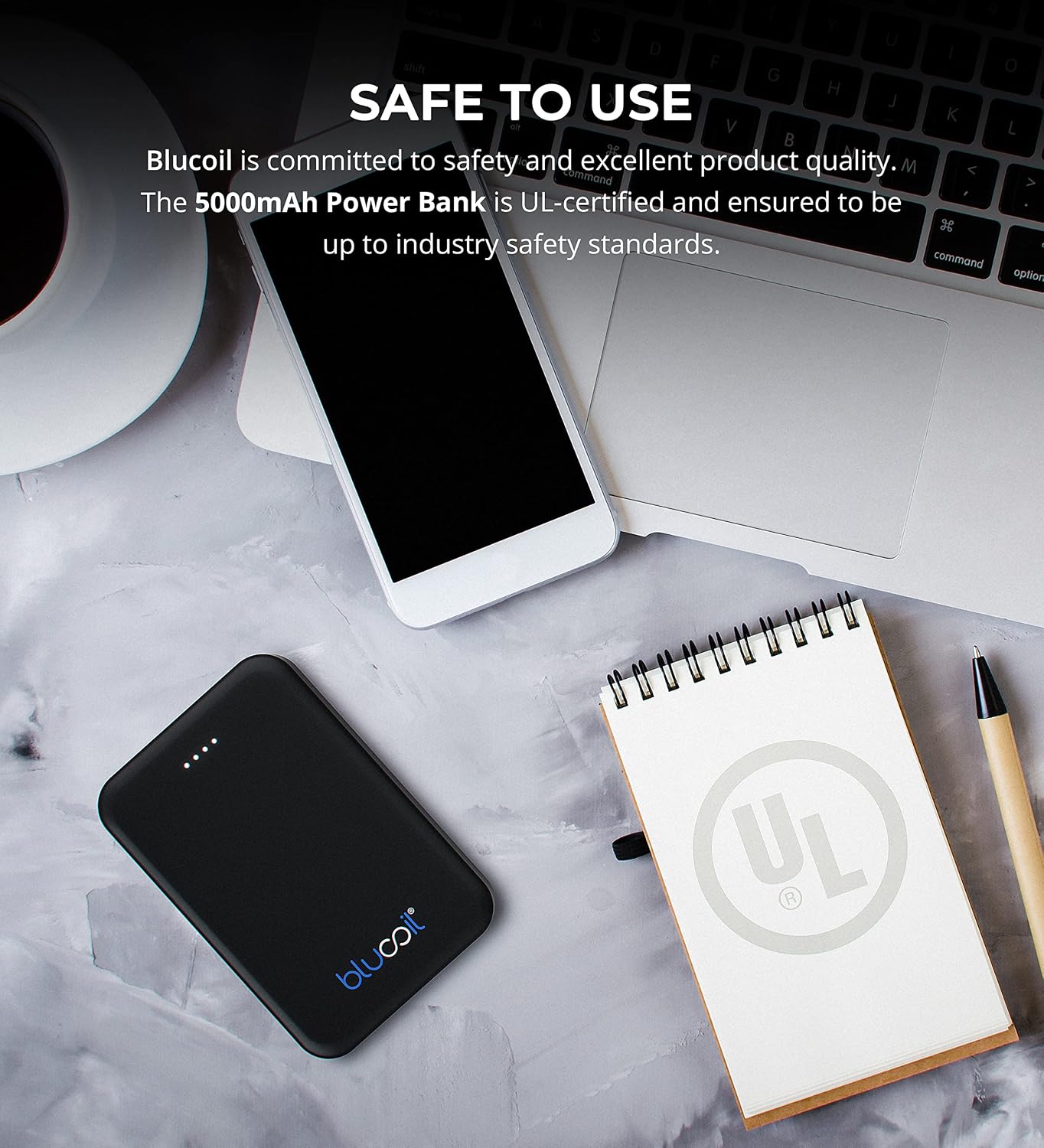
Image: The blucoil power bank connected to a wall adapter via a white USB cable, illustrating the charging process.
Torolàlana miasa
Fametrahana ny fitaovanao
The blucoil 5000mAh Portable Power Bank is equipped with two USB output ports, allowing you to charge up to two devices simultaneously.
- Connect your device's charging cable to one of the USB output ports on the power bank.
- Ampifandraiso amin'ny fitaovana elektronika ny ilany hafa amin'ny tariby.
- The power bank will automatically begin charging your device. The LED indicator lights will show the remaining power level of the power bank.
- Both USB ports provide 5V, 2.1A output power, suitable for fast charging compatible devices.

Image: The blucoil power bank simultaneously charging a smartphone and a tablet using its dual USB output ports.
Famantarana ny haavon'ny hery
The four LED lights on the power bank indicate the remaining battery capacity:
- 4 LED: 75-100% voampanga
- 3 LED: 50-75% voampanga
- 2 LED: 25-50% voampanga
- 1 LED: 0-25% voafahana (averina ampiasaina tsy ho ela)
Wide Compatibility
The blucoil 5000mAh Portable Power Bank is compatible with a wide range of devices, including but not limited to:
- finday avo lenta
- takela-bato
- Fakan-tsary nomerika
- Mpilalao MP3/MP4
- écouteur
- Lalao Consoles

Image: The blucoil power bank surrounded by icons representing various compatible devices such as phones, tablets, headphones, and game consoles.
Fikojakojana sy fikarakarana
- Ataovy maina ny banky herinaratra. Aza avela hisy hamandoana na ranon-javatra izany.
- Fadio ny hafanana tafahoatra. Aza tehirizina ao anaty toerana mafana na mangatsiaka be.
- Diovy amin'ny lamba malefaka sy maina ny banky herinaratra. Aza mampiasa akora simika mahery vaika na fanadiovana maloto.
- Store the power bank with a partial charge (around 50%) if not used for extended periods to prolong battery life.
- Fadio ny fandatsahana na ny fanerena ny banky herinaratra amin'ny fiantraikany mahery vaika.
Information momba ny fiarovana
The blucoil 5000mAh Portable Power Bank is designed with safety in mind and is UL-certified, ensuring it meets industry safety standards.
- Aza esorina, ovaina, na andramana amboarina ny power bank.
- Arovy amin'ny ankizy.
- Aza atao short-circuit ny power bank.
- Ario am-pahamendrehana ny banky herinaratra araka ny lalàna eo an-toerana.

Image: The blucoil power bank placed next to a notebook with a prominent UL certification logo, indicating product safety compliance.
Fanamboarana
- Power bank tsy mi-charge: Ensure the charging cable is securely connected to both the power bank's Micro USB input and the wall adapter/USB port. Try a different cable or adapter.
- Tsy voafafa avy amin'ny power bank ny fitaovana: Ensure the power bank is sufficiently charged. Check that the device's charging cable is properly connected to both the power bank's output port and your device. Try a different cable.
- Famandrihana miadana: Ensure you are using a compatible charging cable and that the power bank has adequate charge. Some devices may charge slower if the power bank's charge is very low.
fepetra arahana
| endri-javatra | antsipirihany |
|---|---|
| Marika | blucoil |
| MODELY | 5000mAh Portable Power Bank |
| Fahaizana bateria | 5000 Miliamp Ora (18.5Wh) |
| Output Voltage | 5 Volts |
| Output Current | 2.1A (per port) |
| Karazana mpampitohy | Micro USB (fampidirana) |
| Lanja entana | 4.6 oz |
| Ny haben'ny fonosana | 6.26 x 3.58 x 0.71 santimetatra |
| Endri-javatra manokana | Lightweight, Portable, Travel-friendly |
Warranty sy fanohanana
For warranty information or technical support, please refer to the product packaging or contact blucoil customer service through the retailer where the product was purchased. Keep your proof of purchase for any warranty claims.


