Sava lalana
This manual provides essential information for the safe and efficient operation of your LG 32LM620BPUA 32-inch HDR Smart LED HD TV. Please read it thoroughly before using the product and retain it for future reference. This television combines a 32-inch HD display with Smart TV capabilities, powered by WebOS, offering access to various streaming services and enhanced picture quality with Active HDR.
Information momba ny fiarovana
Always follow these basic safety precautions to reduce the risk of fire, electric shock, or injury:
- Aza atao amin'ny orana na hamandoana ny fahitalavitra.
- Hamarino tsara ny ventilation; aza sakanana ny fisokafan'ny ventilation.
- Apetraho eo amin'ny toerana milamina sy marin-toerana ny fahitalavitra mba tsy hianjerany.
- Ampiasao fotsiny ny tariby herinaratra miaraka amin'ny fahitalavitra.
- Esory ny televiziona mandritra ny oram-baratra na rehefa tsy ampiasaina mandritra ny fotoana maharitra.
- Do not open the TV cabinet; refer all servicing to qualified personnel.
Fonosana fonosana
Hamarino fa misy ny entana rehetra ao anaty boaty:
- LG 32LM620BPUA 32-inch HDR Smart LED HD TV
- Fanaraha-maso lavitra
- Tady herinaratra
- TV Stand (with screws)
- User Manual (ity antontan-taratasy ity)
Hametraka
1. Famoahana
Carefully remove the TV and all accessories from the packaging. It is recommended to keep the original packaging for future transport or servicing.
2. Fametrahana ny Stand
Raha tsy hametaka ny fahitalavitra amin'ny rindrina ianao dia ampidiro ny fitoerany miaraka aminy:
- Apetraho eo amin'ny toerana malefaka sy fisaka ny efijery TV mba hisorohana ny fingotra.
- Ampifanaraho amin'ny lavaka fanamafisam-peo eo amin'ny farany ambany amin'ny fahitalavitra ny fotony.
- Arovy ny fijoroana amin'ny fampiasana ny visy nomena. Ataovy azo antoka fa miraikitra tsara ny fijoroana.
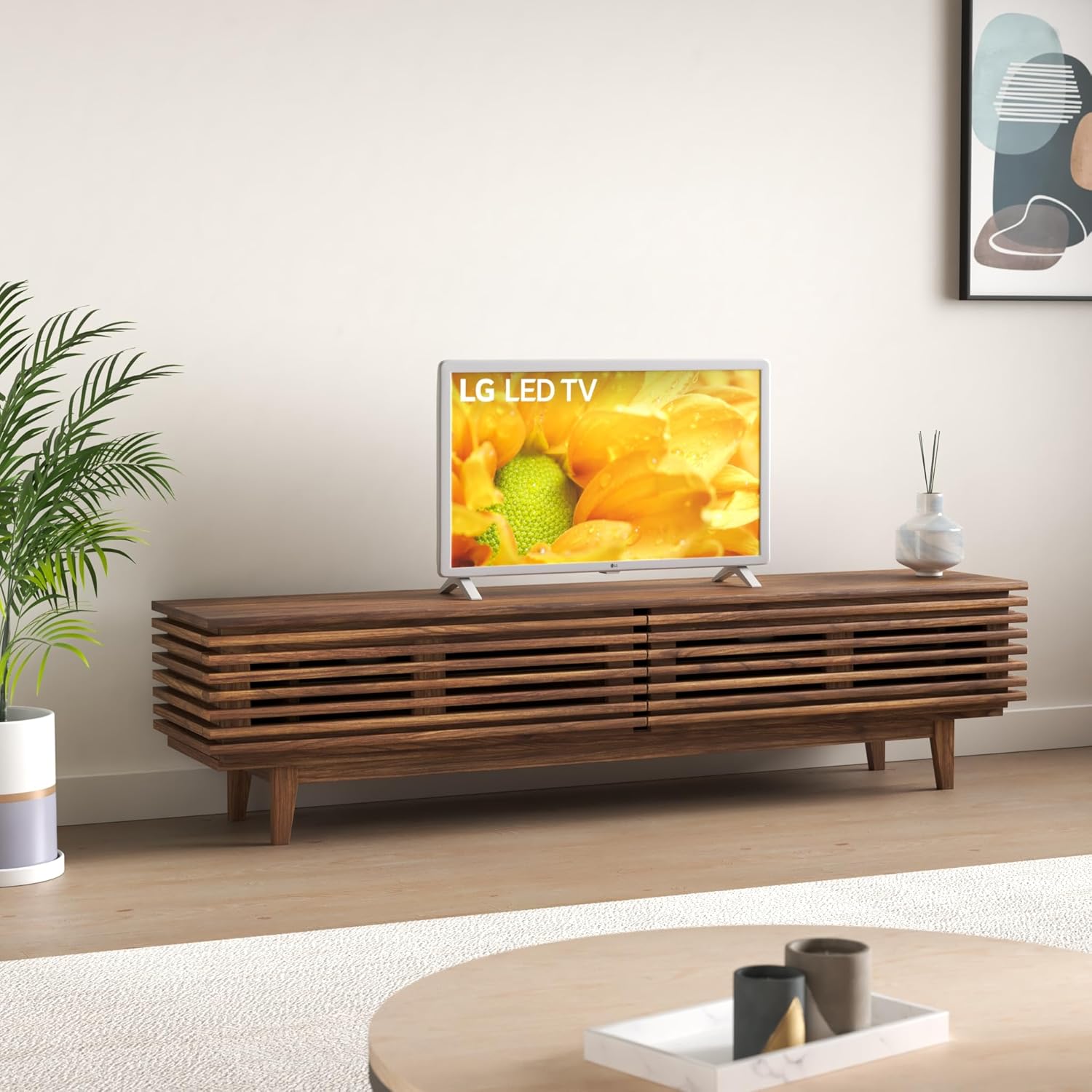
Image: The LG 32LM620BPUA TV, featuring a white bezel, displayed on a wooden media console in a living room setting. This illustrates the TV's appearance when placed on its stand.
3. Fametrahana rindrina (tsy voatery)
If you choose to wall-mount your TV, use a VESA-compatible wall mount kit (sold separately). Refer to the wall mount kit's instructions for proper installation. Ensure the wall can support the weight of the TV.
4. Fampifandraisana periferika
Connect your external devices to the TV's ports:
- HDMI: For Blu-ray players, game consoles, cable/satellite boxes.
- USB: Ho an'ny kapila USB view sary, horonan-tsary, na mihaino mozika.
- Antenna/Cable: Ampifandraiso amin'ny antenne na fahana TV cable ho an'ny fantsona fampitana.
5. Fahefana voalohany sy Fametrahana fotoana voalohany
Plug the power cord into an electrical outlet. Press the power button on the remote control or the TV. Follow the on-screen instructions to complete the initial setup, including language selection, network connection, and channel scanning.
fandidiana
1. Fifehezana lavitra
The included remote control allows you to navigate the TV's features. Common buttons include Power, Volume Up/Down, Channel Up/Down, Input Selection, Home (for Smart TV menu), and Navigation (arrow keys, OK).
2. fikarohana WebOS Smart TV
Ny LG TV-nao dia mandeha amin'ny WebOS operating system. Press the Home button on your remote to access the Launcher Bar, which displays your installed apps, inputs, and settings. Use the arrow keys to navigate and the OK button to select.

Sary: akaiky view of the LG 32LM620BPUA TV screen, showcasing its vibrant display with rich colors. This highlights the visual quality of the television.
3. Mampifandray amin'ny Wi-Fi
To access Smart TV features, connect your TV to a wireless network:
- Press the Home button on the remote.
- Navigate to the Settings icon (gear icon).
- Select 'Network' > 'Wi-Fi Connection'.
- Fidio ny tambajotra Wi-Fi anao amin'ny lisitra ary ampidiro ny tenimiafina.
4. Using Smart Features and Voice Control
Once connected to the internet, you can access pre-installed apps like Netflix and Amazon Prime Video. The TV also supports voice control; press the microphone button on your remote (if available) and speak commands.
5. Fikirana sary sy feo
Adjust picture and sound to your preference:
- Fomba sary: Select from modes like Standard, Vivid, Cinema, Game, or adjust individual settings (brightness, contrast, color).
- Fomba feo: Choose from Standard, Cinema, Music, Sports, or customize equalizer settings.
fikarakarana
1. Cleaning the Screen and Exterior
Mba hanadiovana ny efijery dia fafao moramora amin'ny lamba malefaka, maina ary tsy misy volo. Ho an'ny marika mafy loha dia fafao kelyampen the cloth with water or a specialized screen cleaner. Avoid harsh chemicals. For the exterior, use a soft, dry cloth.
2. Fanavaozana rindrambaiko
Your TV may receive software updates to improve performance and add features. Ensure your TV is connected to the internet. You can check for updates manually via Settings > General > About This TV > Check for Updates.
3. fitahirizana
If storing the TV for an extended period, unplug it, remove the stand (if applicable), and pack it in its original packaging in a dry, dust-free environment.
Fanamboarana
Refer to the following for common issues:
- Tsy misy hery: Jereo raha mipetaka tsara amin'ny fahitalavitra sy ny fivoahan'ny rindrina ny tariby herinaratra. Manandrama fivoahana hafa.
- Tsy misy sary/feo: Ataovy azo antoka fa voafantina tsara ny loharano fampidirana. Jereo ny fifandraisana rehetra amin'ny tariby (HDMI, antenne).
- Fanaraha-maso lavitra tsy mandeha: Soloy ny bateria. Ataovy azo antoka fa tsy misy sakana eo anelanelan'ny lavitr'ezaka sy ny sensor an'ny fahitalavitra.
- Olana amin'ny fifandraisana Wi-Fi: Restart your router and the TV. Re-enter the Wi-Fi password in the TV's network settings.
- Smart TV Apps Not Loading: Check your internet connection. Try restarting the TV.
Factory Reset
If problems persist, a factory reset may resolve them. This will erase all personalized settings and data. Navigate to Settings > General > Reset to Initial Settings.
fepetra arahana
| endri-javatra | famaritana |
|---|---|
| Laharana modely | 32LM620BPUA |
| Haben'ny efijery | 32 santimetatra |
| Display Technology | LCD |
| vahaolana | 720p |
| Ny tahan'ny fanavaozana | 60 Hz |
| Rafitra fikirakirana | WebOS |
| Format HDR tohana | HDR10, HLG |
| Teknolojia fifandraisana | Wifi |
| Audio Input | HDMI, USB |
| Total seranan-tsambo USB | 2 (USB 2.0) |
| Viewamin'ny Angle | 170 degre |
| Lanja entana | 11.2 kilao |
| Taona modely | 2019 |
Warranty Information
Your LG 32LM620BPUA TV comes with a limited manufacturer's warranty. Please refer to the warranty card included in your product packaging or visit the official LG website for detailed terms and conditions, including coverage period and service procedures. Keep your proof of purchase for warranty claims.
MANAMPY
For technical assistance, product registration, or further inquiries, please contact LG Customer Support:
- Webtranokala: FITSIDIHANA www.lg.com/us/support ho an'ny Fanontaniana Matetika Apetraka, fampidinana ary fangatahana serivisy.
- Telefaonina: Jereo ny fanohanana LG website for the most current contact numbers for your region.