1. Fampidirana
The MARATHON 100 Hour Direct Entry Digital Tabletop Timer is designed to assist with precise time management for various tasks. Featuring a large, easy-to-read LCD display and a direct entry keypad, this timer offers both countdown and count-up functionalities, a clock mode, and memory presets for repetitive events. Its robust design includes a magnetic back and an integrated kickstand for versatile placement.
2. Vokatra mihoatraview
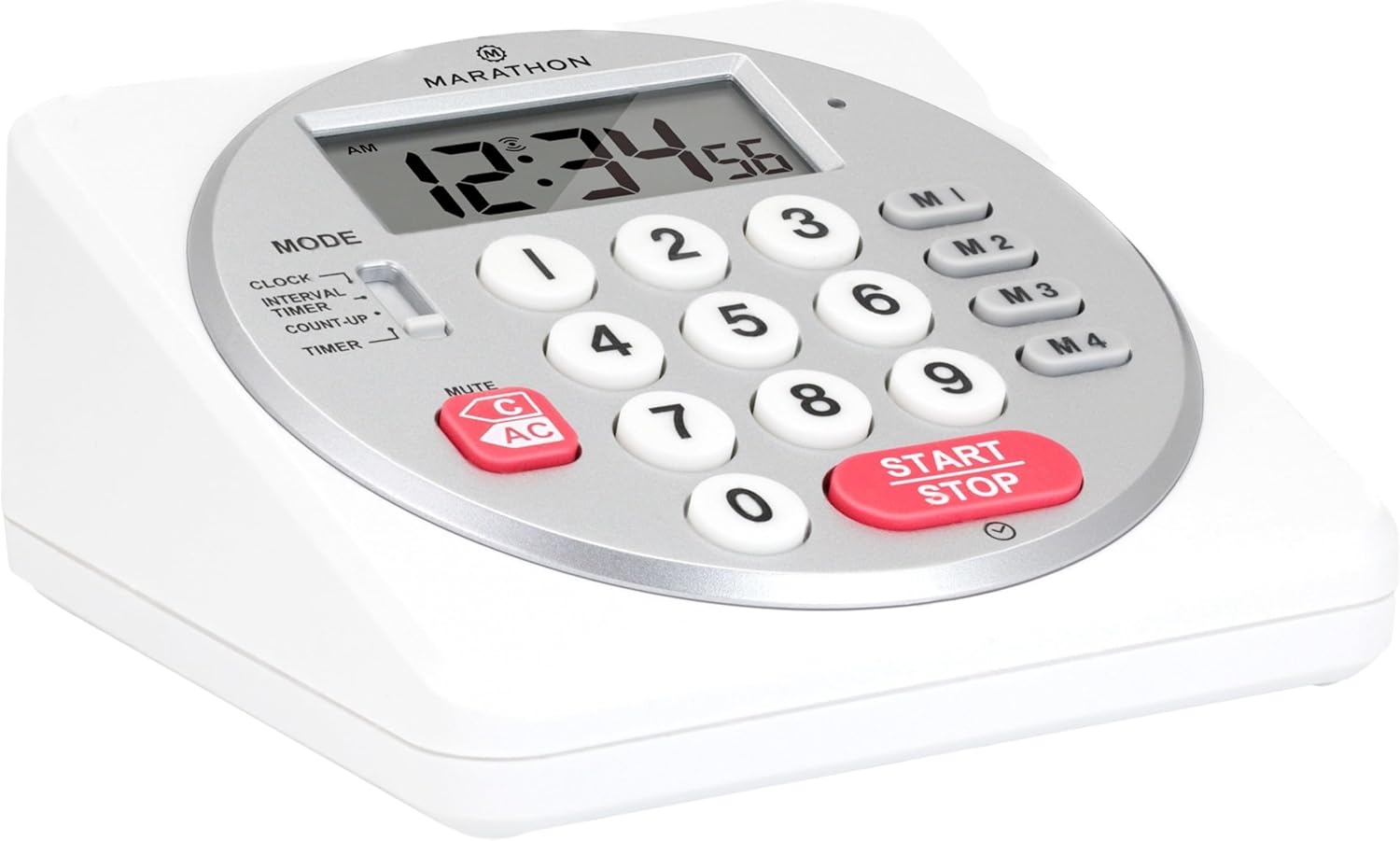
Sary 1: Eo anoloana view of the Marathon Digital Timer.
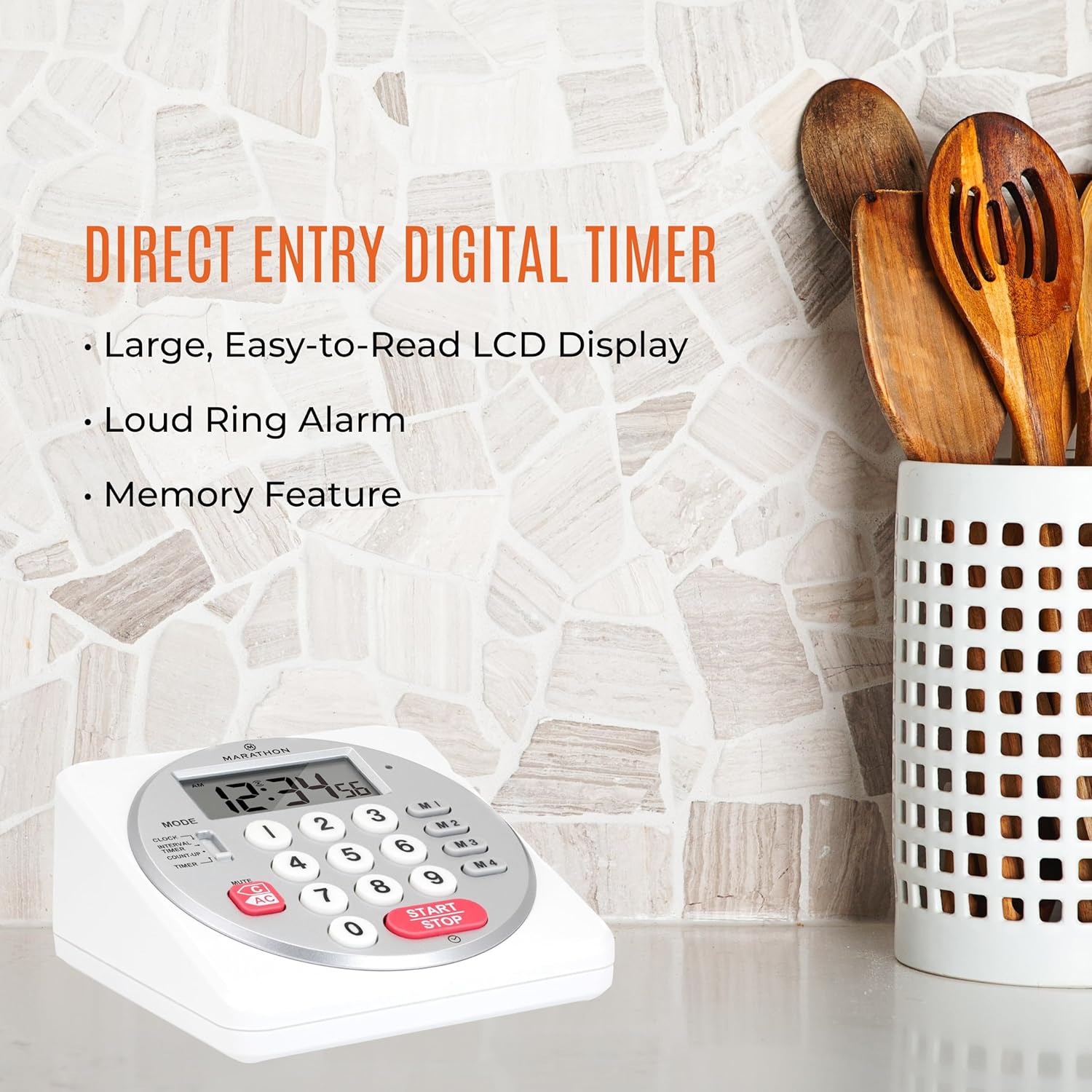
Figure 2: Timer on a kitchen counter, highlighting large display and loud alarm.

Figure 3: Timer showcasing dual function, included batteries, and versatile memory.
Lafin-javatra fototra:
- Direct Entry Keypad: For quick and precise time setting.
- Fampisehoana LCD lehibe: Easy-to-read numbers for clear visibility.
- Dual Function Alarm: Supports both countdown and count-up timing up to 99 hours, 59 minutes, and 59 seconds.
- Loud Ring Alarm: Audible across a room.
- LED famantarana: Flashing light for silent alarm or hearing impairment assistance.
- Clock Feature: Displays time in 12-hour or 24-hour format when not in timer mode.
- Fampiasana Fahatsiarovana Tafiditra: Stores up to four consecutive times for interval timing and four memory presets for repetitive events.
- Fametrahana zavatra maro: Integrated kickstand for tabletop use and magnetic back for attachment to metal surfaces.
- Ahitana bateria: Miaraka amin'ny bateria AA 2.
3. Fametrahana
3.1. Fametrahana bateria
- Locate the battery compartment cover on the back of the timer.
- Sokafy ny fonony.
- Insert two (2) AA batteries, ensuring correct polarity (+/-) as indicated inside the compartment. The timer comes with batteries included.
- Soloy tsara ny fonon'ny efitrefitra bateria.

Sary 4: Miverina view with battery compartment and kickstand.
4. Torolàlana miasa
4.1. Safidy safidy
Ampiasao ny MODE switch located on the side of the timer to select between different functions:
- FOTOANA: Mampiseho ny ora ankehitriny.
- INTERVAL TIMER: For setting multiple consecutive timers.
- COUNT-UP: Functions as a stopwatch.
- FOTOANA: For setting a single countdown timer.

Figure 5: MODE switch for function selection.
4.2. Fametrahana ny famantaranandro
- Alefaso ny MODE mifamadika amin'ny CLOCK.
- Tsindrio ary hazòny ny SET button until the time digits begin to flash.
- Use the number keypad (0-9) to enter the desired time (HH:MM).
- mpanao gazety SET again to confirm and exit clock setting mode.
- Raha te hifindra eo amin'ny endrika 12 ora sy 24 ora ianao dia tsindrio ny 12/24H button (if available, or refer to specific model instructions).
4.3. Setting a Countdown Timer (TIMER Mode)
- Alefaso ny MODE mifamadika amin'ny fameram-potoana.
- Use the number keypad (0-9) to directly enter the desired countdown time (HH:MM:SS). The timer supports up to 99 hours, 59 minutes, 59 seconds.
- Tsindrio ny START/STOP bokotra hanombohana ny fanisana midina.
- To pause the timer, press START/STOP again. Press it once more to resume.
- When the countdown reaches zero, the alarm will sound, and the LED indicator will flash. The timer will then automatically begin counting up to show elapsed time since the alarm.
- To stop the alarm and clear the display, press the MAZAVA bokotra.
4.4. Using the Count-Up Timer (COUNT-UP Mode)
- Alefaso ny MODE mifamadika amin'ny MANIANA.
- Ensure the display shows 00:00:00. If not, press MAZAVA.
- Tsindrio ny START/STOP button to begin counting up.
- To pause the count-up, press START/STOP again. Press it once more to resume.
- To reset the count-up timer to zero, press MAZAVA.
4.5. Using Memory Functions (M1-M4 Presets)
The timer features four memory buttons (M1, M2, M3, M4) for storing and recalling frequently used times or for interval timing.
- In fameram-potoana mode, enter the desired time using the number keypad.
- Press and hold one of the memory buttons (M1-M4) until the display confirms the time has been saved.
- To recall a saved time, simply press the corresponding memory button (M1-M4). The saved time will appear on the display, ready to start.
- For interval timing, set the first interval, save it to M1. Then set the second interval, save it to M2, and so on. You can then cycle through these presets as needed.
4.6. Fanitsiana ny hamafin'ny fanairana
The timer features a volume switch, typically located on the side or back, allowing you to select between different alarm levels (e.g., High, Low, Mute) or a flashing LED indicator for silent operation.
5. Fikojakojana
- Diovy ny fameram-potoana miaraka amin'ny malefaka, damp lamba. Aza mampiasa mpanadio abrasive na atsoboka ao anaty rano ilay fitaovana.
- Aza avela hiharan'ny mari-pana tafahoatra na tara-masoandro mivantana mandritra ny fotoana maharitra ny famantaranandro.
- If the display becomes dim or the alarm weakens, replace the batteries promptly.
6. Famahana olana
| OLANA | Antony mety hitranga | vahaolana |
|---|---|---|
| Timer not turning on. | Maty na diso ny fametrahana ny bateria. | Jereo ny polarité-n'ny bateria na soloo bateria AA vaovao. |
| Manjavozavo ny fampisehoana. | Herin'ny bateria ambany. | Soloy bateria. |
| Alarm is not sounding. | Alarm volume is set to mute or low. | Check the alarm volume switch and adjust as needed. |
| Tsy mamaly ny fameram-potoana rehefa tsindriana ny bokotra. | Unit may be in a locked state (if applicable) or requires a reset. | Remove and reinsert batteries to perform a hard reset. Check for any lock switches. |
7. Famaritana
- Modely: TI030018WH
- marika: Marathon
- Fitaovana: plastika
- refy: 4.45 x 2.64 x 4.45 santimetatra
- Lanja entana: 7.1 oz
- Loharano herinaratra: Batterie 2 x AA (tafiditra)
- Max Timer Duration: 99 ora, 59 minitra, 59 segondra
- Toetoetra: Direct Entry, Dual Function (Count-up/Count-down), Clock, Memory Presets, LED Indicator, Magnetic Back, Kickstand
- UPC: 063442000342

Sary 6: Ny refin'ny vokatra.
8. Warranty sy fanohanana
Raha mila fampahalalana momba ny fiantohana na fanohanana ara-teknika, azafady mba jereo ny ofisialin'ny mpanamboatra webtranokala na mifandray amin'ny departemantan'ny serivisy mpanjifany. Tehirizo ny tapakila fividiananao ho porofon'ny fividianana.


