1. Fampidirana
The Modecom Oberon Pro Midi Tower is a computer case designed for users seeking a functional and spacious interior with a modern aesthetic. This manual provides essential information for the proper installation, operation, and maintenance of your computer case, ensuring optimal performance and longevity of your components.
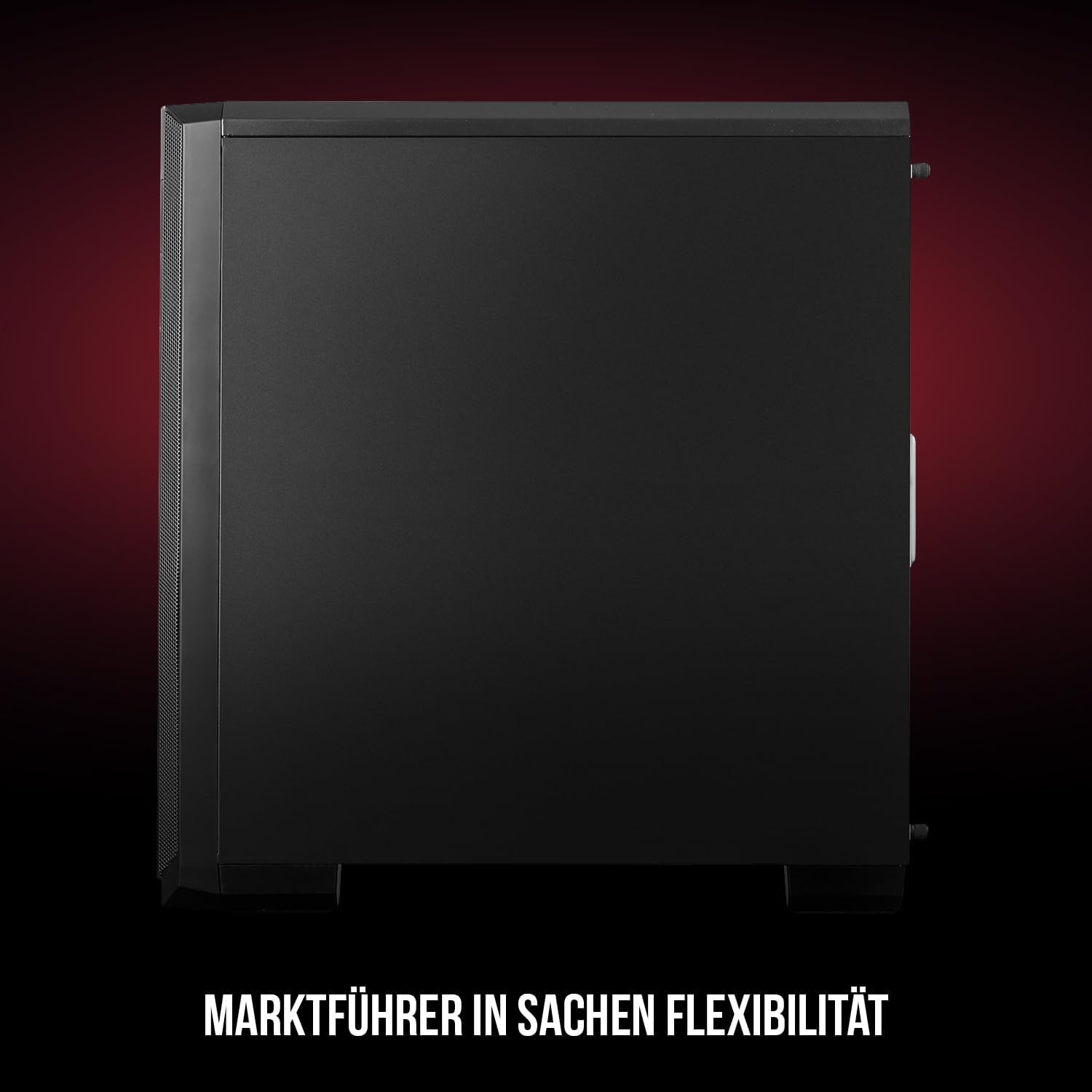
Sary 1: Eo anoloana sy ilany view of the Modecom Oberon Pro Midi Tower computer case.
2. Information momba ny fiarovana
- Esory amin'ny faladiany foana ny herinaratra alohan'ny hametrahana na hanesorana izay singa rehetra.
- Tandremo tsara ireo singa ao anatiny mba tsy hisian'ny fivoahan'ny herinaratra statika. Diniho ny fampiasana fehikibo anti-statika ho an'ny tànana.
- Arovy amin'ny ankizy ny ampahany kely sy ny fitaovana.
- Ataovy izay hahazoana rivotra tsara manodidina ny fonony mba hisorohana ny hafanana be loatra.
- Do not attempt to modify the case structure, as this may void your warranty and pose safety risks.
3. Ny votoatin'ny fonosana
Verify that all the following items are present in your package:
- Modecom Oberon Pro Midi Tower Computer Case
- Accessory box (screws, standoffs, cable ties)
- User Manual (ity antontan-taratasy ity)
4. Endri-javatra fototra
- Malalaka anatiny: Designed to accommodate high-end components and facilitate good airflow.
- Fampangatsiahana mahomby: Includes two pre-mounted 120mm fans (front and rear) to prevent component overheating.
- Fametrahana tsy misy fitaovana: Supports tool-free mounting for SSD/HDD drives and expansion cards.
- Sivana vovoka: Features easily dismountable magnetic filters on the top, front, and bottom (under the power supply unit) to keep the interior clean.
- Optimized Cable Management: Provides a system for convenient wiring organization.
- Long PSU Tunnel: Offers a 240mm space for power supplies, simplifying installation and cable arrangement.
5. Fametrahana sy fametrahana
5.1. Fanomanana ny raharaha
Before installation, remove the side panels of the case. The Oberon Pro features sound-dampening mats on the side panels to reduce noise.

Sary 2: Atitany view showing sound-dampening mats on the side panel.
5.2. Fametrahana Motherboard
Install the necessary standoffs for your motherboard form factor (ATX, Micro ATX, ITX). Carefully place your motherboard into the case, aligning it with the standoffs, and secure it with screws.

Figure 3: Interior layout with pre-installed rear fan and motherboard tray.
5.3. Drive Installation (SSD/HDD)
The Oberon Pro supports tool-free installation for three 2.5" SSDs and two 3.5" HDDs. The 3.5" HDD bays are located in the power supply tunnel at the bottom of the case. 2.5" SSDs can be mounted on both sides of the motherboard tray.

Figure 4: Dedicated bays for HDD and SSD storage devices.
5.4. Fametrahana famatsiana herinaratra
The case features a long PSU tunnel (240mm) at the bottom. Install your power supply unit into this tunnel and secure it. This design aids in cable management and airflow.
5.5. Expansion Card Installation (PCI/PCIe)
Install your graphics card or other expansion cards into the PCI/PCIe slots. The case supports tool-free mounting for these cards, allowing for easy installation and removal.
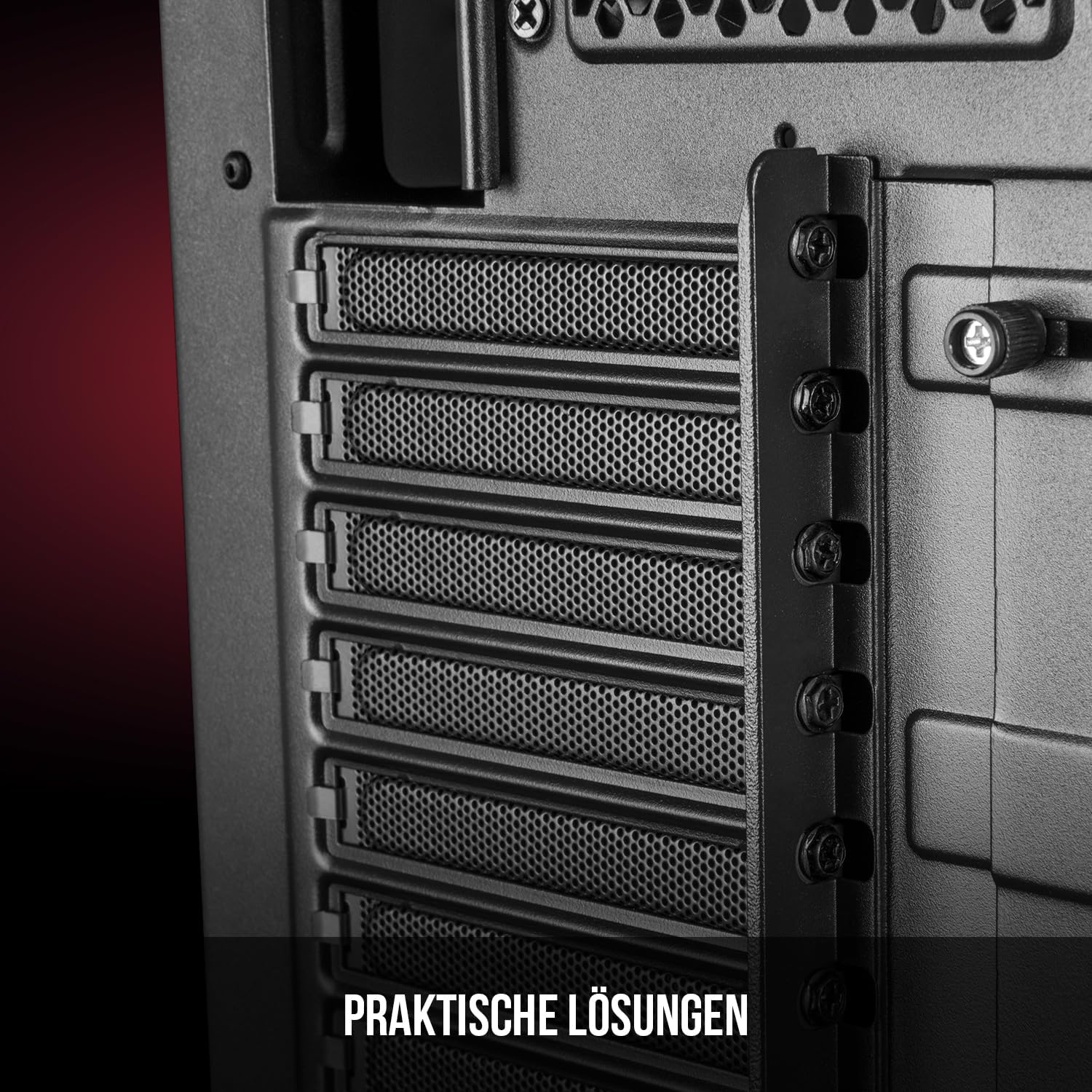
Sary 5: Atitany aoriana view highlighting the expansion card slots.
5.6. Fitantanana tariby
Utilize the provided cable routing options and tie-down points behind the motherboard tray to organize cables. This improves airflow and maintains a tidy interior.
6. Rafitra fampangatsiahana
The Oberon Pro comes with two pre-installed 120mm fans, one at the front and one at the rear, to ensure adequate airflow. The maximum height for a CPU cooler is 163mm, and the maximum length for a video card is 395mm, allowing for compatibility with a wide range of components.
7. Fikojakojana
To maintain optimal performance and prevent dust buildup, regularly clean the dust filters. The magnetic filters on the top, front, and bottom of the case are easily dismountable for cleaning. Use compressed air or a soft brush to remove accumulated dust.
8. Famahana olana
- Tsy misy hery: Ensure all power cables are securely connected to the motherboard, power supply, and wall outlet. Check the power button connection to the motherboard.
- Mafana be loatra: Verify that all fans are spinning correctly and that dust filters are clean. Ensure proper cable management to avoid obstructing airflow.
- Tsy mandeha ny seranana eo anoloana: Check that the front panel connectors (USB, audio) are correctly plugged into the motherboard headers.
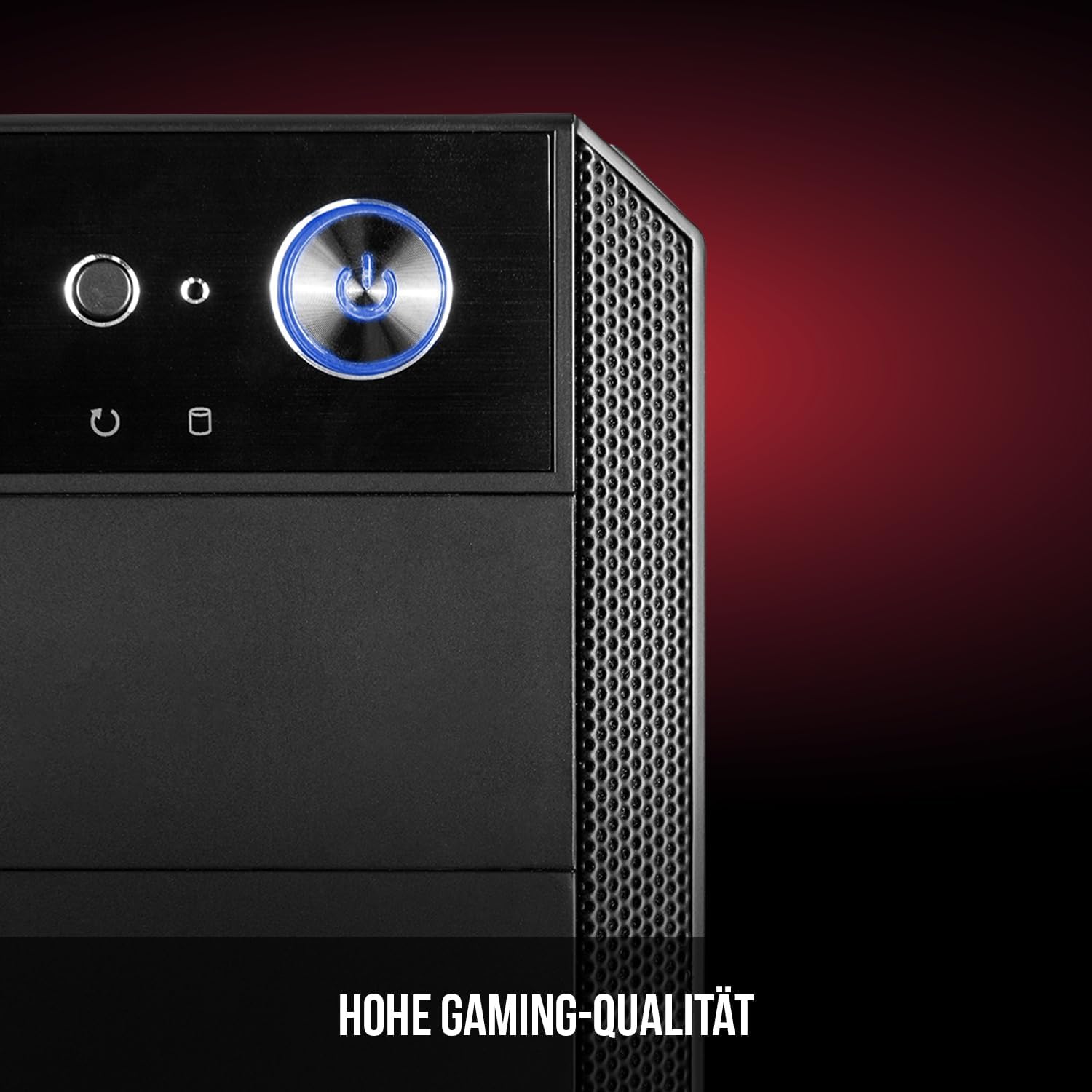
Figure 6: Front panel I/O ports for connectivity.
9. Famaritana
| endri-javatra | famaritana |
|---|---|
| Marika | Modecom |
| Anarana modely | Oberon Pro |
| Laharana modely | AT-OBERON-PS-10-000000-0002 |
| loko | Mainty |
| Karazana tranga | Midi Tower |
| Mifanaraka amin'ny motherboard | ATX, Micro ATX, ITX |
| KEVITRA | Fiara vy |
| Fomba fampangatsiahana | Air |
| Mpankafy efa napetraka | 2 x 120mm (Front, Rear) |
| Max CPU Cooler Haavo | 163 mm |
| Max GPU Length | 395 mm |
| Drive Bays | 3 x 2.5" SSD, 2 x 3.5" HDD |
| Total seranan-tsambo USB | 4 |
| Endri-javatra manokana | Reset Button, Dust Filter, LED Indicators, Side Window |
| Lanja entana | 5270g ny |

Figure 7: Rear exterior view of the computer case.
10. Warranty sy fanohanana
For warranty information and technical support, please refer to the official Modecom webtranokala na mifandraisa amin'ny mpivarotra anao. Tehirizo ny porofon'ny fividiananao raha misy fitakiana fiantohana.


