1. Fampidirana
The BONECO F50 Personal Air Shower Fan is designed to provide efficient air circulation in personal spaces. Its compact design and USB-C power connection make it versatile for various environments, ensuring a comfortable airflow wherever you need it.

Famaritana sary: Eo anoloana view of the BONECO F50 Personal Air Shower Fan, showcasing its sleek, compact design with a black fan grille and white casing.
2. Torolàlana manan-danja momba ny fiarovana
Azafady vakio ary fantaro tsara ny toromarika fiarovana rehetra alohan'ny hampiasana ity fitaovana ity. Ny tsy fanarahana ireto toromarika ireto dia mety hiteraka fahatairana herinaratra, afo, na ratra mafy.
- Vakio foana ny toromarika rehetra alohan'ny hampiasana ny fitaovana.
- Do not operate the fan with a damaged cord or plug. If the cord or plug is damaged, contact customer support for assistance.
- Keep the fan away from water or wet surfaces. Do not immerse the fan in water or other liquids.
- Esory amin'ny loharanon-jiro ny mpankafy alohan'ny hanadiovana na hanaovana fikojakojana.
- Ensure the fan is placed on a stable, flat surface to prevent it from tipping over.
- Do not insert fingers or any objects into the fan grille while it is operating.
- Ity fitaovana ity dia natao ho an'ny fampiasana anatiny ihany.
3. Fametrahana
3.1 Famoahana
Carefully remove the BONECO F50 fan from its packaging. Ensure all components, including the fan unit and USB-C cable, are present. Retain the packaging for future storage or transport.
3.2 Fampifandraisana herinaratra
Connect the provided USB-C cable to the fan's USB-C port. Plug the other end of the USB-C cable into a compatible USB power source such as a computer, laptop, power bank, or USB wall adapter (wall adapter not included).
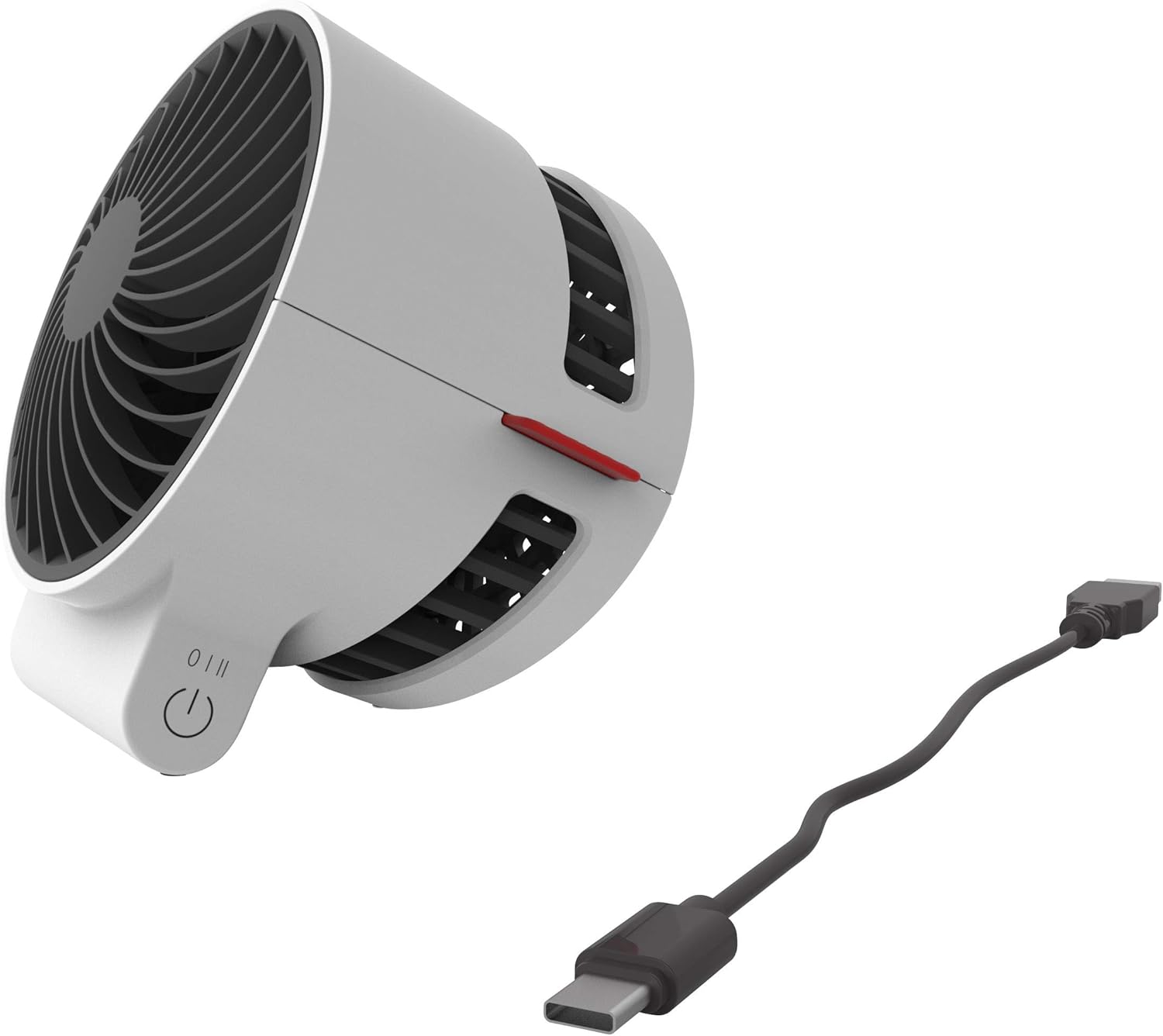
Famaritana sary: akaiky view of the BONECO F50 fan showing the USB-C port and the connected charging cable, ready for power.
4. Torolàlana miasa
4.1 Power On/off sy Fanaraha-maso ny hafainganam-pandeha
The BONECO F50 features a simple 2-speed touch control located on its base.
- To turn the fan on and select the first speed setting, gently touch the control button.
- To increase to the second speed setting, touch the control button again.
- To turn the fan off, touch the control button a third time.
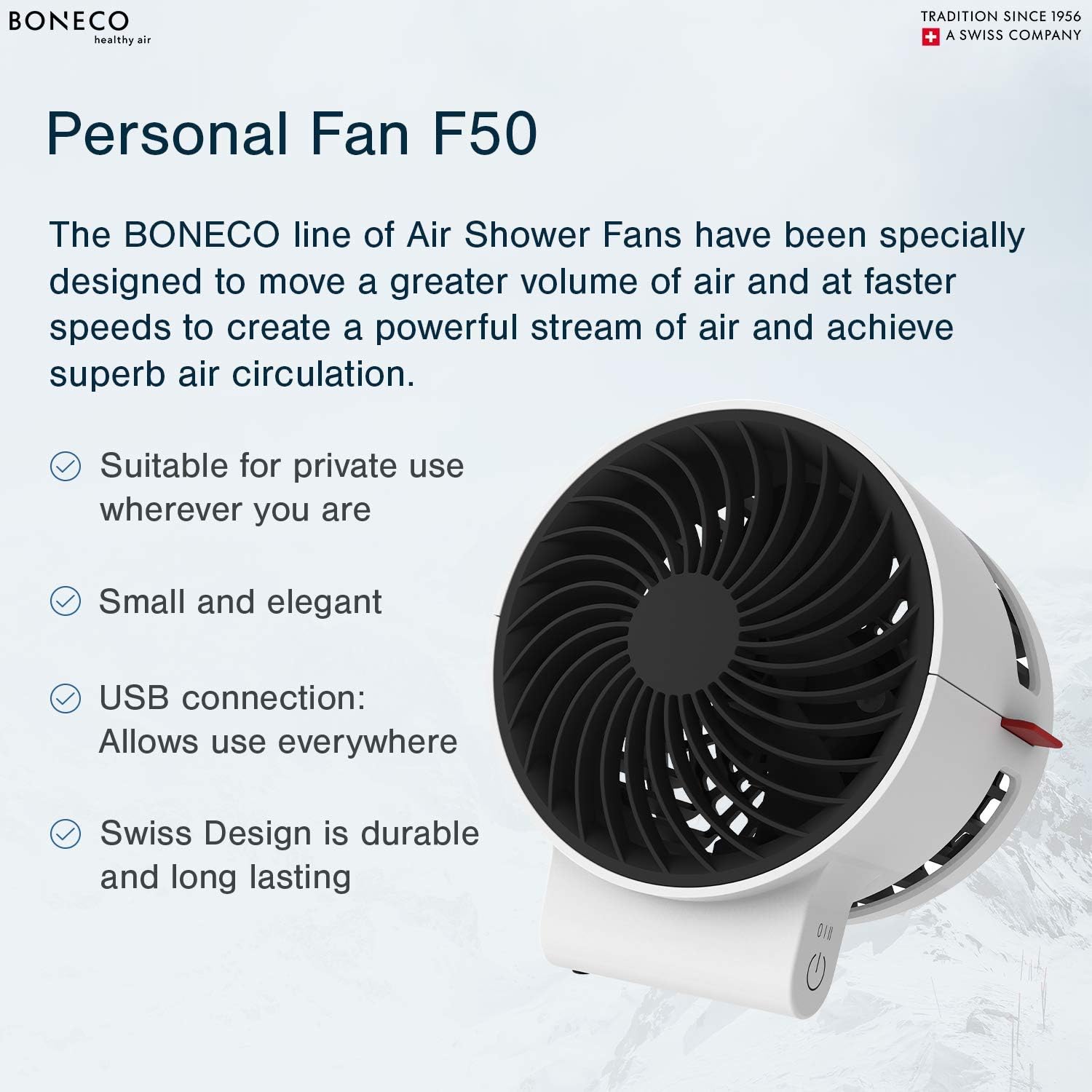
Image Description: A close-up of the BONECO F50 fan's base, highlighting the circular touch control button for power and speed adjustment.
4.2 Adjusting Airflow Direction
The fan head can be manually pivoted to direct the airflow precisely where needed. Gently tilt the fan head up or down to achieve the desired angle.

Image Description: An angled view of the BONECO F50 fan, demonstrating its ability to tilt the fan head for adjustable airflow direction.
5. Fikojakojana
5.1 Fanadiovana
Always unplug the fan from the power source before cleaning.
- Ampiasao malefaka, damp lamba famaohana ny velaran'ny mpankafy.
- Aza mampiasa mpanadio na solvents, fa mety hanimba ny famaranana izany.
- For internal cleaning, carefully use a soft brush or a vacuum cleaner with a brush attachment to remove dust from the fan blades and grille.
5.2 Fitehirizana
When not in use for extended periods, store the fan in its original packaging or a protective cover in a cool, dry place, away from direct sunlight and extreme temperatures.
6. Famahana olana
6.1 Fan Does Not Turn On
- Ensure the USB-C cable is securely connected to both the fan and a functional power source.
- Verify that the power source is active and providing power. Try a different USB port or wall adapter.
6.2 Weak Airflow
- Check the speed setting and increase it if necessary using the touch control button.
- Ensure the fan grille and blades are free from dust and debris. Clean as per the maintenance instructions in Section 5.1.
7. Famaritana
- marika: BONECO
- Anaran'ny modely: F50
- Loharano herinaratra: Corded Electric (USB-C)
- Isan'ny haavon'ny hery: 2
- Fomba fanaraha-maso: mikasika
- Lanja entana: 6.4 oz
- Haben'ny vokatra: 4.1 x 4.1 x 4.7 santimetatra
- Wattage: 2.25 watts
- Ambaratonga tabataba: 45 desibela
- Anisan'ny singa: Instruction manual, USB cord (wall adapter not included)

Image Description: A diagram illustrating the dimensions of the BONECO F50 Personal Air Shower Fan, showing its length, width, and height.
8. Warranty sy fanohanana
8.1 Fampahalalana momba ny fiantohana
This BONECO F50 Personal Air Shower Fan comes with a Warranty 1 taona. Please refer to the warranty card included in the original packaging for full details, terms, and conditions.
8.2 Fanohanana ny mpanjifa
For technical assistance, troubleshooting, or warranty claims, please contact BONECO North America Corp. customer support:
- Telefaonina: (888) 290-1688
- mailaka: support@boneco.com
- Webtranokala: bonona.poker


