1. Fampidirana
The VOICE CADDIE VC300SE is a compact and lightweight voice golf GPS device designed to provide accurate distance information on the golf course. It features automatic course and hole recognition, shot distance measurement, and a unique swing tempo function to assist with rhythm. The device offers audio distance information in 8 different spoken languages, ensuring a focused and efficient game.

Image: The VOICE CADDIE VC300SE Voice Golf GPS device, showcasing ny endriny fotsy kely.
2. Inona no ao anaty boaty
Upon unboxing your VOICE CADDIE VC300SE, please ensure all the following components are present:
- VOICE CADDIE VC300SE Device
- Batterie Lithium azo averina ampiasaina (efa napetraka mialoha)
- USB Charging Cable
- User Manual (ity antontan-taratasy ity)
3. Fametrahana
3.1 Fametrahana voalohany
Before first use, fully charge your VC300SE device. Connect the provided USB charging cable to the device and a compatible USB power source. A full charge provides up to 8 hours of golf playing time.
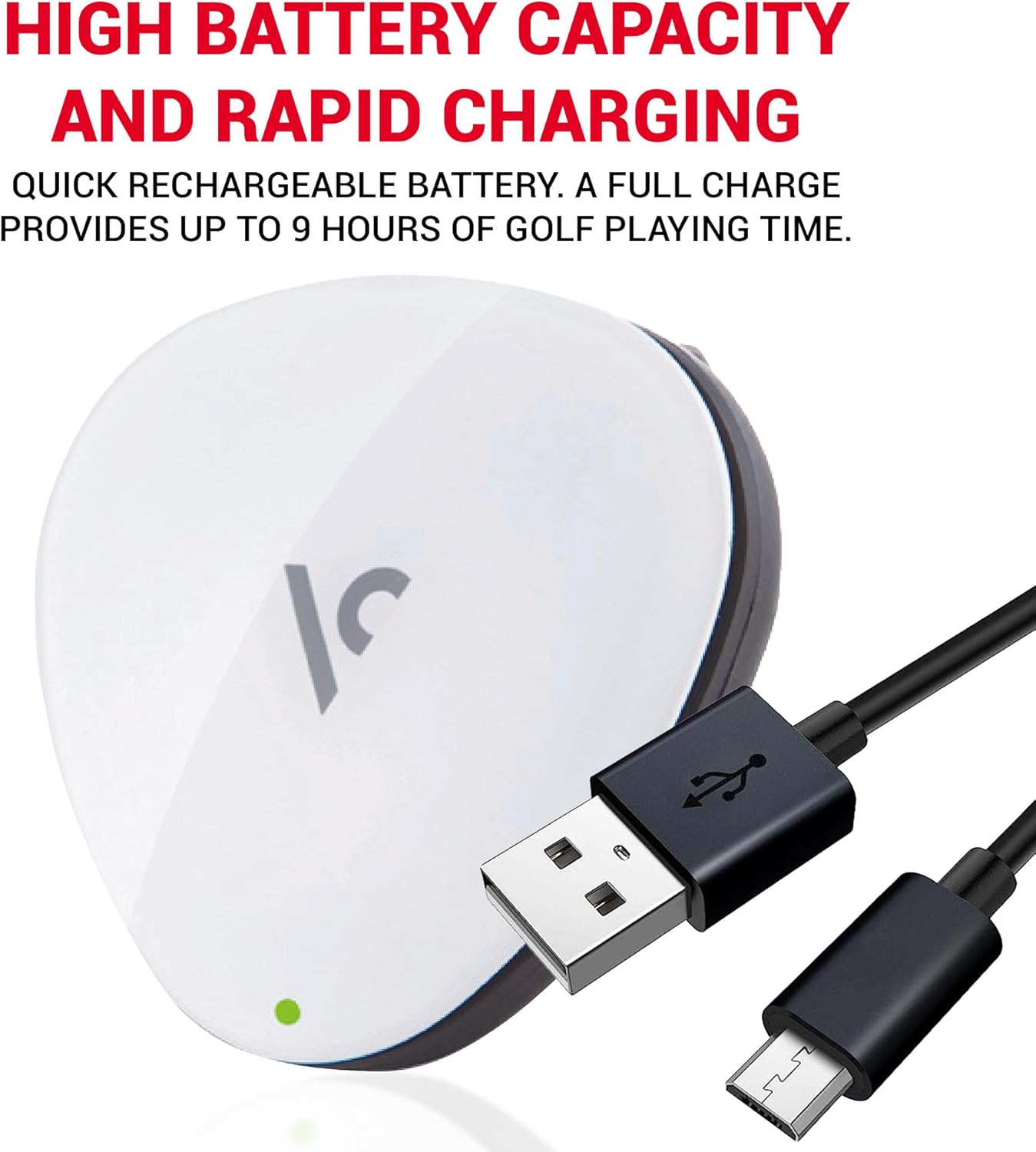
Image: The VC300SE device with its USB charging cable, illustrating the charging process.
3.2 Course Updates
The VC300SE comes preloaded with over 30,000 courses worldwide. For the latest course data and updates, the device supports free and easy updates. Refer to the official VOICE CADDIE website for instructions on how to update your device's course database.

Image: The VC300SE device highlighting its free course update capability.
3.3 Fifantenana fiteny
The VC300SE offers a choice of 8 different spoken languages for audio distance information. Consult the full manual on the manufacturer's website for specific instructions on how to change the language setting.
4. Torolàlana miasa
4.1 Mamelona/Mamono
To power on the device, press and hold the main button until you hear a voice prompt. To power off, press and hold the main button again until the device shuts down.
4.2 Automatic Course and Hole Recognition
The VC300SE automatically recognizes the course and hole you are playing, allowing you to focus on your game without manual input.
4.3 Fandrefesana halavirana
The device provides audio distance information to the front, center, and back of the green.
- Click the Main Button Once: Hear the distance to the CENTRE of the green.
- Double Click the Main Button: Hear the distance to the anoloana SY indray of the green.

Image: Visual guide on using the main button for single-click (center), double-click (front/back), and press-and-hold (shot measurement) functions.
4.4 Shot Distance Measurement
To measure your shot distance:
- At your starting point, press and hold the main button for 2 seconds until you hear a confirmation.
- Walk to your ball. The device will automatically calculate and announce the distance traveled.
4.5 Swing Tempo Function
The VC300SE includes a unique swing tempo function, acting as a golf metronome system to help improve your swing rhythm. Refer to the detailed manual for instructions on activating and utilizing this feature.
4.6 Mitafy ny fitaovana
The VC300SE is designed to be lightweight and compact, easily clipping onto your hat or belt for convenient access during play.

Image: The VC300SE device shown clipped onto a golf hat, demonstrating its wearability.
5. Fikojakojana
5.1 Fanadiovana
To clean your VC300SE, gently wipe the device with a soft, dry cloth. Avoid using abrasive cleaners or solvents, as these may damage the device's surface.
5.2 Fikarakarana bateria
The device uses a rechargeable Lithium Ion battery. To prolong battery life:
- Fadio ny fanalana tanteraka ny bateria matetika.
- Tehirizo ao amin'ny toerana mangatsiatsiaka sy maina ny fitaovana rehefa tsy ampiasaina.
- Charge the device regularly, even if not used for extended periods, to maintain battery health.
6. Famahana olana
6.1 Tsy mandeha ny fitaovana
- Ensure the battery is sufficiently charged. Connect the device to a power source and allow it to charge for at least 30 minutes before attempting to power on again.
- Verify that the charging cable is securely connected to both the device and the power source.
6.2 No GPS Signal / Incorrect Distances
- Ataovy azo antoka fa any amin'ny faritra malalaka misy mazava ianao view ny lanitra ho an'ny fandraisana famantarana GPS tsara indrindra.
- Confirm that the device has the latest course updates installed.
- Restart the device to re-acquire GPS satellites.
6.3 Olana Audio
- Check if the volume is set appropriately.
- Ensure there is no obstruction to the speaker.
For further troubleshooting or issues not listed here, please refer to the official VOICE CADDIE support resources.
7. Famaritana
The following table details the key specifications of the VOICE CADDIE VC300SE:
| endri-javatra | famaritana |
|---|---|
| Laharana modely | VC300SE_WH |
| Lanja entana | 1 oz |
| Ny refin'ny vokatra | 6 x 8 x 4 santimetatra |
| Karazana bateria | 1 Lithium Ion bateria (tafiditra) |
| Fiainana bateria | 8 ora |
| Audio Output Mode | Feo Output |
| Teknolojia fifandraisana | Wireless |
| Endri-javatra manokana | Voice Output Technology |
| Anisan'ny singa | Rechargeable Lithium Battery, USB Charging Cable, Manual |

Image: The VC300SE device demonstrating its lightweight and compact design, with dimensions shown.
8. Fampahalalana momba ny fiantohana
The VOICE CADDIE VC300SE comes with a Garantie mpanamboatra 1 taona from the date of purchase. This warranty covers defects in materials and workmanship under normal use. For warranty claims or detailed terms and conditions, please retain your proof of purchase and contact VOICE CADDIE customer support.
9. Fanohanana sy Fifandraisana
For additional support, frequently asked questions, or to contact customer service, please visit the official VOICE CADDIE webtranonkala na ny fivarotana marika Amazon-ny:
- VOICE CADDIE Official Webtranokala: www.voicecaddie.com
- VOICE CADDIE Amazon Brand Store: Tsidiho ny fivarotana


