
1. Torolàlana fananganana
1.1 Famoahana baoritra sy votoaty fonosana
Carefully unpack your LG OLED77C6HUP TV. Ensure all components listed below are present. Retain the packaging materials for future transport or service needs.
- LG 77-Inch Class OLED evo AI 4K C6 Series Smart TV
- Magic Remote
- Remote Control Batteries (2 AAA)
- Cable herinaratra
- Stand Components
- User Manual (ity antontan-taratasy ity)
- Torolalana fanombohana haingana

Image: LG OLED evo AI TV showing overall dimensions and included accessories.
1.2 Fametrahana mijoro
If you are not wall-mounting the TV, attach the included stand. Follow the instructions provided in the Quick Start Guide for secure assembly. The stand footprint is 20.5 inches wide.

Sary: Detailed view of the TV stand base.
1.3 Fametrahana rindrina
For wall mounting, use a VESA compatible mount with a standard of 300 x 200 mm. Consult a professional for installation to ensure safety and proper mounting.

Sary: Side profile of the LG OLED TV, illustrating its thin design suitable for wall mounting.
1.4 Fampifandray ny periferika
Connect your external devices to the TV's ports. The TV features 4 HDMI ports, 2 USB 2.0 ports, 1 USB 3.0 port, an Ethernet port, and an antenna input.
- HDMI: For Blu-ray players, gaming consoles, and set-top boxes.
- USB: For external storage devices or compatible accessories.
- Ethernet (LAN): Ho an'ny fifandraisana Internet tariby.
- Antenna/Cable: Ho an'ny fandaharana amin'ny alalan'ny fahitalavitra na fahitalavitra tariby.

Sary: aoriana view of the LG OLED TV highlighting the connectivity ports.
1.5 Fametrahana bateria fanaraha-maso lavitra
Open the battery compartment on the back of the Magic Remote. Insert two AAA batteries, ensuring correct polarity (+/-). Close the compartment securely.
1.6 Hery voalohany Mandeha ary webOS Setup
Connect the power cable to the TV and a wall outlet. Press the power button on the remote or TV. Follow the on-screen instructions to complete the initial setup of webOS, including network connection, channel scanning, and basic settings.
2. Fampandehanana ny fahitalavitrao
2.1 Asa fototra
- Hery: Tsindrio ny bokotra herinaratra eo amin'ny lavitr'ezaka mba hampandeha na hamono ny fahitalavitra.
- Boky: Ampiasao ny bokotra miakatra/midina mba hanitsiana ny haavon'ny feo.
- Channel: Use the channel up/down buttons to change channels or navigate lists.
- Fampidirana: Press the input button to select connected devices (HDMI, USB, etc.).
2.2 Endri-javatra TV Smart (webOS)
Miasa amin'ny fahitalavitra ny fahitalavitrao webOS operating system, providing access to various streaming services and smart features. Use the Magic Remote to navigate the intuitive interface.

Sary: The webOS smart TV platform interface, showcasing available applications and content.
AI Hub for Personalization
The AI Hub, accessible via the AI button on your remote, offers personalized AI experiences including Multi AI Search, AI Concierge, AI Picture Wizard, AI Sound Wizard, AI Voice ID, and AI Chatbot.
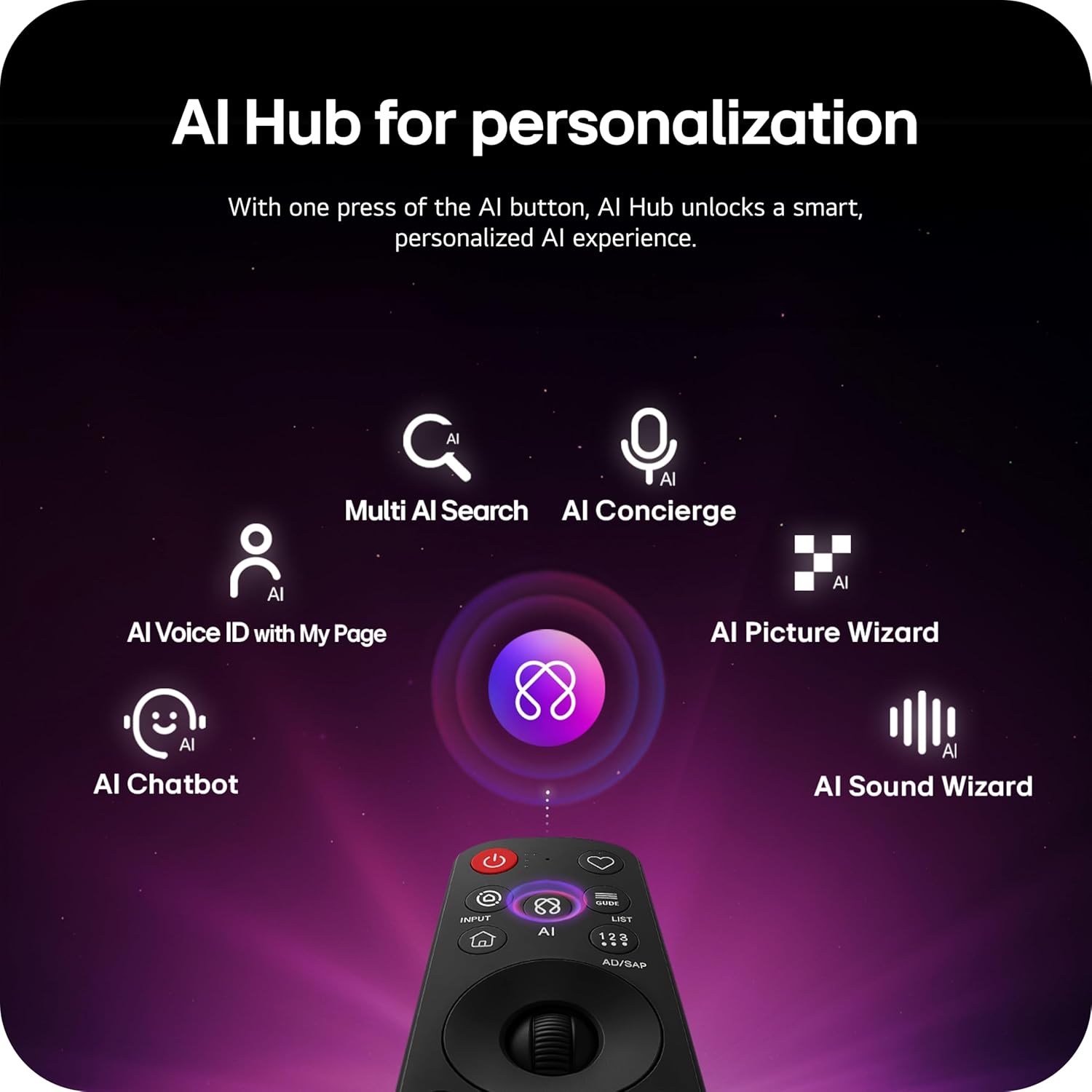
Image: Magic Remote highlighting the AI button and various AI Hub features.
Multi AI Search with Google Gemini and Microsoft Copilot
Utilize the Multi AI search function to find content and information across multiple AI models, including Google Gemini and Microsoft Copilot, for broader and more relevant results.
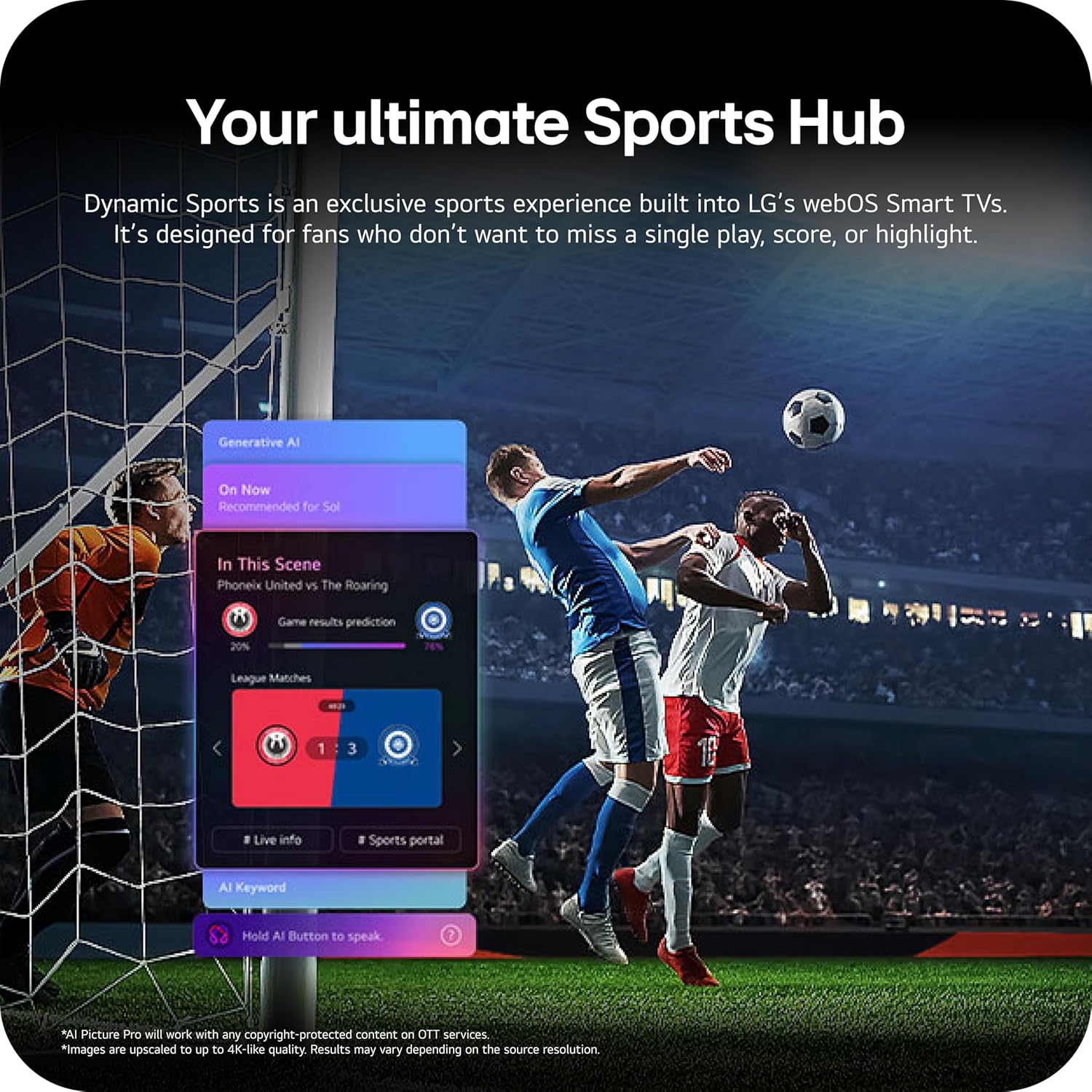
Image: Multi AI search interface displaying integration with Google Gemini and Microsoft Copilot.
2.3 Fikirana sary
Your LG OLED TV offers advanced picture technologies for optimal viewing.
- Brightness Booster Pro: Magnifies each pixel to shine up to 3.2 times brighter for enhanced luminosity.
- Mainty tonga lafatra sy loko tonga lafatra: Over 8.3 million self-lit pixels deliver perfect black levels and accurate colors in any lighting condition.
- Dolby Vision, HDR10, HLG: Supports multiple HDR formats for extraordinary color, contrast, and brightness.
- Fomba fanaovana sarimihetsika: Mitahiry ny fahitan'ny tale tany am-boalohany amin'ny alàlan'ny fanesorana ny vokatry ny fanodinana.
- Sary AI: The a11 AI Processor Gen3 optimizes picture quality in real-time.
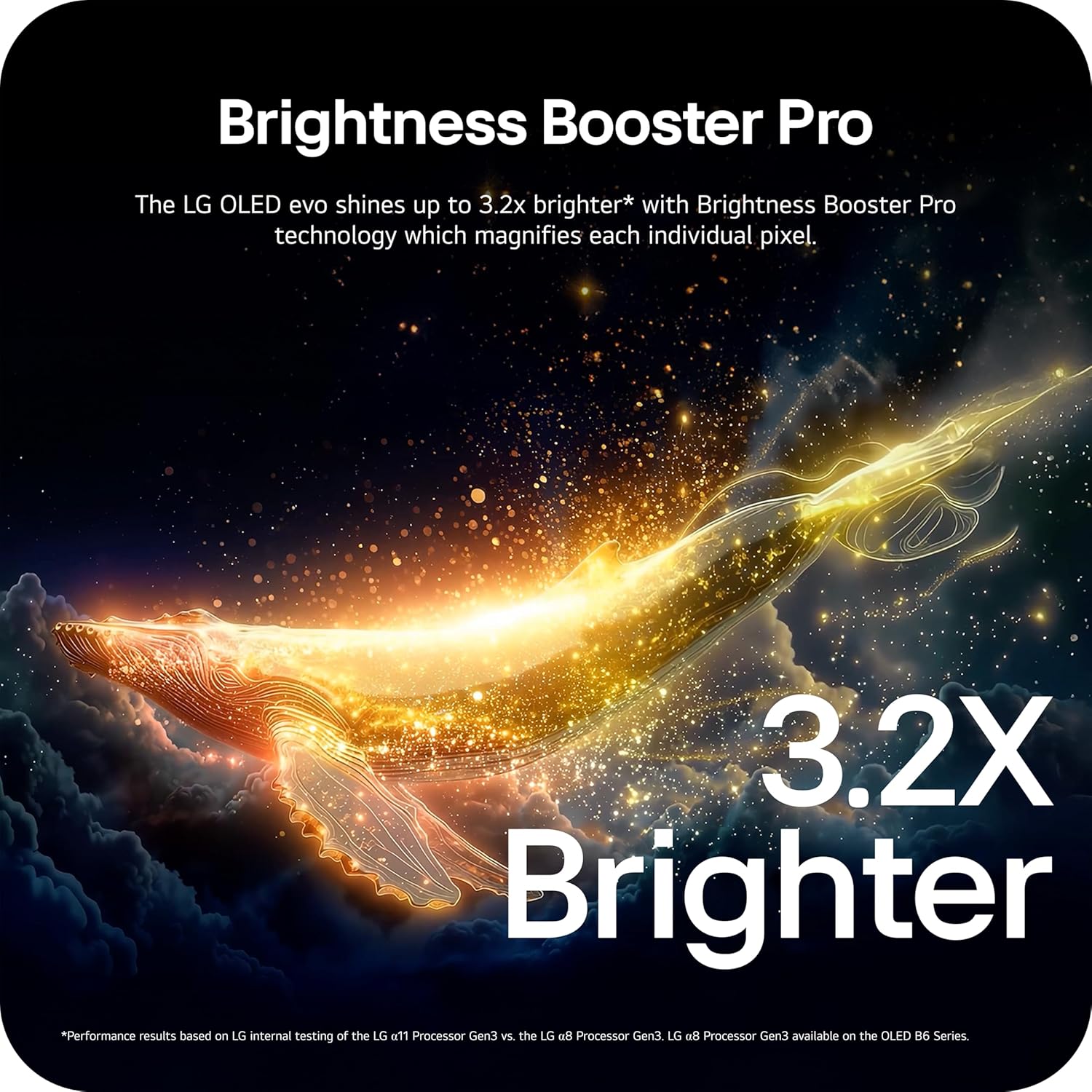
Image: Visual representation of Brightness Booster Pro technology, illustrating increased brightness.

Image: Display demonstrating Perfect Black and Perfect Color capabilities in various light conditions.
2.4 Fikirakirana feo
Experience immersive audio with your TV's sound features.
- Dolby Atmos: Manome feo maro refy izay mihetsika manodidina anao.
- Orkestra Wow: Integrates the TV's speakers with a compatible LG soundbar for an enhanced audio experience.
2.5 Toetran'ny lalao
The TV is equipped with features for an optimal gaming experience.
- 165Hz Refresh tahan'ny: Supports high frame rates for smooth gameplay.
- 0.1ms fotoana famaliana: Minimizes input lag for quick reactions.
- NVIDIA G-Sync sy AMD FreeSync Premium: Reduces screen tearing and stuttering for fluid visuals.

Image: Dynamic gaming visual highlighting the 165Hz refresh rate and G-Sync/FreeSync compatibility.
2.6 Sports Hub
The Dynamic Sports Hub provides an exclusive sports experience, ensuring you don't miss any key moments, scores, or highlights.

Image: Screenshot of the Dynamic Sports Hub interface during a live soccer game.
3. Fikojakojana sy fikarakarana
3.1 OLED Care
To maintain the best picture quality and longevity of your OLED display, utilize the built-in OLED Care features. These features help protect the display from potential issues over time.
3.2 Torolàlana fanadiovana
- Ecran: Gently wipe the screen with a soft, dry, microfiber cloth. For stubborn marks, lightly dampSasao amin'ny rano voadio ny lamba. Fadio ny akora simika mahery vaika na ny fitaovana marokoroko.
- Vatana fahitalavitra: Use a soft, dry cloth to clean the frame and stand.
- Fanaraha-maso lavitra: Fafao amin'ny lamba malefaka sy maina.
3.3 Fanavaozana rindrambaiko
Ataovy azo antoka fa ny logiciel an'ny TV-nao dia nohavaozina ho an'ny fampisehoana tsara indrindra sy ny endri-javatra vaovao. webOS 26 automatically downloads updates for up to 5 years. If auto-update is disabled, you will receive a notification to accept or deny updates. An LG account is required to access network-based smart services.
3.4 LG Shield Security
LG Shield provides digital protection against malware, viruses, and other cyber threats through real-time scanning and automatic updates. An LG account is required to access network-based smart services.

Image: LG Shield security feature, represented by shield and lock icons, indicating digital protection.
4. Famahana olana iraisana
This section addresses common problems you might encounter with your TV. If the issue persists, contact customer support.
| OLANA | Vahaolana mety |
|---|---|
| Tsisy Hery | Ataovy azo antoka fa mifandray tsara amin'ny fahitalavitra sy ny fivoahana herinaratra miasa ny tariby herinaratra. Andramo amin'ny fitaovana hafa ny fivoahana. |
| Tsy misy sary / Black Screen | Check if the TV is turned on. Verify the correct input source is selected. Ensure all HDMI cables are securely connected. Try restarting the TV by unplugging it for 30 seconds and plugging it back in. |
| Tsy misy feo | Check the volume level and ensure the TV is not muted. Verify external audio devices (soundbar, receiver) are properly connected and powered on. Check audio output settings in the TV menu. |
| Fanaraha-maso lavitra tsy mamaly | Replace the batteries in the Magic Remote. Ensure there are no obstructions between the remote and the TV. Re-pair the remote if necessary (refer to the Quick Start Guide). |
| Network Connectivity Issues (Wi-Fi/Ethernet) | Check your router and modem to ensure they are working correctly. Restart your network equipment. Re-enter Wi-Fi password or check Ethernet cable connection. |
| Picture Quality Issues (e.g., motion blur, color smearing) | Adjust picture settings (e.g., sharpness, color, motion interpolation). Ensure Filmmaker Mode is off if you prefer motion smoothing. Check the source content quality. |
5. Famaritana ara-teknika
Below are the key technical specifications for the LG OLED77C6HUP TV.
| endri-javatra | famaritana |
|---|---|
| Laharana modely | OLED77C6HUP |
| Haben'ny efijery | 77 santimetatra |
| Display Technology | OLED (Self-Luminous Pixels) |
| vahaolana | 4K (3840 x 2160) |
| Ny tahan'ny fanavaozana | 120 Hz (Native), up to 165 Hz (PC Gaming) |
| processeur | a11 AI Processor 4K Gen3 |
| Fanohanana HDR | Dolby Vision, HDR10, HLG |
| Fotoam-pamaliana | 0.1 Miliseconds |
| Rafitra fikirakirana | webOS |
| Audio Output | 2.2 Channel, Dolby Atmos |
| Ports HDMI | 4 |
| Port USB | 2 (USB 2.0), 1 (USB 3.0) |
| fifandraisana | Wi-Fi, Bluetooth 5.3, Ethernet |
| Screen Mirroring | AirPlay, Google Cast |
| VESA Mount Standard | 300 x 200 mm |
| Ny haben'ny vokatra (miaraka amin'ny fijoroana) | 67.4"S x 40.7"H x 10.5"D |
| Ny haben'ny vokatra (tsy misy fijoroana) | 67.4"S x 38.7"H x 1.9"D |
| Lanjan'ny entana (miaraka amin'ny fitoerany) | 59.5 kilao |
| Item Weight (without stand) | 51.8 kilao |
6. Fampahalalana momba ny fiantohana
Your LG OLED77C6HUP TV comes with a Parts 1 taona sy asa limited warranty. Please retain your proof of purchase for warranty claims. For detailed terms and conditions, refer to the warranty card included with your product or visit the official LG website.
7. Fanohanana ny mpanjifa
Raha mila fanampiana fanampiny, fanohanana ara-teknika, na fanontaniana momba ny serivisy, tsidiho azafady ny fanohanana LG ofisialy website or contact their customer service. You can also refer to the comprehensive User Manual (PDF) available for download on the LG support page.
LG Support Webtranokala: https://www.lg.com/us/support
User Manual (PDF): Download PDF