
Sava lalana
Thank you for choosing the RUXINGX Fitness Smart Watch. This manual provides essential information for setting up, operating, and maintaining your device. Please read it carefully to ensure optimal performance and longevity of your smartwatch.
Inona no ao anaty boaty
- Smartwatch
- Charging Cable
- Additional Band (if included in your package)
- User Manual
Hametraka
1. Fametrahana voalohany
Before first use, fully charge your smartwatch. Connect the charging cable to the charging port on the back of the watch and plug the USB end into a power adapter (not included) or a computer USB port. A full charge typically takes approximately 2.5 hours.

Image: The RUXINGX Smart Watch highlighting its extended battery life, capable of lasting a month on a single charge.
2. Fametrahana fampiharana sy fampiarahana
Your RUXINGX Smart Watch is compatible with iOS 9.0+ and Android 6.0+ smartphones. Download the FitCloudPro app from your device's app store (Apple App Store for iOS, Google Play Store for Android).
- Sokafy ny fampiharana FitCloudPro amin'ny findainao.
- Araho ny toromarika eo amin'ny efijery raha te hamorona kaonty na hidirana.
- Navigate to the 'Device' section and select 'Add Device'.
- The app will search for your smartwatch. Select your RUXINGX Smart Watch from the list to pair.
- Hamafiso ny fangatahana fampiarahana amin'ny findainao sy ny famantaranandro maranitra.
3. Ensuring Continuous Notifications and Data Sync
To receive continuous notifications and ensure proper data synchronization, the FitCloudPro app must be allowed to run in the background.

Image: Detailed instructions for configuring FitCloudPro to run in the background on both iOS and Android devices.
Ho an'ny mpampiasa iPhone:
- Mandehana any Fikirana > General > Famerenana ny App Background.
- hitady FitCloudPro SY Tadiavo izany.
Ho an'ny mpampiasa Android:
- Misokatra Fikirana > app > FitCloudPro.
- Select Batterie (na Fitantanana herinaratra).
- Choose "Don't optimize"na"tsy voafetra" (This prevents the system from stopping the app).
Torolàlana miasa
Fikarohana fototra
- Swipe miakatra/midina: Mandehana amin'ny menus sy fampahafantarana.
- Swipe ankavia/ankavanana: Access quick widgets or different feature screens.
- Tsindrio ny bokotra sisiny: Wake up the screen, return to the home screen, or access the app list.
- Long Press Screen: Manova tarehy mijery.
Bluetooth Calls and Notifications
Once paired, your smartwatch can receive call and message notifications directly on your wrist. You can answer or reject calls and view votoatin'ny hafatra.
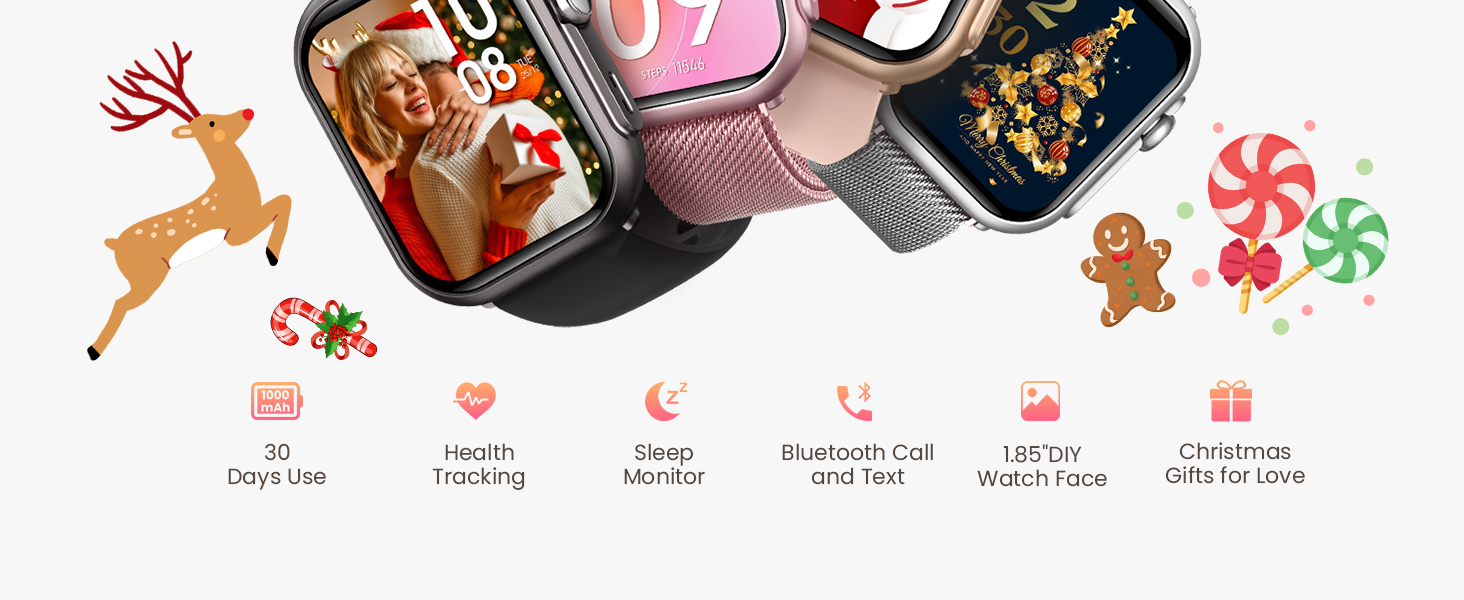
Image: The smartwatch enables users to stay connected with voice assistant, Bluetooth calling, and message notifications.
Toetra fanaraha-maso ara-pahasalamana
The RUXINGX Smart Watch provides comprehensive health tracking capabilities to help you monitor your well-being.

Image: The smartwatch interface displaying various health metrics including blood oxygen, blood pressure, sleep patterns, heart rate, and menstrual cycle tracking.
- SpO2 Fanaraha-maso ny oksizenina ra: Mandrefy ny haavon'ny saturation oksizenina ao amin'ny ranao.
- Fanaraha-maso ny tahan'ny fo: Manara-maso tsy tapaka ny tahan'ny fitempon'ny fonao mandritra ny andro.
- Fanaraha-maso torimaso: Analyzes your sleep patterns, including deep sleep, light sleep, and wake times.
- Fanaraha-maso ny tosidra: Manome tombana momba ny tosi-drànao.
- Fanaraha-maso ny tsingerin'ny fadimbolana: Helps women track their menstrual cycles and predict fertile windows.
Fanamarihana: This device is not a medical device. Health data provided is for reference only and should not be used for medical diagnosis or treatment.
Sports Modes
The RUXINGX Smart Watch supports over 120 sports modes, allowing you to track various activities accurately. It records data such as steps, distance, calories burned, and helps you set and achieve fitness goals.

Image: The smartwatch tracking a user's activity during surfing, displaying metrics such as steps, distance, and calories burned.
To start a workout, navigate to the 'Sports' section on your watch, select your desired activity, and begin. The watch will automatically record your performance data.
Fiainana sy fiampangana ny bateria
The smartwatch features a 1000mAh battery, providing up to 30 days of typical use and 100 days in standby mode on a single charge. Charging from empty to full takes approximately 2.5 hours.
- Ampiasao ny tariby famandrihana magnetika omena.
- Ensure the charging pins align correctly with the watch's charging contacts.
- Fadio ny mampiasa cable charging simba na adapter.
fikarakarana
To ensure the longevity and proper functioning of your RUXINGX Smart Watch, follow these maintenance guidelines:
- Fanadiovana: Regularly wipe the watch screen and strap with a soft, dry cloth. For stubborn dirt, use a slightly damp lamba ary avy eo maina tsara.
- fanoherana ny rano: The watch has an IP68 rating, meaning it is resistant to dust and can withstand immersion in water up to 1.5 meters for 30 minutes. It is suitable for daily use, hand washing, and light rain. Avoid hot water, steam, or prolonged immersion in water.
- Avoid Chemical: Do not expose the watch to harsh chemicals, solvents, or detergents, as these can damage the materials.
- fitahirizana: Tehirizo ao amin'ny toerana mangatsiatsiaka sy maina ny famantaranandro rehefa tsy ampiasaina.
- Temperature: Fadio ny mampiseho ny famantaranandro amin'ny mari-pana tafahoatra (mafana be na mangatsiaka be).
Fanamboarana
If you encounter issues with your RUXINGX Smart Watch, refer to the following common solutions:
- Jereo tsy mandeha: Ataovy azo antoka fa feno ny famantaranandro. Ampifandraiso amin'ny charger mandritra ny 30 minitra farafahakeliny.
- Tsy afaka mampiaraka amin'ny telefaona:
- Ataovy azo antoka fa mandeha ny Bluetooth amin'ny findainao.
- Ataovy azo antoka fa ao anatin'ny faritra misy ny Bluetooth an'ny findainao ny famantaranandro.
- Avereno indray ny findainao sy ny smartwatch.
- Hamarino raha nohavaozina tamin'ny dikan-teny farany ny fampiharana FitCloudPro.
- If previously paired, try unpairing from your phone's Bluetooth settings and then re-pairing through the app.
- Tsy misy fampandrenesana:
- Verify that the FitCloudPro app has notification permissions enabled on your phone.
- Ensure the app is running in the background (refer to Setup section for instructions).
- Check if 'Do Not Disturb' mode is active on either your watch or phone.
- Isan'ny dingana tsy marina: Ensure the watch is worn snugly on your wrist. Calibrate your stride length in the FitCloudPro app if available.
- Fiainana fohy bateria: Reduce screen brightness, disable unnecessary features, and ensure background apps are managed correctly on your phone.
fepetra arahana
| Laharana modely | B0FNMDM46S |
| Marika | RUXINGX |
| Fahaizana bateria | 1000mAh |
| Fifanarahana amin'ny rafitra fandidiana | iOS 9.0+ sy Android 6.0+ |
| Teknolojia fifandraisana | Bluetooth |
| Water Resistance | IP68 |
| Fahaizana fitahirizana fahatsiarovana | 128 mb |
| Lanja entana | 5 oz |
| Ny haben'ny fonosana | 10.94 x 3.58 x 0.75 santimetatra |
Warranty sy fanohanana
RUXINGX is committed to providing excellent customer service and product reliability.

Image: RUXINGX customer support details, including lifetime support, 24-hour service, 30-day return policy, and a 2-year free replacement.
- Fanohanana mandritra ny fiainana: We offer lifetime support to ensure your satisfaction.
- Serivisy 24 ora: Quick service and solutions are available via email.
- Politika fiverenana 30 andro: Ankafizo ny politika famerenam-bola tsy misy antony ao anatin'ny 30 andro.
- Fanoloana maimaim-poana 2 taona: Your product is covered by a 2-year free replacement warranty.
For further assistance or inquiries, please contact RUXINGX customer support through the contact information provided with your purchase or on the official RUXINGX website.