
MILOUZ R1
MILOUZ Scrolling Ring User Manual
Modely: R1
Sava lalana
The MILOUZ Scrolling Ring (Model R1) is a versatile Bluetooth remote control designed to enhance your digital experience. It allows for hands-free control of various applications, including scrolling through short video apps like TikTok, turning pages in e-book applications, and remotely controlling your smartphone's camera. Its compact and comfortable design, coupled with long battery life, makes it an ideal companion for daily use.
Hametraka
1. Fametrahana ny fitaovana
Before first use, ensure the MILOUZ Scrolling Ring is fully charged. Place the ring into its sleek portable charging case. The ring fully charges in approximately 1.5 hours, providing weeks of daily use when combined with the charging case.

The MILOUZ Scrolling Ring and its charging case. The ring fits securely into the case for charging and storage.
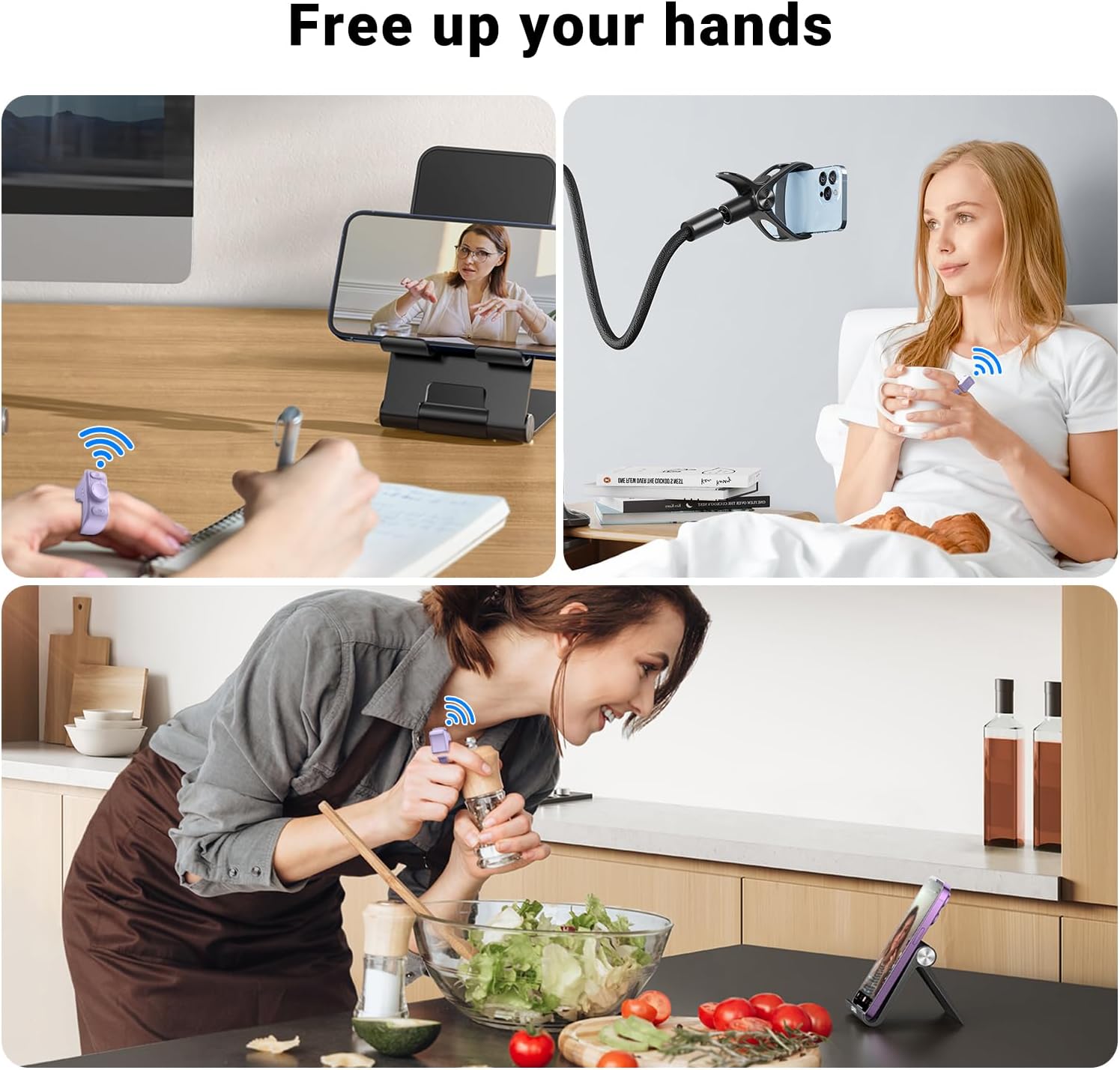
Battery life indicators for single use, with charging case, and charging time.
2. Pairing Bluetooth
The MILOUZ Scrolling Ring connects to your device via Bluetooth. When powered on, the remote automatically attempts to connect to the last paired device. For first-time pairing or connecting to a new device:
- Hamarino tsara fa mandeha ny Bluetooth amin'ny findainao na takelakao.
- The ring should be in pairing mode (refer to troubleshooting if it doesn't appear).
- On your device, search for Bluetooth devices and select "R1" to connect.
3. Mifanaraka
The MILOUZ Scrolling Ring is compatible with iOS devices (version 14.8 and above) and Android devices (version 8.0 and above). Note: This device is NOT compatible with Kindle devices (e-readers).
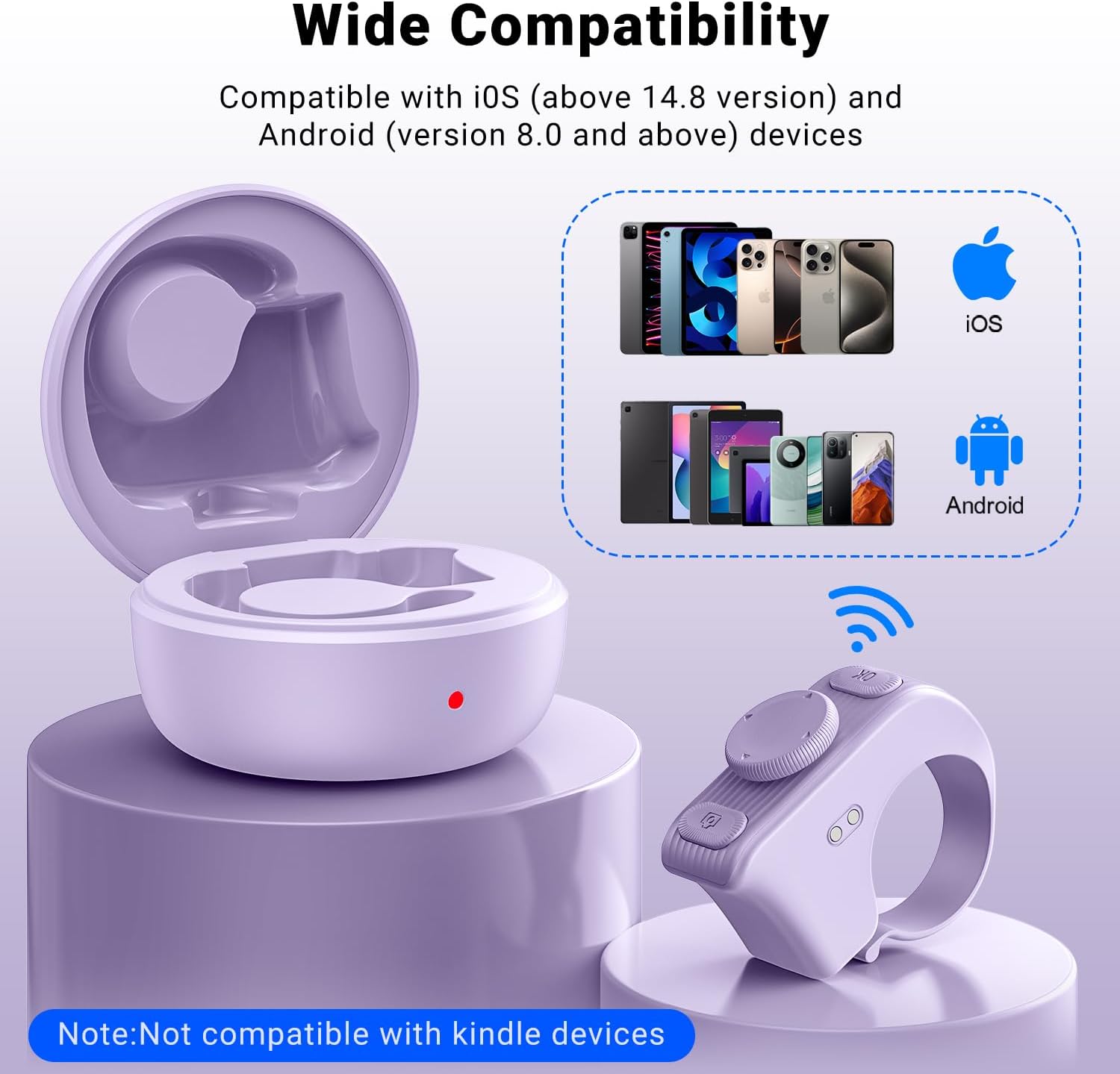
The ring is compatible with a wide range of iOS and Android smartphones and tablets.
Torolàlana miasa
1. Remote Control for Short Video Apps (TikTok, YouTube, Instagram)
Control your favorite short video apps hands-free. The ring allows you to:
- Miankavia/Midina: Navigate through videos.
- Miato/Milalao: Control video playback.
- Volume +/-: Amboary ny haavon'ny feo.
- Like Videos: Tap to like, or use the auto continuous likes feature to send thousands of likes without lifting a finger.

Control various functions on short video apps with simple taps on the ring.
2. Remote Page Turner for Reading Apps
Enjoy a seamless reading experience on iOS and Android e-book apps. Simply press the remote ring to flip to the previous or next page without touching your screen. This is ideal for reading in bed or when your hands are occupied.

Use the ring to turn pages in e-book apps on your smartphone or tablet.
3. Remote Control for Phone Camera
Capture photos and videos remotely with the MILOUZ Scrolling Ring. This feature is perfect for selfies, group photos, vlogging, and creative photography, allowing you to turn on auto-focus for clearer shots.
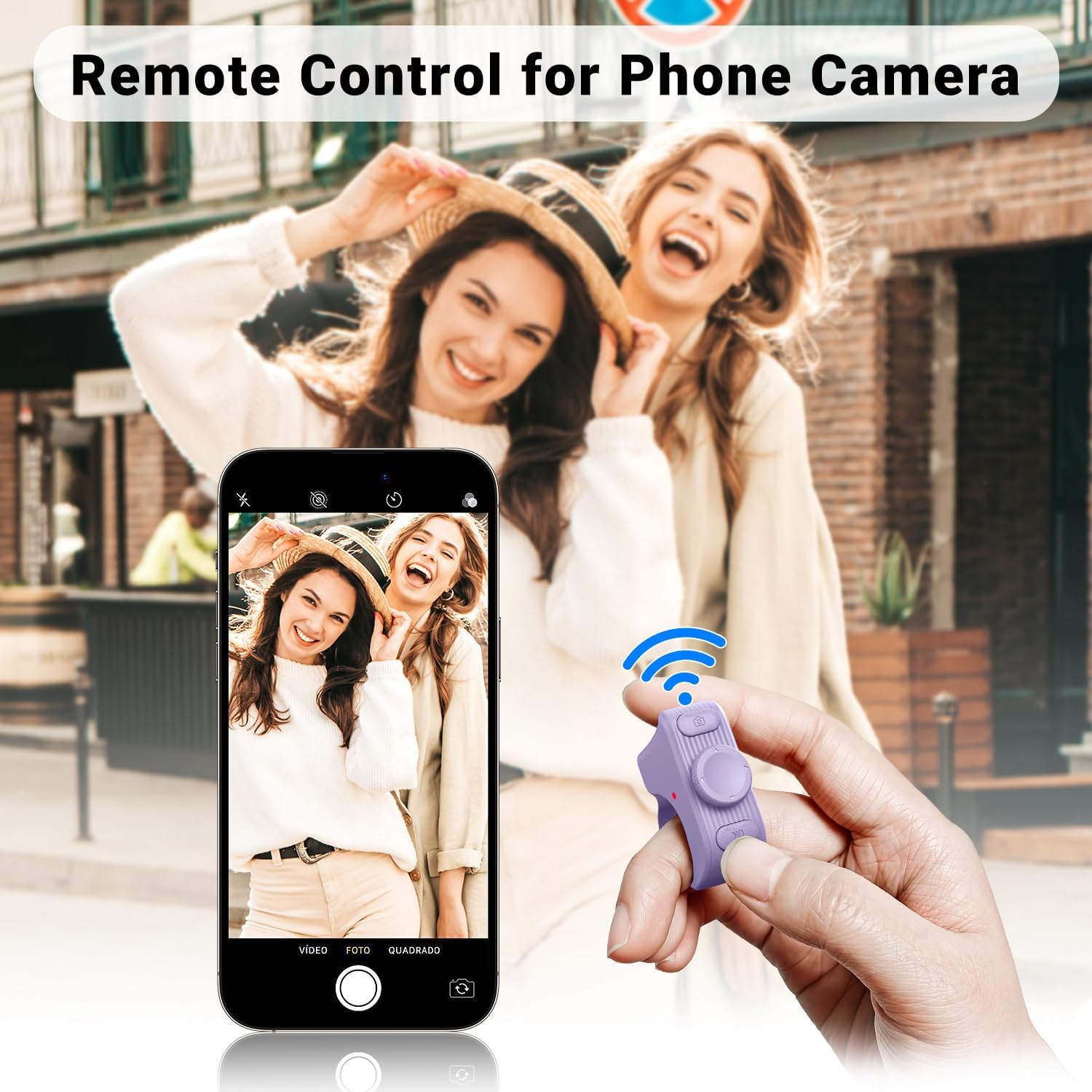
Take photos and videos remotely using the ring as a camera shutter.
4. Hands-Free Usage Scenarios
The MILOUZ Scrolling Ring frees up your hands, making it convenient for various activities:
- Watching videos while eating or cooking.
- Scrolling through content while working or studying.
- Controlling media while relaxing in bed.
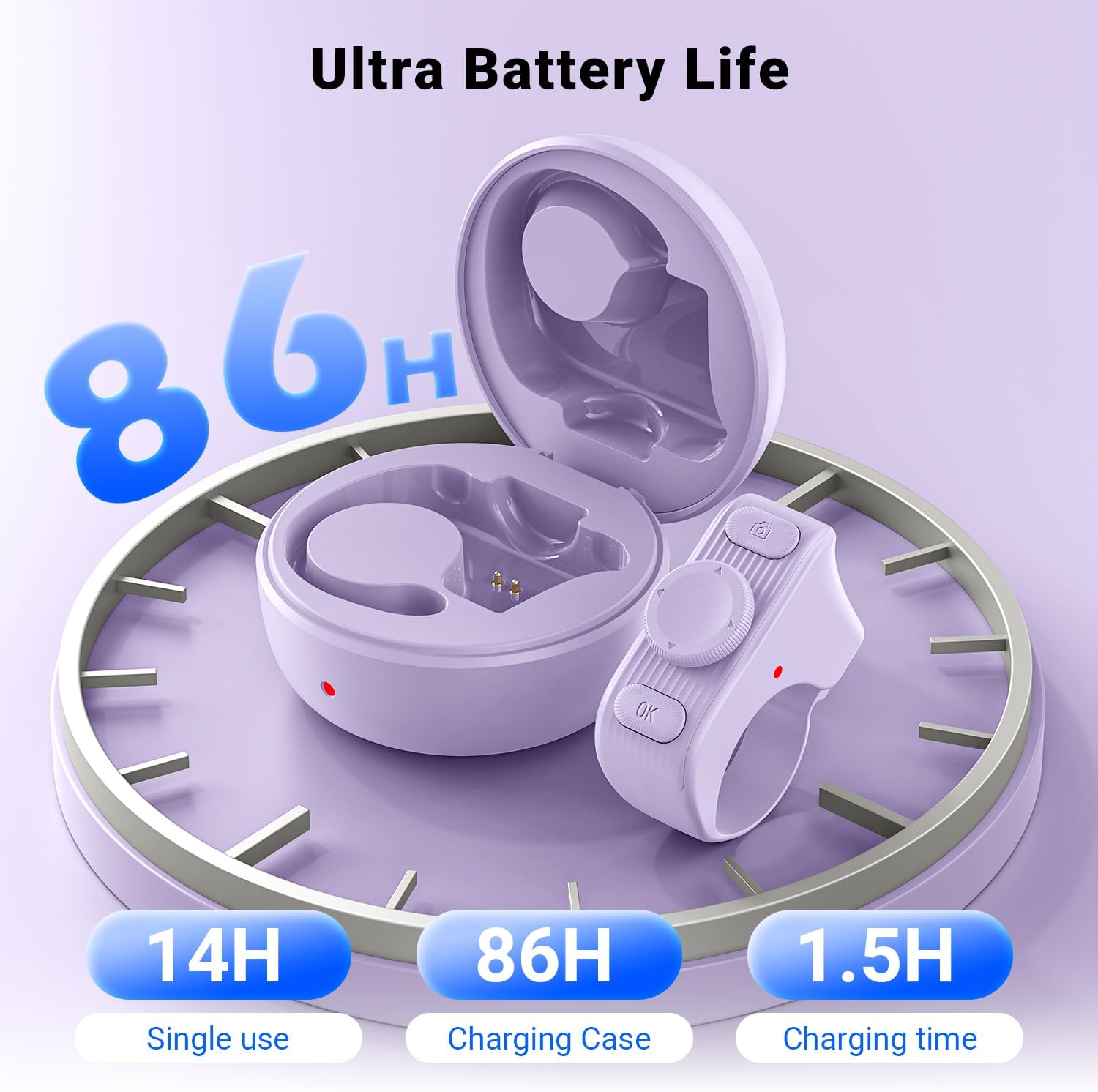
Examples of hands-free usage in different daily scenarios.
fikarakarana
The MILOUZ Scrolling Ring is crafted from premium, lightweight materials for all-day wear. Its adjustable size ensures a comfortable fit for various finger sizes without slipping or breakage. Keep the device clean and dry. Store it in its charging case when not in use to protect it and ensure it's always ready.
Fanamboarana
Olana iraisana & Vahaolana

Troubleshooting tips specifically for iOS devices.
- Q: Why does the remote ring not work on my iPhone or iPad?
A1: Ensure your iOS version is 14.8 or higher.
A2: Verify that AssistiveTouch is enabled. If not, turn it on. If it's already enabled, try turning it off and then on again. - Q: Even with AssistiveTouch turned on, I still can't swipe up or down on TikTok videos, what can I do?
A1: Restart both the remote and your iPhone/iPad.
A2: Turn off AssistiveTouch and then turn it back on!!
A3: Ensure "Perform Touch Gestures" is enabled.
A4: Adjust the "Tracking Sensitivity" in the AssistiveTouch page of Settings to about 20%. - Q: When using Facebook or reading comics, scrolling down is too fast and goes too far. What should I do?
A: Reduce the "tracking sensitivity" to 5%-10% on the Assistive Touch page in your iPhone settings and the scrolling will slow down. (Switch back to about 20% for scrolling videos). - Q: How do I turn off the dot on my phone when I'm not using the Bluetooth ring? (iOS devices)
A: Just turn off AssistiveTouch in the settings.

General troubleshooting tips for the MILOUZ Scrolling Ring.
- Q: Is the Bluetooth ring compatible with Kindle or Kobo devices?
A: No, only compatible with iPhone/Android/iPad/Tablet devices. - Q: Why can't I find "R1" or connect to it via Bluetooth?
A1: When powered on, the remote automatically connects to the last paired device. Disconnect the Bluetooth connection on the previously paired device to connect to a new device.
A2: If you're unable to connect via Bluetooth for the first time, try turning Bluetooth off and on again or restarting your phone. - Q: How do I disconnect the current Bluetooth connection?
A: Press and hold the "camera" button and the "OK" button simultaneously for 5 seconds until the red and blue lights flash alternately.
fepetra arahana
| Marika | MILOUZ |
| MODELY | R1 |
| Hardware Platform | iOS/Android |
| Fitaovana mifanentana | Streaming Device, Tablet, Smartphone, Kindle App |
| Endri-javatra manokana | Rechargeable |
| Famaritana ny bateria | Lithium-Ion Polymer |
| Ahitana bateria | Yes (1 A battery) |
| Karazana mpampitohy | Bluetooth |
| Laharana modely | R1 |
| Dimensions parcel | 10.11 x 9.19 x 3.71 sm; 91 g |
| ASIN | B0F37SH9MY |
| Daty misy voalohany | Aprily 2 2025 |
| Color | LAMBA VOLOMPARASY |
Warranty sy fanohanana
Specific warranty details are not provided in this manual. For warranty information or technical support, please refer to the product packaging or contact MILOUZ customer service through the retailer where the product was purchased.