
1. Fampidirana
This manual provides essential instructions for the proper use and maintenance of your Amazfit Charging Base. This charging base is designed to provide stable and efficient charging for compatible Amazfit smartwatches.
Fitaovana mifanentana:
- Amazfit T-Rex 3
- Amazfit T-Rex 3 Pro
- Amazfit Balance 2
- Amazfit Helio Strap
- Amazfit Active Max
2. Ny votoatin'ny fonosana
Hamarino azafady fa ao anatin'ny fonosanao ny entana rehetra:
- 1 x Amazfit Charging Base (Replacement Charger Dock)
Note: A USB Type-C charging cable and power adapter are NOT included and must be supplied separately.
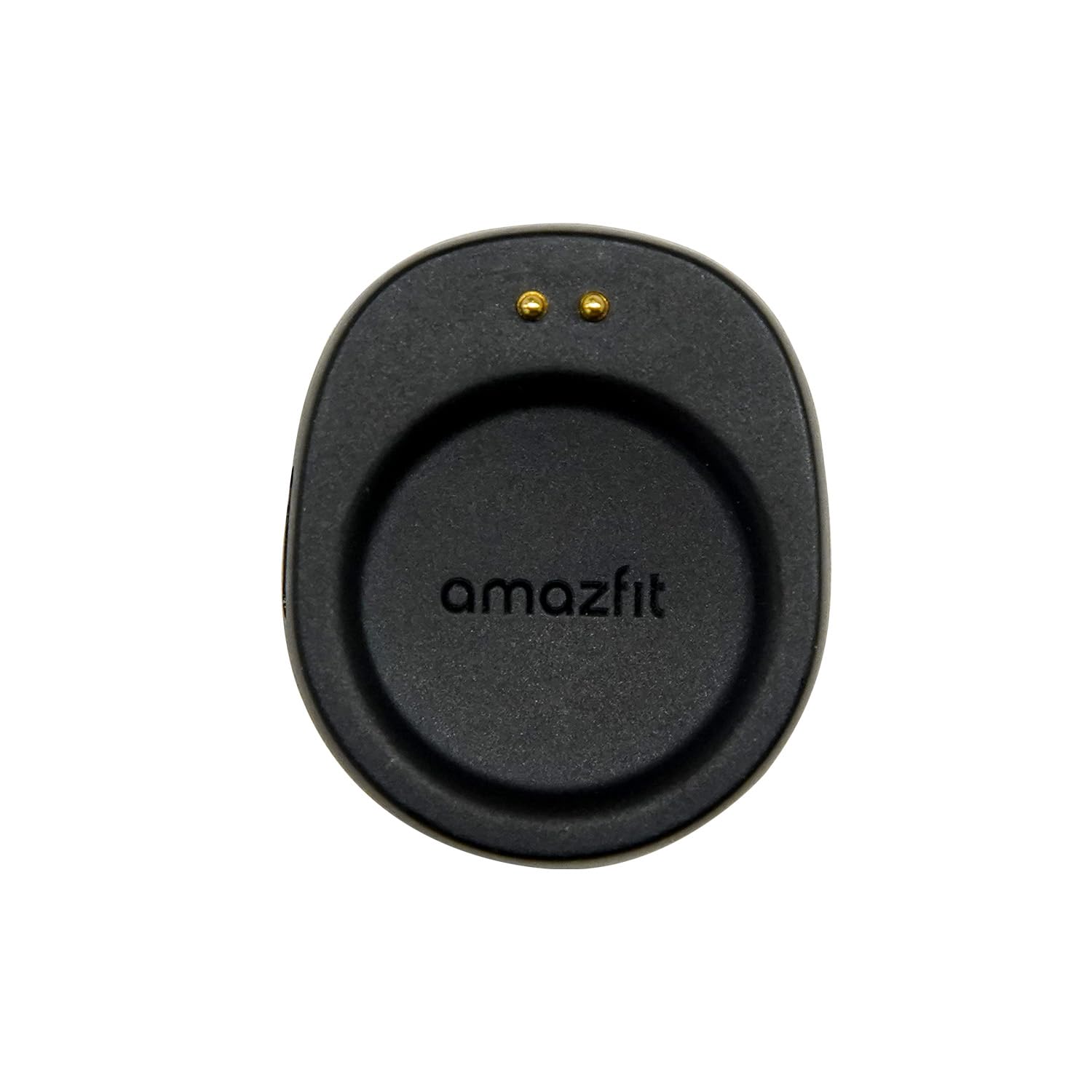
Image: Amazfit Charging Base in its retail packaging.

Sary: Front view of the Amazfit Charging Base.
3. Torolàlana fananganana
- Ampifandraiso ny toby fiampangana: Insert a standard USB Type-C cable (not included) into the port on the back of the charging base. Connect the other end of the USB Type-C cable to a compatible USB power adapter (e.g., 5V/1A) or a USB port on a computer.
- Omano ny famantaranandro marani-tsainao: Ensure your Amazfit smartwatch is clean and dry before placing it on the charging base.
- Place Smartwatch on Base: Gently place your compatible Amazfit smartwatch onto the charging base. The base features a magnetic design that will automatically align the smartwatch for proper contact. Ensure the charging pins on the smartwatch align with the contacts on the charging base.
4. Torolàlana miasa
Once the smartwatch is correctly placed on the charging base and the base is connected to a power source, charging will begin automatically. The smartwatch display will typically indicate that it is charging.
Alignment andriamby: The strong magnetic alignment ensures your smartwatch snaps into place easily and maintains a secure connection throughout the charging process.
Compatible Smartwatches:

Amazfit T-Rex 3 Pro

Amazfit Helio Strap

Amazfit Active Max

Amazfit Balance 2
5. Fikojakojana
- Fanadiovana: Use a soft, dry cloth to clean the charging base. Avoid using abrasive cleaners, solvents, or harsh chemicals, as these can damage the product.
- fitahirizana: Store the charging base in a cool, dry place away from direct sunlight and extreme temperatures when not in use.
- fiarovana: Do not expose the charging base to water or excessive moisture. Do not attempt to disassemble or modify the charging base. Keep out of reach of children.
6. Famahana olana
- Smartwatch not charging:
- Ensure the USB Type-C cable is securely connected to both the charging base and the power source.
- Verify that the power adapter or USB port is functional and providing adequate power (e.g., 5V/1A).
- Check that the smartwatch is correctly aligned on the charging base and the charging pins are making proper contact.
- Ensure there is no debris or obstruction between the smartwatch and the charging base contacts.
- Famandrihana miadana:
- Ensure you are using a power adapter that provides sufficient output (e.g., 5V/1A). Lower power sources may result in slower charging.
- Avoid charging in extremely hot or cold environments, as this can affect charging efficiency.
7. Famaritana
| endri-javatra | famaritana |
|---|---|
| Marika | Amazfit |
| MODELY | Toby famandrihana |
| Karazana mpampitohy | USB Type-C (cable not included) |
| Fitaovana mifanentana | Amazfit T-Rex 3, T-Rex 3 Pro, Balance 2, Helio Strap, Active Max |
| Fampidirana Voltage | 5 Volts |
| Output Current | 1 Amps |
| Wattage | 5 Watts |
| Endri-javatra manokana | Alignment andriamby |
| loko | Mainty |
| KEVITRA | plastika |
| Lanja entana | 0.03 kg |
8. Warranty sy fanohanana
antoka: This Amazfit Charging Base comes with a 1-year manufacturer's warranty from the date of purchase. Please retain your proof of purchase for warranty claims.
Fanohanana: For technical assistance, warranty inquiries, or further information, please visit the official Amazfit support website or contact their customer service. Refer to the Amazfit official webtranokala ho an'ny fampahalalana momba ny fifandraisana sy loharano fanohanana farany indrindra.


