
1. Fampidirana
This manual provides detailed instructions for the setup, operation, and maintenance of your TMY Native 1080P Mini Projector. Please read this manual thoroughly before using the projector to ensure proper function and longevity.
2. Inona no ao anaty boaty
- TMY Native 1080P Mini Projector
- Fanaraha-maso lavitra
- Tady herinaratra
- Cable HDMI
- User Manual
- Kit fanadiovana
3. Vokatra mihoatraview
The TMY Native 1080P Mini Projector is designed for versatile home entertainment, offering native 1080P resolution and various connectivity options in a compact form factor.

3.1 Seranana fifandraisana
The projector features multiple ports for connecting various devices:

- Seranana HDMI: For connecting devices such as TV sticks, PCs, gaming consoles, and DVD players.
- Port USB: Mba hampifandraisana ny kapila USB mba hilalao haino aman-jery files.
- 3.5mm Audio Jack: For connecting external wired speakers or headphones.
- Fampidirana herinaratra: Mba hampifandraisana ny tariby herinaratra.
4. Fametrahana
4.1 Fametrahana
Position the projector on a stable, flat surface. The projection distance can range from 1.5 meters to 5 meters, producing a screen size from 40 inches to 200 inches. Ensure there are no obstructions between the projector and the projection surface.
4.2 Fampifandraisana herinaratra
- Ampifandraiso amin'ny seranan-tsambo fampidiran-kery an'ny projector ny tady herinaratra.
- Ampidiro amin'ny fivoahana ny faran'ny tadin-jiro.
4.3 Herin'ny voalohany
Tsindrio ny bokotra herinaratra eo amin'ny projector na ny fanaraha-maso lavitra mba hampandeha ny fitaovana. Hazava ny jiro famantarana.
4.4 Fanitsiana ny fifantohana sy ny vato fototra
To achieve a clear and rectangular image, adjust the focus ring and keystone correction dial located on the projector. The projector supports ±15° vertical keystone correction.

5. Torolàlana miasa
5.1 Fitaovana mampifandray
Manolotra fomba maro hampifandraisana ny fitaovanao ny projecteur:

5.1.1 Fifandraisana HDMI
Connect your device (e.g., TV Stick, PC, gaming console) to the projector's HDMI port using an HDMI cable. Select the corresponding HDMI input source from the projector's menu.
5.1.2 Fifandraisana USB
Insert a USB drive into the USB port. Navigate to the media player function in the projector's menu to browse and play files.
5.1.3 WiFi Connection (Screen Mirroring)
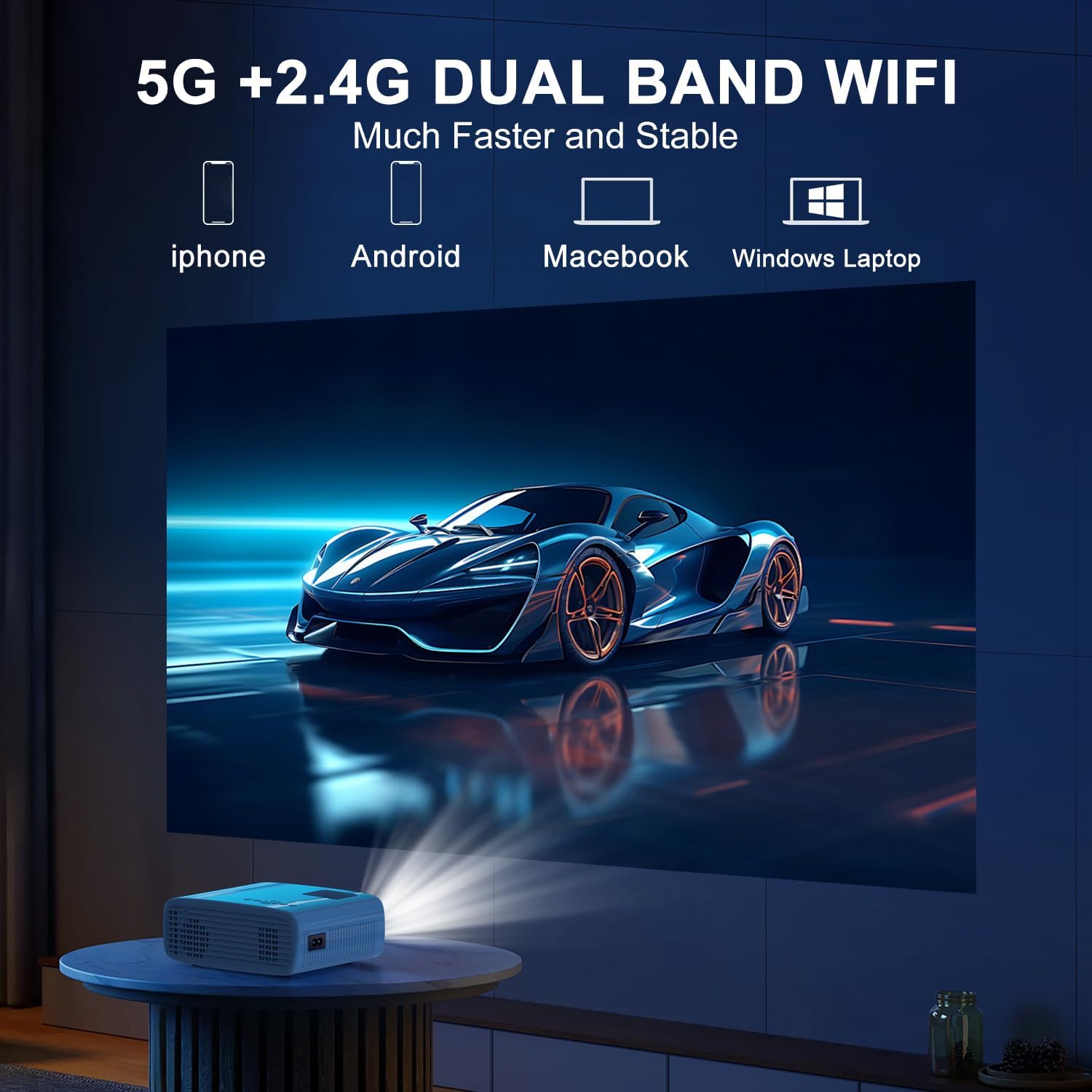
The projector supports 5G/2.4G dual-band WiFi for wireless screen mirroring from compatible smartphones, tablets, and laptops. Access the WiFi settings in the projector's menu to connect to your home network and initiate screen mirroring.

5.1.4 Fifandraisana Bluetooth
The projector features two-way Bluetooth 5.2 technology. It can connect to external Bluetooth speakers or headphones for audio output. Additionally, it can function as a Bluetooth speaker itself, allowing you to connect your smartphone or tablet to play audio through the projector's built-in speakers.
Fanamarihana:
- Bluetooth does not support screen mirroring with your phone.
- When connecting to external Bluetooth speakers, ensure the speaker is in pairing mode.
5.2 Fampiasa Zoom
The projector includes a 100% to 50% zoom function, allowing you to adjust the screen size digitally without physically moving the projector. This feature is accessible through the projector's menu settings.
5.3 Fikarohana Menu
Use the remote control to navigate through the projector's on-screen menu. The menu allows you to select input sources, adjust picture settings (brightness, contrast, color), sound settings, and other system configurations.
6. Fikojakojana
6.1 Fanadiovana
- Lens: Use the provided cleaning cloth or a soft, lint-free cloth to gently wipe the projector lens. Avoid abrasive materials.
- ivelany: Wipe the projector's exterior with a soft, dry cloth. Do not use liquid cleaners or solvents.
- Rivotra rivotra: Jereo sy diovy tsy tapaka ny lavaka fivoahan-drivotra mba hahazoana antoka fa mandeha tsara ny fikorianan'ny rivotra ary misoroka ny hafanana be loatra.
6.2 Fitehirizana
Rehefa tsy ampiasaina dia tehirizo ao amin'ny toerana mangatsiaka sy maina ny projecteur, lavitry ny tara-masoandro mivantana sy ny mari-pana tafahoatra. Ampiasao ny fonosana tany am-boalohany na ny fonony fiarovana mba hisorohana ny fiangonan'ny vovoka sy ny fahasimbana.
7. Famahana olana
- Tsy misy hery: Ensure the power cord is securely connected to both the projector and the power outlet. Check if the power outlet is functional.
- Tsy misy sary: Verify that the correct input source is selected in the projector's menu. Check all cable connections (HDMI, USB).
- Sary manjavozavo: Adjust the focus ring on the projector until the image is clear. Ensure the projection distance is within the recommended range.
- Image Not Rectangular: Use the keystone correction dial to adjust the image until it appears rectangular.
- Tsy misy feo: Check the volume settings on both the projector and the connected device. If using external speakers, ensure they are properly connected and powered on.
- Sound/Video Lag: For screen mirroring, ensure a stable WiFi connection. For wired connections, try a different cable or port. Note that Bluetooth does not support screen mirroring and may introduce slight audio delay with external speakers.
- Mafana be loatra: Ensure the projector's air vents are not blocked. Operate the projector in a well-ventilated area.
8. Famaritana
| endri-javatra | famaritana |
|---|---|
| Marika | TMY |
| MODELY | B0DMW2G124 |
| Asehoy ny fanapahan-kevitra | Native 1920 x 1080 (1080P) |
| Teknolojia fifandraisana | 3.5mm Jack, Bluetooth 5.2, HDMI, USB, Wi-Fi (5G/2.4G) |
| Endri-javatra manokana | 50%-100% Zoom, Built-In Cooling System, Two-way Bluetooth, Wi-Fi Ready |
| Fampiasana soso-kevitra | Lalao, Sinema an-trano |
| Lanja entana | 2.51 kg |
| Ny haben'ny fonosana | 9.09 x 8.7 x 4.17 santimetatra |
| loko | White+Black |
9. Warranty sy fanohanana
For warranty information or technical support, please refer to the warranty card included in your product packaging or contact TMY customer service directly. Contact details can typically be found on the official TMY webtranokala na amin'ny alàlan'ny sehatra fividiananao.