
1. Fampidirana
The Lanaform WL-100C is a versatile device designed to enhance your sleep and wake-up experience through light and sound simulation. It functions as a smart alarm clock, a bedside lamp, and a sleep aid, offering both sunrise and sunset simulations. This manual provides detailed instructions for setting up, operating, and maintaining your WL-100C device.

Image 1.1: Lanaform WL-100C device with its mobile application interface.
2. Information momba ny fiarovana
- Vakio ny toromarika rehetra alohan'ny hampiasana ary tehirizo ho fanondroana ho avy.
- Do not immerse the device or power adapter in water or other liquids.
- Ampiasao ihany ny adaptatera herinaratra nomena.
- Arovy amin'ny loharano mafana sy ny tara-masoandro mivantana ny fitaovana.
- Aza manandrana manala na manamboatra ny fitaovana samirery. Mifandraisa amin'ny mpiasan'ny fanamboarana mahafeno fepetra.
- Ataovy azo antoka fa apetraka eo amin'ny toerana marin-toerana sy fisaka ilay fitaovana.
3. Ny votoatin'ny fonosana
Hamarino fa misy ny entana rehetra ao anaty fonosana:
- Lanaform WL-100C Smart Sunrise & Sunset Simulator
- Power Adapter
- User Manual (ity antontan-taratasy ity)
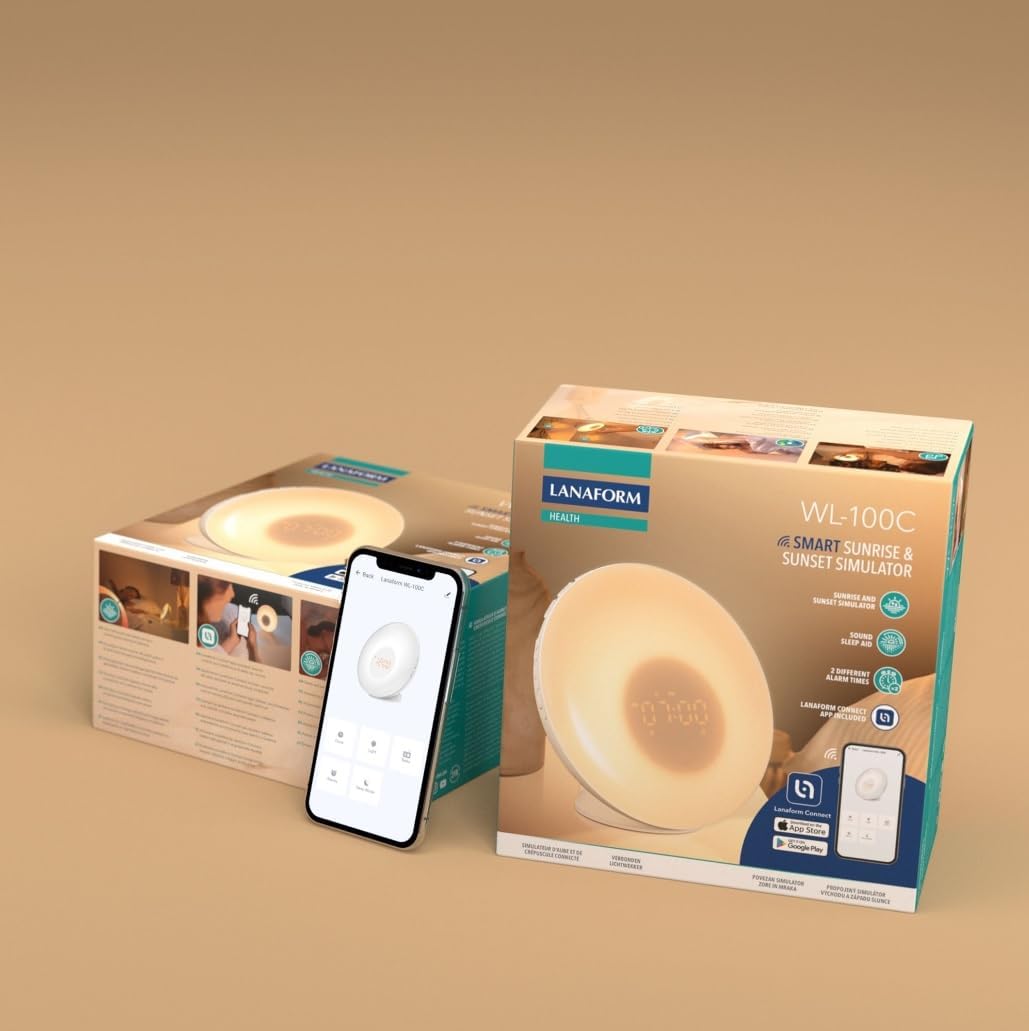
Image 3.1: The Lanaform WL-100C device and its packaging.
4. Efa tapitra ny fitaovanaview
The WL-100C features an intuitive design with accessible controls and a clear display. Familiarize yourself with the main components:
- tontonana anoloana: Light panel, digital time display.
- Bokotra Ambony: Control various functions such as time setting, alarm activation, light intensity, sound selection, and FM radio.
- Tontonana aoriana: Power input, USB charging port, FM antenna.
Sary 4.1: Eo anoloana view of the Lanaform WL-100C device.
5. Fametrahana
5.1 Fampifandraisana herinaratra
- Connect the power adapter to the DC input port on the rear of the WL-100C.
- Plug the adapter into a standard wall outlet. The device will power on and the display will illuminate.
5.2 App Installation (Lanaform Connect)
For advanced features and convenient control, download the Lanaform Connect application:
- Scan the QR code provided in the packaging or search for "Lanaform Connect" on the Apple App Store or Google Play Store.
- Apetraho amin'ny findainao ny fampiharana.
5.3 Fanambadiana Bluetooth
To connect the device to the Lanaform Connect app:
- Ataovy azo antoka fa alefa amin'ny findainao ny Bluetooth.
- Open the Lanaform Connect app.
- Follow the in-app instructions to discover and pair with your WL-100C device. The device name will typically appear as "Lanaform WL-100C".

Image 5.1: Controlling the WL-100C via the Lanaform Connect mobile application.
6. Torolàlana miasa
6.1 Fametrahana Ora
The time can be set manually using the device buttons or automatically via the Lanaform Connect app after pairing.
6.2 Sunrise Simulation (Wake-up Light)
The sunrise simulation gradually increases light intensity over 30 minutes before your set alarm time, transitioning to a bright yellow light to simulate natural dawn.
- Fampahavitrihana: Enable this feature through the alarm settings on the device or via the app.
- Faharetana: Fixed at 30 minutes prior to the alarm.
6.3 Sunset Simulation (Sleep Aid)
The sunset simulation gradually decreases light intensity, promoting a peaceful transition to sleep. You can set the duration for 15, 30, or 60 minutes.
- Fampahavitrihana: Select the sunset mode on the device or through the app.
- Faharetana: Choose 15, 30, or 60 minutes for the light to dim completely.
6.4 Fanitsiana fanairana
The WL-100C supports two customizable alarms.
- Fametrahana fanairana: Use the dedicated alarm buttons on the device or the alarm section in the Lanaform Connect app to set desired wake-up times.
- Safidy feo: Choose from 6 neutral sounds or select an FM radio station as your alarm sound.
- Boky: Adjust the alarm volume to your preference.
6.5 FM Radio Operation
The integrated FM radio can be used as an alarm sound or for general listening.
- Tuning: Use the radio function buttons to scan for and save FM stations.
- Antenna: Ensure the FM antenna on the rear of the device is extended for optimal reception.
6.6 Bedside Lamp asa
The device can be used as a regular bedside lamp with adjustable brightness and color temperature.
- Famirapiratana: Adjust light intensity using the dedicated light control buttons or the app.
- loko: Customize light colors and ambiances via the Lanaform Connect app.
6.7 Fampiasana snooze
When an alarm sounds, press the Snooze button (usually located on top of the device) to temporarily pause the alarm and extend your sleep for a short period (e.g., 9 minutes). The alarm will sound again after the snooze period.
Seranan-tsambo USB 6.8
A USB port is available on the rear of the device for charging external devices like smartphones.
- Connect your device's USB charging cable to the WL-100C's USB port.
- Ensure the WL-100C is powered on for charging functionality.
6.9 App Control vs. Manual Control
All primary functions of the WL-100C can be controlled manually using the buttons on the device. For more detailed customization, such as specific light ambiances, advanced alarm scheduling, and sound selection, the Lanaform Connect application offers a comprehensive interface.

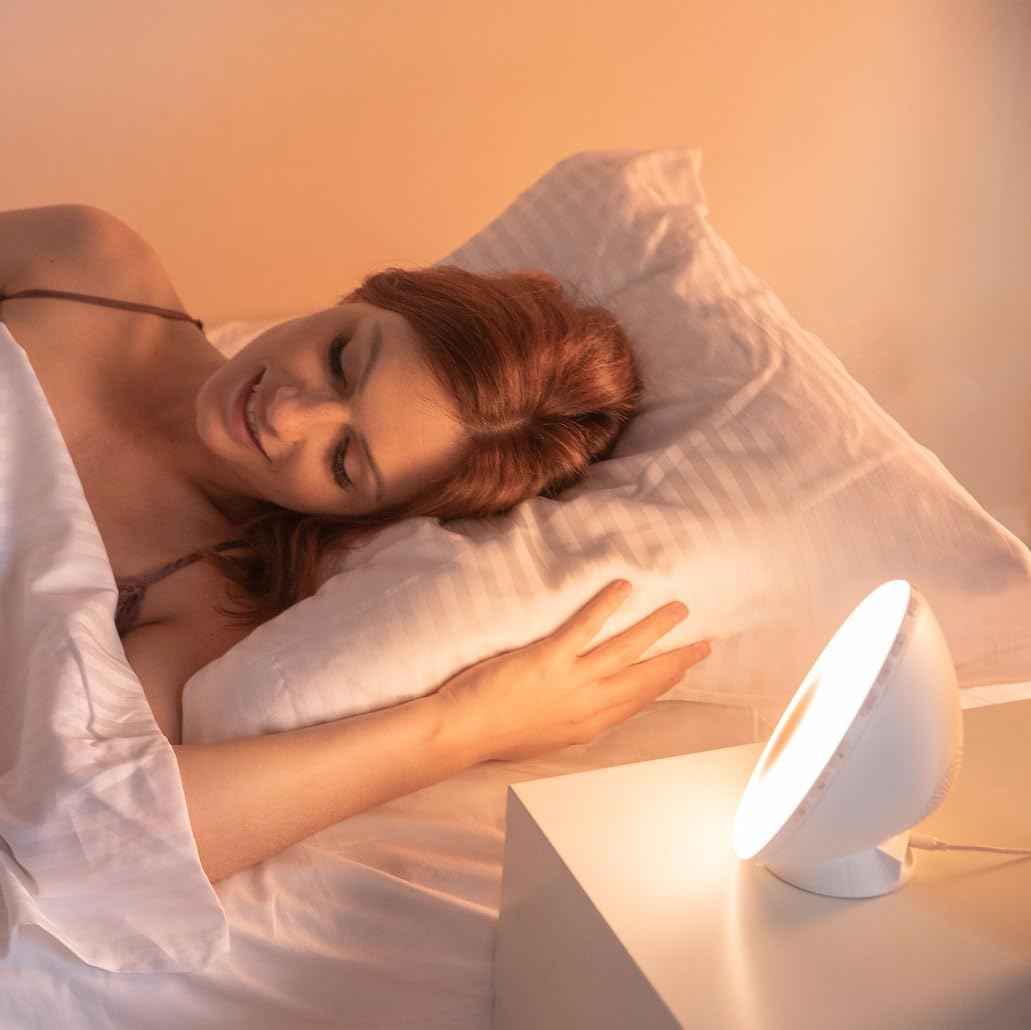
Sary 6.1: Vitaview of the WL-100C's multiple functions and customizable experience.
7. Fikojakojana
7.1 Fanadiovana
- Alohan'ny hanadiovana dia esory amin'ny fivoahan'ny herinaratra ilay fitaovana.
- Fafao amin'ny lamba malefaka sy maina ny ivelany.
- Aza mampiasa fanadiovana, solvents, na zavatra simika mahery vaika.
7.2 Fitehirizana
If storing the device for an extended period, unplug it and keep it in a cool, dry place, away from direct sunlight and moisture.
8. Famahana olana
| OLANA | Antony mety hitranga | vahaolana |
|---|---|---|
| Tsy mandeha ny fitaovana. | Power adapter tsy mifandray na diso. | Ensure the power adapter is securely plugged into the device and a working outlet. Try a different outlet. |
| Tsy maneno ny fanairana. | Tsy mandeha ny fanairana na ambany loatra ny feo. | Check alarm settings on the device or app. Increase alarm volume. |
| Sunrise/Sunset simulation not working. | Feature not enabled or incorrect settings. | Verify that the simulation is enabled and configured correctly in the alarm or sleep settings. |
| Cannot connect to Lanaform Connect app. | Bluetooth is off or device is out of range. | Ensure Bluetooth is enabled on your smartphone. Bring the device closer to your phone. Restart both the app and the device. |
| Ratsy fandraisana radio FM. | Antenna tsy miitatra na malemy famantarana. | Fully extend the FM antenna. Try repositioning the device for better signal. |
9. Famaritana
- Laharana modely: 1625
- Ny haben'ny vokatra (L x W x H): 17.5 x 8.5 x 17.5 cm
- Lanja: 400 grama
- Loharano herinaratra: AC/DC Adapter (Input: 100-240V, Output: 5V)
- Fifandraisana: Bluetooth
- Toetoetra: Sunrise/Sunset Simulation, 2 Alarms, FM Radio, 6 Natural Sounds, Snooze Function, USB Charging Port, Bedside Lamp
- Mpanamboatra: Lanaform
- Firenena nihaviana: BELZIKA
10. Fampahalalana momba ny fiantohana
Lanaform products are manufactured to high-quality standards. For detailed warranty terms and conditions, please refer to the official Lanaform website or the warranty card included with your purchase. Keep your proof of purchase for any warranty claims.
11. Fanohanana
For further assistance, technical support, or inquiries regarding your Lanaform WL-100C, please visit the official Lanaform website or contact their customer service department. Contact details can typically be found on the Lanaform webtoerana na ao amin'ny fonosanao vokatra.
Webtranokala: www.lanaform.com