
Sava lalana
The PPLEE CR1021 Portable White Noise Machine is designed to create a peaceful and soothing environment, aiding in sleep, relaxation, and focus. It features 42 non-looping sounds, a rechargeable battery, night light, and timer functions, making it suitable for home, office, and travel use.
This manual provides detailed instructions for the safe and effective use of your device. Please read it thoroughly before operation and retain it for future reference.
Information momba ny fiarovana
Please observe the following safety precautions to prevent damage to the device or injury to yourself or others:
- Aza atao rano na hamandoana be loatra ny fitaovana.
- Arovy amin'ny loharano mafana sy ny tara-masoandro mivantana ny fitaovana.
- Aza manandrana manala na manamboatra ny fitaovana samirery. Mifandraisa amin'ny mpiasan'ny fanamboarana mahafeno fepetra.
- Use only the provided Type-C charging cable and a compatible power adapter (DC 5V/1A).
- Keep out of reach of small children when not in use, especially the charging cable.
- Ensure proper ventilation; do not cover the speaker grille during operation.
Fonosana fonosana
Hamarino fa misy ny entana rehetra ao anaty fonosana:
- 1x PPLEE CR1021 Portable White Noise Machine
- 1x Type-C Power Cable
- 1x Hanging Loop
- 1x User Manual (ity antontan-taratasy ity)
Hametraka
Fametrahana ny fitaovana
Before first use, fully charge the white noise machine. The device features a built-in 2200mAh rechargeable battery.
- Ampifandraiso amin'ny seranana famandrihana eo amin'ny fitaovana ny tariby famandrihana Type-C omena.
- Connect the other end of the cable to a compatible USB power adapter (DC 5V/1A) or a computer's USB port.
- Hazava mandritra ny fiampangana ny jiro famantarana ny fiampangana ary ho faty rehefa feno.
A full charge provides approximately 33-58 hours of playtime, depending on volume level and night light usage.
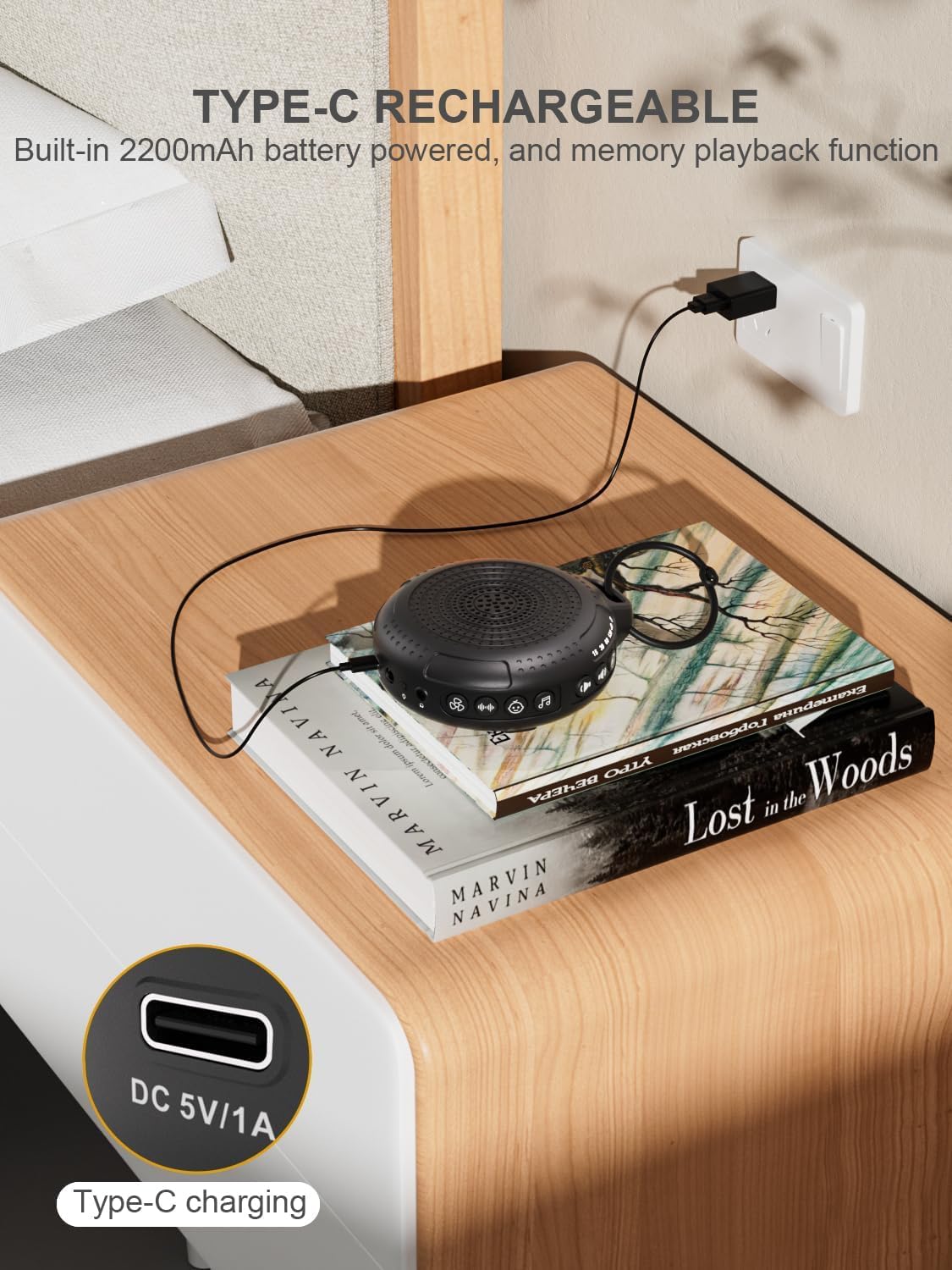
Image: The PPLEE CR1021 White Noise Machine connected to a Type-C charger, demonstrating how to charge the device.
fametrahana
Place the device on a stable, flat surface or use the included hanging loop to attach it to a stroller, car seat, or crib. Ensure the speaker is not obstructed for optimal sound projection.

Image: The PPLEE CR1021 White Noise Machine hanging from a stroller, highlighting its compact and portable design for travel.
Torolàlana miasa
Fanaraha-masoview

Sary: A antsipirihany view of the PPLEE CR1021 White Noise Machine, illustrating the location of its various control buttons and features.
Power On/off
- Tsindrio ary hazòny ny bokotra Power (⏻) for 2 seconds to turn the device ON or OFF.
- The device will remember your last sound, volume, and timer settings upon powering on.
Fifantenana feo
The device offers 42 non-looping soothing sounds across four categories:
- Feo fotsy (White Noises): 5 feo
- Feon'ny mpankafy: 6 feo
- Lullabies: 15 feo
- Feo voajanahary: 16 feo
- Press the Sound Category buttons (e.g., White Noise, Fan, Lullaby, Nature) to switch between sound categories.
- Once a category is selected, press the Sound Selection button (♫) to cycle through the sounds within that category.
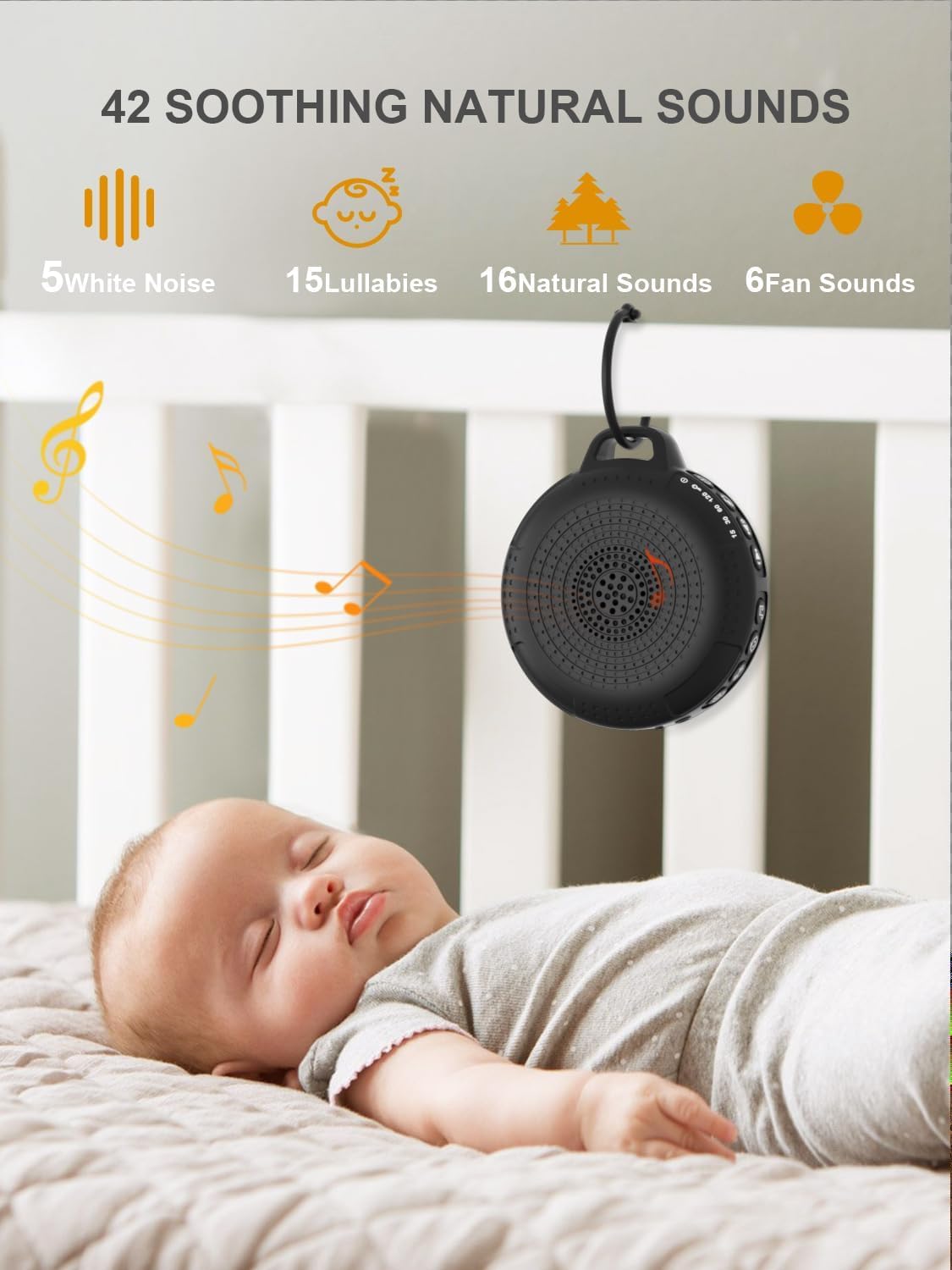
Image: The PPLEE CR1021 White Noise Machine displaying the variety of 42 soothing sounds available, categorized for easy selection.
Fanaraha-maso ny volume
Adjust the sound volume using the dedicated volume buttons:
- Tsindrio ny bokotra Fampiakarana ny feo (+) to increase the volume.
- Tsindrio ny bokotra "Fampihenana ny volume" (-) to decrease the volume.
- There are 8 distinct volume levels.

Image: The PPLEE CR1021 White Noise Machine highlighting its volume adjustment and timer functions, showing options for 15, 30, 60, and 120 minutes.
Famantaranandro Function
The device can play continuously or automatically turn off after a set period:
- Tsindrio ny bokotra Timer (⏱) to cycle through the available timer settings: 15 minutes, 30 minutes, 60 minutes, 120 minutes, or continuous play.
- An indicator light will show the selected timer duration.
Night Light
The integrated night light offers two brightness levels:
- Press the Night Light button (💡) once for the first brightness level.
- Press it again for the second, brighter level.
- Press a third time to turn the night light off.
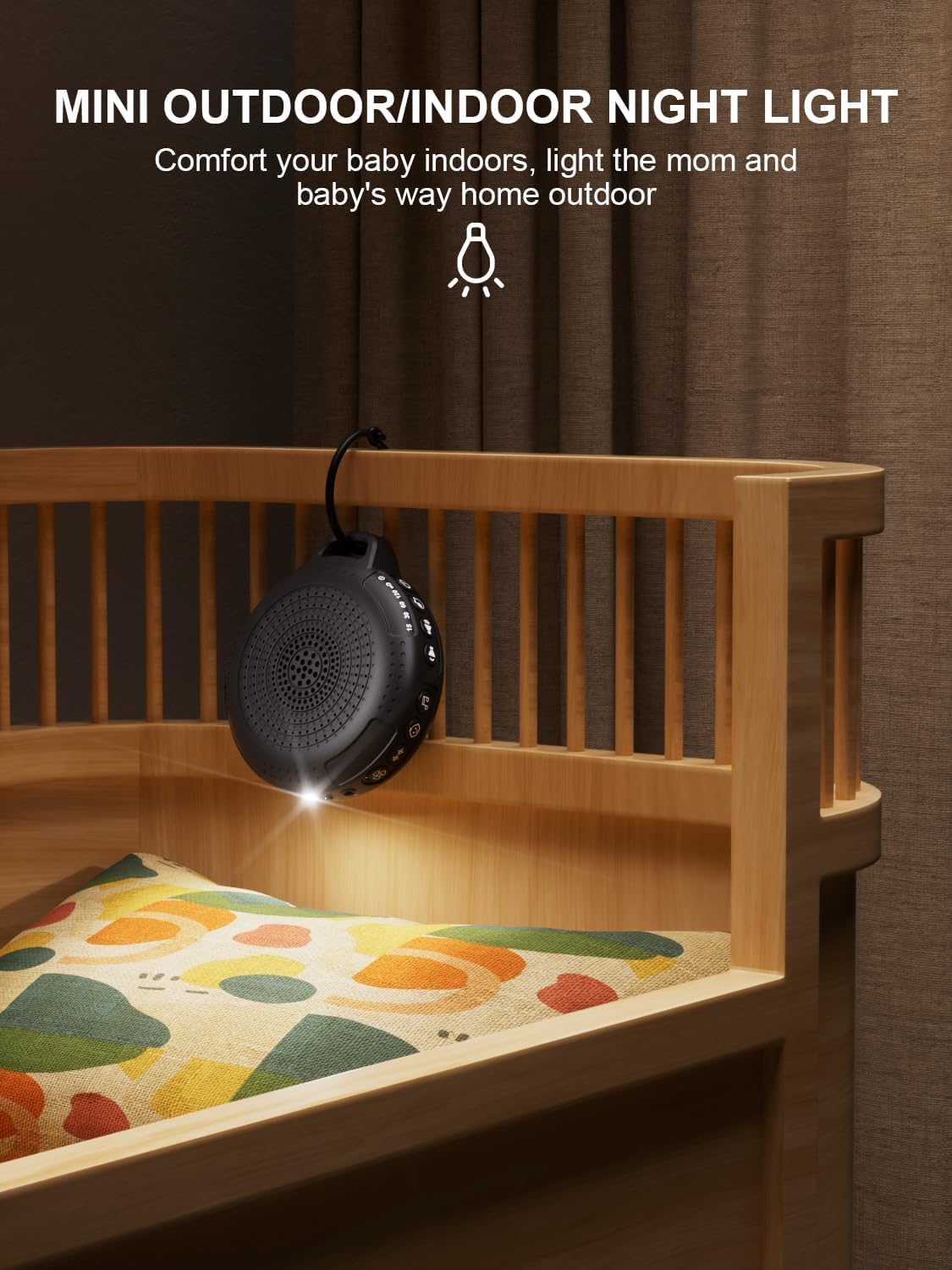
Image: The PPLEE CR1021 White Noise Machine with its night light illuminated, shown hanging on a crib, providing gentle illumination.
Ankizy Lock Function
To prevent accidental changes to settings, activate the child lock:
- Tsindrio ary hazòny ny bokotra Child Lock (🔒) for 2 seconds to activate or deactivate the child lock.
- When activated, all other buttons will be unresponsive until the child lock is deactivated.
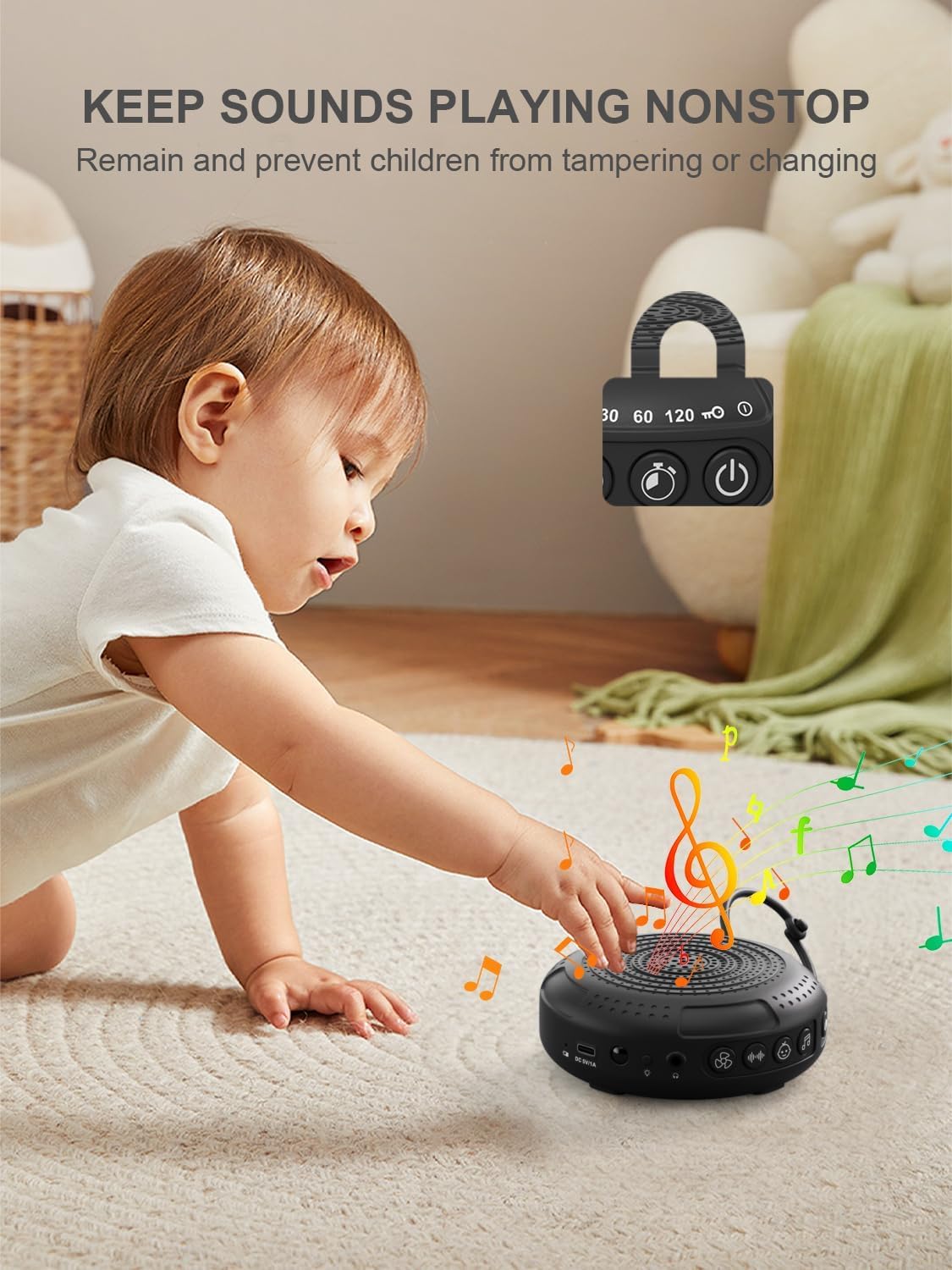
Image: The PPLEE CR1021 White Noise Machine with a visual representation of its child lock feature, designed to maintain settings and prevent tampering.
Headphone Jack
For private listening, connect standard 3.5mm headphones to the headphone jack located on the side of the device. The speaker will automatically mute when headphones are connected.
fikarakarana
FANADIOVANA
- Ataovy azo antoka fa maty sy nesorina ny fitaovana alohan'ny hanadiovana.
- Fafao amin'ny lamba malefaka, maina, na somary maina ny ivelanyamp lamba.
- Aza mampiasa fanadiovana, solvents, na zavatra simika mahery vaika.
fitahirizana
- Tehirizo ao amin'ny toerana mangatsiatsiaka sy maina ny fitaovana, lavitry ny tara-masoandro mivantana sy ny hafanana tafahoatra.
- Raha tehirizina mandritra ny fotoana maharitra dia fenoy matetika ny bateria mba hihazonana ny androm-piainany.
Fanamboarana
| OLANA | Antony mety hitranga | vahaolana |
|---|---|---|
| Tsy mandeha ny fitaovana. | Lany ny bateria. | Ampiasao ny tariby Type-C nomena mba hamenoana ny fitaovana. |
| Tsy misy feo. | Iva loatra na mangina ny feo. Mifandray ny écouteur. | Increase the volume. Disconnect headphones if not needed. |
| Tsy mamaly ny bokotra. | Ny Child Lock dia alefa. | Deactivate the Child Lock by pressing and holding the Child Lock button for 2 seconds. |
| Ny fiainana bateria dia fohy kokoa noho ny nandrasana. | High volume level or continuous night light use. Battery degradation over time. | Reduce volume or night light usage. Ensure full charge. |
| Charging is slow or not working. | Faulty cable or power adapter. Charging port issue. | Try a different Type-C cable and a known working 5V/1A USB power adapter. |
fepetra arahana
| endri-javatra | antsipirihany |
|---|---|
| Anarana modely | CR1021 |
| Marika | PPLEE |
| Loharanon-kery | Batterie (2200mAh azo averina ampiasaina) |
| Charging Port | Karazana-C (DC 5V/1A) |
| Isan'ny Feo | 42 (5 White Noise, 6 Fan, 15 Lullabies, 16 Natural) |
| Ambaratonga volume | 8 |
| Safidy Timer | 15, 30, 60, 120 minutes, Continuous |
| Night Light | Ambaratonga famirapiratana 2 |
| refy (L x W x H) | 12.5 x 11 x 4.3 sm (4.92 x 4.3 x 1.69 santimetatra) |
| lanja | 177 g (0.39 lbs) |
| Anisan'ny singa | Device, Type-C Cable, Hanging Loop, User Manual |
Warranty sy fanohanana
For warranty information or technical support, please refer to the contact details provided with your purchase or visit the official PPLEE website. Tehirizo ny tapakila fividiananao ho porofon'ny fividianana.