
1. Vokatra mihoatraview
The Claymore V600+ is a versatile and portable rechargeable fan designed for both indoor and outdoor use. It features a robust battery, multiple speed settings, and an adjustable design for optimal airflow.
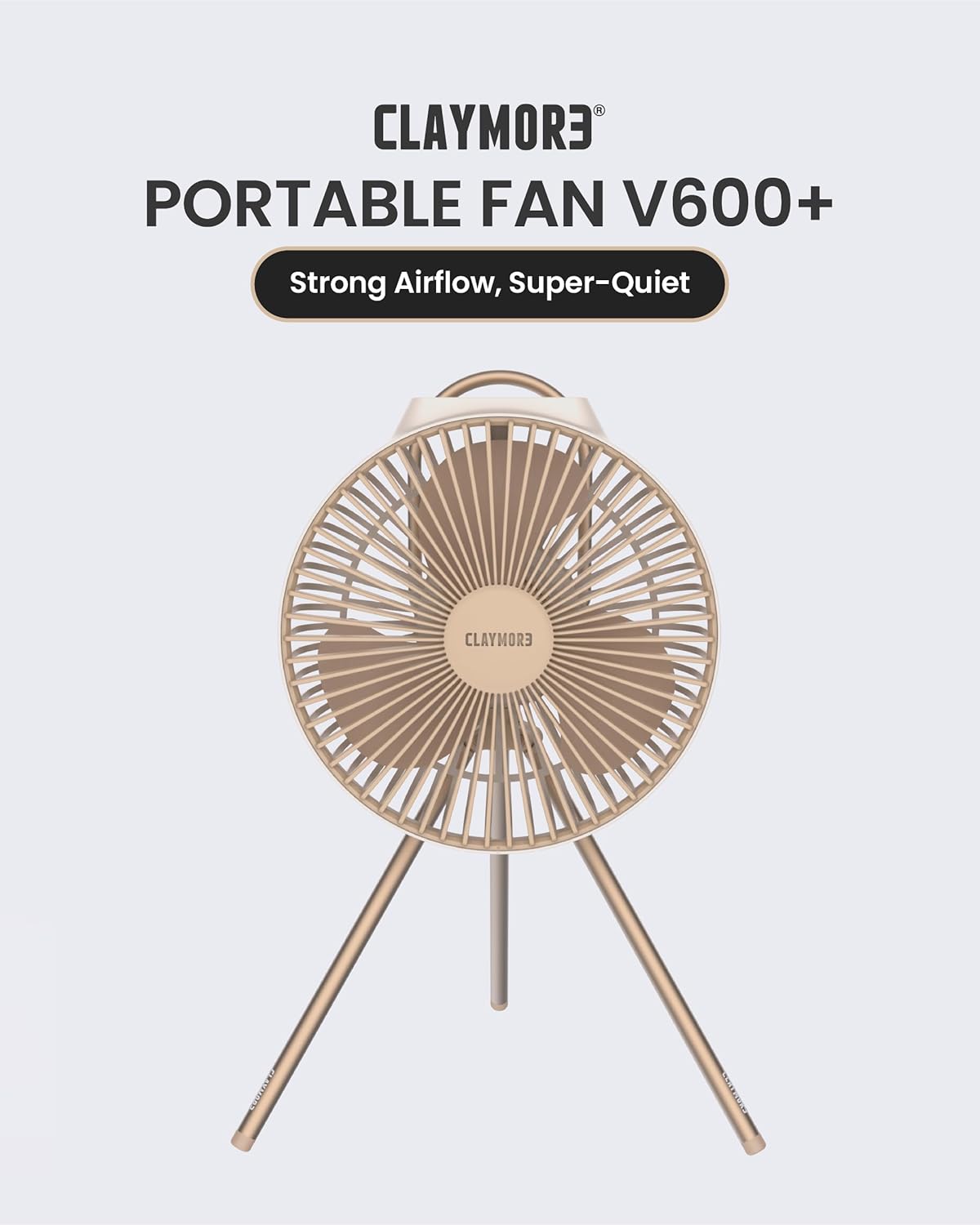
Image 1.1: Claymore V600+ Portable Rechargeable Fan in Sand Beige. This image shows the fan with its tripod stand, highlighting its compact and portable design.
2. Inona no ao anaty boaty
Before beginning setup, please ensure all components are present in the packaging.
- Claymore V600+ Fan Unit
- Tripod Stand
- Cable USB Charging (Type-C)
- Pouch fitahirizana

Image 2.1: Contents of the Claymore V600+ package. This image displays the fan unit, tripod stand, USB-C charging cable, and storage pouch, confirming all included items.
3. Fametrahana
3.1 Fametrahana ny mpankafy
- Unpack the Claymore V600+ fan unit and the tripod stand from the storage pouch.
- Locate the mounting screw on the top of the tripod stand.
- Align the screw with the threaded hole at the bottom of the fan unit.
- Gently screw the fan unit onto the tripod stand until it is securely fastened. Do not overtighten.
3.2 Fametrahana voalohany
It is recommended to fully charge the fan before its first use.
- Connect the provided USB Type-C charging cable to the charging port on the fan.
- Connect the other end of the USB cable to a compatible USB power adapter (5V/2A recommended, not included).
- Hazava ny jiron'ny famandrihana. Maharitra 6.5 ora eo ho eo ny fiampangana feno.
- Once fully charged, the indicator light will change or turn off (refer to the specific light behavior in the operating section).
4. Torolàlana miasa
The Claymore V600+ fan features touch controls and multiple settings for customized comfort.

Image 4.1: Key features of the Claymore V600+ fan. This graphic illustrates features such as 3 wide blades, an equipped handle, adjustable angle, timer function, USB Type-C rechargeability, and 4-speed levels.
4.1 Herin'aratra/Efa ary fanitsiana hafainganam-pandeha
- To power on the fan, press the power button (typically a push button or touch control on the fan unit).
- Press the power button repeatedly to cycle through the 4 available speed levels.
- To power off the fan, continue pressing the power button until the fan stops, or press and hold the power button for a few seconds.

Image 4.2: Visual representation of the Claymore V600+ fan's airflow. This image highlights the quiet yet powerful breeze generated by the fan's BLDC motor.
4.2 Fanitsiana zoro
The fan head can be manually tilted to direct airflow as needed. Gently adjust the fan head to your desired angle. The fan is designed with an adjustable angle feature for optimal air circulation.
4.3 Famantarana asa
The fan includes a timer function for automatic shut-off. Refer to the specific button on the fan for timer activation. Typically, pressing the timer button will cycle through preset durations (e.g., 1 hour, 2 hours, 4 hours).
4.4 Battery Life and Charging Status
The fan is equipped with a 7,800mAh Li-Polymer battery, providing 7 to 32 hours of continuous use depending on the speed setting. Battery indicator lights on the control panel will show the remaining charge. Recharge the fan when the battery level is low.

Image 4.3: Illustration of the Claymore V600+ fan's long battery life. This image emphasizes the robust 7,800mAh battery, capable of providing up to 32 hours of operation on the lowest speed setting.
5. Fikojakojana
Regular maintenance ensures optimal performance and longevity of your Claymore V600+ fan.
5.1 Fanadiovana ny lelan'ny mpankafy sy ny makarakara
- Ensure the fan is powered off and unplugged from any charging source before cleaning.
- The front grille can be removed for easier cleaning. Gently twist or unclip the front grille as indicated by the design (refer to Image 5.1).
- Mampiasà lamba malefaka sy maina na damp cloth to wipe down the fan blades and the interior of the grille. Do not use abrasive cleaners or immerse the fan in water.
- Once clean and dry, reattach the front grille securely.

Image 5.1: Claymore V600+ fan with the front grille detached. This image demonstrates how the front grille can be removed for cleaning the fan blades.
5.2 Fikarakarana bateria
- Fadio ny tatatra tanteraka ny bateria matetika.
- Charge the fan regularly, even if not in use for extended periods, to maintain battery health.
- The battery is designed for approximately 800 charge/discharge cycles.
6. Famahana olana
If you encounter issues with your Claymore V600+ fan, please refer to the following common solutions:
| OLANA | Antony mety hitranga | vahaolana |
|---|---|---|
| Tsy mandeha ny fan | Tapaka ny bateria | Charge the fan fully using the provided USB-C cable. |
| Tsy mandeha ny fan | Tsy voatsindry tsara ny bokotra herinaratra | Ensure the power button is pressed firmly or held down as required. |
| Ny fikorianan'ny rivotra malemy | Fan blades or grille are dirty | Clean the fan blades and grille as described in the Maintenance section. |
| Ny fikorianan'ny rivotra malemy | Ny haavon'ny bateria ambany | Recharge the fan. Performance may decrease at very low battery levels. |
| Fan tsy mi-charge | Olana tariby na adaptatera | Ensure the USB-C cable is securely connected. Try a different USB power adapter or cable. |
7. Famaritana
Detailed technical specifications for the Claymore V600+ Portable Rechargeable Fan:
- Modely: V600+ (CLFN-V610SB)
- marika: Claymore
- refy (D x W x H): 22.6 x 24.3 x 35 sm (8.9 x 9.6 x 13.8 santimetatra)
- Lanja: Manodidina ny 600 grama (1.32 lbs)
- Karazana bateria: Li-Polymère 3.7V
- Fahaizana bateria: 7,800mAh
- Fampidirana: USB Type-C 5V/2A
- Ora famandrihana: Tokony ho 6.5 ora
- Fotoana fampiasana mitohy: 7 - 32 ora (miankina amin'ny hafainganam-pandeha)
- Battery Charge/Discharge Cycles: Intelo eo ho eo
- Ambaratonga tabataba: 15 desibela
- Isan'ny lelany: 3
- BOKYtage: 5 Volts
- Isan'ny haavon'ny hery: 4
- Fomba fanaraha-maso: Kitiho / Kitiho
- Endri-javatra manokana: Waterproof, Angle Adjustable, Timer Function, Equipped Handle
- Fitaovana: plastika
- Fampiasana anatiny/ ivelany: Ao anatiny, ivelany

Image 7.1: Dimensional specifications of the Claymore V600+ fan. This image provides a visual reference for the fan's height, width, depth, and weight.
8. Warranty sy fanohanana
Information regarding the product warranty and customer support was not provided in the available data. For warranty details, technical support, or service inquiries, please refer to the official Claymore product packaging or visit the manufacturer's official website.